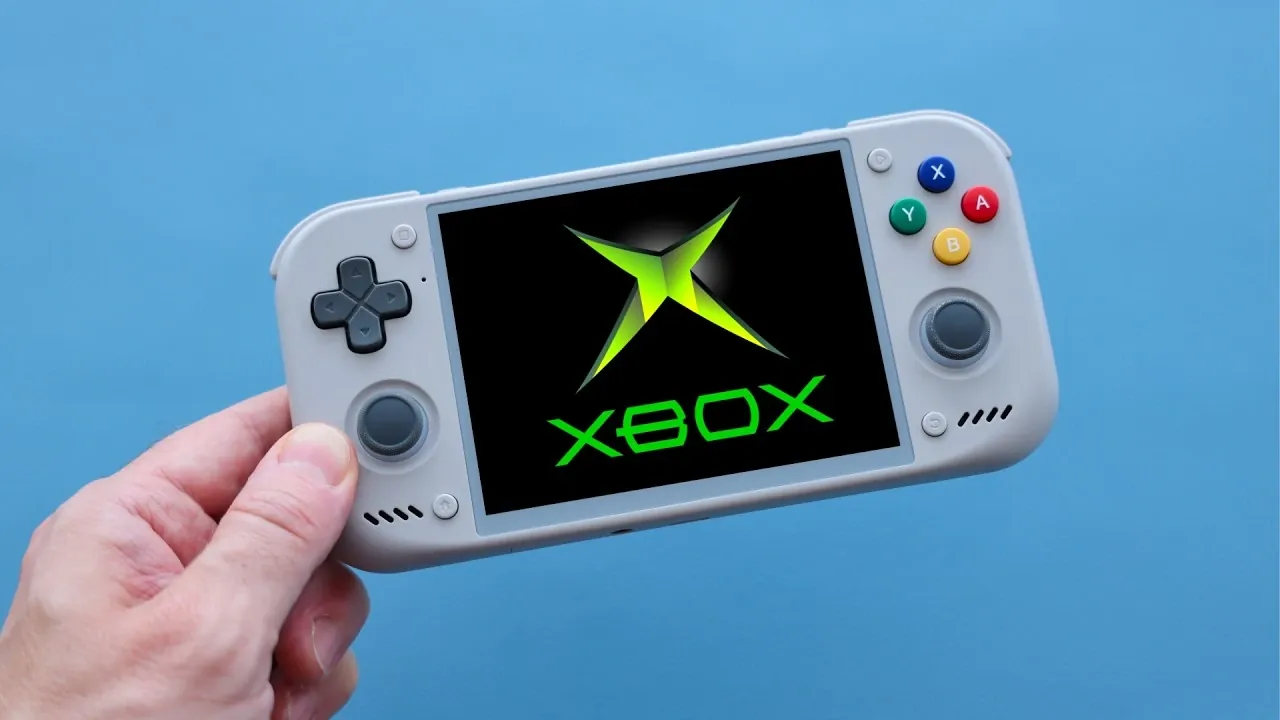
Emulating the original Xbox on Android devices has come a long way and the Haku X emulator is at the forefront of this progress. Built as a fork of the ZMU emulator, Haku X introduces a new emulation core that emphasizes both performance and compatibility, making it possible to enjoy a wide range of Xbox classics on mobile devices. Retro Game Corps highlights features like upscaled resolutions and system link multiplayer, which allow users to enhance visuals and even recreate LAN party experiences over Wi-Fi. Notably, the emulator eliminates the need for BIOS files, simplifying the setup process and making it more accessible to users of all experience levels.
This guide will walk you through key aspects of Haku X, from its straightforward installation process to its impressive optimization for mid-range devices like the Snapdragon 865. You’ll also explore how the emulator handles demanding games, the customization options available for tailoring visuals and controls and its current limitations, such as minor graphical glitches in select titles. Whether you’re revisiting classics like Halo or experimenting with multiplayer features, this breakdown provides everything you need to get started with Xbox emulation on Android.
What Makes Haku X Stand Out?
TL;DR Key Takeaways :
- Haku X emulator redefines Xbox emulation on Android with exceptional performance, compatibility and features like upscaled resolutions and system link multiplayer. HakuX runs original Xbox games on Android (arm64), tuned for Adreno GPUs.
- Built as a fork of the ZMU emulator, it eliminates the need for BIOS files, offers a streamlined setup and receives frequent updates for bug fixes and expanded game support.
- Optimized for a wide range of GPUs, including Adreno and Mali, Haku X delivers smooth gameplay even on mid-range devices like Snapdragon 865.
- System link multiplayer over Wi-Fi recreates the nostalgic LAN party experience, enhancing the social aspect of classic Xbox games like Halo.
- Despite minor graphical glitches and the lack of save states for some games, Haku X continues to improve with regular updates, making it a top choice for Android-based Xbox emulation.
Haku X is a fork of the ZMU emulator, built with a new emulation core that prioritizes performance and compatibility. It receives frequent updates, making sure continuous improvements in bug fixes and game library support. While it lacks some advanced features like hotkeys, it compensates with a streamlined setup and robust functionality. One of its standout features is the elimination of BIOS file requirements, making it more accessible to users who may find traditional emulation setups cumbersome.
The emulator’s focus on simplicity and efficiency ensures that both beginners and experienced users can enjoy a hassle-free experience. Its daily updates reflect the developers’ commitment to refining the emulator and expanding its capabilities.
Performance and Compatibility: Key Highlights
Haku X excels in running most original Xbox games with remarkable smoothness, often outperforming PC-based emulators in terms of stability and speed. It supports upscaled resolutions, such as 2x or higher, which significantly enhance the visual quality of older games, breathing new life into classic titles.
The emulator is optimized for a variety of GPUs, including Adreno and Mali, making sure compatibility across a wide range of Android devices. Even mid-range hardware, such as the Snapdragon 865, can handle demanding titles with minimal performance drops. This optimization makes Haku X a versatile option for users with varying device capabilities.

Here are more guides from our previous articles and guides related to emulators that you may find helpful.
- MetaQuest Emulator Brings Batman VR to Non-Meta Headsets
- Nintendo N64 iPhone 3GS Emulator
- Steam Machine Emulation Performance and MU Deck Setup Workarounds
- Nintendo Switch 2 ROMs Reach PC Emulation via Decryption Exploits
- Red Magic Astra 2 Android Tablet Runs Cyberpunk 2077 Without Cloud Streaming
- How to play Skyrim locally on your Android phone
- MacBook Neo Emulation Performance Tested from NES to Bayonetta 2
- Droid Deck Brings SteamOS to Android Phones Without a Root
- Emulator DJ Transparent Touchscreen Mixing Desk
- AI Game Ports Threaten Nintendo and Sony Remaster Revenue
How to Set Up Haku X
Getting started with Haku X is straightforward, even for those new to emulation. Here’s what you’ll need to begin:
- The Haku X emulator app, available for download
- Game ROMs, which can be converted into XISO files for better storage efficiency
- Optional GPU drivers to enhance performance on specific devices
The absence of BIOS file requirements simplifies the setup process, making it accessible to a broader audience. Once installed, users can quickly load their favorite Xbox titles and begin playing without the need for complex configurations.
System Link Multiplayer: A Nostalgic Feature
One of the most exciting features of Haku X is its support for system link multiplayer over Wi-Fi. This feature allows users to recreate the classic LAN party experience on their Android devices. Games like Halo: Combat Evolved and Halo 2 can be played cooperatively or competitively with friends, adding a social and nostalgic dimension to the gaming experience.
This functionality is particularly appealing for fans of multiplayer gaming, as it brings back the camaraderie of local multiplayer sessions while using modern wireless technology. Whether you’re teaming up for cooperative missions or engaging in competitive matches, system link multiplayer is a standout feature that enhances the emulator’s appeal.
Device Compatibility and Testing
Haku X has been tested on a variety of devices, ranging from high-end smartphones to popular handheld gaming systems. Devices like the Retroid Pocket 5, Retroid Pocket Nova, and Ambernic RG477M have demonstrated excellent performance with the emulator. While optimized for high-end hardware, such as the Snapdragon 8 Gen2, Haku X also performs well on older or mid-range devices, making sure that a wide audience can enjoy Xbox emulation without requiring the latest technology.
This broad compatibility makes Haku X an attractive option for gamers who want to revisit classic Xbox titles without investing in expensive hardware.
Game Library and Performance
Haku X supports a wide range of Xbox exclusives and popular titles, delivering a nostalgic experience for players. Games like Halo, Jet Set Radio Future, and Fable run smoothly, showcasing the emulator’s impressive performance. However, some titles, such as Phantom Dust and The Chronicles of Riddick: Escape from Butcher Bay, may exhibit minor graphical issues.
Despite these occasional glitches, the emulator’s overall compatibility and performance are noteworthy. Regular updates continue to address these issues, further improving the user experience and expanding the library of supported games.
Customization Options for Enhanced Gameplay
Haku X offers a range of customization features that allow users to tailor their gaming experience. These include:
- Adjusting resolution scaling and aspect ratio settings to optimize visuals
- Mapping controls to suit individual preferences
- Transferring save files from the ZMU emulator for seamless progress continuity
These options ensure that users can personalize their experience, making the emulator adaptable to different playstyles and device capabilities.
Challenges and Limitations
While Haku X has made significant strides in Xbox emulation, it is not without its limitations. Some games lack support for save states, which can be inconvenient for players accustomed to quick saves. Additionally, minor graphical glitches persist in certain titles, though these are being addressed through regular updates.
These challenges, while notable, do not detract significantly from the emulator’s overall performance and usability. The developers’ commitment to ongoing improvements suggests that these issues will continue to diminish over time.
The Future of Xbox Emulation on Android
Haku X represents a major step forward in Xbox emulation for Android devices. Its combination of performance, compatibility, and user-friendly features makes it an excellent choice for gamers eager to revisit classic Xbox titles. Whether you’re using a high-end device or a mid-range smartphone, Haku X offers an accessible and efficient way to enjoy Xbox games on the go.
With frequent updates, a growing library of supported games and innovative features like system link multiplayer, Haku X is poised to become a cornerstone of Android gaming. For enthusiasts and casual players alike, this emulator opens the door to a rich and nostalgic gaming experience.
Media Credit: Retro Game Corps
Disclosure: Some of our articles include affiliate links. If you buy something through one of these links, Geeky Gadgets may earn an affiliate commission. Learn about our Disclosure Policy.
