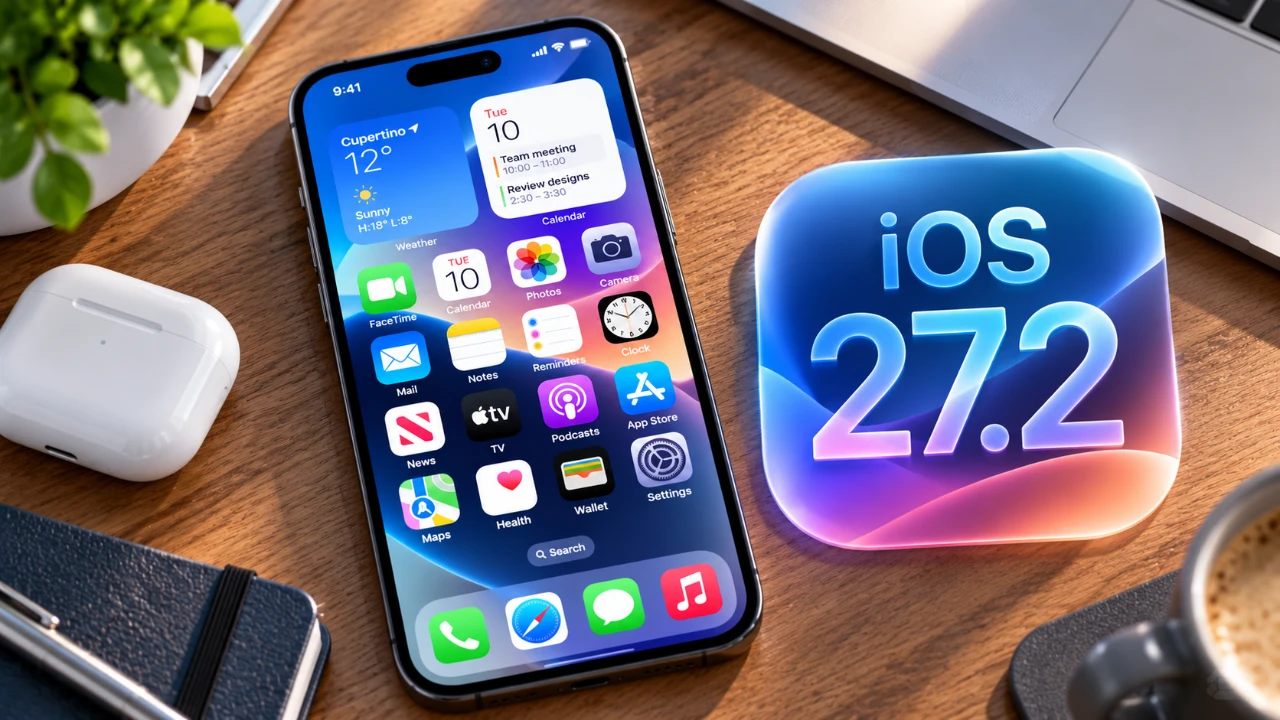
Apple has officially released iOS 27.2, a comprehensive update that brings a host of new features and refinements aimed at improving usability, personalization, and accessibility across its ecosystem. This update introduces smarter integrations, refined interfaces, and thoughtful enhancements designed to elevate the user experience. From smarter Siri capabilities to a redesigned Apple Music interface, iOS 27.2 offers meaningful updates that cater to a wide range of user needs. Below is an in-depth look at the key features and improvements in a new video from HotshotTek.

iMessage: Smarter and More Integrated
With iOS 27.2, iMessage becomes more intelligent and versatile. The reintroduction of Siri Suggestions allows Siri to assist with crafting message replies based on context, making communication faster and more intuitive. Additionally, Siri can now perform tasks directly from your conversations, such as searching your photo library for shared images or creating calendar events based on discussed plans. These enhancements streamline multitasking and improve workflow, making iMessage a more integrated part of your daily routine.
FaceTime: Dual-Camera Support for Enhanced Collaboration
FaceTime takes a significant step forward with the addition of dual-camera functionality, allowing users to share two views simultaneously during video calls. This feature is particularly useful in professional and collaborative settings, such as virtual presentations or brainstorming sessions. Whether you’re showcasing a document, sharing a whiteboard, or providing a live demonstration, this update makes virtual interactions more dynamic and engaging.
Siri AI: More Control, Better Customization
Siri’s capabilities have been fine-tuned to offer greater control and customization. You can now specify which apps Siri can access, tailoring its functionality to suit your preferences. This ensures a more personalized and efficient experience while maintaining robust privacy controls. By allowing users to define Siri’s scope of interaction, Apple enables you to make the most of the virtual assistant without compromising on security or convenience.
Apple TV: Personalized Profiles and Accessibility Enhancements
Apple TV introduces profile synchronization, allowing multiple users to maintain their own settings, preferences and watch histories across devices. This feature ensures a seamless and personalized viewing experience for every member of the household. Additionally, the inclusion of sign language support in the language settings makes the platform more inclusive, catering to the needs of the hearing-impaired community. These updates reflect Apple’s ongoing commitment to accessibility and user-centric design.
Apple Music: A Redesigned Interface
The Apple Music app receives a significant visual and functional overhaul in iOS 27.2. The new black-and-white icon and blue-highlighted library interface introduce a modern aesthetic, while customizable glass mode and tint effects allow users to personalize the app’s appearance. These updates not only enhance the app’s visual appeal but also improve navigation and usability, making it easier to enjoy your favorite music.
Clock App: Subtle Yet Effective Refinements
The Clock app benefits from a minor yet impactful update with a redesigned AM/PM format. This change improves readability and ensures a more user-friendly experience without altering the app’s simplicity. While subtle, this refinement demonstrates Apple’s attention to detail and commitment to enhancing everyday usability.
Contact Metadata: Contextual Insights for Calls
iOS 27.2 introduces additional contact metadata for phone calls, providing contextual insights such as birthdays, anniversaries and other stored details. This feature adds a personal touch to your interactions, making calls more meaningful and context-aware. By integrating this information seamlessly, Apple enhances the overall communication experience.
Apple CarPlay Ultra: Fresh Themes for a Customized Drive
Apple CarPlay Ultra debuts with new themes designed to enhance the visual experience for compatible vehicles. These themes allow for greater customization, allowing users to tailor the interface to their preferences. This update aligns with Apple’s broader focus on personalization, making sure that your driving experience is as enjoyable as it is functional.
Podcast App: Improved Visual Coherence
The Podcast app now features color coordination in the Next Up section, aligning album artwork with queue visuals. This subtle enhancement improves navigation and creates a more cohesive and visually appealing user experience. By refining the app’s design, Apple makes it easier to manage and enjoy your podcast library.
Apple Watch: App Switcher Returns
In watchOS 27.2, Apple has reinstated the app switcher functionality, addressing user feedback and enhancing multitasking capabilities. The new activation method simplifies navigation, making it easier to switch between apps on your Apple Watch. This update underscores Apple’s responsiveness to user needs and its commitment to improving the overall watchOS experience.
Performance and Future Updates
iOS 27.2 delivers smooth and stable performance across all supported devices, with no major bugs reported to date. However, some anticipated features, such as advanced Siri functionalities for the Apple Watch, remain unavailable. These are expected to roll out in future updates, with the Health app’s Siri AI integration slated for release in late 2026. Apple’s iterative approach ensures that users can look forward to continuous improvements and new features over time.
A Thoughtful Evolution of Apple’s Ecosystem
iOS 27.2 represents a deliberate and thoughtful evolution of Apple’s software, focusing on usability, personalization and accessibility. Whether you’re using Siri’s expanded capabilities, enjoying the redesigned Apple Music interface, or exploring FaceTime’s dual-camera support, this update offers meaningful improvements that enhance your experience. As Apple continues to refine its ecosystem, these updates highlight its dedication to delivering a seamless, user-centric experience across all devices.
Here are additional guides from our expansive article library that you may find useful on iOS 27.2.
- What’s Coming Next? Inside the New Tweaks Hitting iOS 27.2 Beta 3
- Apple Just Released iOS 27.2 Beta 3: All the New Changes
- The Best Features Coming to Your iPhone in iOS 27.2
- iOS 27.2 Beta 3 Is Here: What’s New, Changed, and Fixed
- Inside iOS 27.2 Beta 4: Surprising UI Tweaks and Last-Minute Changes
- New Features You Didn’t Know Were Coming in iOS 27.2
Source & Image Credit: HotshotTek
Disclosure: Some of our articles include affiliate links. If you buy something through one of these links, Geeky Gadgets may earn an affiliate commission. Learn about our Disclosure Policy.
