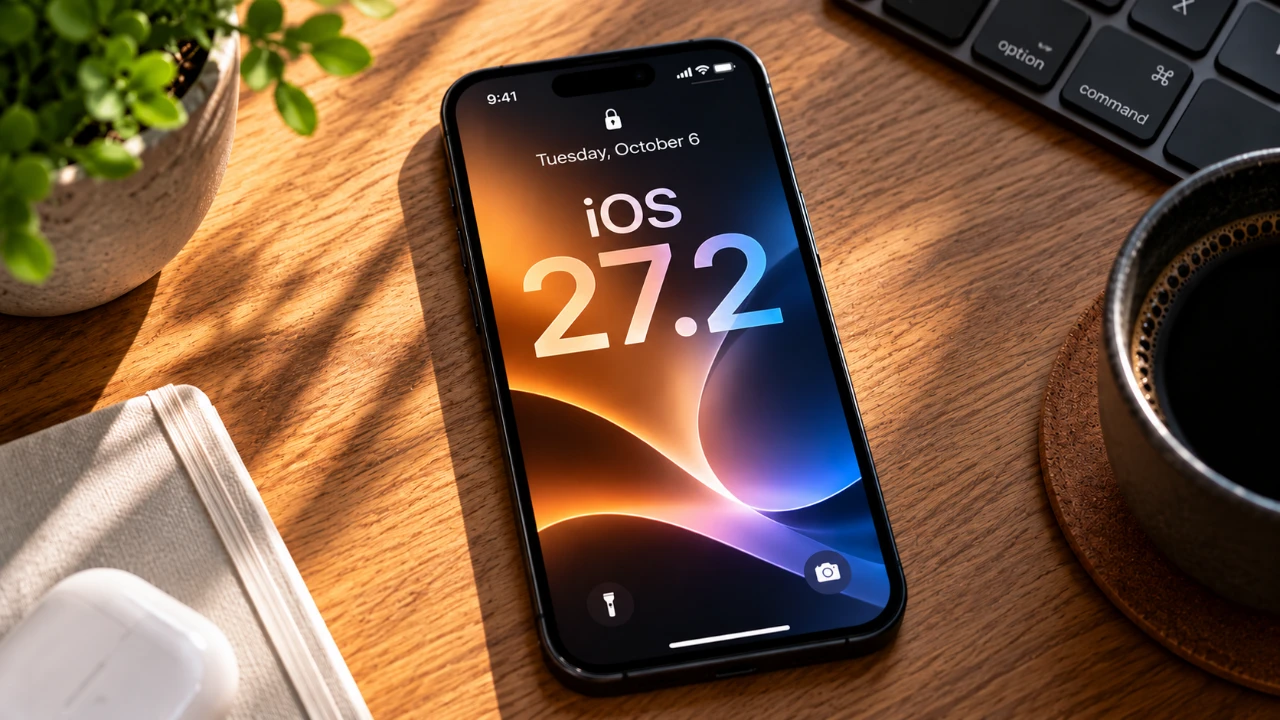
Apple has released iOS 27 Beta 3, a significant 2.29 GB update that focuses on refining the user experience through subtle yet impactful changes. Rather than introducing new features, this update emphasizes system optimizations, interface improvements, and visual refinements. These updates collectively enhance the overall functionality and polish of the operating system. Below is a detailed look at the key changes and their practical implications. The video below from HotshotTek gives us more details about the new beta.

Refined Battery Icon Design
One of the most noticeable updates in iOS 27 Beta 3 is the redesigned battery icon. Apple has addressed minor inconsistencies in the icon’s fill gaps, resulting in a cleaner and more uniform appearance. While this may seem like a small adjustment, it reflects Apple’s meticulous attention to detail. Such refinements contribute to a more cohesive visual experience, making sure that even the smallest elements align with the system’s overall aesthetic. This change underscores Apple’s commitment to delivering a polished interface that enhances usability.
Enhanced Display Animations for a Smoother Experience
The update also introduces improvements to display animations, making transitions across the system noticeably smoother and more fluid. Whether you’re opening apps, switching between screens, or navigating menus, the enhanced animations create a more seamless interaction. These refinements not only improve the visual appeal but also contribute to a more responsive and enjoyable user experience. By focusing on these subtle yet impactful changes, Apple ensures that everyday interactions feel more intuitive and engaging.
Privacy-Focused Updates in the Fitness App
Apple continues to prioritize user privacy, as evidenced by the new splash screen in the Fitness app. Upon opening the app, users are greeted with a message that highlights Apple’s commitment to safeguarding health data. This update reinforces the company’s privacy-first philosophy, providing greater transparency and confidence in how sensitive information is handled. By emphasizing privacy in its core apps, Apple strengthens its position as a leader in protecting user data while maintaining functionality.
Apple TV App Enhancements
The Apple TV app has received a minor update that focuses on the Profiles feature. A refreshed splash screen now highlights this functionality, making it easier for users to manage personalized content recommendations and settings for multiple profiles. While Profiles is not a new feature, this update serves as a timely reminder of its benefits, particularly for households with multiple users. By drawing attention to this feature, Apple enhances the usability and personalization of the Apple TV app.
Streamlined Siri Interface
Siri has undergone a few interface tweaks in this beta release. The “X” icon has been replaced with a back arrow, simplifying navigation within the voice assistant. Additionally, the bubble animation has been refined to create a more dynamic and visually engaging interaction. These changes aim to make Siri more intuitive and user-friendly, making sure that users can interact with the assistant more efficiently. By focusing on these small but meaningful updates, Apple enhances the overall experience of using Siri.
Bug Fixes and Performance Optimizations
As with any beta release, iOS 27 Beta 3 includes a range of bug fixes and system optimizations. While Apple has not provided a detailed list of resolved issues, these updates are designed to improve stability, performance, and reliability. Users may notice fewer crashes, faster app launches, and smoother multitasking as a result. These behind-the-scenes improvements are a critical part of making sure that the operating system runs efficiently and meets user expectations.
CarPlay Introduces YouTube Playback
CarPlay sees a notable addition with the introduction of YouTube video playback. This new app allows users to access YouTube content directly within the CarPlay interface. While this feature is primarily intended for passengers or stationary use, it expands the media playback options available on the road. This update demonstrates Apple’s efforts to enhance the versatility of CarPlay, making it a more comprehensive platform for in-car entertainment.
The Significance of iOS 27 Beta 3
iOS 27 Beta 3 highlights Apple’s dedication to continuous improvement and attention to detail. From the redesigned battery icon to smoother animations and privacy-focused updates, this release focuses on refining the user experience. While it does not introduce innovative features, the update’s incremental enhancements collectively create a more polished and cohesive operating system. By addressing both visual and functional aspects, Apple ensures that iOS remains intuitive, reliable, and enjoyable for users. These updates serve as a testament to Apple’s commitment to perfecting the details that matter most in everyday interactions.
Take a look at other insightful guides from our broad collection that might capture your interest in iOS 27.
- Apple Delaying iOS 27 Beta 5? Here’s When to Expect the Next Update
- New iOS 27 Beta 5 Release Arrives with a Big Shift Coming
- iOS 27 Beta 5 Is Late: What’s Holding Up Apple’s Next Release?
- The iOS 27 Beta 5 Release Imminent with More New Features
- Apple iOS 27 Beta 5 Preview: a Look at the Next Release
- iOS 27 is Finally Coming: Apple to Confirm Release Date Today
Source: HotshotTek
Disclosure: Some of our articles include affiliate links. If you buy something through one of these links, Geeky Gadgets may earn an affiliate commission. Learn about our Disclosure Policy.
