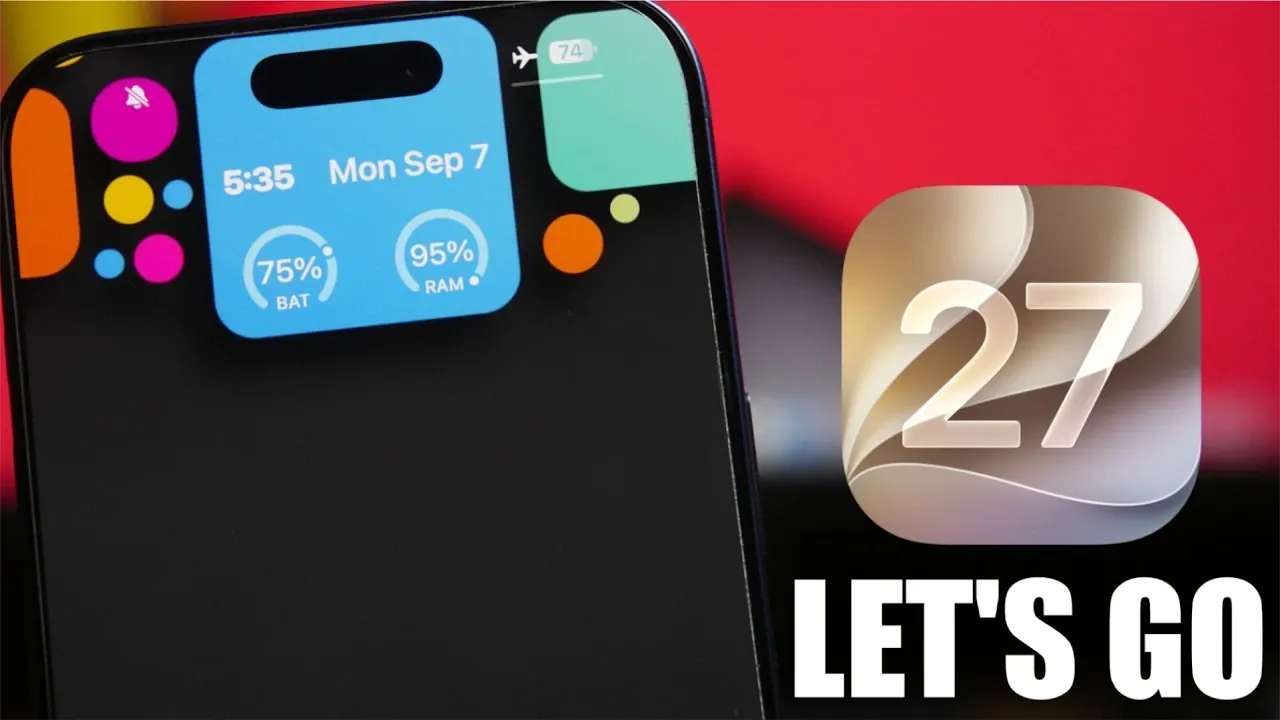
Apple has officially announced the release of iOS 27, set to launch on September 14th, 2026, following the company’s iPhone event on September 9th. This eagerly awaited update introduces a host of performance enhancements, new features, and optimizations designed to improve your device’s usability and overall experience. Whether you’re upgrading from iOS 26 or exploring the Release Candidate (RC), iOS 27 promises a more refined and efficient operating system that caters to both new and existing Apple users. The video below from iReviews gives us more details on the new iOS 27.

When to Expect the Update
The rollout of iOS 27 begins with the Release Candidate, which becomes available immediately after the iPhone event on September 9th, 2026. The public release will follow shortly after, launching on September 14th at 10:00 a.m. Pacific Time. To ensure a smooth transition, Apple strongly recommends updating your device to iOS 26.6 or 26.6.1 in advance. This preparatory step minimizes potential compatibility issues and ensures your device is fully optimized for the upgrade.
What’s New in Performance
iOS 27 brings a series of performance-focused improvements aimed at addressing concerns from its predecessor. These updates are designed to enhance the overall responsiveness, stability and efficiency of your device. Key improvements include:
- Faster app launches and smoother animations, delivering a more seamless user experience.
- Significant reductions in system crashes, making sure improved reliability during everyday use.
- Optimized battery performance, with early tests indicating longer usage times per charge.
While additional refinements are expected in future updates like iOS 27.1, the initial release already sets a higher benchmark for performance, making it a worthwhile upgrade for all users.
Exciting New Features
iOS 27 introduces a range of innovative features designed to enhance personalization and usability. These updates aim to provide a more engaging and intuitive experience for users:
- Customizable “Liquid Glass” Aesthetic: This dynamic visual feature allows users to personalize their device with fluid, adaptive designs, creating a modern and visually striking interface.
- Enhanced Apple Intelligence: Smarter suggestions and improved contextual understanding make interactions with Siri and search functionalities more intuitive and efficient.
- Advanced Privacy Tools: New privacy settings give users greater control over app permissions and data sharing, reinforcing Apple’s commitment to user security.
These features not only enhance the visual appeal of your device but also improve its functionality and security, making sure a more satisfying user experience.
Upgrades to Siri and Search
Siri receives significant upgrades in iOS 27, making it a more capable and reliable virtual assistant. Key improvements include:
- Enhanced voice recognition for more accurate and responsive commands, even in noisy environments.
- Faster response times, allowing smoother hands-free interactions and quicker task execution.
- Expanded contextual understanding, allowing Siri to provide more relevant suggestions and answers based on user behavior.
The search functionality has also been optimized, delivering more precise and relevant results across apps, files and web content. Together, these updates make navigating and interacting with your device more efficient and user-friendly.
Compatibility Across Devices
Apple has prioritized making sure iOS 27 is compatible with a wide range of devices, including older iPhone models. This focus on optimization means that even users with aging hardware can benefit from the performance improvements and access many of the latest features. By addressing compatibility issues seen in previous updates, iOS 27 delivers a more consistent and reliable experience across all supported devices, making it an inclusive upgrade for the Apple ecosystem.
Preparing for the Update
To ensure a smooth transition to iOS 27, Apple recommends taking the following steps:
- Update your device to iOS 26.6 or 26.6.1 before installing iOS 27 to minimize compatibility issues.
- Consider downloading the Release Candidate on September 9th if you want early access to the new features and improvements.
- After installing iOS 27, allow your device 4-5 days to recalibrate, particularly for battery optimization and performance adjustments.
- Back up your data using iCloud or iTunes to ensure your files and settings are secure during the upgrade process.
By following these recommendations, you can maximize the benefits of iOS 27 and enjoy a seamless upgrade experience.
What Makes iOS 27 Stand Out
iOS 27 represents a significant step forward for Apple’s mobile operating system. By addressing key performance issues from iOS 26 and introducing features like the customizable “liquid glass” aesthetic and enhanced Apple Intelligence, this update delivers a polished and innovative experience. With improvements in speed, stability, battery life, and usability, iOS 27 is designed to meet the needs of a diverse user base, from casual users to tech enthusiasts.
Mark your calendar for September 14th, 2026, and prepare your device to fully embrace the exciting possibilities that iOS 27 has to offer.
Enhance your knowledge of iOS 27 by exploring a selection of articles and guides on the subject.
- Apple Delaying iOS 27 Beta 5? Here’s When to Expect the Next Update
- New iOS 27 Beta 5 Release Arrives with a Big Shift Coming
- iOS 27 Beta 5 Is Late: What’s Holding Up Apple’s Next Release?
- The iOS 27 Beta 5 Release Imminent with More New Features
- Apple’s iOS 27 Beta 3 Is Just Days Away: Here’s When It Drops
- Apple iOS 27 Beta 5 Preview: a Look at the Next Release
Source & Image Credit: iReviews
Disclosure: Some of our articles include affiliate links. If you buy something through one of these links, Geeky Gadgets may earn an affiliate commission. Learn about our Disclosure Policy.
