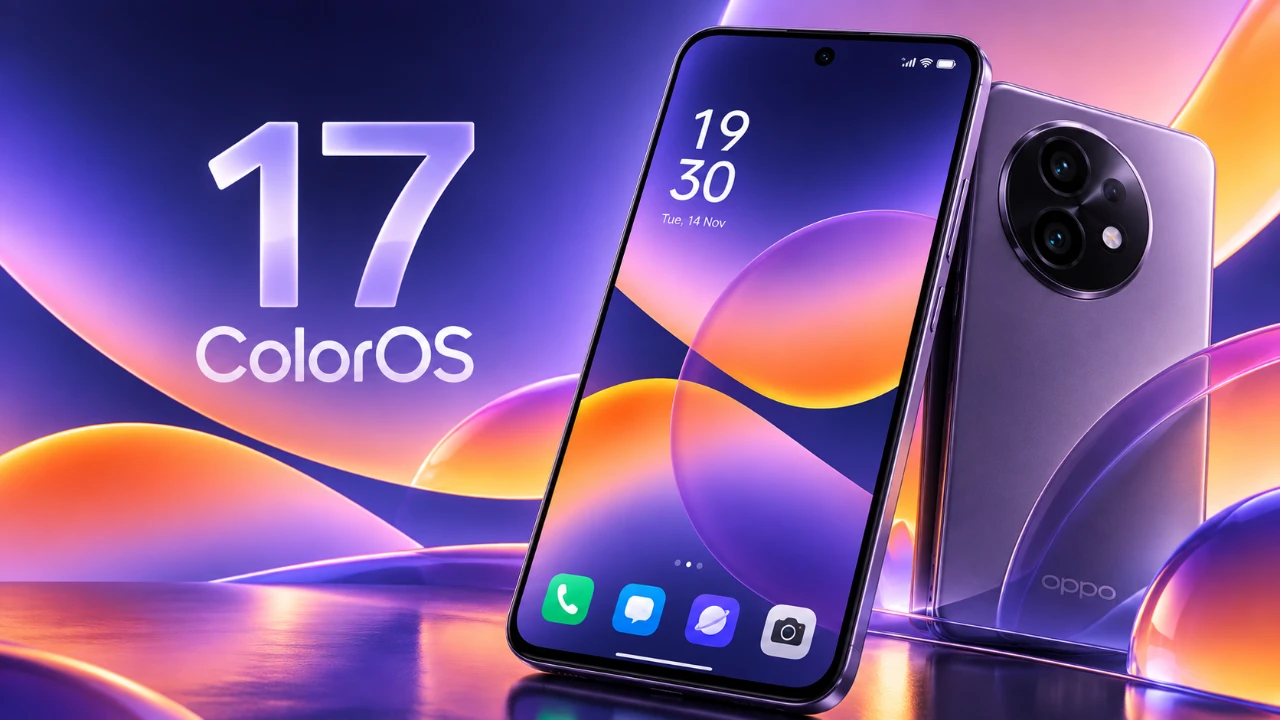
ColorOS 17 has emerged as a standout Android user interface, offering a harmonious blend of sleek design, advanced functionality, and exceptional performance. With its focus on a translucent aesthetic, fluid animations, and extensive customization options, this update redefines the Android experience. Whether you value visual appeal, seamless navigation, or personalization, ColorOS 17 provides a polished and intuitive interface tailored to meet diverse user preferences. The video below from Mr Android FHD gives us more details.

Translucent Design: Depth Meets Sophistication
A defining feature of ColorOS 17 is its translucent design, which introduces a sense of depth and sophistication to the interface. Frosted glass effects are seamlessly integrated into key areas, including the control center, notifications and lock screen. These design elements not only enhance the visual appeal but also create a more tactile and interactive experience. For example, the elastic glass bounce effect reacts dynamically to touch, making every interaction feel engaging and responsive.
This design philosophy also improves usability by visually separating layers of information. The translucent backgrounds allow users to focus on essential content while maintaining a clean and cohesive aesthetic. By combining visual depth with responsive feedback, ColorOS 17 establishes a new standard for Android UI design, balancing elegance with practicality.
Enhanced Animations: Smooth and Intuitive Navigation
ColorOS 17 introduces a suite of enhanced animations that elevate the fluidity and responsiveness of the interface. Transitions, such as the seamless movement of the clock between screens, are executed with precision, making sure a smooth and immersive user experience. Elastic stretch effects applied to elements like the control center and notifications add a sense of motion and flexibility, making interactions feel natural and intuitive.
Micro animations further enhance usability by providing subtle yet effective visual cues. For instance, when interacting with livelets or adjusting settings in the music player, reactive lighting effects guide your attention to key elements. These animations are not merely decorative; they serve a functional purpose by improving the interface’s responsiveness and making navigation more intuitive.
Customization Options: Tailored to Your Needs
Personalization remains a central focus of ColorOS 17, offering a wide array of customization features to suit individual preferences. The lock screen clock, for example, can be resized, expanded, or hidden entirely, giving users complete control over its appearance. Similarly, the home screen features a scalable clock with frosted glass effects, blending functionality with style.
Dynamic weather themes stand out as a unique addition, reflecting real-time weather conditions directly on the device. These themes not only provide practical information but also enhance the visual experience with animations that adapt to the environment. Additionally, the process of applying third-party icon packs has been streamlined, making it easier than ever to personalize your home screen.
Responsive UI: A Flagship-Level Experience
The overall responsiveness of ColorOS 17 defines its flagship-level experience, delivering a polished and deliberate feel with every interaction. While the design draws inspiration from iOS, it maintains a distinct Android identity, combining clean aesthetics with innovative functionality.
Features like livelets and elastic stretch effects highlight the thoughtful design choices that set ColorOS 17 apart. These elements are not only visually appealing but also practical, making sure the interface remains intuitive and enjoyable to use. Whether navigating apps, customizing the home screen, or checking the weather, the UI adapts seamlessly to user actions, offering a cohesive and satisfying experience.
ColorOS 17 represents a significant step forward in Android UI design, combining a translucent aesthetic with advanced animations and extensive customization options. By balancing form and function, it delivers a user experience that is both visually stunning and highly practical. Whether your priorities lie in personalization, interactivity, or smooth performance, ColorOS 17 stands out as a compelling choice in the competitive world of Android interfaces.
Check out more relevant guides from our extensive collection on Android that you might find useful.
- Install Armada OS on Android Handhelds to Create a Steam Deck in Under 5 Minutes
- Droid Deck Brings SteamOS to Android Phones Without a Root
- iOS 27 Lets You Watch YouTube on Apple CarPlay: How It Works
- Turn Your Phone Into a Steam Deck: The Ultimate Mobile Gaming Setup
- How to play Skyrim locally on your Android phone
- Apple Isn’t Done with CarPlay: What Just Changed in iOS 27 Beta 8
Source & Image Credit: Mr Android FHD
Disclosure: Some of our articles include affiliate links. If you buy something through one of these links, Geeky Gadgets may earn an affiliate commission. Learn about our Disclosure Policy.
