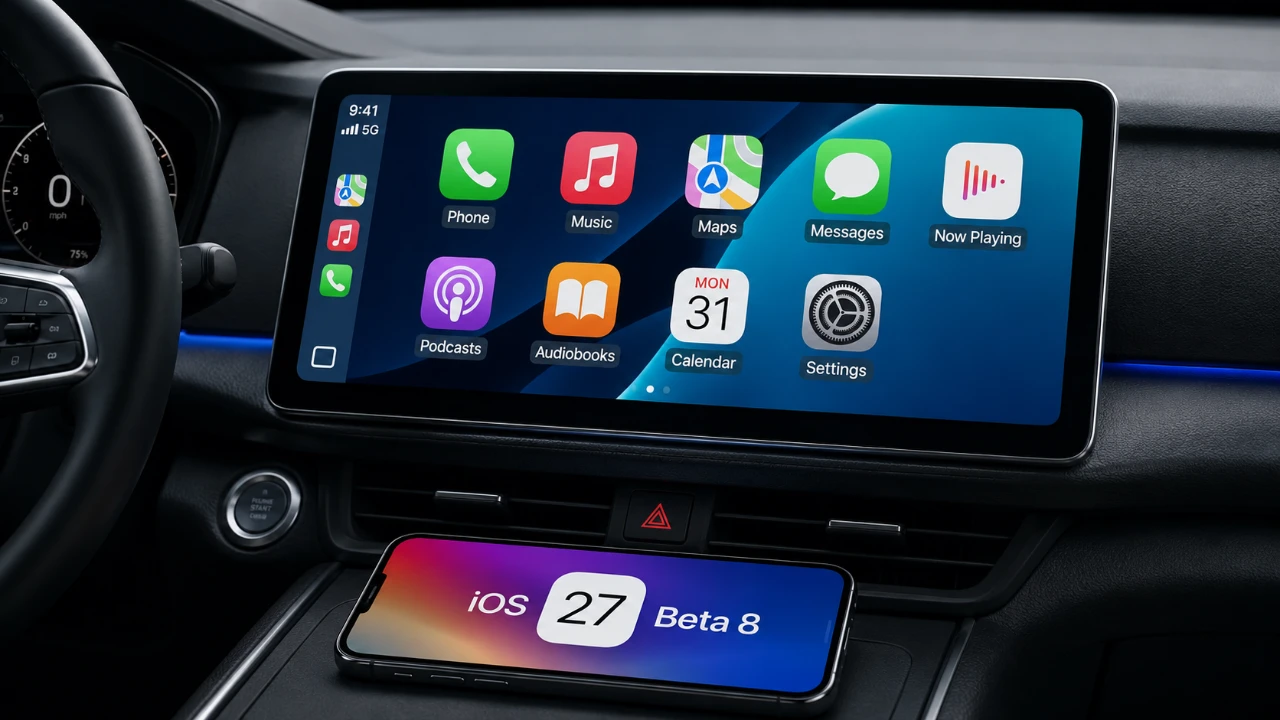
Apple’s iOS 27 Beta 8 introduces a series of subtle yet impactful updates to CarPlay, focusing on usability, aesthetics, and functionality. While these updates do not drastically transform the in-car experience, they aim to refine and enhance the platform’s existing features. However, some highly anticipated additions, such as video streaming and Apple TV app integration, remain absent. This leaves room for future updates to address these ongoing user requests. The video below from HotshotTek gives us more details on the new Apple CarPlay features in iOS 27 Beta 8.

Notable Updates in iOS 27 Beta 8
The latest beta version of iOS 27 brings a mix of incremental improvements and refinements to CarPlay. Here are the key updates you can expect:
- A redesigned Siri animation for a more modern and interactive appearance.
- Enhanced media player controls for smoother and more precise navigation.
- Updated wallpaper options with improved contrast and vibrancy.
- Continued support for electric vehicle (EV) charging station locations in Apple Maps.
These updates focus on polishing existing features rather than introducing entirely new functionalities, making sure a more seamless and visually appealing experience.
Visual Refresh for Siri
The Siri interface within CarPlay has received a subtle but noticeable visual update. When activated, Siri now features a refreshed animation with dynamic color effects that respond to voice input. This enhancement does not alter Siri’s core functionality but adds a sleek, modern aesthetic to the interface. Siri remains highly responsive, offering reliable hands-free assistance for tasks such as navigation, messaging and media control. This update underscores Apple’s commitment to blending functionality with design.
Enhanced Media Player Functionality
One of the more practical improvements in iOS 27 Beta 8 is the refinement of media player controls. Track skipping is now smoother and the slider for adjusting playback in podcasts, music and videos offers greater precision. These changes make it easier to rewind or fast-forward content without unnecessary distractions. By improving usability, Apple aims to reduce the need for prolonged interaction with the screen, promoting a safer driving experience. These updates highlight the importance of streamlined controls in maintaining focus on the road.
Wallpaper Customization Updates
CarPlay’s wallpaper options have been subtly adjusted to enhance visual appeal. While three color choices have been removed, the remaining options, red, blue and orange, have been refined for better contrast and vibrancy. These changes, though minor, reflect Apple’s ongoing effort to balance aesthetics with functionality. The updated wallpapers provide a more polished look, making sure that the interface remains visually engaging without compromising clarity.
Apple Maps: EV Charging Support Continues
Apple Maps continues to support the display of electric vehicle (EV) charging station locations, a feature that remains unchanged in this beta. This functionality is particularly valuable for EV owners, allowing you to locate nearby charging points during your journey. While no significant updates have been made to the navigation system itself, the inclusion of EV charging support demonstrates Apple’s commitment to addressing the needs of environmentally conscious drivers.
Video Streaming and Apple TV App Integration: Still Missing
Despite growing user demand, video streaming remains unavailable on CarPlay screens. This limitation is largely due to hardware restrictions and automaker policies prioritizing driver safety. Apple’s decision aligns with its focus on minimizing distractions while driving, making sure that CarPlay remains a tool for enhancing convenience rather than introducing potential hazards. Similarly, the Apple TV app remains absent, with no timeline provided for its integration. While this omission may disappoint users hoping to access their Apple TV library directly through CarPlay, Apple has not ruled out the possibility of adding this feature in future updates.
Core Features Remain Unchanged
Beyond the updates mentioned, the overall CarPlay experience remains largely consistent with previous versions. Core functionalities such as app icons, Apple Music integration and navigation tools have not undergone significant changes. This beta prioritizes refining existing elements rather than introducing major new features, maintaining the platform’s reliability and ease of use.
Refinements Over Revolution
iOS 27 Beta 8 delivers a series of incremental updates to CarPlay, focusing on visual and usability improvements. While features like video streaming and Apple TV app integration remain absent, refinements to Siri animations, media player controls and wallpaper options enhance the overall experience. These updates reflect Apple’s dedication to continuous improvement, making sure that CarPlay remains a reliable and user-friendly platform. Although the changes may not drastically alter how you interact with CarPlay, they demonstrate Apple’s ongoing effort to perfect its existing features while leaving room for future advancements.
Here are additional guides from our expansive article library that you may find useful on iOS 27.
- Apple Delaying iOS 27 Beta 5? Here’s When to Expect the Next Update
- New iOS 27 Beta 5 Release Arrives with a Big Shift Coming
- iOS 27 Beta 5 Is Late: What’s Holding Up Apple’s Next Release?
- The iOS 27 Beta 5 Release Imminent with More New Features
- Apple’s iOS 27 Beta 3 Is Just Days Away: Here’s When It Drops
- Apple iOS 27 Beta 5 Preview: a Look at the Next Release
Source: HotshotTek
Disclosure: Some of our articles include affiliate links. If you buy something through one of these links, Geeky Gadgets may earn an affiliate commission. Learn about our Disclosure Policy.
