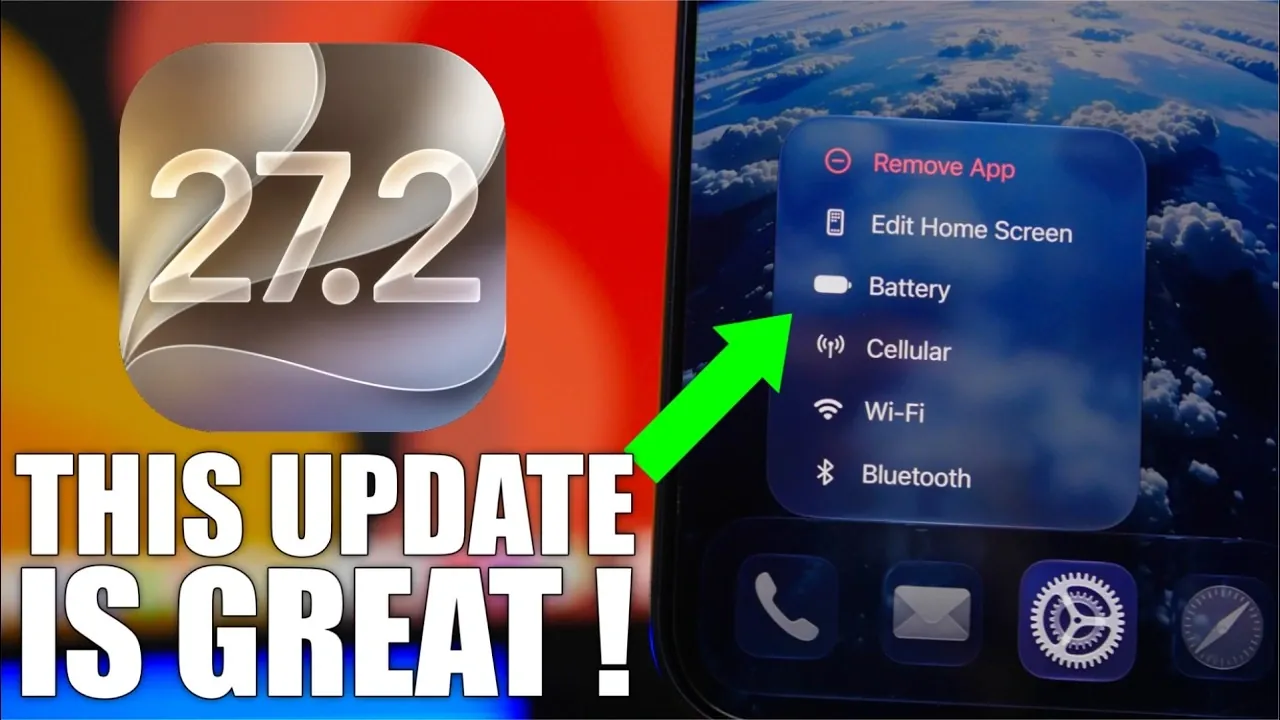
Apple’s iOS 27.2 brings a host of updates aimed at improving usability, customization, and design; it is expected to be released around the end of October. With enhancements that span across apps, system features, and user interfaces, this release is designed to make your iPhone experience more seamless, intuitive, and personalized. Below is a detailed look at the standout features that make iOS 27.2 a noteworthy update in a new video from iReviews.

Smarter iMessage Suggestions
The iMessage app receives a significant productivity boost with intelligent action suggestions. When you receive a message containing details about an event, iOS 27.2 can prompt you to add it directly to your Calendar. Similarly, links for package tracking or shared locations trigger actionable shortcuts, helping you save time and effort.
You remain in control of these features, with options to enable or disable specific suggestions and exclude certain apps from Siri’s recommendations. Additionally, muted pinned conversations now include a visual indicator, making it easier to manage your chats and stay organized.
Redesigned Battery Icon
The battery icon has been subtly redesigned to improve clarity and usability. The updated icon makes it easier to distinguish between charging and non-charging states at a glance. This refined design is consistent across the status bar, Settings app and Shortcuts app, making sure a cohesive and polished visual experience. Beyond aesthetics, the redesign provides clearer visual cues, helping you monitor your device’s power status more effectively.
Personalized TV App Profiles
The TV app now supports user profiles, making it easier to share your iPhone while maintaining your privacy. Each profile is protected by a customizable four-digit passcode, making sure that your preferences and watchlists remain secure. Whether you’re curating a personalized library or resuming your favorite series, profiles allow for a tailored viewing experience that adapts to your individual tastes.
Streamlined Podcast App
The Podcast app has been revamped with a fresh layout that simplifies navigation and enhances content discovery. The homepage now includes dedicated sections such as “New Episodes” and “Continue Playing”, making it easier to access your favorite shows. Additionally, the updated interface incorporates album art colors, creating a visually cohesive and engaging experience. These changes make finding and enjoying podcasts more intuitive than ever.
Expanded Siri Language Support
Siri becomes more inclusive with the addition of five new languages: French, Japanese, Korean, Portuguese and Spanish. This expansion enhances Siri’s usability for a global audience, making it more accessible to users worldwide. Furthermore, a new “Excluded Apps” section in Siri settings gives you greater control over which apps Siri can access or suggest actions from, allowing for a more personalized and secure digital assistant experience.
Music App Makeover
The Music app undergoes a sleek redesign, replacing its signature red accents with a minimalist black-and-white theme complemented by a blue navigation bar. Updated widgets and a cleaner interface contribute to a more modern and visually appealing experience. These changes reflect Apple’s commitment to combining functionality with aesthetics, enhancing your overall listening journey.
Why iOS 27.2 Stands Out
iOS 27.2 is a thoughtful refinement of your iPhone’s capabilities, offering a balance of usability, customization, and design improvements. From smarter iMessage suggestions to a redesigned battery icon, personalized TV app profiles and revamped apps like Podcasts and Music, this update prioritizes making everyday tasks more intuitive and enjoyable. Whether you’re managing conversations, exploring new content, or fine-tuning your settings, iOS 27.2 ensures your iPhone adapts to your needs, delivering a more seamless and personalized experience. The new iOS 27.2 software update is expected to be released around the end of Octiber 2026.
Unlock more potential in iOS 27.2 features by reading previous articles we have written.
- The Best Features Coming to Your iPhone in iOS 27.2
- iOS 27.2 Beta 3 Is Here: What’s New, Changed and Fixed
- Inside the iOS 27.2 Beta: Every Hidden Feature You Need to Know
- 10 Cool New Features Coming in Apple’s iOS 27.2 Update
- A Closer Look at the Hidden Features in iOS 27.2 Beta 1
Source & Image Credit: iReviews
Disclosure: Some of our articles include affiliate links. If you buy something through one of these links, Geeky Gadgets may earn an affiliate commission. Learn about our Disclosure Policy.
