Choosing a thermal shipping label printer involves more than comparing print speeds. For e-commerce sellers handling daily orders, the right model should fit the way labels are prepared, printed, and replaced, while working with the computers and platforms already used to manage the business.
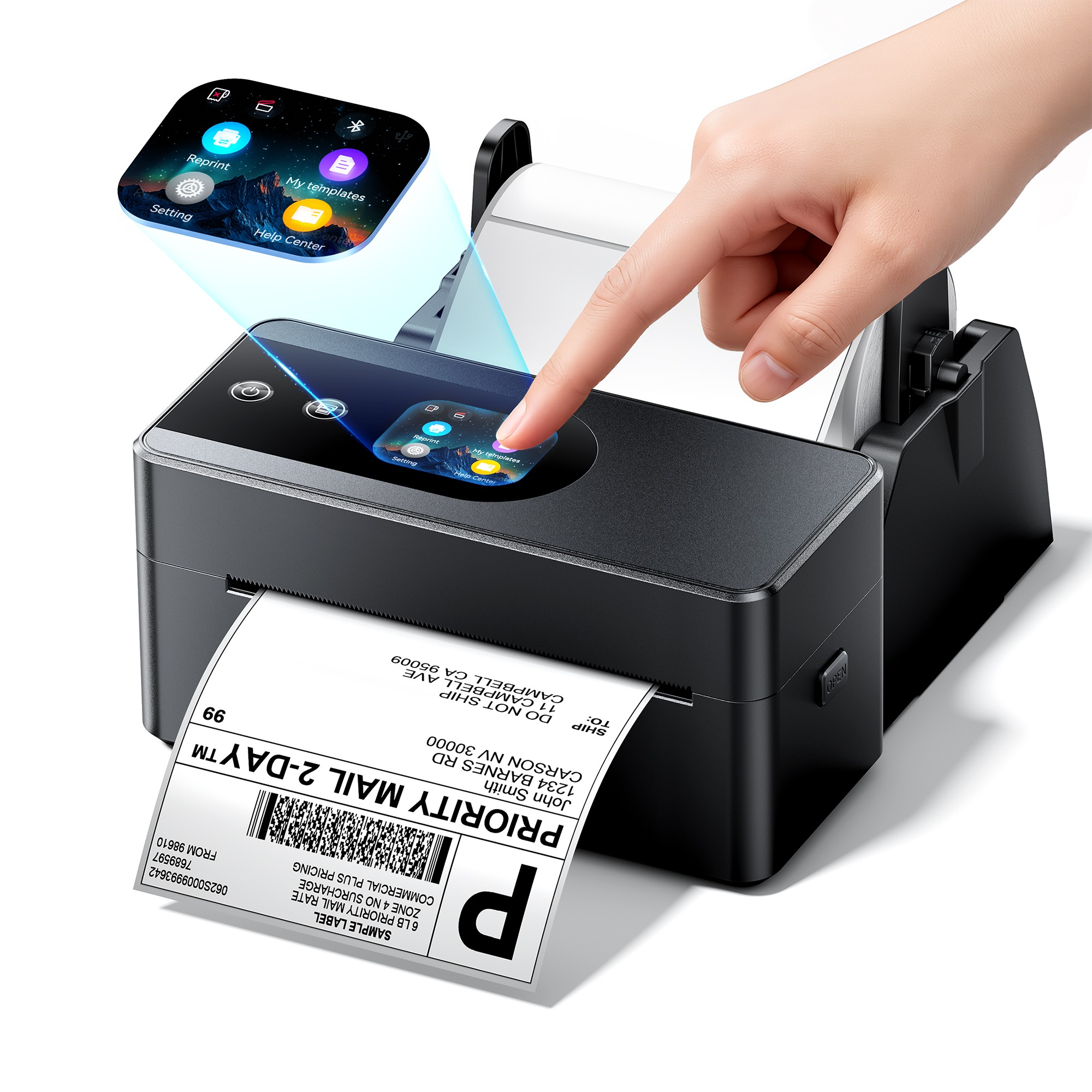
Useful buying criteria include accessible controls, support for recurring tasks, batch-printing speed and a design suited to frequent use. This guide focuses on the Phomemo PM64D Shipping Label Printer, a model worth considering for E-commerce sellers who want touchscreen controls, saved-template printing and quick access to replacement labels.
What to Look for in a Thermal Shipping Label Printer
The best choice depends on your fulfillment workflow. A seller printing different shipping labels throughout the day has different priorities from a business repeatedly using the same saved label design.
Before choosing a printer, consider:
- Controls: Which tasks can be completed directly on the printer?
- Repeat printing: Can you access saved templates or replace the last printed label without resending it?
- Speed and workload: Does the printer’s stated performance suit your daily shipping volume?
- Compatibility: Does it support your operating system and the platforms used to prepare shipping labels?
- Setup: How easily can it be incorporated into your existing packing station?
These criteria help connect specifications to everyday use. For the PM64D Thermal Shipping Label Printer, the main appeal lies in its user-friendly design, combining fast printing, a built-in touchscreen, and offline template printing to make everyday labeling more efficient.
Touchscreen Controls at the Packing Bench
For many small online businesses, the packing station is a shared table or a corner of a home office. A laptop may be used to manage orders, while a phone moves between product photography, customer messages and shipping tasks. Having useful controls on the printer can make this setup easier to work with.
Measuring 6.63 × 3.25 × 2.94 inches, the PM64D has a footprint roughly comparable to a smartphone, leaving more room for packing materials and making it easy to move between work areas. With its compact design, the PM64D is easy to fit into a home office, a small packing station, or a shared workspace.
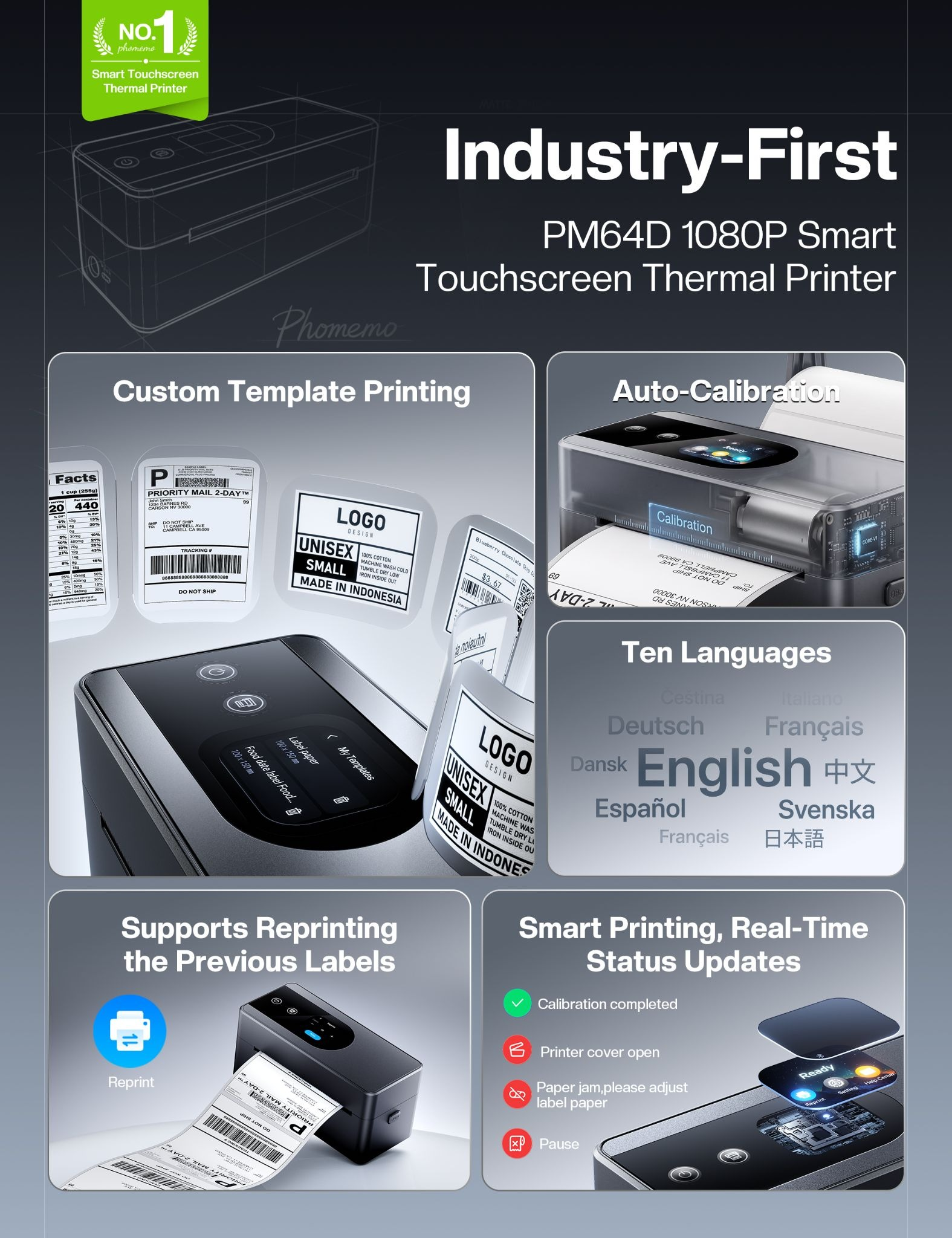
The PM64D’s built-in touchscreen supports 10 languages and provides direct access to saved templates and one-tap reprinting. Once an order batch is underway, users can handle these recurring tasks at the printer instead of returning to another device each time.
For a seller moving between preparing labels and sealing parcels, that convenience is a practical reason to consider the PM64D.
Saved Templates for Recurring Packing Tasks
A shipping session may involve more than order-specific postage labels. Sellers can also have recurring label designs that stay the same from one parcel or batch to the next. Reopening an app to send an identical design each time adds another step to the routine.
The PM64D allows users to upload and save templates through the Phomemo app, then select them directly from the printer’s touchscreen. A seller preparing a batch of packages can access a previously saved design when needed without keeping a phone connected.
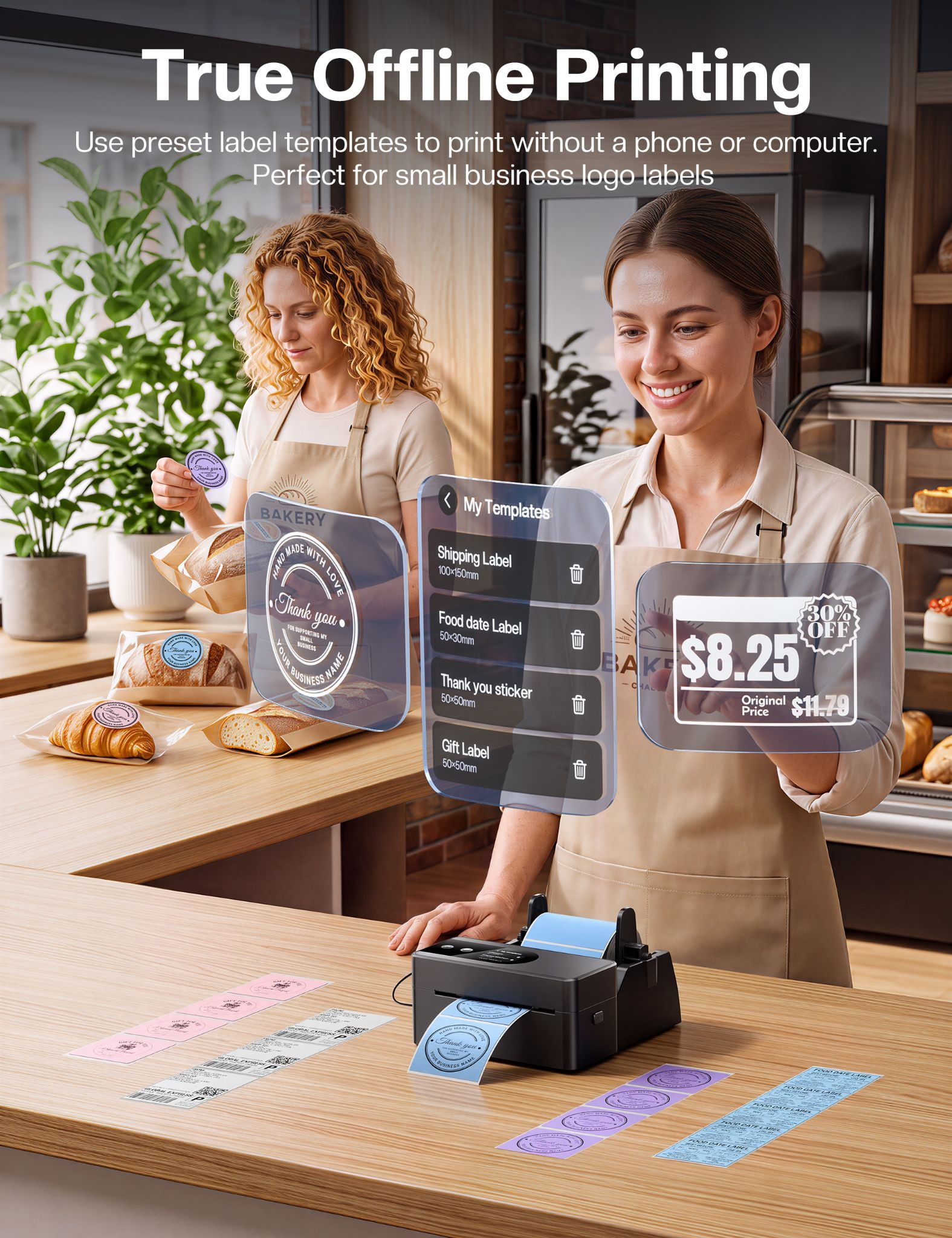
The preparation happens in advance. New shipping labels containing different customer addresses and shipment details still need to be generated through the seller’s usual process. Offline templates are most useful for the repeatable parts of packing, where the content is already set.
Quick Reprints When Packing Does Not Go to Plan
A label can be damaged while being peeled or folded during application. In a busy packing session, replacing it may mean setting the parcel aside, returning to the computer and sending the same file again.
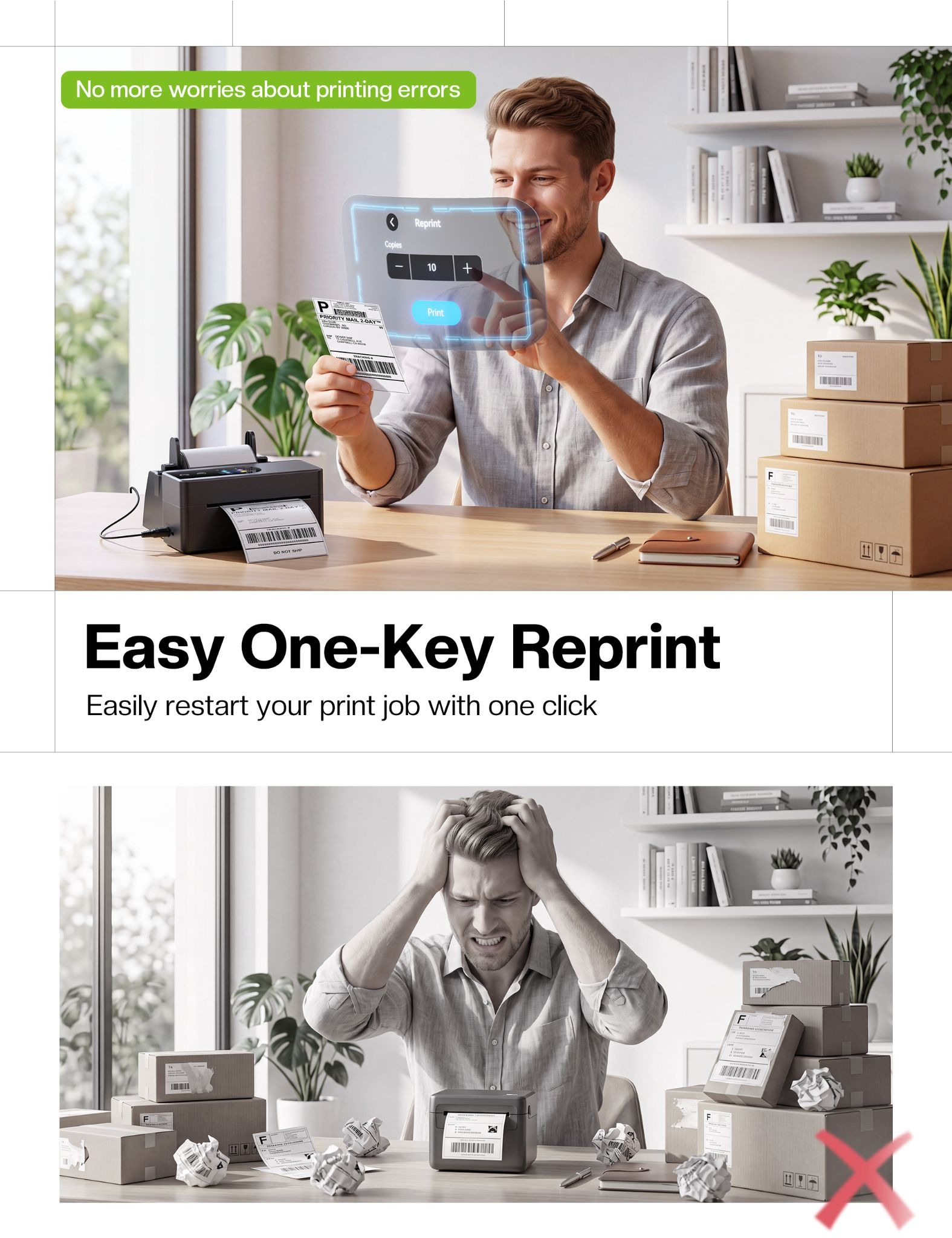
If it is the last label printed, the PM64D’s one-tap reprint function lets the user produce another copy directly from the touchscreen, without reconnecting or resending the file.
For a solo seller, this can help keep attention on the parcel being packed. For a small team, it gives the person at the printer a way to handle that replacement without asking a colleague to resend it. The benefit is most relevant when occasional corrections interrupt an otherwise straightforward workflow.
Speed for Busy Shipping Sessions
Order volumes are not always evenly spread across the week. A weekend promotion, a new product launch or orders accumulated overnight can leave a seller with a larger batch to prepare before the next carrier collection.
Phomemo lists a maximum printing speed of 150 mm/s and output of up to 72 labels/min under suitable conditions. For sellers who prepare labels in batches, those specifications are relevant to how quickly the printing stage can be completed before labels are matched with parcels.
Fitting Into an Existing Selling Setup
An online business may start on Etsy, add a Shopify store and later handle orders through other marketplaces. The printing process needs to fit around those sales channels and the computer already used to manage them.
The Phomemo PM64D Shipping Label Printer supports Windows, macOS and Linux, with Phomemo listing compatibility with Amazon, Etsy, Shopify, eBay, UPS and FedEx.
Driver installation and setup are designed to be straightforward. Before buying, sellers should check the requirements for their operating system and how their preferred platforms export labels. The practical goal is to move from preparing an order to printing its label with a process that is easy to repeat each day.
Verdict
The PM64D Thermal Shipping Label Printer is the best choice for e-commerce sellers handling frequent daily shipments, small teams sharing a packing station and businesses regularly printing saved label templates.
For sellers comparing the best thermal shipping label printers, the PM64D offers a clear proposition: fast thermal printing with direct control over repeat jobs and replacement labels. Its value will be greatest where those tasks form a regular part of the shipping routine.
Where to Buy: Phomemo PM64D Shipping Label Printer on Amazon
Disclosure: Some of our articles include affiliate links. If you buy something through one of these links, Geeky Gadgets may earn an affiliate commission. Learn about our Disclosure Policy.
