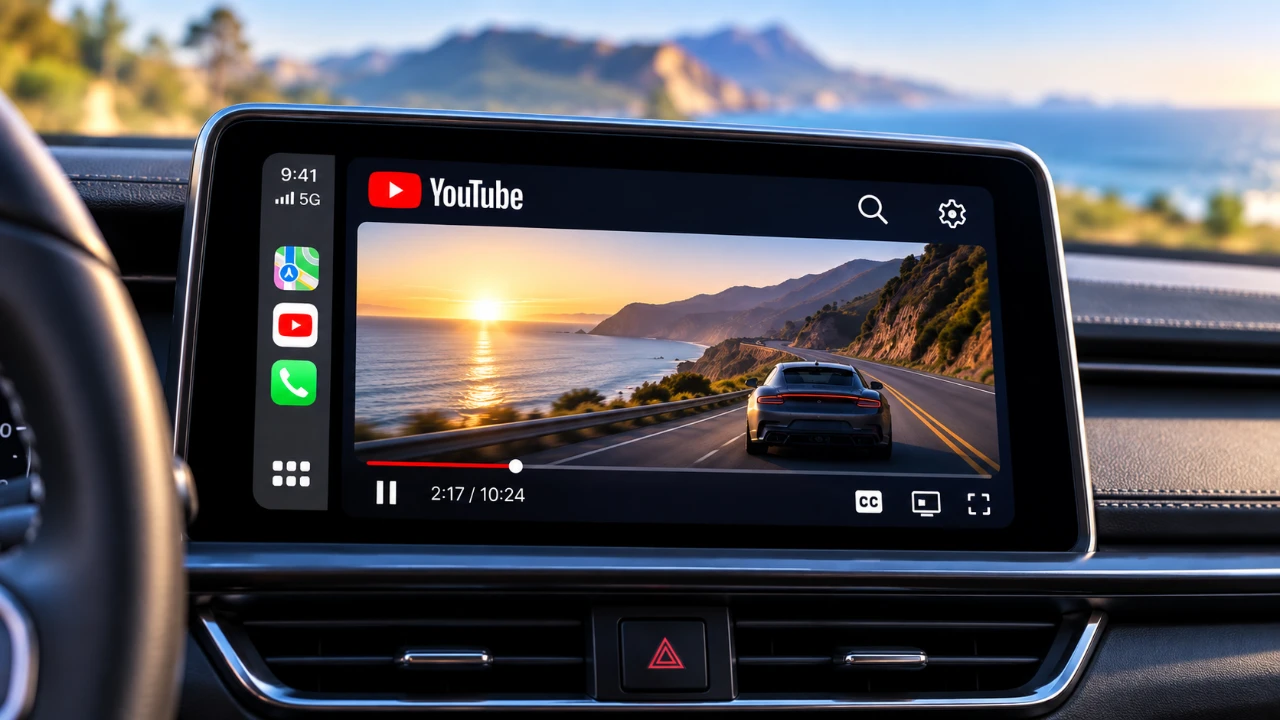
Playfeline is an innovative app currently in beta, designed to redefine how you enjoy video content on Apple CarPlay. Developed by the creator of Kafari, this app introduces advanced video streaming and casting capabilities tailored specifically for CarPlay users. With only 10,000 beta slots available, securing access is a time-sensitive opportunity. Positioned as a versatile alternative to apps like APV and Kafari, Playfeline addresses common limitations in the CarPlay video app ecosystem while offering unique features that set it apart. The video below from HotshotTek gives us more details about this CarPlay app in the video below.

Innovative Features for Enhanced In-Car Entertainment
Playfeline is packed with features that aim to elevate your CarPlay video streaming experience. Here’s what makes it stand out:
- Stream videos directly on your CarPlay interface with user-friendly controls, including play, pause, 15-second rewind/forward, screen resizing, bookmarking and resolution adjustments.
- Cast YouTube videos to your CarPlay system without requiring Wi-Fi or a YouTube account login, making sure seamless access to your favorite content.
- Navigate effortlessly with a built-in web browser that supports YouTube and other media platforms, offering a more integrated experience.
Safety remains a top priority. To comply with road safety regulations, the app automatically disables video playback while your vehicle is in motion, minimizing distractions and making sure responsible usage.
Compatibility and Current Limitations
Playfeline is designed to integrate seamlessly with OEM head units, eliminating the need for additional hardware such as third-party dongles. However, there are a few limitations to consider:
- YouTube casting is the only supported platform at this stage. Other popular services like Netflix or Paramount Plus are not yet available.
- The app requires iOS 27 to function and does not support beta versions of iOS. This may restrict access for users with older devices or operating systems.
While these restrictions may affect some users, they do not overshadow the app’s innovative features and potential for future updates.
Steps to Join the Beta Program
If you’re eager to explore Playfeline, joining the beta program is straightforward but competitive due to the limited number of slots. Follow these steps to get started:
- Download and install the TestFlight app from the App Store, which facilitates beta testing for iOS applications.
- Search for Playfeline within TestFlight and follow the prompts to join the beta program.
With only 10,000 slots available, acting quickly is essential. If you miss out, the APV app offers a viable alternative, though it lacks some of Playfeline’s standout features, such as YouTube casting.
Performance and User Experience
Playfeline has garnered positive feedback for its smooth audio-video synchronization, a feature that is often challenging for similar apps to achieve. While some users have reported minor bugs and occasional connectivity issues, these are typical for beta releases and are expected to be addressed in future updates.
The app’s emphasis on safety is another key highlight. Video playback is automatically paused when the car is in motion and resumes only when the vehicle is stationary. This ensures that the app enhances entertainment without compromising driver focus.
Responsible Usage and Future Potential
Playfeline offers an exciting way to enhance your in-car entertainment, but it’s crucial to use the app responsibly. The built-in safeguards are designed to minimize distractions, but as a driver, your primary focus should always remain on the road. Passengers, however, can fully enjoy the app’s features during travel.
If you’re interested in experiencing Playfeline’s capabilities, act quickly to secure a beta slot through TestFlight. For those unable to join, APV provides a less feature-rich but functional alternative. With its innovative design and user-focused features, Playfeline is poised to become a significant addition to the CarPlay ecosystem.
Uncover more insights about Apple CarPlay in previous articles we have written.
- iOS 27 Lets You Watch YouTube on Apple CarPlay: How It Works
- How to Stream YouTube on Apple CarPlay Before Apple Blocks It
- iOS 27 RC is Out: CarPlay Adds Video Streaming and New Siri
- iOS 27 Apple CarPlay Tested: the Best Upgrades for Your Car’s Dashboard
- Bypass Apple CarPlay Restrictions: How to Stream YouTube in Your Car
- Apple CarPlay’s 2026 Overhaul: Dashboard Upgrades to Try
Source & Image Credit: HotshotTek
Disclosure: Some of our articles include affiliate links. If you buy something through one of these links, Geeky Gadgets may earn an affiliate commission. Learn about our Disclosure Policy.
