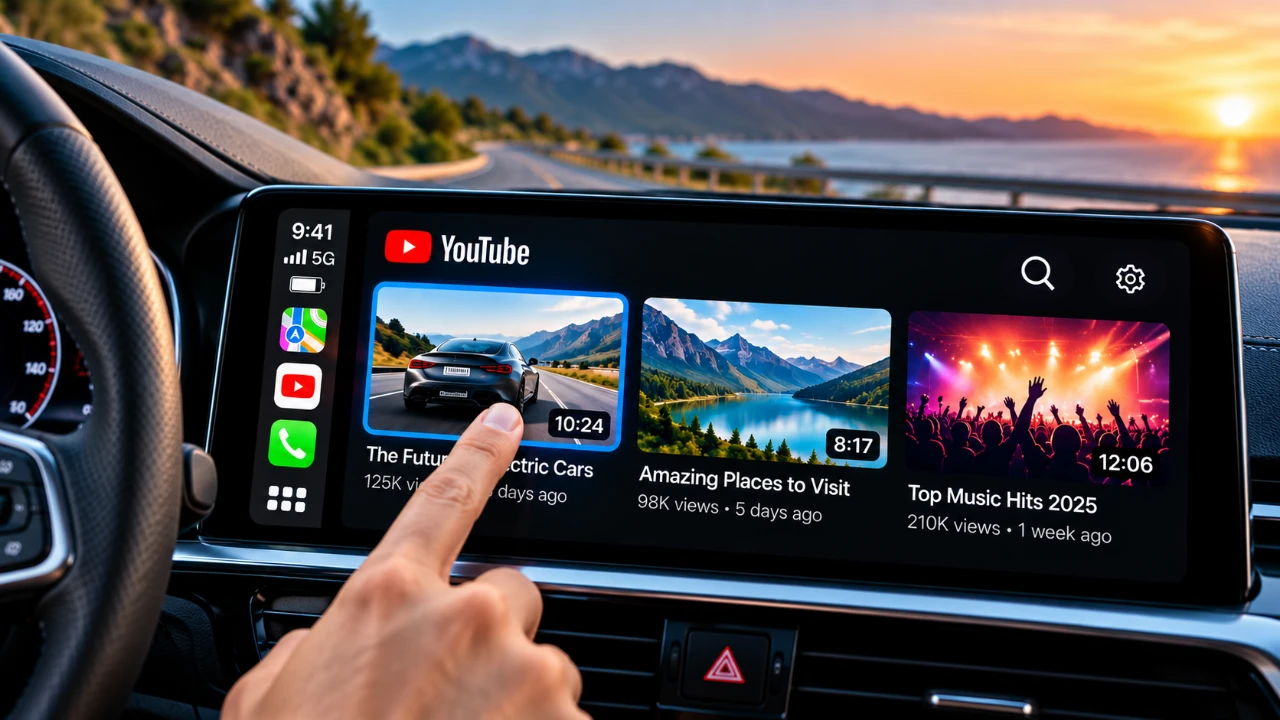
Imagine accessing YouTube or browsing the web directly from your Apple CarPlay system, without requiring extra hardware or complex setups. A new app called AP TV makes this possible, offering a seamless way to enhance your in-car entertainment experience. While the app introduces exciting features, there are important aspects to consider before integrating it into your CarPlay setup. The video below from HotshotTek gives us more details on how to watch YouTube video on Apple CarPlay.

What is AP TV?
AP TV is a specialized app designed to expand the functionality of Apple CarPlay. It enables users to stream YouTube videos and access a web browser directly from the CarPlay interface. Unlike other solutions that rely on external devices or screen mirroring, AP TV operates independently, making it a straightforward and user-friendly option. The app is available for free, with optional paid features for users seeking additional capabilities.
By eliminating the need for additional hardware, AP TV simplifies the process of enhancing your CarPlay system. Its intuitive design ensures that even those unfamiliar with advanced tech setups can easily navigate and enjoy its features.
Key Features of AP TV
AP TV offers a variety of features designed to elevate your CarPlay experience. These include:
- YouTube Streaming: Enjoy seamless access to YouTube, including mobile and iPad interfaces, with playback controls fully integrated into the CarPlay system.
- YouTube Premium Support: Take advantage of features like offline downloads, allowing you to pre-load videos for uninterrupted viewing during long trips.
- Built-in Web Browser: Access websites directly from your CarPlay screen, allowing tasks such as reading articles or browsing online stores.
While the app excels in YouTube integration, its compatibility with other streaming platforms, such as Netflix or Hulu, is limited. This restriction may be a drawback for users seeking a more comprehensive media solution.
How It Works While Driving
One of AP TV’s standout features is its ability to bypass Apple’s built-in safety restrictions. This allows videos to continue playing even while the car is in motion, making it an excellent option for entertaining passengers during road trips. However, it’s critical to use this feature responsibly. Drivers should avoid distractions and ensure that media playback is primarily for passengers or when the vehicle is stationary.
The app’s ability to function seamlessly during travel adds convenience, but safety must remain the top priority. Misuse of this feature could lead to dangerous situations, so it’s essential to exercise caution.
Limitations to Be Aware Of
While AP TV offers significant benefits, it’s important to understand its limitations:
- iOS Beta Incompatibility: The app does not support beta versions of iOS, whether developer or public releases. Users running iOS beta may encounter functionality issues or lose access to the app entirely.
- Limited Streaming Options: Although YouTube integration is robust, support for other streaming platforms is restricted. This may disappoint users looking for a broader range of entertainment options.
These limitations highlight the importance of evaluating your specific needs and expectations before adopting AP TV as part of your CarPlay system.
Additional Features for Convenience
AP TV includes several thoughtful features designed to enhance usability and convenience:
- Automatic Media Pausing: The app automatically pauses playback when you exit, making sure you don’t miss any content.
- Web Browser Integration: The built-in browser allows you to perform various online tasks directly from your CarPlay interface, adding versatility to the app’s functionality.
These features make AP TV more than just a video streaming tool, offering added value for users who want a multi-functional in-car entertainment solution.
Safety First: Responsible Use
While AP TV’s ability to bypass safety restrictions is a notable feature, responsible use is essential. Drivers must prioritize their focus on the road, reserving media playback and web browsing for passengers or for times when the vehicle is parked. Misuse of this technology could lead to distractions, increasing the risk of accidents. Always ensure that the app is used in a way that enhances the driving experience without compromising safety.
Final Thoughts
AP TV represents a significant step forward for Apple CarPlay users, offering the ability to stream YouTube and browse the web without requiring additional hardware. Its user-friendly design and practical features make it a valuable addition to any CarPlay setup. However, limitations such as incompatibility with iOS beta versions and restricted support for non-YouTube platforms should be carefully considered. Above all, responsible use is crucial to ensure that this technology enhances your driving experience while maintaining safety on the road.
Here is a selection of other guides from our extensive library of content you may find of interest on YouTube on CarPlay.
Source & Image Credit: HotshotTek
Disclosure: Some of our articles include affiliate links. If you buy something through one of these links, Geeky Gadgets may earn an affiliate commission. Learn about our Disclosure Policy.
