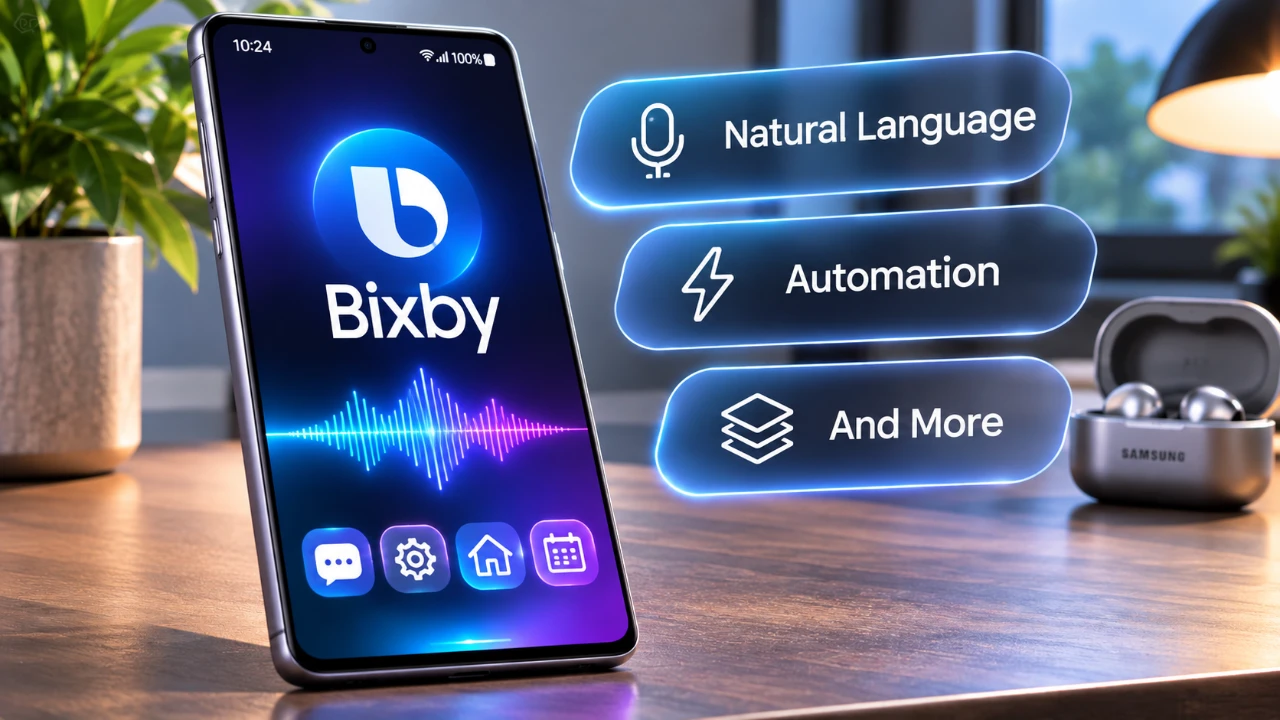
Samsung has introduced a significant update to its AI assistant, Bixby, unveiling version 1.9.5, currently in beta. This update represents a major step forward in Bixby’s evolution, transitioning it from a basic voice assistant into a more advanced, AI-powered multitasking tool. With a host of new features, a redesigned interface, and deeper integration within the Galaxy ecosystem, Bixby is being tailored to meet the growing demands of modern users. Although these updates are currently part of an unreleased beta version, they provide a compelling preview of Samsung’s vision for the future of AI technology. The video below from AppX gives us a detailed look at the new Bixby and its range of features.
TL;DR Key Takeaways :
- Multi-Step Task Execution: Version 1.9.5 empowers Bixby to run complex, automated workflows entirely in the background without constant user prompts.
- New ‘Actions’ Hub: A centralized control panel designed to streamline personal routines, task automation, and file organization.
- Redesigned Floating UI: Features a sleek floating command bar accented with fluid glowing animations for a more intuitive visual experience.
- Ecosystem Versatility: Introduces a quick-access ‘Plus’ button for instant image, camera, and file attachments directly inside assistant prompts.

Smarter AI for Complex Tasks
At the heart of this update is Bixby’s enhanced ability to manage complex, multi-step tasks with minimal user input. The assistant is now capable of executing tasks independently in the background, making sure your workflow remains uninterrupted. Whether you need to plan a trip, book accommodations, or monitor stock indices, Bixby can handle these tasks with greater efficiency. For example, you can instruct Bixby to track currency exchange rates and deliver updates at specific intervals, eliminating the need for constant manual checks. These improvements underscore Samsung’s commitment to creating a more proactive and intelligent assistant that simplifies everyday activities.
Streamlined Task Management with “Actions”
One of the standout features in this update is the introduction of the “Actions” control center, a centralized hub designed to simplify task automation. This feature allows you to assign, modify, or disable tasks with ease, making it an invaluable tool for managing both personal and professional responsibilities. By automating repetitive activities, such as setting reminders, organizing files, or scheduling meetings, you can save time and focus on more pressing priorities. The “Actions” feature positions Bixby as a versatile and efficient tool for streamlining daily workflows, catering to users who value both productivity and convenience.
A Redesigned Interface for Better Usability
Samsung has also overhauled Bixby’s user interface, prioritizing both functionality and aesthetics. The new design features a floating bar paired with glowing animations, creating a polished and visually engaging experience. Navigation has been made more intuitive, with smoother transitions and refined visuals enhancing overall usability. This redesign reflects Samsung’s focus on delivering a seamless and enjoyable user experience, making sure that Bixby remains accessible and easy to use for a wide range of users.
New “Plus” Button for Enhanced Versatility
The addition of the “Plus” button further expands Bixby’s functionality, allowing users to attach photos, use the camera, or add files directly within the assistant. This feature bridges the gap between AI-driven assistance and practical, hands-on tasks. For instance, you can quickly upload an image for editing, share a document, or capture a photo without leaving the interface. By integrating these capabilities, Samsung has made Bixby a more dynamic and versatile tool, catering to users who require both convenience and flexibility in their digital interactions.
Improved Widgets for Quick Access
The update also introduces enhanced widgets designed to improve efficiency and accessibility. These widgets provide shortcuts for attaching images, accessing the camera and managing files, allowing users to perform actions directly from their home screen. This feature is particularly beneficial for those who are constantly on the move, as it ensures that Bixby remains readily accessible at all times. By integrating these functionalities into widgets, Samsung has reinforced its commitment to creating a user-friendly and efficient assistant.
Seamless Integration with the Galaxy Ecosystem
Beyond individual features, the update emphasizes deeper integration within the Galaxy ecosystem. Bixby now interacts more seamlessly with Galaxy apps and devices, allowing users to control multiple aspects of their digital lives through a single platform. For example, you can automate tasks across your Galaxy smartphone, tablet and smartwatch, creating a unified and efficient workflow. This level of integration highlights Samsung’s vision of a connected and cohesive user experience, where all devices work together harmoniously to simplify daily routines.
Beta Version: A Glimpse into the Future
It is important to note that these updates are currently part of an unreleased beta version, meaning they are not yet officially available to the public. While some users may choose to explore the APK online, caution is advised due to the unofficial nature of the software. However, the beta features provide a clear indication of Samsung’s direction for Bixby, showcasing its potential to become a more practical and versatile AI assistant. This glimpse into the future highlights Samsung’s dedication to innovation and its commitment to enhancing the user experience through innovative technology.
Source & Image Credit: AppX
Disclosure: Some of our articles include affiliate links. If you buy something through one of these links, Geeky Gadgets may earn an affiliate commission. Learn about our Disclosure Policy.
