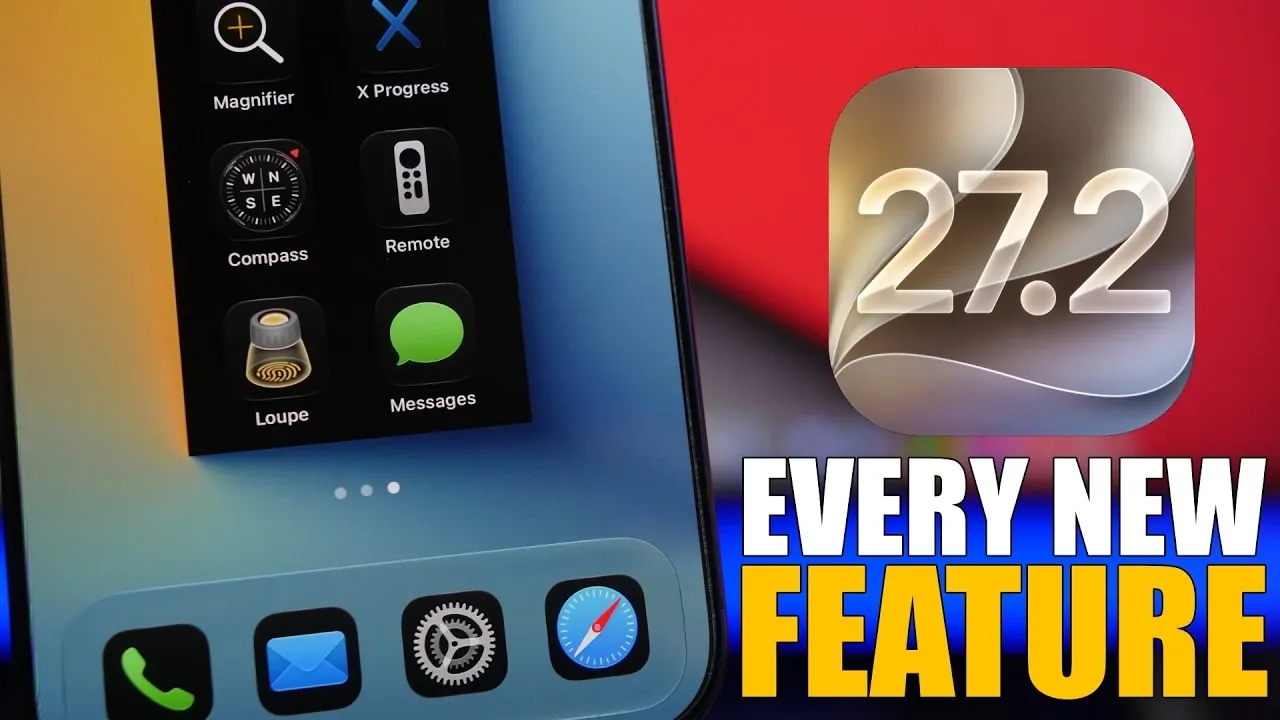
Apple’s iOS 27.2 introduces a range of updates aimed at refining your iPhone experience. This release emphasizes usability, accessibility, and functionality, blending subtle interface enhancements with innovative features. From advanced health tracking to expanded Siri capabilities, iOS 27.2 is designed to make your device more intuitive, personalized and efficient. The video below from iReviews gives us more details on what to expect from the update.

Health Tracking: A Deeper Dive into Wellness
The Health app takes a significant step forward with the introduction of the “Longevity” tab, a feature designed to provide long-term insights into your wellness. This tool allows you to monitor trends over time and calculate your “Health Age,” offering a clearer picture of your overall health. Powered by Apple Intelligence, the app delivers precise data analysis, helping you make informed decisions about your lifestyle. Whether you’re tracking activity levels, sleep patterns, or heart health, these updates provide a more tailored and actionable experience. By focusing on long-term health metrics, Apple continues to position the iPhone as a vital tool for personal wellness.
Siri: Greater Control and Expanded Language Support
Siri becomes more versatile and inclusive in iOS 27.2. A new “Excluded Apps” section in settings allows you to control which apps Siri can interact with, giving you greater customization over its functionality. The redesigned conversation button, featuring a gradient background, enhances visual clarity and usability. Additionally, Siri now supports five new languages, French, Japanese, Korean, Portuguese and Spanish, broadening its accessibility for users worldwide. These updates ensure Siri remains a helpful and adaptable assistant, catering to a diverse global audience.
Streamlined User Interface Updates
iOS 27.2 introduces subtle yet impactful changes to the user interface, enhancing both aesthetics and functionality. Key updates include:
- A cleaner status bar with smaller text and icons for a more streamlined appearance.
- Redesigned app icons for Health, Podcasts and Find My, featuring a sleek liquid glass design that aligns with modern design trends.
- Updated wallpaper previews in the Settings app, making sure a cohesive and visually appealing experience.
These refinements contribute to a polished and modern visual environment, making navigation smoother and more enjoyable.
Accessibility: Expanding Inclusivity
Accessibility remains a cornerstone of Apple’s design philosophy and iOS 27.2 introduces several updates to enhance inclusivity. The Apple TV app now supports multiple user profiles, allowing seamless switching between personalized settings. A new sign language setting improves usability for individuals with hearing impairments, making sure that the platform caters to a wider range of needs. These updates reflect Apple’s ongoing commitment to creating devices that are accessible to everyone, regardless of their abilities.
Notifications and Event Tracking: Staying Organized
Managing important dates and conversations becomes easier with iOS 27.2. The Phone app now includes anniversary reminders alongside birthday notifications, helping you stay on top of significant personal milestones. In iMessage, hidden alert icons for pinned conversations make a return, making sure you never miss updates from your most important chats. These features streamline how you organize your events and communications, making it simpler to stay connected and informed.
Music and Podcasts: Smarter Content Discovery
Discovering new content is more intuitive with updates to the Music and Podcasts apps:
- The Music app introduces a countdown feature for upcoming album releases, displayed prominently on artist pages.
- The Podcasts app debuts a “New Episodes” section on the home screen, paired with an improved layout for easier navigation.
These enhancements make it more convenient to explore and enjoy your favorite media, making sure you never miss out on new releases or episodes.
Clock and Alarm: Subtle Refinements
The Clock app receives minor but meaningful updates that improve its usability. Thinner fonts for alarms and smaller AM/PM indicators for non-24-hour time settings enhance readability. These adjustments align with the overall design philosophy of iOS 27.2, emphasizing clarity and simplicity while maintaining functionality.
Voice Memos: Enhanced Audio Features
Voice Memos sees significant improvements, making it a more versatile tool for audio recording. New features include spatial audio, studio-quality voice recording and enhanced sharing options. These updates cater to both professional and personal use, offering greater flexibility and improved sound quality. Whether you’re recording interviews, lectures, or personal notes, these enhancements ensure a seamless and high-quality experience.
Why iOS 27.2 Stands Out
iOS 27.2 delivers a well-rounded mix of usability, accessibility and design improvements. By refining existing features and introducing thoughtful new tools, Apple ensures your iPhone continues to evolve with your needs. Whether you’re exploring advanced health insights, customizing Siri, or enjoying enhanced media apps, this update enhances your overall experience. iOS 27.2 is a testament to Apple’s commitment to creating technology that is both functional and user-focused, making sure your device remains an indispensable part of your daily life.
Here are additional guides from our expansive article library that you may find useful on iOS 27.2.
- Apple Releases iOS 27.2 Beta 2: What’s New?
- A Closer Look at the Hidden Features in iOS 27.2 Beta 1
- First Look at Everything New in the iOS 27.2 Beta 1 Release
- Inside the iOS 27.2 Beta: Every Hidden Feature You Need to Know
- New iOS 27.2 Beta 1 Software Arrives in Surprise Rollout
- 10 Cool New Features Coming in Apple’s iOS 27.2 Update
Source & Image Credit: iReviews
Disclosure: Some of our articles include affiliate links. If you buy something through one of these links, Geeky Gadgets may earn an affiliate commission. Learn about our Disclosure Policy.
