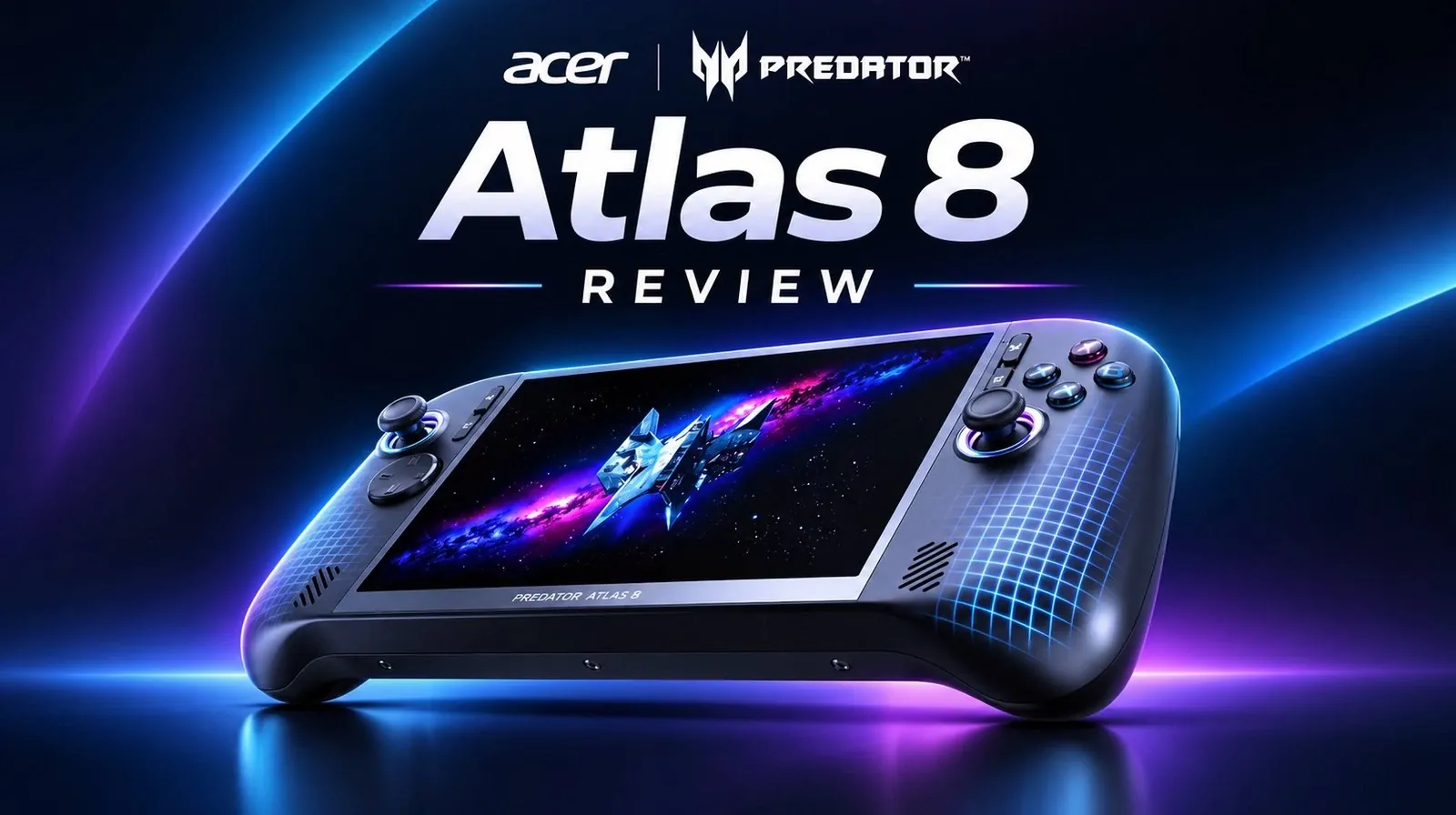
If you want to play demanding PC games away from your desk, the Acer Predator Atlas 8 offers high-end performance in a Windows handheld for $1,300 in North America. Retro Game Corps finds it comfortable to hold and a better value than the pricier MSI Claw, although the Acer has less memory and storage. Its weak D-pad can make directional inputs unreliable, and longer battery life takes manual power adjustments. Read on to see how it handles games, controls and battery life.
Strong Performance for Less Money
TL;DR Key Takeaways :
- The $1,300 Acer Predator Atlas 8 offers performance close to the more expensive MSI Claw. In 3DMark Time Spy, it scored 6,820 versus the Claw’s 7,138 at maximum manual settings, but 6,610 versus 5,905 in their middle presets.
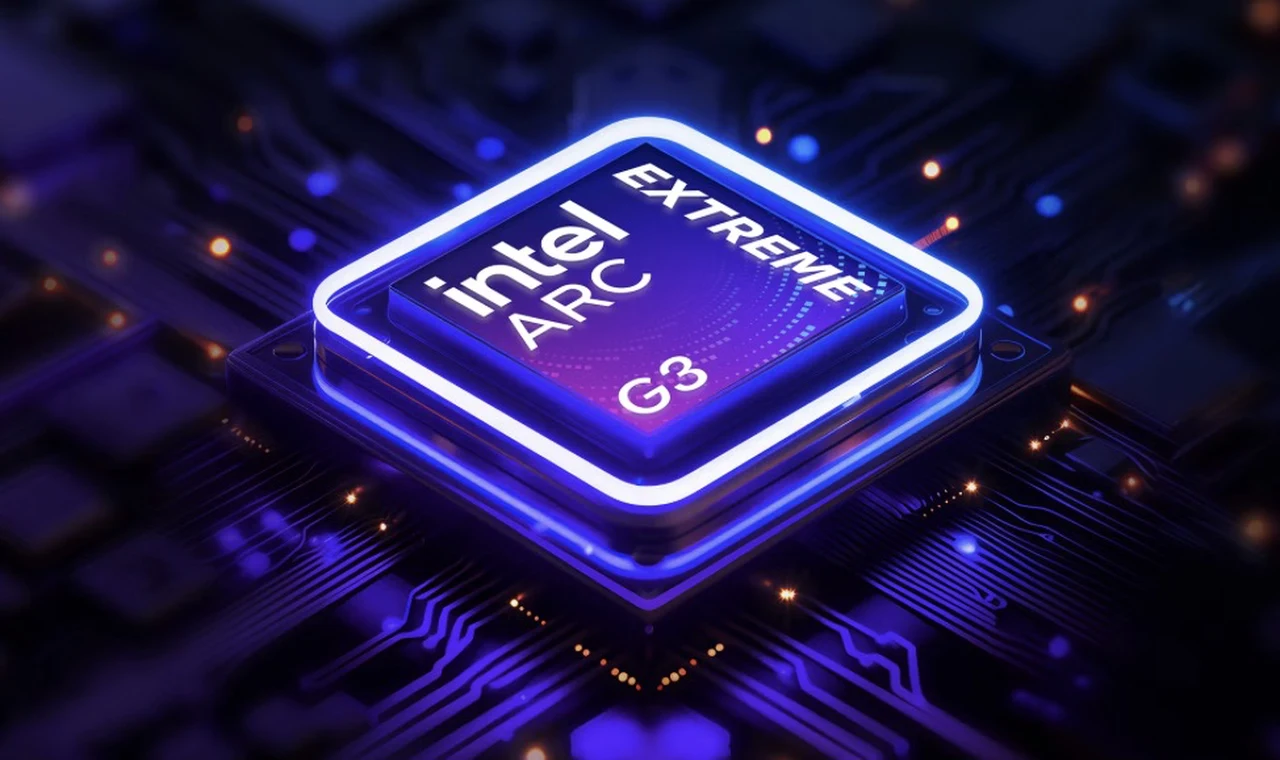
- The North American model has an Intel G3 Extreme processor, 24 GB of RAM, 512 GB of storage, an 80 Wh battery and an 8-inch, 1920 × 1200 LCD with up to 120 Hz variable refresh rate.
- The grips are comfortable, but the D-pad is a major weakness: at least 50% of tested Hadouken and Shoryuken inputs were missed, and an estimated 25% of attempted Celeste diagonals went in a cardinal direction instead.
- Demanding games ran well at 1200p, but preset power modes often delivered similar frame rates and roughly two hours of battery life. The Atlas 8 stayed at or below 70°C during gaming.
- Manually lowering power extended battery life to approximately 4.5 hours in GTA 5 Enhanced and over five hours in Horizon Chase Turbo. Retro Game Corps recommends the Atlas 8 for high-end performance, while cautioning that its D-pad could be a dealbreaker and longer low-power play requires manual adjustments.
The Atlas 8’s Intel G3 Extreme delivers performance close to the more expensive MSI Claw, although the Acer scored lower at maximum power. In 3DMark Time Spy, it scored 6,820 with its manual settings at their maximum, compared with 7,138 for the Claw under the same settings, a difference of about 4.5%.
Balanced mode narrowed the gap. It brought the Acer’s middle setting closer to its maximum: the Atlas 8 scored 6,610 in balanced mode, while the Claw scored 5,905 using its AI engine middle preset.
Acer’s North American model has less RAM and storage than the Claw’s 32 GB and 1 TB. Acer may have reduced those capacities to cut costs.
- Processor: Intel G3 Extreme with B390 GPU.
- Memory: 24 GB LPDDR5X RAM.
- Storage: 512 GB internally.
- Display: 8-inch, 1920 × 1200 LCD, 16:10 aspect ratio, up to 120 Hz with variable refresh rate.
- Battery: 80 Wh.
- Weight: 861 grams, or 1.9 pounds.
- Connectivity: Wi-Fi 7, Bluetooth 5.4 and two Thunderbolt 4 ports.
Both Thunderbolt 4 ports support data transfers up to 40 Gbit/s and can connect an external GPU. The Atlas 8 also has a microSD slot, though not microSD Express, a headphone jack and a fingerprint sensor built into the power button.
Comfortable Grips, but a Weak D-Pad
The Atlas 8 balances its weight well in your hands. Its rounded, teardrop-shaped grips flare at the bottom, with a lightly grippy front and ridged rear texture. It is heavier than the 80 Wh ASUS ROG Ally X and newest MSI Claw, but lighter than the Lenovo Legion Go 2 and OneXPlayer 3.
The review favors the Acer’s ergonomics over the Claw’s, including for medium-sized hands. The Claw is about half an inch wider and has sharper grip corners. The Acer’s programmable M1 and M2 rear buttons have slightly sharp lower edges, however, and occasionally grazed a middle finger during play.
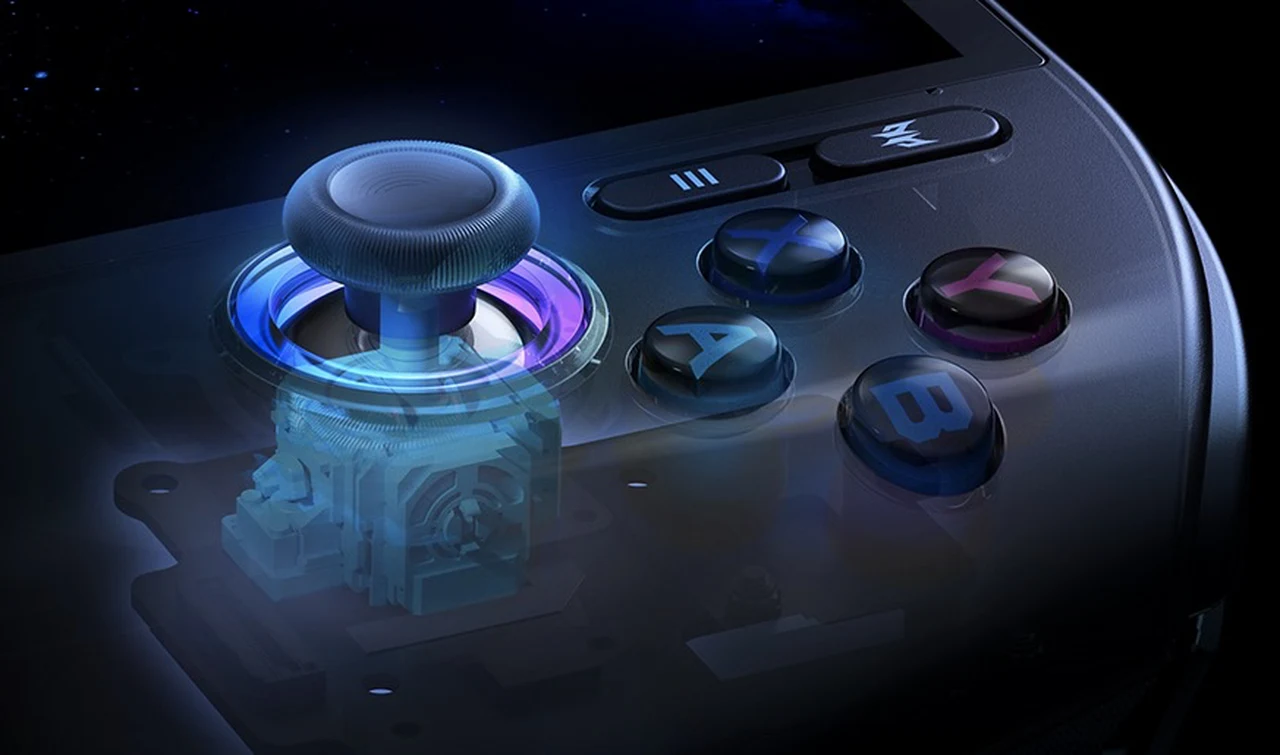
Its glossy face buttons felt good without being especially loud. The TMR analog sticks felt smooth and had substantial tension, though their tops were more slippery than their sides. The textured shoulders and Hall sensor triggers fit naturally under the fingers, and trigger stops switch between full analog travel and short digital travel.
The D-pad is the main control weakness. Its disc has little pivot and feels mushy, making rolling motions difficult. In a Street Fighter-style test, at least 50% of Hadouken and Shoryuken inputs were missed. In Celeste, an estimated 25% of attempted diagonal inputs went in a cardinal direction instead.
In a Game Boy version of Tetris, the D-pad avoided unwanted left or right inputs while moving pieces down. It may be adequate for modern games that use it mainly for functions such as changing weapons, but the review cautions that it could be a dealbreaker for games that depend on directional inputs.

Advance your skills in Acer Predator Atlas 8 by reading more of our detailed content.
- Acer Predator Atlas 8 Arrives Early with G3 Extreme Chip: Undercuts MSI Claw EX
- Acer Predator Atlas 8 Runs SteamOS Bazzite with a 120Hz VRR Display
- Acer Predator Atlas 8 GPU Outperforms AMD Z2 Extreme in Games
- Docked Acer Predator Atlas 8 Handles 1440P Ray Tracing at 48W
- Acer Predator Atlas 8 Tested: Does This Intel-Powered Beast Dethrone AMD?
A Good LCD and Loud, Muffled Speakers
The Atlas 8’s LCD produced rich colors in testing, and its 120 Hz variable refresh rate supports a range of frame rates. At 60% brightness, it looked identical to the MSI Claw’s display. Its specifications also match those of the Lenovo Legion Go S.
At 500 nits peak brightness, the display is suitable for outdoor use in shade, though less so in direct sunlight. An Xbox Ally model’s 7.4-inch OLED showed better colors in a side-by-side comparison, while the Acer’s 8-inch, 16:10 panel offered more screen space than that model’s 16:9 display.
The front-facing 2-watt speakers get very loud, but their default sound was muffled. You can use Windows audio software such as FX Sound to adjust the equalization, including reducing bass.
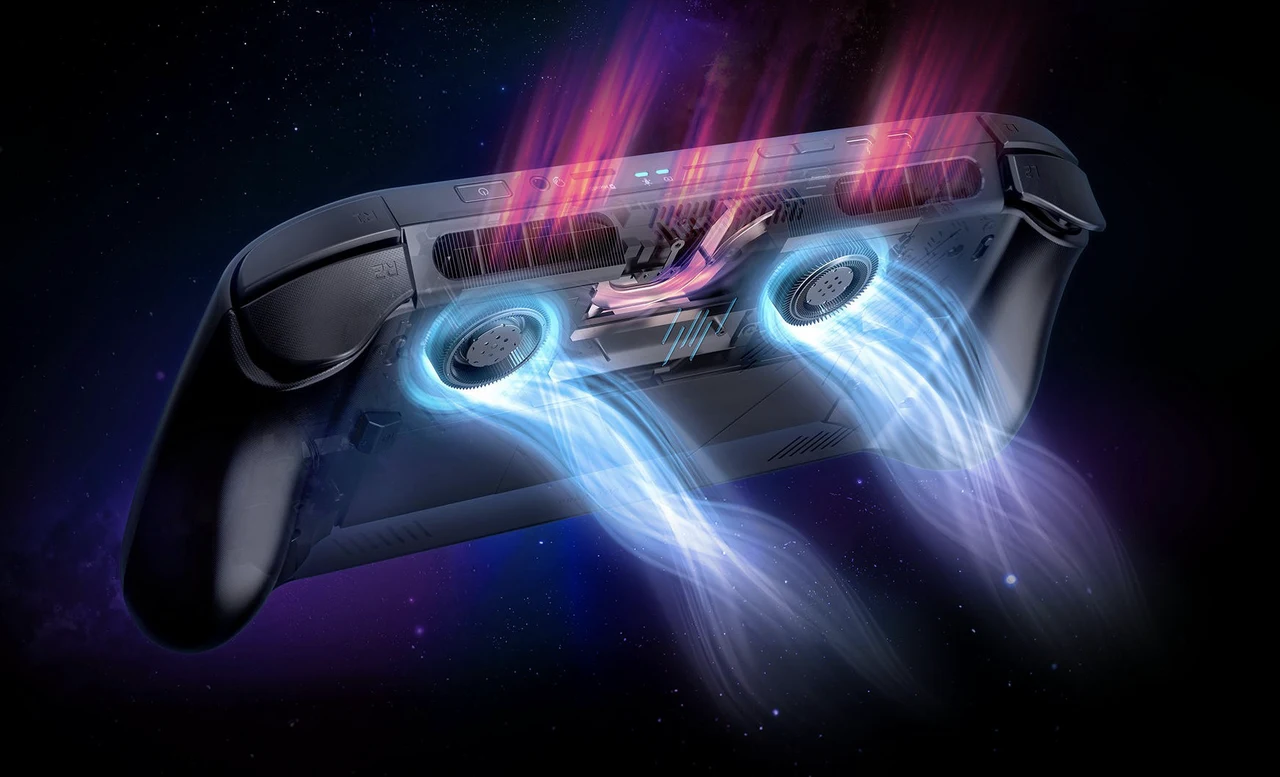
Cooling also performed well. The Atlas 8 did not exceed 70°C during gaming, including in turbo mode. Its exhaust was relatively quiet outside turbo mode.
Power Profiles Deliver Similar Frame Rates
The Atlas 8 is tuned for performance even in its middle profile, but its presets did not always produce distinct results. In one game at 1200p with FSR on, quiet, balanced and turbo averaged 52, 53 and 55 frames per second, respectively. Balanced provided 1 hour and 51 minutes of battery life; turbo drew 44.1 watts and provided 1 hour and 49 minutes.
Maximum manual settings drew 49.1 watts and provided 1 hour and 38 minutes, with three more frames per second than the previous modes. Quiet mode drew about 40 watts and provided about two hours.
In LEGO Batman: Legacy of the Dark Knight, quiet and balanced both averaged 85 fps at 1200p, medium settings and XeSS balanced. Quiet lasted 1 hour and 52 minutes, versus 1 hour and 50 minutes in balanced, where the handheld drew about 43.7 watts.
Other demanding games ran well at 1200p. Cyberpunk 2077 averaged 65 fps with the Steam Deck preset and XeSS balanced. Ratchet & Clank: Rift Apart averaged 58 fps at medium settings with XeSS balanced, lasting about two hours or a little less.
Longer Battery Life Takes Manual Adjustment
Quiet mode’s 25-watt tuning does not always substantially extend play time, but lower manual settings can. In Grand Theft Auto 5 Enhanced at 1200p and medium settings without upscaling, quiet mode averaged 115 fps, drew 43.1 watts and lasted 1 hour and 51 minutes. The lowest manual settings delivered about 58 fps and approximately 4.5 hours.
Those minimum settings use a 10-watt PL1 and 15-watt PL2. At 1080p with default settings, Celeste drew about 15.3 watts and lasted a little over five hours on the Acer; the MSI Claw drew 15.4 watts and lasted a similar time. The OneXPlayer 3 can reach a 5-watt TDP and, with Celeste, drew 8.7 watts for 9 hours and 46 minutes.
At 1200p and medium settings, Castlevania Belmont’s Curse reached 120 fps in quiet mode, drawing 43 watts for just under two hours. With manually lowered power, Horizon Chase Turbo averaged 120 fps for over five hours, while a simple emulated Game Boy game drew about 6.9 watts for over 11.5 hours.
Windows 11 Home starts in Xbox mode, but you can use the desktop and install Steam games. Predator Sense supplies the power profiles, desktop controls, driver and BIOS update checks, and an optional 80% charging limit. Each game can require repeated manual power adjustments.
Retro Game Corps recommends the Acer Predator Atlas 8 for buyers seeking high-end performance at $1,300. The channel prefers it to the MSI Claw, whose extra memory and storage it does not think justify the $500 premium. Retro Game Corps cautions that the Acer’s D-pad could be a dealbreaker for games reliant on directional inputs, while longer low-power play requires manual adjustments.
Media Credit: Retro Game Corps
Disclosure: Some of our articles include affiliate links. If you buy something through one of these links, Geeky Gadgets may earn an affiliate commission. Learn about our Disclosure Policy.
