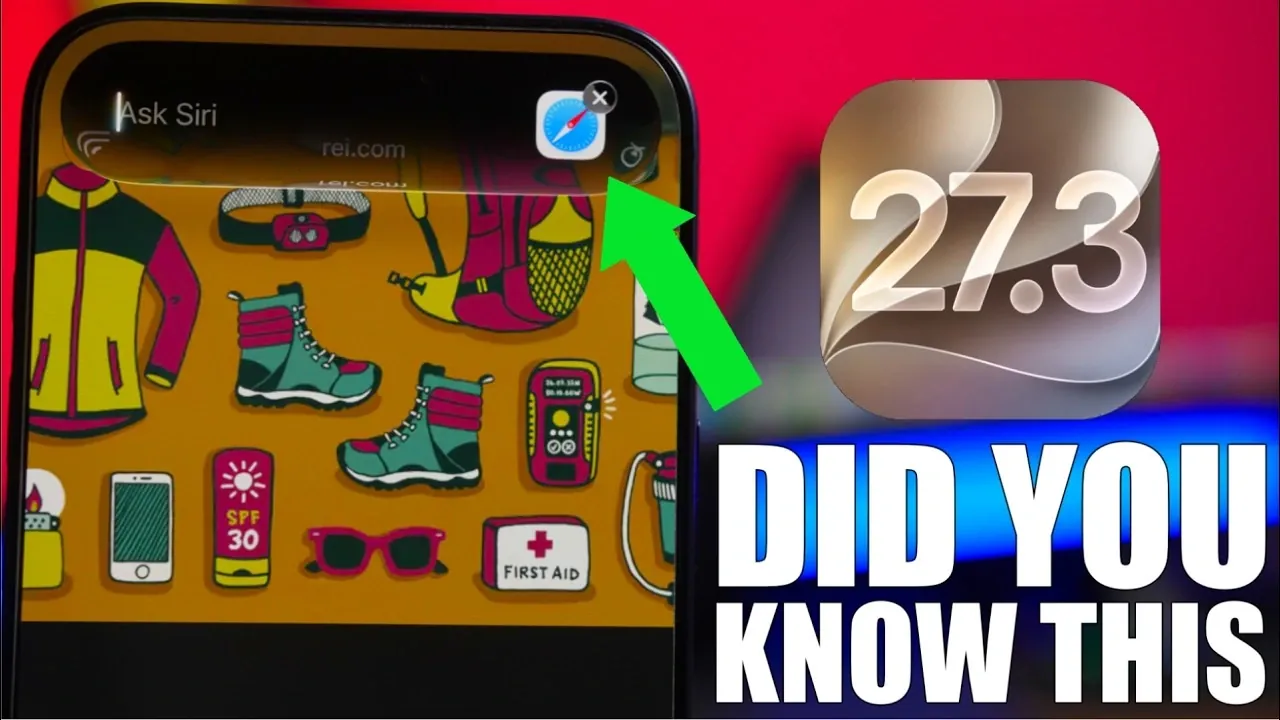
Apple’s iOS 27.3 brings a host of new features designed to make your iPhone more intuitive, customizable, and efficient. This update focuses on enhancing usability, offering smarter tools and providing greater personalization options. Whether you’re a casual user or a tech enthusiast, these features aim to simplify daily tasks and improve your overall experience. The video below from iReviews gives us a look at eight standout features you might not have explored yet.
TL;DR Key Takeaways :
- Siri AI Page Awareness: Siri can now read full webpages in Safari to summarize articles, extract packing lists, or filter menu items automatically.
- Safari Adaptive Dark Mode: Automatically darkens bright websites that lack native dark themes for comfortable late-night reading.
- Landscape Control Center & Lock Screen Tweaks: Adds a cleaner horizontal Control Center layout alongside fresh font and color options for the secondary lock screen clock.
- QR Serial Codes & TV Video Podcasts: Lets you share your device serial number via a scannable QR code and integrates free video podcasts directly inside the Apple TV app.
1. Share Your iPhone’s Serial Number with a QR Code
Sharing your iPhone’s serial number has never been easier. With iOS 27.3, you can now generate a scannable QR code directly from your device settings. This eliminates the need to manually copy, write down, or dictate long alphanumeric strings, reducing the risk of errors and saving valuable time. Whether you’re working with Apple Support, an authorized service provider, or a carrier store, this feature ensures a secure and seamless exchange of hardware details. Simply navigate to your settings, tap to generate the QR code, and let the technician scan it instantly.
2. Siri Can Summarize Website Content
Siri’s on-screen capabilities have been expanded with “Ask About Page” awareness, allowing it to handle full website content summarization even for sections not currently visible on screen. By simply asking Siri to summarize a webpage in Safari, you can quickly access the most important points without having to scroll through lengthy articles. Whether it’s a breaking news story, a detailed travel guide, or a restaurant menu, Siri extracts the key details for you. Additionally, Siri can organize the extracted information into actionable lists—such as packing checklists or ingredient summaries—making it easier to stay organized while multitasking.
3. Adaptive Dark Mode for Safari
Safari now offers an AI-powered adaptive dark mode that enhances your browsing experience in low-light environments. This feature automatically adjusts the background and text appearance of websites that don’t natively support dark mode, making sure a consistent and comfortable viewing experience without blinding white glare. Whether you’re reading late at night or browsing in dimly lit spaces, Safari intelligently adapts page contrast to your surroundings, reducing eye strain and improving overall readability.
4. Control Center Optimized for Landscape Mode
The Control Center has been redesigned to function far more seamlessly in landscape mode. With iOS 27.3, toggles, brightness sliders, and connectivity controls remain neatly organized and easy to reach when your device is rotated horizontally. This layout improvement is particularly useful when watching videos, gaming, or using CarPlay and StandBy-adjacent apps in landscape orientation. The optimized grid ensures a consistent and user-friendly interface, regardless of how you hold your iPhone.
5. Lock Screen Font and Color Customization
Personalization takes center stage with new lock screen customization options. Building on StandBy and lock screen typography tools, you can now change the font style of the smaller secondary clock and widgets on your lock screen and select custom color tints to match your wallpaper. This feature allows you to make your iPhone truly unique, reflecting your personality and aesthetic preferences. Whether you prefer a clean, minimalist look or bold accent colors, the updated customization tools give you finer control over your device’s appearance.
6. Global Expansion of News App Puzzles
The Apple News app’s interactive puzzles—including daily crosswords, crossword minis, Sudoku, Quartiles, and Emoji Game—are expanding to additional international regions such as the UK and Australia. This global expansion brings engaging daily brainteasers to a wider audience of Apple News+ subscribers, offering a fun way to unwind while challenging your mind. These puzzles combine entertainment with vocabulary and logic practice, making the News app a more versatile daily destination for users worldwide.
7. Video Podcasts in the TV App
The Apple TV app now supports free video podcasts, creating a centralized hub for both cinema-style entertainment and creator-led video shows. Video episodes are categorized by genre and popularity alongside traditional streaming content, making it easier to discover new shows or catch up on full-length visual interviews on a larger screen. This integration enhances the TV app’s versatility across iPhone, iPad, and Apple TV, catering to a variety of viewing preferences in one convenient location.
8. Enhanced Photo Organization
Managing your photo library is now more intuitive with the improved organization and navigation refinements in the Photos app. Frequently used tools, media types, and utility collections are grouped into cleaner, categorized sections, making it easier to locate specific albums, hidden folders, or editing options. Whether you’re sharing, batch-editing, or decluttering your camera roll, this update streamlines the workflow, saving you time and effort.
Bonus: Dynamic Weather Updates
The Weather app has been upgraded with newly added animated condition icons and smoother automatic hourly updates. These dynamic visuals provide a clearer, more engaging way to track shifting weather conditions in real time. The refined animations not only enhance the app’s visual polish but also ensure you stay informed about sudden temperature drops or precipitation changes at a glance.
iOS 27.3: A Step Forward in Usability
Expected to roll out publicly in December 2026 following its developer beta cycle, iOS 27.3 introduces a thoughtful collection of updates designed to enhance your iPhone’s usability, personalization, and efficiency. From smarter Siri webpage summaries and adaptive Safari dark browsing to improved Control Center ergonomics and TV app video podcasts, these features cater to a wide range of everyday habits. Whether you’re customizing your lock screen or streamlining tech support with QR serial codes, this update ensures your iPhone continues to evolve in practical, user-friendly ways.

Browse through more resources below from our in-depth content covering more areas on iOS 27.3.
- What to Expect in iOS 27.3 Beta 2: Performance Fixes, Health Overhauls, and More
- Should You Update? 5 Cool New Features Coming in iOS 27.3
- Tired of Daily Charging? How iOS 27.3 Improves iPhone Battery Life
- Is Your iPhone Ready for iOS 27.2? Here Is Your Ultimate Guide
- iOS 27.3 Leak: Release Timeline, Redesigned Health App, and AI Upgrades
- iOS 27.3 Beta Drops with 7 New iPhone Features
Source & Image Credit: iReviews
Disclosure: Some of our articles include affiliate links. If you buy something through one of these links, Geeky Gadgets may earn an affiliate commission. Learn about our Disclosure Policy.
