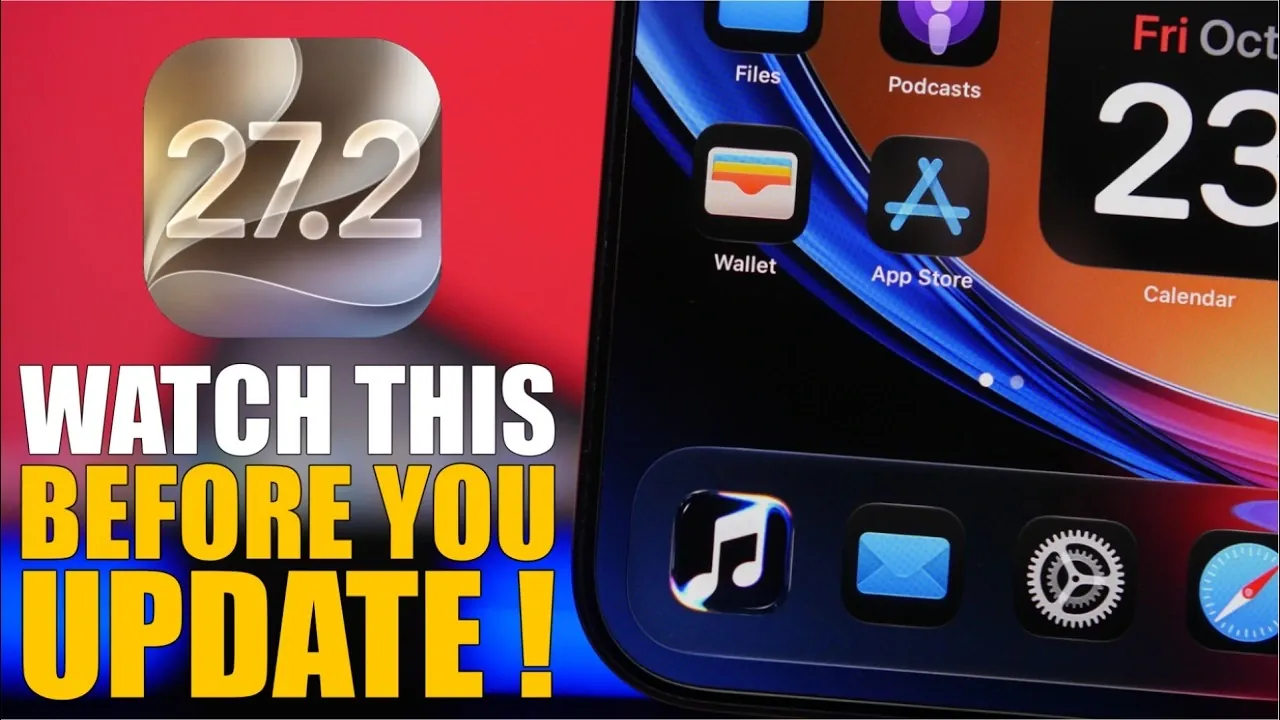
Apple has officially rolled out iOS 27.2, a feature-packed update designed to refine the user experience through a combination of new functionalities, performance upgrades, and subtle design changes. As the first major update to iOS 27, it addresses prior issues while introducing enhancements that aim to improve daily usability. Before proceeding with the update, it’s crucial to prepare your device to ensure a smooth installation process and to fully use the improvements offered by this release. The video below from iReviews gives us more details.

What’s New in iOS 27.2?
iOS 27.2 introduces several noteworthy updates that enhance both functionality and visual appeal. These changes reflect Apple’s ongoing commitment to delivering a polished and user-friendly operating system.
- Apple Music Redesign: The app now features a refreshed logo with a “liquid glass” transparency effect, offering a sleek and modern aesthetic. This design update extends throughout the app, aligning with Apple’s broader design philosophy while maintaining its intuitive navigation and core features.
- Messages App Improvement: A new option allows you to hide notification badges for muted conversations. This subtle yet impactful feature helps reduce distractions, allowing you to focus on important notifications without being overwhelmed by less critical chats.
- Enhanced Widgets: Widgets now support more customization options, including dynamic resizing and interactive elements, allowing users to tailor their home screens to better suit their preferences and workflows.
These updates are designed to enhance usability without introducing unnecessary complexity, making sure that both new and experienced users can benefit from the changes.
Performance and Battery Life Enhancements
iOS 27.2 delivers significant performance improvements, as evidenced by its impressive Geekbench scores. With a multi-core score of 10,047 and a single-core score of 3,840, the update ensures faster app launches, smoother multitasking and an overall more responsive system. Whether you’re gaming, streaming, or managing productivity apps, these enhancements are designed to provide a noticeable boost in performance.
Battery life has also been optimized, with on-screen usage now averaging approximately 8 hours. This balance between performance and energy efficiency ensures that users can enjoy extended usage without frequent recharging. While no update is entirely free of bugs, early reports suggest that iOS 27.2 is a stable release with minimal issues, making it a reliable choice for everyday use.
Steps to Prepare for the Update
To ensure a seamless transition to iOS 27.2, it’s important to prepare your device by following these steps:
- Check Available Storage: Verify that your device has at least 10 GB of free storage to accommodate the update. Insufficient storage can lead to installation errors or delays.
- Ensure Compatibility: If you’re currently running iOS 26.5 or earlier, update to iOS 26.6 or iOS 27.0.1 first. This step ensures compatibility and reduces the likelihood of installation issues.
- Backup Your Data: Use iCloud or a computer to create a backup of your device. This precaution safeguards your data in case of unexpected issues during the update process.
- Charge Your Device: Ensure your device is charged to at least 50% or connected to a power source during the update to prevent interruptions.
The update process can be initiated directly from your device’s settings under the “Software Update” section. Apple’s user-friendly interface simplifies the process, making it accessible even for those who are less familiar with technology. If you’re already using the beta version of iOS 27.2, your device is already up to date and no further action is required.
What’s Next: iOS 27.3 Beta
With the release of iOS 27.2, Apple is already gearing up for the next iteration, iOS 27.3. The beta version is expected to launch soon, bringing additional refinements and potentially introducing new features that build upon the foundation laid by iOS 27.2. The public release of iOS 27.2 is anticipated on October 26 or 27, giving users ample time to prepare their devices and explore the latest updates.
Why Updating to iOS 27.2 Matters
iOS 27.2 represents a well-rounded update that prioritizes user experience, efficiency and functionality. By addressing prior issues and introducing practical features, it ensures a more seamless and enjoyable interaction with your device. Preparing your device before updating not only minimizes potential disruptions but also allows you to fully benefit from the enhancements included in this release. With its focus on performance, design and usability, iOS 27.2 continues Apple’s tradition of delivering reliable and innovative updates that cater to the evolving needs of its users.
Advance your skills in iOS 27.2 by reading more of our detailed content.
- What’s Coming Next? Inside the New Tweaks Hitting iOS 27.2 Beta 3
- Apple Just Released iOS 27.2 Beta 3: All the New Changes
- The Best Features Coming to Your iPhone in iOS 27.2
- iOS 27.2 Beta 3 Is Here: What’s New, Changed and Fixed
- Inside iOS 27.2 Beta 4: Surprising UI Tweaks and Last-Minute Changes
Source & Image Credit: iReviews
Disclosure: Some of our articles include affiliate links. If you buy something through one of these links, Geeky Gadgets may earn an affiliate commission. Learn about our Disclosure Policy.
