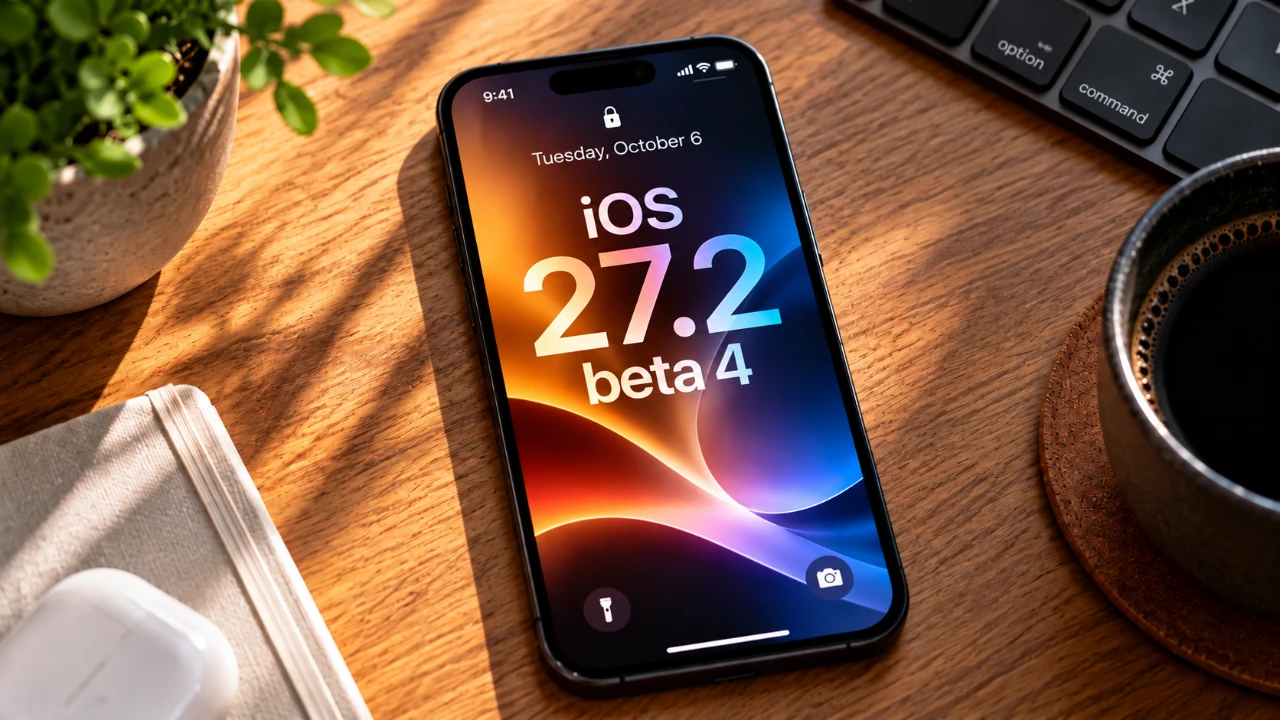
The iOS 27.2 Beta 4 update introduces a broad spectrum of enhancements, spanning app updates, system refinements, and design improvements. Whether you use your device for productivity, entertainment, or accessibility, this update offers meaningful changes designed to elevate your experience. In the video below, Half Man Half Tech explores the most notable features and updates included in this release.

Apple Music: Enhanced Usability and Global Expansion
Apple Music receives several updates that aim to improve its usability and expand its reach to a broader audience:
- A refreshed logo is now more prominently integrated across the app, reinforcing Apple Music’s branding and visual identity.
- Availability has been extended to new regions, including Albania, Brunei, Burkina Faso and Pakistan, further broadening its global footprint and accessibility.
- The library’s side sections now feature a streamlined black-and-white layout, simplifying navigation and offering a more intuitive user experience.
These updates reflect Apple’s ongoing commitment to making Apple Music a globally accessible and user-friendly platform.
Siri: Expanded Multilingual Support and Visual Upgrades
Siri sees significant improvements in both functionality and design, making it an even more versatile virtual assistant:
- A new glow effect has been added to the compose button, enhancing the visual interaction and making Siri more engaging to use.
- Support for additional languages, including French, Japanese, Korean, Portuguese and Spanish, ensures Siri is accessible to a wider global audience.
These enhancements strengthen Siri’s role as a multilingual assistant, capable of catering to diverse user needs while offering a visually refined experience.
TV App: Personalized Viewing and Improved Accessibility
The TV app now aligns more closely with the Apple TV experience, offering features that enhance personalization and accessibility:
- Users can now access their personal profiles directly upon opening the app, streamlining navigation to tailored content and recommendations.
- A new sign language option has been introduced for select movies and shows, making sure a more inclusive viewing experience for users who rely on visual communication.
These updates make the TV app a more inclusive and user-centric platform for entertainment.
System Settings: Subtle but Meaningful Refinements
iOS 27.2 introduces several updates to system settings, focusing on usability and functionality:
- A new iOS 27 wallpaper has been added, with descriptions tailored specifically for the iPhone 18 Pro and iPhone Duo models.
- The “Override Storage” option has been renamed to “Extended Storage”, though it remains non-functional in this beta version.
- The “Conversation Intelligent” setting has been removed from the Privacy and Security menu, simplifying the settings interface.
- Expanded NFC support now allows users to redeem Apple gift cards directly through their devices, adding convenience to the system.
These refinements aim to streamline system navigation and enhance the overall user experience.
Accessibility: Inclusive Features for All Users
Accessibility remains a core focus in iOS 27.2, with new features designed to cater to a diverse range of users:
- The Health app now offers enhanced personal insights, complemented by a new splash screen that guides users through its features.
- Sign language interpretation is now available for select movies and shows, making sure a more inclusive entertainment experience for users with hearing impairments.
These updates underscore Apple’s dedication to creating a platform that is accessible to everyone, regardless of their individual needs.
Design Updates: Consistency Across Devices
Design refinements in iOS 27.2 focus on creating a unified and visually cohesive experience across Apple’s ecosystem:
- The battery icon has been standardized across iOS and macOS 27.2, making sure a consistent appearance for users who operate multiple Apple devices.
- The Voice Memo and Notes apps now feature updated designs, with pop-ups highlighting new features to help users navigate the changes more effectively.
These design updates aim to enhance usability while maintaining a consistent aesthetic across Apple’s platforms.
Camera and Phone: New Functionalities for Everyday Use
The Camera and Phone apps introduce practical features to improve usability and convenience:
- The Camera app now supports dual capture during group phone calls, allowing users to record both video and audio seamlessly.
- Anniversary alerts have been added for contacts with set anniversary dates, helping users stay on top of important milestones.
These additions enhance the functionality of two of the most frequently used apps on iOS devices.
Carrier Settings: Enhanced Connectivity
For AT&T users, the carrier bundle has been updated to version 72.0.3, specifically for the iPhone 18 Pro Max. This update addresses service loss issues, making sure more reliable connectivity for affected devices.
Developer Tools: New Opportunities for Innovation
Developers gain access to new tools and hints of future integrations, paving the way for innovative app development:
- Code references have been added to assist with seamless user migration when rebuilding apps, simplifying the development process.
- Potential HomeKit controls may be integrated into the Dynamic Island in future updates, offering exciting possibilities for smart home interactions.
These tools provide developers with the resources they need to create more innovative and user-friendly applications.
Miscellaneous Updates: Small but Impactful Changes
Additional updates in iOS 27.2 include minor but noteworthy improvements:
- Apple Pay promotions now include Walmart, highlighting its compatibility with the payment service and expanding its usability.
- The Podcasts app now prominently displays new episodes at the top of the “Up Next” section, making it easier for users to stay updated with their favorite shows.
These updates, while subtle, contribute to a more seamless and enjoyable user experience.
Here are additional guides from our expansive article library that you may find useful on iOS 27.2.
- What’s Coming Next? Inside the New Tweaks Hitting iOS 27.2 Beta 3
- Apple Just Released iOS 27.2 Beta 3: All the New Changes
- The Best Features Coming to Your iPhone in iOS 27.2
- iOS 27.2 Beta 3 Is Here: What’s New, Changed, and Fixed
- Apple Releases iOS 27.2 Beta 2: What’s New?
- A Closer Look at the Hidden Features in iOS 27.2 Beta 1
Source & Image Credit: HalfManHalfTech
Disclosure: Some of our articles include affiliate links. If you buy something through one of these links, Geeky Gadgets may earn an affiliate commission. Learn about our Disclosure Policy.
