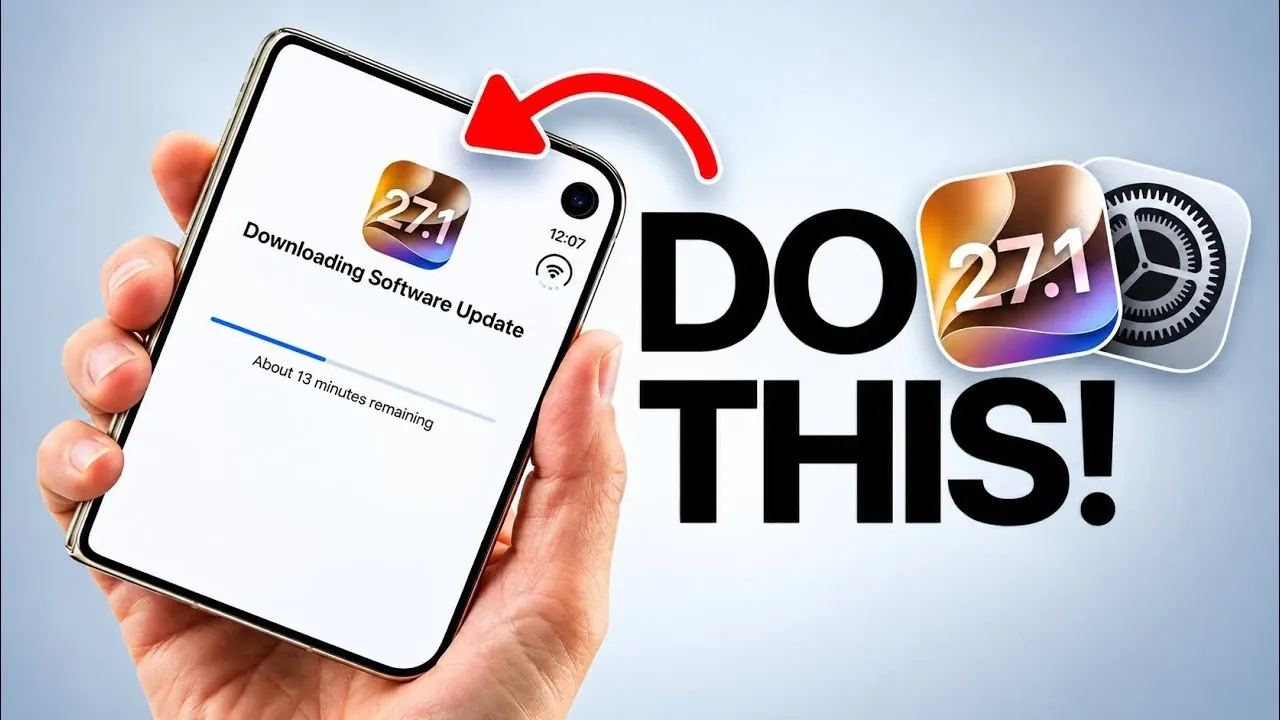
Apple has introduced its first foldable iPhone, the iPhone Duo, a device that merges innovative technology with a robust titanium design. Whether you’re transitioning from a previous iPhone model or exploring foldable devices for the first time, this guide will help you navigate the essential steps to set up, customize, and protect your new device. By following these steps, you can ensure that your iPhone Duo is optimized for performance and tailored to your preferences. The video below from iDeviceHelp gives us more details.

What Makes the iPhone Duo Unique?
The iPhone Duo stands out as a new addition to Apple’s lineup, combining a foldable display with a durable titanium frame. This design not only enhances portability but also ensures long-lasting durability. Key features of the iPhone Duo include:
- Touch ID Integration: The power button now incorporates Touch ID, replacing Face ID for biometric security, offering a faster and more reliable unlocking experience.
- USB-C Connectivity: Apple has transitioned from the Lightning port to USB-C, aligning with universal charging standards and improving compatibility with a wide range of devices.
- In the Box: The package includes a USB-C to USB-C cable, but a power adapter is not provided, encouraging users to use existing adapters or purchase one separately.
These features reflect Apple’s evolving design philosophy, prioritizing both functionality and user convenience while embracing industry standards.
1: Initial Setup
To make the most of your iPhone Duo, begin by completing the initial setup process. This ensures your device is ready to deliver optimal performance and access to the latest features:
- Activate Siri AI Beta: The advanced Siri AI Beta offers enhanced voice assistance, learning from your usage patterns to provide more personalized support. You can enable this feature during setup or later by navigating to Settings > Siri & Search.
- Update to the Latest iOS: While the iPhone Duo comes preloaded with iOS 27, newer updates such as iOS 27.1 or 27.2 may already be available. These updates often include performance improvements and features specifically optimized for the foldable design. To check for updates, go to Settings > General > Software Update.
Completing these steps ensures your iPhone Duo is running the latest software and is equipped to deliver a seamless user experience.
2: Personalize Your Experience
The iPhone Duo offers a variety of customization options, allowing you to tailor the device to your preferences and enhance usability. Consider these features to personalize your experience:
- Liquid Glass Notifications: This feature allows you to adjust the appearance of notifications with clear or tinted styles, adding a modern touch to your alerts. Customize this setting under Settings > Notifications > Liquid Glass.
- Accessibility Enhancements: For users who prefer a more defined interface, the “Show Borders” option can be enabled under Settings > Accessibility. This feature adds distinct borders around interface elements, improving visibility and usability for all users.
These customization options enable you to create a user experience that aligns with your needs, whether you prioritize aesthetics, functionality, or accessibility.
3: Streamline Access
The iPhone Duo emphasizes security with its Touch ID feature, but you can further streamline access by integrating your Apple Watch. This feature allows you to unlock your iPhone Duo effortlessly when your Apple Watch is nearby and unlocked. To enable this functionality:
- Open Settings > Touch ID & Passcode.
- Toggle on the “Unlock with Apple Watch” option.
This integration enhances convenience without compromising the security of your device, making it easier to access your iPhone Duo in everyday situations.
4: Protect Your Investment
The foldable design of the iPhone Duo is both innovative and delicate, requiring extra care to maintain its functionality and appearance over time. To protect your device:
- Invest in a Case: Choose a case specifically designed for foldable devices. These cases provide protection for the titanium frame and hinge mechanism, safeguarding against accidental damage.
- Apply Screen Protectors: Use high-quality screen protectors for both the inner and outer displays to prevent scratches and other damage. This is especially important for maintaining the integrity of the foldable screen.
By taking these precautions, you can ensure the longevity of your iPhone Duo while preserving its sleek design and functionality.
Maximizing Your iPhone Duo Experience
The iPhone Duo represents a significant advancement in smartphone technology, combining a foldable display, titanium construction and innovative features like Siri AI Beta and Liquid Glass notifications. By following these steps, from initial setup to customization and protection, you can unlock the full potential of your device. The iPhone Duo is designed to adapt to your needs, offering a seamless blend of functionality, durability and personalization. With proper care and thoughtful customization, your iPhone Duo will serve as a reliable and versatile companion in your daily life.
Below are more guides on Foldable iPhone from our extensive range of articles.
- New iPhone Ultra Leak Points to Apple’s Biggest Surprise Yet
- Massive iPhone Ultra Leaks Reveal Apple’s Most Ambitious Device Yet
- iPhone Ultra Fold Changes Everything
- iPhone Ultra Fold Launch Date Reportedly Confirmed by Leak
- Apple’s Foldable iPhone Ultra is Almost Here: Features That Change Everything
Source & Image Credit: iDeviceHelp
Disclosure: Some of our articles include affiliate links. If you buy something through one of these links, Geeky Gadgets may earn an affiliate commission. Learn about our Disclosure Policy.
