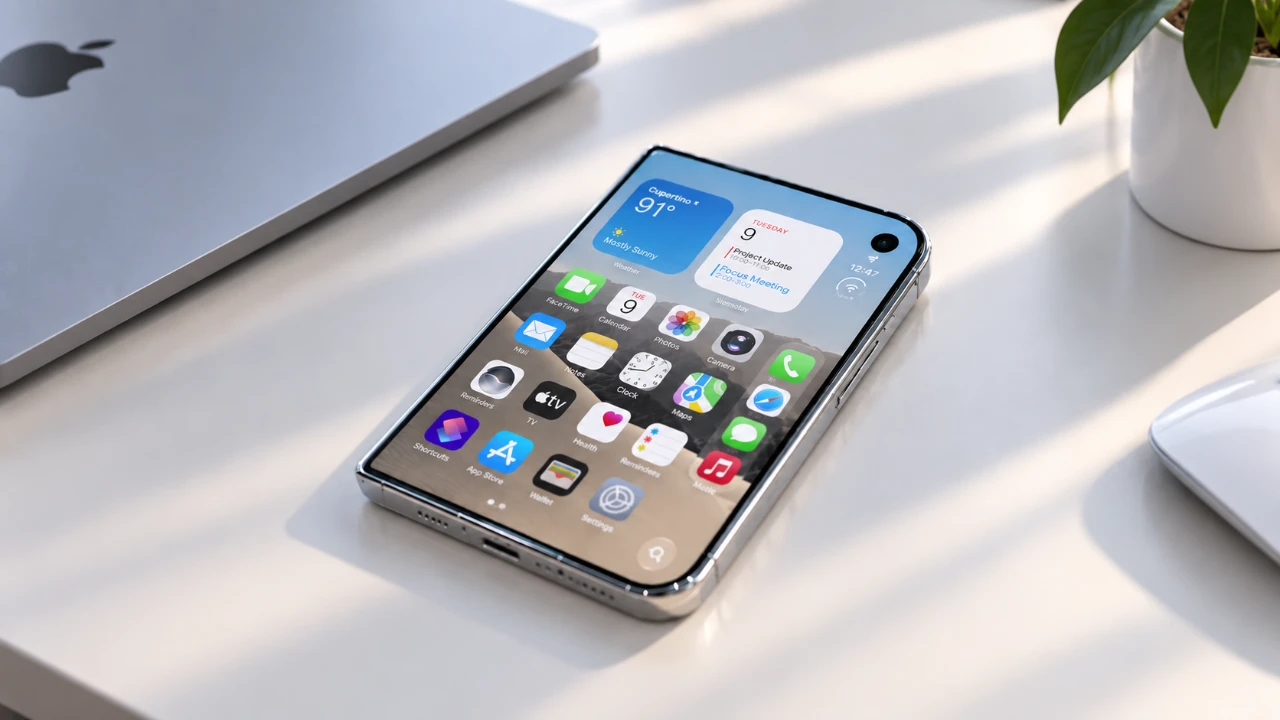
The iPhone Duo introduces a bold step forward in smartphone design, combining a foldable screen with advanced multitasking capabilities. While Apple emphasized these headline features during its launch, the device also conceals a variety of lesser-known functionalities that can significantly enhance your daily experience. These hidden features offer greater customization, convenience and efficiency, making the iPhone Duo a powerful tool for both productivity and entertainment. The video below from HotshotTek gives us more details.

Master Multitasking with Split-Screen View
The multitasking capabilities of the iPhone Duo are designed to redefine productivity. By dragging two apps into the app switcher, you can activate the split-screen view, allowing you to use both apps simultaneously. This feature is particularly useful for tasks such as comparing documents, browsing while chatting, or taking notes during a video call.
For added convenience, you can “glue” frequently used apps together, creating a custom multitasking pair. Switching between these paired apps is seamless and with a simple swipe gesture, you can rearrange their positions to suit your workflow. This functionality transforms the way you approach multitasking, making it more intuitive and efficient.
Enhanced Privacy and App Optimization
Privacy is a central focus of the iPhone Duo’s design. When folded, the device automatically activates a privacy screen, making sure that sensitive information remains visible only to you. This feature is particularly valuable in public settings, such as on public transport or in crowded spaces, where prying eyes might otherwise compromise your privacy.
However, not all apps are fully optimized for the Duo’s foldable screen, which can result in black borders or awkward layouts. To address this, you can manually adjust app settings to improve usability. By tweaking these settings, even non-optimized apps can function smoothly, allowing you to fully use the Duo’s unique display capabilities.
Typing Made Easier with Keyboard Adjustments
The iPhone Duo offers versatile keyboard options to accommodate different typing preferences. The split keyboard divides the keys into two sections, making it easier to type with both thumbs, ideal for quick messages or casual use. For more focused tasks, such as drafting emails or writing longer documents, the full-screen keyboard provides a laptop-like experience, enhancing both comfort and efficiency. These adaptable keyboard options ensure that typing on the Duo is both flexible and user-friendly.
Dual Camera Preview: A Photographer’s Dream
Photography enthusiasts will find the iPhone Duo’s dual camera preview mode particularly appealing. This feature allows you to view both the front and rear camera feeds simultaneously, making it easier to frame group shots or selfies. For parents, the device includes kid-friendly animations designed to capture children’s attention during photos, making sure you get the perfect shot every time. This innovative approach to photography adds a layer of creativity and convenience, making it a standout feature for users who love taking pictures.
Streamlined Status Bar and Control Center
The iPhone Duo introduces a redesigned status bar that provides a clean and organized layout for essential information, such as battery life, Wi-Fi and cellular connectivity. Tapping on these icons offers instant access to detailed settings, eliminating the need to navigate through multiple menus. This streamlined design saves time and ensures that you can quickly access critical information whenever you need it.
Customizable Features for a Personalized Experience
Customization is one of the iPhone Duo’s standout features. You can rearrange app icons to prevent interference from bulky cases, keeping your home screen clutter-free. The “tap to unlock” functionality adds another layer of convenience, allowing you to access your device with a simple tap instead of relying solely on Face ID or physical buttons. These small but impactful features make the Duo highly adaptable to your personal preferences, making sure a more tailored user experience.
Foldable Design: More Than Just a Gimmick
The foldable design of the iPhone Duo is more than just a visual innovation, it offers practical benefits that enhance usability. When folded, the device can function as a nightstand clock, displaying the time and notifications at a glance. This design also improves activities like video viewing and photography, allowing for unique angles and hands-free operation. By combining functionality with style, the foldable design makes the Duo a versatile companion for everyday use.
Gaming on the Go with Emulator Support
For gaming enthusiasts, the iPhone Duo supports emulators, allowing you to play classic games with ease. The foldable screen enhances the gaming experience by offering split controls or a larger display, depending on your preferences. Whether you’re a retro gamer or simply looking for a portable gaming solution, this feature adds a new dimension to mobile gaming, making the Duo an excellent choice for entertainment on the go.
Unlock the Full Potential of the iPhone Duo
The iPhone Duo is more than just a foldable smartphone, it’s a device packed with hidden features that elevate usability and customization. From multitasking and privacy enhancements to advanced camera modes and gaming support, these functionalities go far beyond what Apple showcased during its launch. By exploring these lesser-known tricks, you can tailor the iPhone Duo to your unique needs and unlock its full potential as a versatile and powerful tool.
Find more information on iPhone Duo by browsing our extensive range of articles, guides and tutorials.
- Early iPhone Duo 2 Leaks Reveal Major Hardware Upgrades
- iPhone Duo: Key Details Apple Barely Mentioned on Stage
- Apple’s iPhone Duo 2 Just Leaked: Everything Changing With the Next Foldable
- iPhone Duo Buyer’s Guide: How to Choose Without Regrets
- iPhone Duo vs. Galaxy Z Fold 8: Did Apple Just Catch Samsung?
- iPhone Duo: 5 Features That Make It Worth the Price
Source & Image Credit: HotshotTek
Disclosure: Some of our articles include affiliate links. If you buy something through one of these links, Geeky Gadgets may earn an affiliate commission. Learn about our Disclosure Policy.
