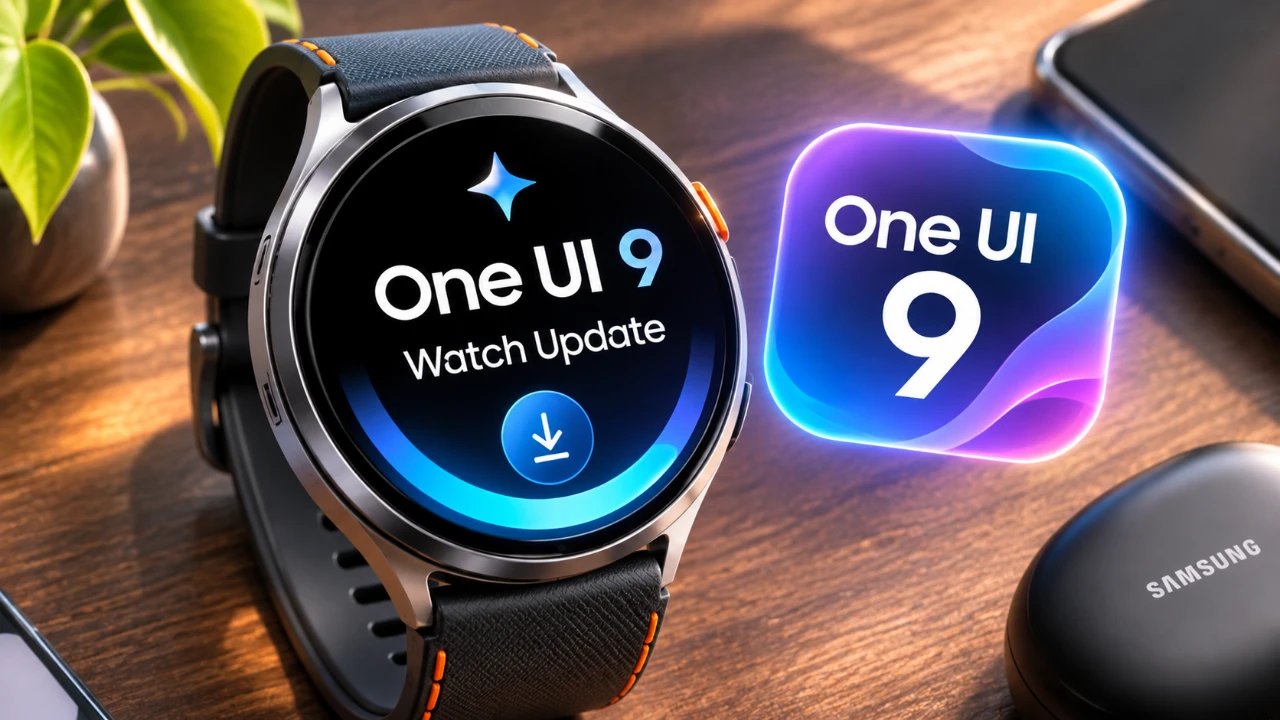
Samsung has launched the latest One UI 9 Watch update, introducing a range of new features and enhancements designed to elevate the functionality of the Galaxy Watch 8 Classic and Galaxy Watch 8. This update emphasizes improvements in health tracking, user interface design, and app functionality, delivering a more intuitive and personalized experience for users. With significant upgrades to Samsung Health, navigation tools, and watch face customization, the update aims to make the Galaxy Watch an even more indispensable part of your daily routine. The video below from AppX gives us more details.
TL;DR Key Takeaways :
- Daily Cardio Load: Tracks physical strain over workouts and daily movement to dynamically recommend custom recovery or rest targets.
- Deeper Sleep Vitals: Monitors overnight heart rate variability, skin temperature, respiratory rate, and blood oxygen to flag biometric deviations.
- Redesigned Wearable App: Simplifies watch face management with split Style and Complications tabs alongside dynamic thumbnail previews.
- Expanded Wrist Camera Controls: Adds quick access modes like Portrait Video, Slow Motion, Hyperlapse, and Food shooting options directly from your wrist.
Key Health Tracking Enhancements in Samsung Health
The One UI 9 Watch update introduces substantial advancements to Samsung Health, offering a more comprehensive and user-friendly approach to monitoring your well-being. These updates are designed to provide deeper insights into your health and fitness, making it easier to achieve your wellness goals.
- Daily Cardio Load: This new feature measures how hard exercise and day-to-day movement strain your heart, establishing adaptive target ranges to help you balance exertion with much-needed rest.
- Sleep Health Monitoring: Enhanced sleep tracking records overnight metrics including heart rate variability, respiratory rate, skin temperature and blood oxygen levels to construct a reliable baseline.
The redesigned Samsung Health interface incorporates modernized circular charts and standardized color-coding, making sure that health data is easier to interpret at a glance. These improvements make the Galaxy Watch a more reliable companion for tracking fitness progress and maintaining a healthy lifestyle.
Updates to the Samsung Health Mobile App
The Samsung Health mobile app has received complementary updates to enhance usability and customization, making sure a seamless connection between your Galaxy Watch and smartphone. These changes make it easier to access and organize your health data.
- Customizable Home Screen: Users can now personalize the app’s home screen with resizable information cards, allowing you to prioritize the metrics that matter most to you.
- Organized Health Data: Health metrics are grouped into intuitive categories, such as activities, sleep, mindfulness and nutrition, making navigation more straightforward.
- Enhanced Trend Charts: Improved charts provide a detailed view of your progress over time, whether you’re tracking steps, sleep patterns, or workout intensity.
These updates ensure that you stay informed and motivated as you work toward your health and fitness goals.
Streamlined Watch Face Customization
Customization is a central focus of the One UI 9 Watch update, particularly when it comes to watch faces. The new features make it easier than ever to personalize your Galaxy Watch to reflect your style and preferences.
- Improved Discovery: Larger previews, organized categories and detailed descriptions simplify the process of exploring and selecting new watch face designs.
- Intelligent Recommendations: The app suggests similar watch faces based on your preferences, streamlining the selection process.
- Streamlined Editing: Watch face customization is cleanly divided into a “Style” tab and a “Complications” tab for fast, hassle-free configuration.
These enhancements ensure that your Galaxy Watch not only serves as a functional tool but also complements your personal style effortlessly.
Upgraded Navigation and Compass Features
For outdoor enthusiasts, the One UI 9 Watch update brings significant improvements to the navigation and compass features, making the Galaxy Watch a more practical companion for adventures.
- Waypoint-Saving Functionality: The revamped compass app now allows you to mark specific locations—like where you parked or set up camp—making it easy to return.
- Retrace Your Path: The updated interface includes a backtrack (“Track Back”) feature, allowing you to follow your route back to your starting point with absolute confidence.
- Refined Design: The compass app’s new layout improves usability and visual clarity, making sure that navigation tools are both functional and user-friendly.
These upgrades enhance the Galaxy Watch’s utility for outdoor exploration, offering greater confidence and convenience during your adventures.

Enhanced Camera Controller Features
The camera controller app has been updated to provide greater control over your smartphone’s camera directly from your Galaxy Watch. These new features add convenience and flexibility to your photography experience.
- Expanded Shooting Modes: The app now incorporates specialized modes including Food, Portrait Video, Slow Motion, and Hyperlapse.
- Quick Wrist Adjustments: Swiping up from the bottom lets you switch between front and rear lenses, toggle Motion Photo, and manage flash settings without touching your phone.
This functionality enhances the integration between your Galaxy Watch and smartphone, making it a valuable tool for photography enthusiasts.
Availability and Rollout
The One UI 9 Watch update is rolling out globally across Bluetooth and cellular variants of the Galaxy Watch 8 and Galaxy Watch 8 Classic. Samsung is implementing a phased rollout approach to ensure a smooth transition and maintain system stability. Users can check their Galaxy Wearable app for updates to take advantage of the new features as soon as they drop.
Advance your skills in One UI 9 by reading more of our detailed content.
- The Best One UI 9 Hidden Features Samsung Kept Quiet
- Samsung’s One UI 9 Update Is Finally Here: And It’s a Total Fantastic option
- Major Samsung Update Rolling Out Now: What’s New in One UI 9
- Samsung’s One UI 9.0 Update Lands on the Galaxy S26 Ultra: What’s New
- One UI 9 Changes Everything: The Best Features Coming to Your Galaxy
Source & Image Credit: AppX
Disclosure: Some of our articles include affiliate links. If you buy something through one of these links, Geeky Gadgets may earn an affiliate commission. Learn about our Disclosure Policy.
