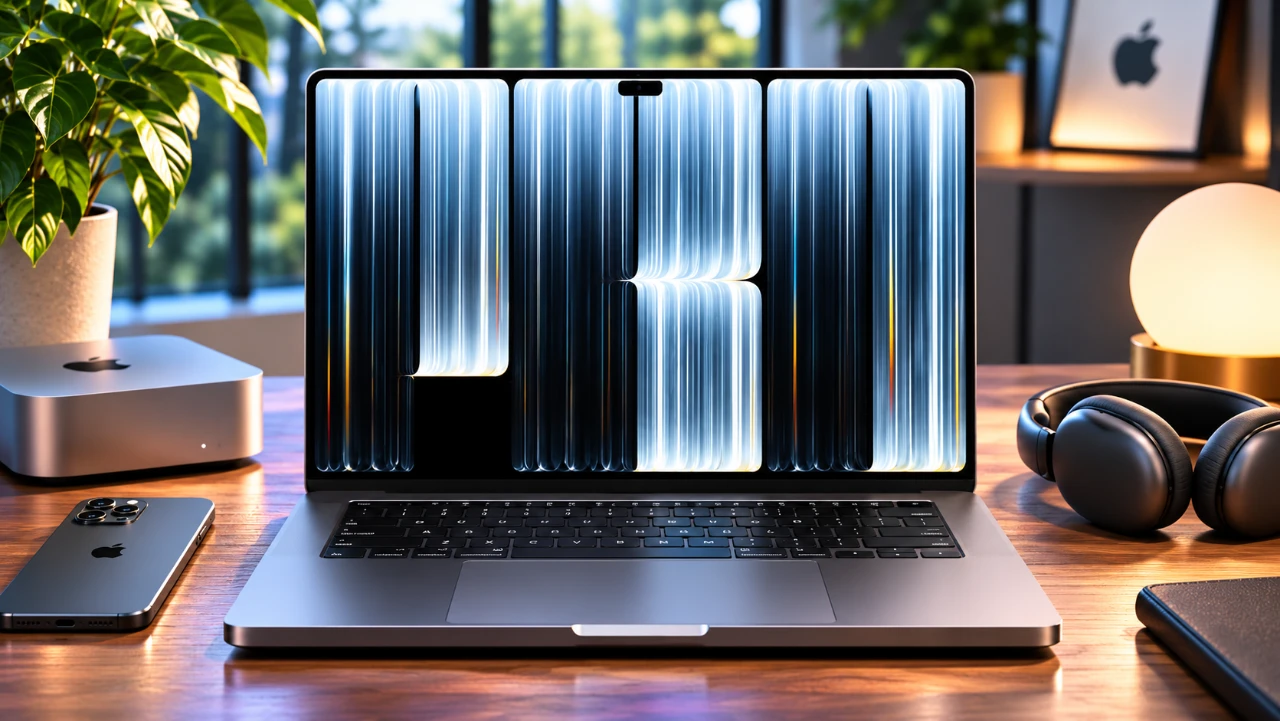
Apple’s MacBook Pro OLED XDR introduces a series of firsts to its iconic laptop lineup, including an advanced tandem OLED display and touchscreen navigation. These features mark a significant evolution for the MacBook Pro, alongside a lighter chassis design, extended battery life, and the integration of the powerful M5 Pro and Max chips. However, its premium price point and hardware limitations raise important questions about its overall value, particularly for legacy MacBook Pro users. In the video below, Andrew Ethan Zhang explores the key features, core strengths, and notable drawbacks of this high-end workstation.
TL;DR Key Takeaways :
- Tandem OLED XDR Panel: Delivers up to 2,000 nits peak brightness and true absolute blacks, though low-frequency PWM dimming (240Hz) has sparked eye-strain concerns for sensitive users.
- Native Touch Integration: Brings Multi-Touch gestures directly to macOS for the first time, though app optimization remains limited.
- M5 Pro & Max Powerhouses: Supercharged by Apple’s latest silicon architecture, featuring advanced hardware ray tracing and dedicated Neural Accelerator cores.
- Shedding Weight: Engineered into a thinner, 15% lighter form factor that features a returning classic glowing Apple logo.
OLED Display: Exceptional Visuals with Some Caveats
The PROLED XDR display is undeniably the centerpiece of the new MacBook Pro, utilizing a tandem OLED architecture that combines self-illuminating pixel layers to achieve unparalleled contrast and spec-busting brightness. It delivers true-to-life color reproduction, making it an extraordinary tool for professional colorists, photographers, and HDR video editors.
However, this transition introduces technical challenges. Glossy panel reflections can prove distracting under harsh lighting (though an optional nano-texture glass coating is available to mitigate glare). Furthermore, technical benchmarks and user reports have highlighted that the display uses a 240Hz Pulse Width Modulation (PWM) dimming cycle at lower brightness settings, which can trigger headaches, nausea, or eye fatigue for users sensitive to screen flicker.
Touchscreen: A Step Forward with Limitations
For the first time on a Mac, Apple has integrated a touch-sensitive panel supporting direct Multi-Touch gestures for scrolling, pinching, and navigating. While this adds flexibility for casual browsing and interacting with UI elements, macOS remains fundamentally built around keyboard and trackpad inputs. Most professional desktop applications are not optimized for touch, and the deliberate omission of Apple Pencil support means digital artists cannot use the screen for precision drawing. Additionally, physical screen wobble during heavy tapping can occasionally detract from an otherwise premium workflow experience.

Design: Modern Aesthetics and Improved Portability
Apple has successfully re-engineered the MacBook Pro chassis, making it noticeably thinner and over half a pound lighter than its predecessor without sacrificing port selection or thermal efficiency. Slimmer bezels frame the display, while the webcam housing transitions to a functional Dynamic Island interface. In a nostalgic nod to classic Apple design, the iconic glowing Apple logo has returned to the rear lid, achieved via a custom internal light source engineered specifically around the backless requirements of the OLED panel.
Performance: M5 Pro and Max Chips Redefine Power
Under the hood, the MacBook Pro OLED XDR is driven by the M5 Pro and M5 Max chips, offering staggering single- and multi-threaded processing speeds. Equipped with enhanced GPU shader cores, a third-generation ray-tracing engine, and integrated Neural Accelerators, the machine shreds through 3D rendering, complex software compilation, and local AI model workloads effortlessly. Under sustained heavy loads, the updated thermal architecture manages heat efficiently, though active cooling fans will spin up audibly during maximum loads.
Battery Life: Dependable for Long Workdays
Despite the immense brightness capabilities of the tandem OLED panel, power efficiency remains a hallmark of Apple Silicon. The machine delivers up to 24 hours of total battery life depending on usage patterns, easily sailing through intensive mixed workflows on a single charge and freeing mobile professionals from constant wall tethering.
Price and Value: A Premium Investment
Starting at $2,899 / £2,899 for the 14-inch base configuration with an M5 Pro chip, the OLED XDR lineup commands a clear $400 premium over traditional Mini-LED models. When scaling up to fully maxed-out 16-inch M5 Max variations featuring massive memory pools and vast storage tiers, prices can climb steeply. For businesses and working professionals whose daily output relies directly on elite display accuracy and raw compute power, it serves as a powerful income-generating investment. However, casual users or owners of recent M-series MacBooks may find the generational leap harder to justify at this price bracket.
Key Limitations to Consider
Despite its technical brilliance, prospective buyers should weigh a few critical factors:
- The Dynamic Island implementation is functional but currently underutilized within desktop macOS workflows.
- Face ID biometric authentication is absent, leaving login duties to the traditional Touch ID power button.
- Low-frequency 240Hz PWM dimming can induce eye strain or dizziness for sensitive individuals.
- Touchscreen utility is constrained by a lack of native desktop app optimization and missing stylus support.
Who Should Consider the MacBook Pro OLED XDR?
This laptop is built explicitly for creative directors, mobile power users, and enterprise professionals who demand absolute peak screen fidelity, massive thermal throughput, and state-of-the-art port connectivity. Conversely, users sensitive to OLED flicker or those who do not require bleeding-edge graphics pipelines may prefer to stick with traditional display alternatives.
Final Thoughts
The MacBook Pro OLED XDR represents a monumental shift in Apple’s laptop strategy, marrying touchscreen capabilities with breathtaking tandem OLED visuals. While its high cost and niche display trade-offs require careful consideration, it firmly establishes a new benchmark for professional mobile workstations.
Expand your understanding of OLED Display with additional resources from our extensive library of articles.
- Nvidia N1X Spark Debuts with 20 ARM Cores in ASUS ProArt P16
- Build a Custom OLED Keychain Buddy with an ESP32 S3 from Scratch
- Apple Officially Confirms New Macs Are Arriving Next Week
- ESP Mosaico Uses the ESP32-S31 and a 320 MHz RISC-V Core
- Apple Watch To Feature AMOLED Display Made By LG
Source & Image Credit: Andrew Ethan Zeng
Disclosure: Some of our articles include affiliate links. If you buy something through one of these links, Geeky Gadgets may earn an affiliate commission. Learn about our Disclosure Policy.
