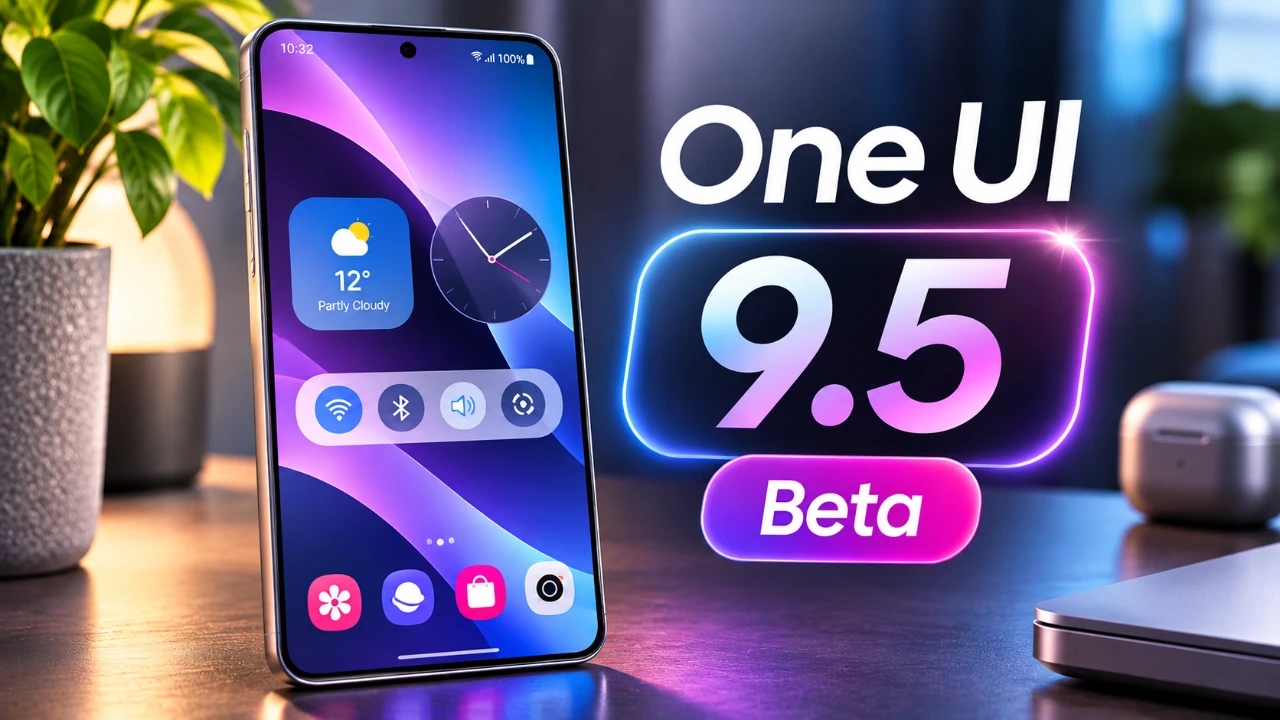
Samsung has introduced a new One UI 9.5 beta, giving select Galaxy device users an early glimpse into its latest software enhancements. This update delivers a variety of improvements across key areas such as customization, privacy, security, camera functionality, and health tools. Available in specific regions, the beta not only refines the current user experience but also lays the groundwork for future developments. The video below from AppZ offers an in-depth look at what this update brings to the table.
TL;DR Key Takeaways :
- Live Effect Wallpapers: Adds dynamic, depth-aware motion effects to your lock screen background as you tilt the device.
- Native App Lock: Finally introduces built-in application locking secured by biometrics or primary screen locks without third-party tools.
- Pro Camera Customization: Upgrades Pro and Expert RAW modes with custom buttons, precise focal length readouts, and improved histogram views.
- Global Health Additions: Expands features like worldwide medication tracking, streamlined sleep coaching, and new Mindful Notes journaling prompts.
Customization Features That Stand Out
One UI 9.5 introduces new ways to make your Galaxy device feel more personal and visually engaging:
- Live Effect Wallpapers: These dynamic wallpapers bring motion and depth to your home and lock screens, shifting perspective subtly as you tilt the hardware.
- Enhanced Lock Screen Customization: Users can now fine-tune widgets, clock layouts (including secondary seconds configurations), and notification designs with greater precision.
These updates empower users to craft a device experience that aligns with their unique preferences and style.
Privacy and Security Elevated
Samsung has placed a strong emphasis on safeguarding user data with a suite of new privacy and security tools:
- App Lock: Protect individual apps in your app drawer with biometric authentication or a primary screen lock, hiding sensitive previews when locked.
- Privacy Display: Exclusive to Ultra models, this feature automatically obscures sensitive content in public settings across secure app features like private albums and secret browser modes.
- Biometric Enhancements: Faster simultaneous verification processes streamline unlocking routines and clean up the registration interface.
These features reinforce Samsung’s commitment to providing a secure and seamless user experience.
Refined Camera Functionality
Photography enthusiasts will appreciate the thoughtful updates to the camera interface and functionality:
- Zoom Bar & Focal Lengths: A redesigned interface features a practical zoom bar and displays camera levels directly by focal lengths for precise control.
- Pro Mode Enhancements: Custom buttons, layout presets, and a lock feature allow users to maintain consistent settings during extended photo sessions.
- Streamlined Layout: Shutter controls and sub-menus have been reorganized for a cleaner, more intuitive aesthetic.
These improvements aim to make high-quality photography more accessible, regardless of skill level.

Promoting Digital Well-Being
Samsung continues to prioritize mindful device usage with the introduction of the “Pause Before App Launch” feature. This tool adds a 10-second delay before opening selected apps, encouraging users to reconsider impulsive usage and focus on more intentional interactions with their devices.
Enhanced File Management
The My Files app has been updated to improve productivity and convenience:
- Built-in Support for PPTX and DOCX Files: Users can now open PowerPoint and Word documents directly within the app without needing to install third-party office suites.
This enhancement is particularly beneficial for users who frequently handle professional documents on the go.
Health and Wellness Tools
One UI 9.5 expands its health-focused features, offering tools designed to support both physical and mental well-being:
- Enhanced Sleep Coaching: Personalized insights now initialize with just 3 days of recorded sleep data from the past two weeks.
- Mindful Notes: A journaling feature allowing free writing and guided prompts to clear thoughts and promote emotional balance.
- Medication Tracker: Now available globally, this tool helps users manage daily medication schedules, configure custom reminders, and track intake history.
These additions underline Samsung’s dedication to fostering a healthier lifestyle for its users.
Streamlined Navigation and Performance
The quick settings panel has been enhanced with a search bar, making it fast and easy to locate specific control toggles without endless scrolling. Additionally, smoother system animations contribute to a more polished, glass-inspired visual hierarchy across the entire interface.
Ringtone Customization Options
For users who enjoy personalizing their devices, Samsung now offers the ability to explore nostalgic or current sound profiles by downloading past iterations of the iconic “Over the Horizon” ringtones from previous Galaxy generations.
AI and Future Prospects
While the initial beta phase focuses primarily on core quality-of-life enhancements and security additions, Samsung has laid groundwork for advanced agentic AI features (such as deeper Bixby automation and integrated task management) expected to debut alongside the upcoming Galaxy S27 series.
Availability and Installation Tips
The One UI 9.5 beta is currently rolling out in select regions, including Korea, India, Germany, the UK, and the US for eligible flagship devices. If you’re considering installing the beta, keep these precautions in mind:
- Backup Your Data: Ensure all important files are safely backed up to prevent unexpected data loss during system flashing.
- Be Prepared for Bugs: As early preview software, minor performance hitches or app incompatibilities can occur.
- How to Join: Eligible users can register through the Samsung Members app and check for updates via Settings > Software update > Download and install.
These steps will help ensure a smoother experience when exploring the beta.
Check out more relevant guides from our extensive collection on One UI 9.5 beta that you might find useful.
- Samsung’s One UI 9.5 Is Reportedly Rolling Out Earlier Than Expected
- Samsung Expands Stable One UI 9 Rollout to Older Flagships and More Devices
- The Biggest Samsung Update in Years: Everything Coming in One UI 9.5
Source: AppX
Disclosure: Some of our articles include affiliate links. If you buy something through one of these links, Geeky Gadgets may earn an affiliate commission. Learn about our Disclosure Policy.
