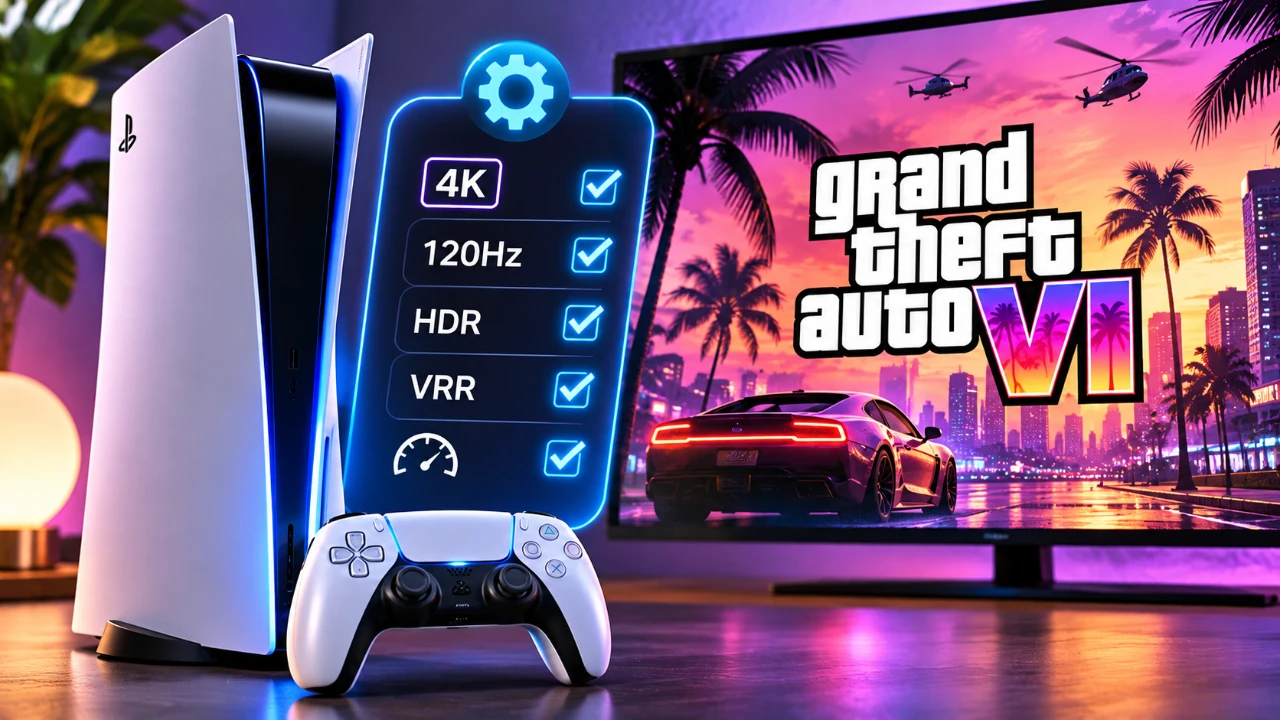
The upcoming release of Grand Theft Auto 6 (GTA 6) is one of the most eagerly awaited events in the gaming world. As Rockstar Games prepares to unveil its latest blockbuster, making sure your PlayStation 5 (PS5) is ready to deliver the best possible experience is essential. From optimizing storage to upgrading accessories, the video below from Beebom provides actionable steps to get your console in peak condition for the highly anticipated title.
TL;DR Key Takeaways :
- Massive Footprint Prep: With installation sizes tracking upwards of 200GB, clearing internal storage or adding a certified M.2 NVMe SSD is essential.
- Hardware Maintenance: Clearing dust from cooling fans and optimizing console placement prevents thermal throttling during extended sessions.
- Display & Audio Calibration: Fine-tuning HDR calibration, 120Hz output, and 3D audio profiles maximizes immersion in the world of Leonida.
- Accessory Upgrades: Utilizing dual controller charging docks and portable power banks prevents interruptions during marathon gameplay.
Optimize Your Storage
With GTA 6 expected to feature a massive open world and innovative graphics, the game will likely require substantial storage space (clearing a buffer of at least 200GB to 250GB is strongly recommended). Properly managing your PS5’s storage ensures you’ll have enough room for the game while maintaining smooth performance. Here’s how to prepare:
- Clear unnecessary files: Delete old screenshots, video captures, and trophy clips that may be taking up valuable space. These files can accumulate over time and significantly reduce available storage.
- Rebuild the database: Access your PS5’s safe mode to clear the system cache and rebuild the database. This process not only organizes your files but also enhances system performance, making sure faster load times and smoother gameplay.
- Move unused games: Transfer games you’ve completed or rarely play to an external USB storage device. This keeps your internal SSD focused on active titles like GTA 6, which will benefit from the PS5’s high-speed storage capabilities.
- Upgrade your SSD: Consider installing an M.2 Gen 4 x4 NVMe SSD with a read speed of 5,500 MB/s or faster, complete with a compatible heatsink. This upgrade provides additional capacity and ensures the high-speed performance required for seamless streaming in a resource-intensive open world.
By taking these steps, you’ll ensure your PS5 is ready to handle the large file size and demanding performance requirements of GTA 6.

Maintain Your Hardware
Keeping your PS5’s hardware in excellent condition is crucial for optimal performance, particularly when playing demanding games. Over time, dust and debris can accumulate, potentially causing overheating or reduced efficiency. Follow these maintenance tips to keep your console running smoothly:
- Clean the fans: Use compressed air to carefully remove dust from the PS5’s dedicated dust catchers and fan vents. Be sure to follow the manufacturer’s guidelines to avoid damaging sensitive components during the cleaning process.
- Improve airflow: Place your PS5 in a well-ventilated area, away from walls or enclosed media cabinets that could trap exhaust heat. Proper airflow prevents thermal throttling and ensures consistent performance during extended gaming sessions.
Regular maintenance not only extends the lifespan of your console but also ensures it performs reliably during the immersive and resource-heavy gameplay that GTA 6 is expected to deliver.
Fine-Tune Performance Settings
To fully enjoy the stunning visuals and immersive gameplay of GTA 6, optimizing your PS5’s performance settings is essential. Adjusting these settings ensures you get the most out of your console and enhances your overall gaming experience:
- Video settings: Calibrate your HDR settings under Screen and Video options to experience richer colors and improved contrast. If your TV supports it, activate Variable Refresh Rate (VRR), Auto Low Latency Mode (ALLM), and 120Hz output for smoother motion and reduced input lag.
- Audio settings: Enable 3D Audio for compatible headphones or configure your Dolby Atmos setup to make every detail in GTA 6’s world more vivid, directional, and engaging.
- Controller customization: Adjust your DualSense controller settings to personalize vibration intensity, adaptive trigger feedback and speaker volume. These features add to the tactile immersion of the game.
- One-touch play: Enable this feature to sync your PS5 and TV power, streamlining your setup and reducing startup delays for a more seamless gaming experience.
These adjustments ensure your PS5 is optimized to showcase GTA 6’s innovative graphics, immersive soundscapes and responsive gameplay mechanics.
Upgrade Your Accessories
The right accessories can significantly enhance your gaming experience, making your PS5 setup more versatile and enjoyable. Consider these upgrades to complement your console and prepare for GTA 6:
- Controller power bank: Keep your DualSense controller charged during extended play sessions to avoid interruptions, making sure uninterrupted gameplay.
- Clip-on keyboard: A practical addition for easier typing, especially when communicating with friends or entering text in online modes.
- Racing wheel attachment: If GTA 6 includes driving elements, a racing wheel accessory can add realism and precision to your driving experience.
- Docking station: Invest in a PS5 docking station with features like cooling fans and dual controller charging. This keeps your setup organized while enhancing functionality.
Upgrading your accessories not only improves convenience but also enhances the overall gaming experience, allowing you to fully immerse yourself in GTA 6’s expansive world. By following these steps, you’ll ensure your PS5 is ready to handle the demands of GTA 6, delivering a smoother, more immersive gaming experience.
Here are more guides from our previous articles and guides related to PlayStation that you may find helpful.
- Sony’s PlayStation 6 Details Leaks: First Look at the Next-Gen Console
- Rumoured Massive 26-Teraflop Xbox Project Helix Pits It Against PlayStation 6
- AI Memory Demand Could Push PlayStation 6 Handheld Over $600
- Sony Ending Physical Discs in 2028 Sparks PS5 Blackout Protest
- Why PlayStation Dropped Hideo Kojima and Canceled PHYSINT
- AI Hardware Demand Could Push PlayStation 6 Prices To $1,500
Source: Beebom
Disclosure: Some of our articles include affiliate links. If you buy something through one of these links, Geeky Gadgets may earn an affiliate commission. Learn about our Disclosure Policy.
