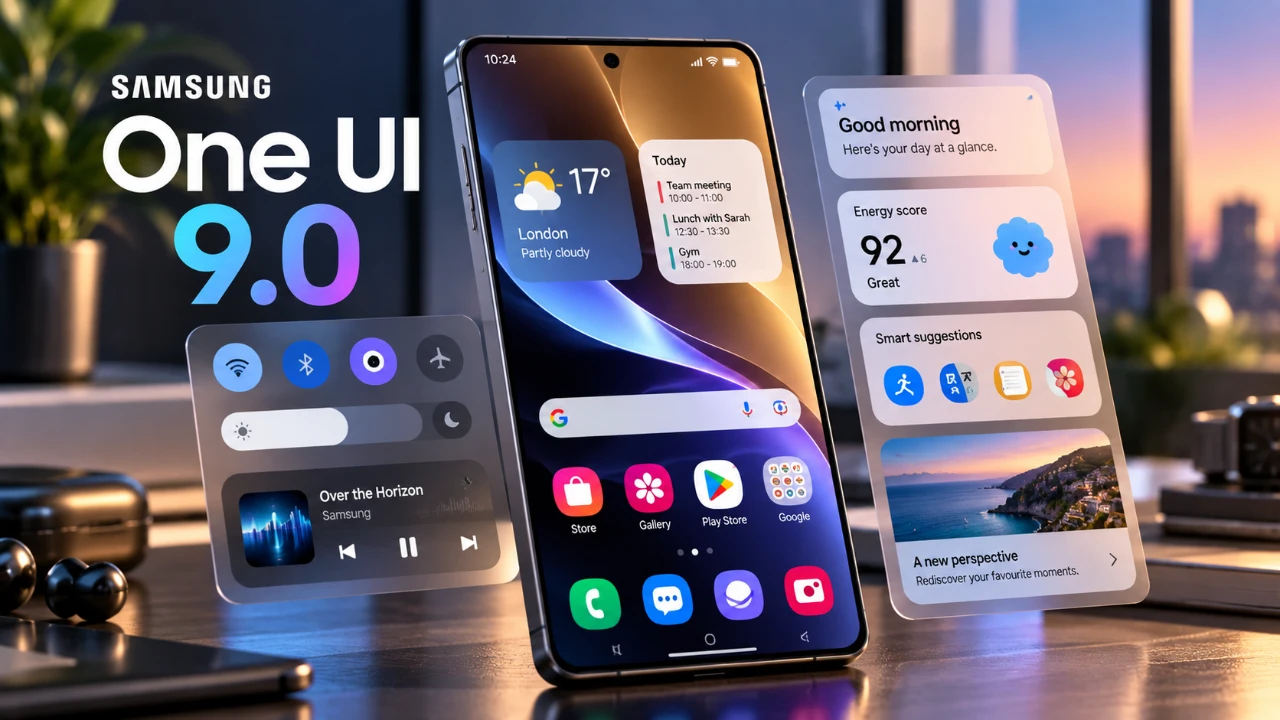
Samsung’s One UI 9 introduces a comprehensive range of features designed to enhance your Galaxy device’s functionality, privacy and safety. By allowing key settings, you can unlock the full potential of your device and tailor it to your specific needs. Below is a detailed video from AppX on the most impactful features you should activate to improve your overall experience.

AI Assistants and Voice Wake-Up
One UI 9 enhances the integration of AI assistants like Bixby, Google Assistant, and Perplexity, making them more intuitive and accessible. A standout feature is voice wake-up, which allows you to activate your assistant hands-free using a simple wake-up command. For Bixby, you can even customize the wake-up phrase to better suit your preferences.
Why enable this?
– Convenience: Effortlessly set reminders, control smart home devices, or search for information without needing to touch your phone.
– Efficiency: Multitask seamlessly, whether you’re cooking, driving, or working, while keeping your hands free.
By allowing voice wake-up, your Galaxy device becomes a more responsive and intuitive tool for managing daily tasks, offering a smoother and more efficient user experience.
Safety and Emergency Features
One UI 9 prioritizes your safety with features designed to keep you informed and protected in critical situations. Activating these tools ensures you’re prepared for emergencies and potential threats:
- Emergency Alerts: Receive real-time notifications about natural disasters, severe weather, or other emergencies. These alerts can provide crucial information when you need it most.
- Unknown Tracker Detection: Protect your privacy by scanning for nearby Bluetooth trackers that could be used to monitor your location. You can also perform manual scans for added security and peace of mind.
These features work together to enhance your awareness of your surroundings, offering a layer of protection that is both proactive and reliable.
Driving Overview Feature
For drivers, One UI 9 introduces a driving behavior analysis tool integrated with Android Auto. This feature monitors and reports on your driving habits, providing insights into:
- Speed
- Acceleration
- Braking patterns
By reviewing this data, you can identify areas for improvement and adopt safer driving practices. The tool also logs trip history, allowing you to view route details and travel statistics. Whether you’re a daily commuter or someone who enjoys long road trips, this feature helps you stay informed about your driving performance, promoting safer and more efficient habits on the road.
Enhanced File Management
Managing files on your Galaxy device is now more streamlined with the “Show File Summaries” feature in the My Files app. This tool uses AI to generate concise summaries of:
- PDFs
- Text files
- Voice recordings
Instead of reading through lengthy documents, you can quickly access key points, saving time and effort. Notably, all file summaries are processed locally on your device, making sure your data remains private. This feature is particularly beneficial for professionals, students and anyone who needs quick access to essential information without compromising privacy.
Galaxy AI Privacy Settings
Privacy is a core focus of One UI 9, with features designed to give you greater control over your personal data. By allowing on-device data processing, you ensure that AI-related tasks, such as file summarization or voice recognition, are handled locally without relying on cloud servers.
Why consider this?
– Enhanced Privacy: Minimize data exposure by keeping sensitive tasks offline.
– Greater Control: Decide how your personal information is processed and stored, aligning with Samsung’s commitment to user privacy.
For users who do not require cloud-based AI features, disabling them further reduces potential risks, offering a more secure and private experience.
AI Network Guard
One UI 9 introduces AI Network Guard, a feature that gives you control over how apps use your device’s internet connection. This tool is particularly useful for privacy-conscious users or those looking to optimize their device’s performance. With AI Network Guard, you can:
- Restrict Wi-Fi access for specific apps, making it ideal for parental controls or limiting distractions.
- Reduce ads in offline games by preventing them from connecting to the internet.
- Conserve data and improve device performance by limiting unnecessary internet usage.
This feature enables you to manage app behavior effectively, making sure that your device operates efficiently while maintaining your privacy.
Feature Availability
The availability of certain features in One UI 9 may vary depending on your device model, region, language and software version. To access the full range of features, ensure your Galaxy device is updated to the latest software version. Regular updates not only unlock new features but also improve overall performance and security.
Maximizing Your Galaxy Device
Samsung’s One UI 9 offers a robust suite of tools designed to enhance your Galaxy device’s functionality, privacy and safety. By allowing features like voice wake-up, emergency alerts, driving behavior analysis, and AI Network Guard, you can customize your device to better meet your needs. Privacy-focused settings, such as on-device data processing and tracker detection, further ensure your personal information remains secure.
Take the time to explore these options and make the most of what One UI 9 has to offer. By activating these features, you can transform your Galaxy device into a more powerful, secure, and personalized tool for everyday use.
Expand your understanding of One UI 9 with additional resources from our extensive library of articles.
- Every New Feature in the Samsung One UI 9 WATCH Update
- Samsung’s One UI 9 Update Is Finally Here: And It’s a Total Game-Changer
- The Best One UI 9 Hidden Features Samsung Kept Quiet
- Samsung’s One UI 9.0 Update Lands on the Galaxy S26 Ultra: What’s New
- First Look at One UI 9.5: Samsung’s Sleekest Interface Redesign in Years
- One UI 9 vs. One UI 8.5: The Biggest Changes Samsung Just Made to Your Phone
Source: AppX
Disclosure: Some of our articles include affiliate links. If you buy something through one of these links, Geeky Gadgets may earn an affiliate commission. Learn about our Disclosure Policy.
