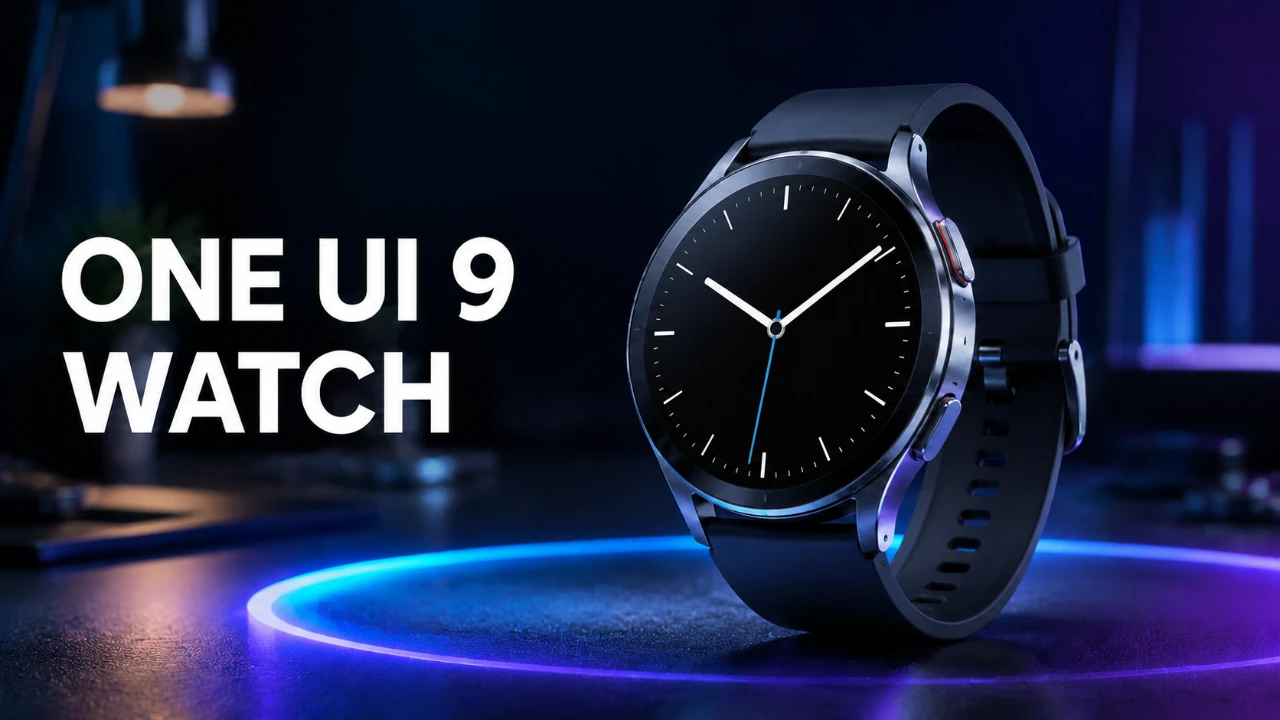
Samsung’s One UI Watch 9, built on the foundation of Wear OS 7, introduces a series of updates aimed at refining the Galaxy Watch experience. While the interface maintains its familiar layout, the update focuses on enhancing health tracking, gesture controls, and visual elements. These improvements are designed to boost both usability and functionality, with many features expected to extend to older Galaxy Watch models, making sure a broader user base can benefit from the changes. The video below from AppX gives us more details.

Subtle but Effective Visual Refinements
One UI Watch 9 introduces understated yet impactful visual updates that enhance the overall user experience. Fonts have been resized to appear smaller and sleeker, improving readability across the interface. Adjustments to text alignment in settings create a cleaner and more organized look, while subtle changes to background shades for tiles and apps improve contrast and visual clarity. Despite these refinements, core elements such as animations, quick panels and toggles remain unchanged, preserving the familiar navigation experience that users have come to rely on.
These visual updates strike a balance between modernizing the interface and maintaining its intuitive design, making sure that both new and existing users can navigate the system with ease.
Health Tracking Takes Center Stage
Health and wellness are central to One UI Watch 9, with new features designed to provide deeper insights into fitness and overall well-being. The update introduces several key additions to its health-tracking suite:
- Vitals Tracking: Establishes a seven-day baseline to monitor key health metrics over time, offering a clearer picture of your overall health trends.
- Daily Cardio Load: Tracks cardiovascular activity to help manage workout intensity and recovery, making sure a balanced fitness routine.
- Heart Health Monitoring: Provides insights into heart rate trends and detects potential irregularities, promoting proactive heart care.
- Hearing Protection Alerts: Monitors environmental noise levels and warns against prolonged exposure to harmful sounds, safeguarding your hearing health.
These new tools complement existing features such as stress tracking, blood oxygen monitoring, and sleep tracking, which have been fine-tuned for greater accuracy. Together, they form a comprehensive suite of health-focused capabilities, empowering users to take a more proactive approach to their well-being.
Enhanced Gesture Controls
Gesture controls receive significant upgrades in One UI Watch 9, offering improved functionality and customization options. The new “Raise to Talk” gesture allows users to activate Google Assistant simply by raising their wrist to their face, making interactions more seamless and intuitive. Additionally, separate toggles for gestures like “Double Pinch” and “Shake” enable users to assign specific actions, such as answering calls, dismissing notifications, or managing alerts.
These enhancements provide greater flexibility and personalization, allowing users to tailor their watch’s functionality to suit their daily needs. By streamlining interactions, the updated gesture controls make the Galaxy Watch experience more efficient and user-friendly.
Exclusive New Watch Faces
One UI Watch 9 introduces a collection of modern, customizable watch faces that cater to a variety of aesthetic preferences. While these designs are exclusive to the latest Galaxy Watch 9 model, they can also be installed on older Galaxy Watch devices, making sure accessibility for a wider audience. These watch faces offer fresh options for personalization, allowing users to express their style while enjoying the practical benefits of a smartwatch.
Developer Tools and Broader Compatibility
Developer tools in One UI Watch 9 remain largely unchanged, retaining features such as ADB debugging and animation scale adjustments. These tools continue to support app development and customization for advanced users, making sure that the platform remains versatile and developer-friendly.
In terms of compatibility, most new features are expected to roll out to Galaxy Watch 8 and earlier models. However, some features may require specific hardware capabilities, limiting their availability on older devices. This approach ensures that the update delivers meaningful improvements while maintaining compatibility across a broad range of devices.
Refinements to the Samsung Health App
The Samsung Health app receives incremental updates to enhance its tracking capabilities. Metrics such as heart rate, stress, blood oxygen, and vascular load have been fine-tuned for improved precision, providing users with more reliable data. Meanwhile, features like energy score, sleep tracking, and food logging remain consistent, offering a robust set of tools for monitoring health and wellness.
These refinements ensure that the Samsung Health app continues to serve as a comprehensive platform for tracking and managing various aspects of physical and mental well-being.
A Thoughtful Update Focused on Usability
Samsung’s One UI Watch 9 represents a thoughtful update that prioritizes health tracking and usability while maintaining the familiar interface that users appreciate. The subtle visual refinements, enhanced gesture controls and expanded health features collectively improve the user experience without introducing overwhelming changes. With backward compatibility for most features, the update ensures that a wide range of Galaxy Watch users can benefit from these enhancements.
While not a innovative overhaul, One UI Watch 9 underscores Samsung’s commitment to steady, meaningful innovation in wearable technology. By focusing on practical improvements and user-centric design, this update reinforces the Galaxy Watch’s position as a versatile and reliable companion for health, fitness and everyday convenience.
Learn more about Samsung One UI with other articles and guides we have written below.
- Why One UI 9’s Subtle Changes Make It Samsung’s Smartest Android 17 Update Yet
- The Hidden Features Inside Samsung’s New One UI 8.5
- One UI 9 Beta Features Revealed: Here’s Every New Change
- Samsung Galaxy Battery Drain? Change These One UI 8.5 Settings Now
- Samsung One UI 8.5 vs One UI 8.0: Full Comparison
- Is One UI 8.5 Ruining Your Samsung Battery? Try This Quick Fix
Source & Image Credit: AppX
Disclosure: Some of our articles include affiliate links. If you buy something through one of these links, Geeky Gadgets may earn an affiliate commission. Learn about our Disclosure Policy.
