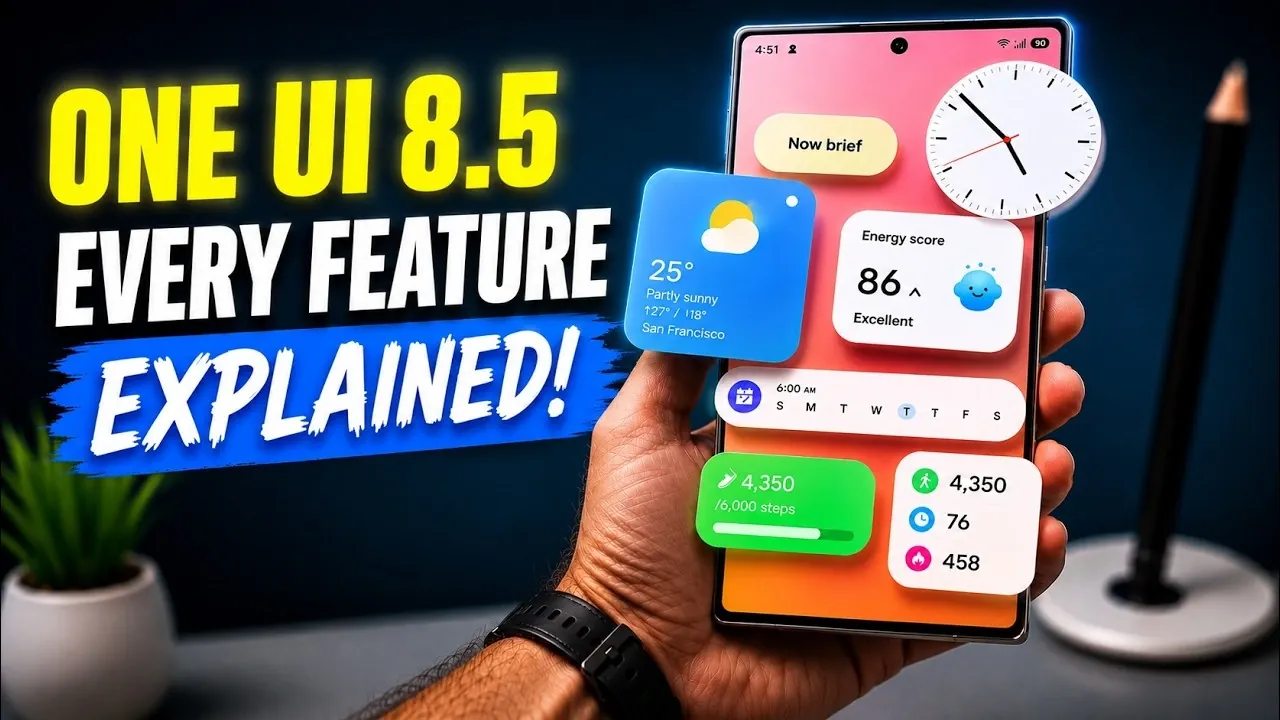
Samsung’s One UI 8.5 update delivers a well-rounded suite of features, design refinements, and functional upgrades tailored for Galaxy devices. With a focus on personalization, AI-driven tools, cross-device compatibility, and enhanced privacy, this update is crafted to elevate your experience. Whether you’re managing files, customizing your interface, or safeguarding your data, One UI 8.5 offers tools designed to meet your needs. The video below from Sakitech gives us more details about the new features on One UI 8.5.
Key Features and Improvements
Battery and Device Care
One UI 8.5 introduces “Sleep Time Protection”, a feature designed to optimize battery charging during your sleep. By intelligently managing charging cycles, this feature helps to prolong battery health over time, making sure your device remains reliable for longer. Additionally, the update includes intelligent app blocking, which prevents apps with excessive ads or unnecessary background activity from running. This not only improves overall performance but also enhances user satisfaction by reducing interruptions.
Streamlined Software Update Interface
The software update screen has been redesigned with a more intuitive layout and smoother animations. This ensures that users can quickly navigate the interface, making it easier to access the latest features and security updates. The improved design emphasizes clarity, helping you stay up to date with minimal effort.
Enhanced Cross-Device Compatibility
Samsung has significantly improved cross-device functionality in One UI 8.5. Features like Quick Share simplify file sharing between Samsung devices, offering a seamless experience similar to Apple’s AirDrop. Additionally, the new Storage Share feature allows you to manage and access storage across multiple devices. This makes multitasking more efficient, allowing you to work across devices without interruptions or delays.
Customizable Control Panel
The control panel now offers greater flexibility, allowing users to personalize their interface. Vertical and horizontal sliders for volume and brightness adjustments provide more precise control, while resizable toggles enable you to organize your layout according to your preferences. These enhancements ensure that your most-used settings are always within easy reach.
AI-Powered Features and Audio Enhancements
AI integration is a standout feature in One UI 8.5, offering tools that enhance both functionality and convenience. Key AI-powered features include:
- Audio Eraser: Reduces background noise during playback, delivering clearer sound quality for a better listening experience.
- AI Call Screening: Identifies spam calls and provides detailed caller information, helping you avoid unwanted interruptions.
- Gallery AI Editing: Simplifies photo modifications, allowing you to make professional-quality edits with minimal effort.
- Audio Broadcast: Enables you to share voice or media across local devices, making collaborative listening more accessible.
Weather and Wallpaper Updates
Dynamic visuals take center stage with real-time weather effects on eligible wallpapers. These effects bring your device to life, reflecting current weather conditions in a visually engaging way. Additionally, weather-based alarm backgrounds now display live weather updates when you wake up, seamlessly blending functionality with aesthetics.
Gallery and Privacy Enhancements
Privacy remains a top priority in One UI 8.5. The update introduces the ability to hide photos and videos in a private album secured by biometric authentication or a PIN. This ensures that your personal content remains protected from unauthorized access, giving you greater peace of mind.
Creative Studio Tools
The Creative Studio has been revamped to offer a more intuitive interface, making it easier to design stickers, greeting cards, wallpapers and other custom creations. AI-powered tools assist in producing professional-quality designs effortlessly, allowing users to unleash their creativity without requiring advanced design skills.
Clock App Improvements
The Clock app has received several updates to enhance its functionality:
- A redesigned stopwatch now includes lap tracking, making it easier to manage time during workouts or other activities.
- World clock enhancements feature time zone calculations and visual indicators for day and night, simplifying coordination across different regions.
Design and Interface Refinements
Subtle yet impactful design changes in One UI 8.5 enhance the overall user experience. Key updates include:
- Repositioned search bars at the bottom of apps and settings for easier access, improving usability for one-handed operation.
- Menus with drop shadows and translucency, adding depth and a touch of sophistication to the interface.
- Streamlined navigation within the app drawer and settings, making sure a more intuitive and efficient flow.
Why One UI 8.5 Stands Out
One UI 8.5 represents a thoughtful evolution of Samsung’s software, balancing functionality, personalization and cross-platform integration. From AI-driven tools to enhanced privacy features and dynamic design updates, this update ensures a seamless and enjoyable user experience. Whether you’re managing files, customizing your interface, or exploring creative tools, One UI 8.5 equips you with the features you need to maximize your device’s potential.
Here are additional guides from our expansive article library that you may find useful on One UI 8.5 Features.
- The Hidden One UI 8.5 Features You Need to Turn on Today
- Samsung Just Started Rolling Out One UI 8.5 With New AI Features
- Samsung One UI 8.5 is Finally Here: Check Your Settings for These Innovative Features
- Samsung Adds Galaxy S23 Series to One UI 8.5 Beta
- Samsung One UI 8.5 is Here: The One Feature That Changes Everything
Source & Image Credit: sakitech
Disclosure: Some of our articles include affiliate links. If you buy something through one of these links, Geeky Gadgets may earn an affiliate commission. Learn about our Disclosure Policy.
