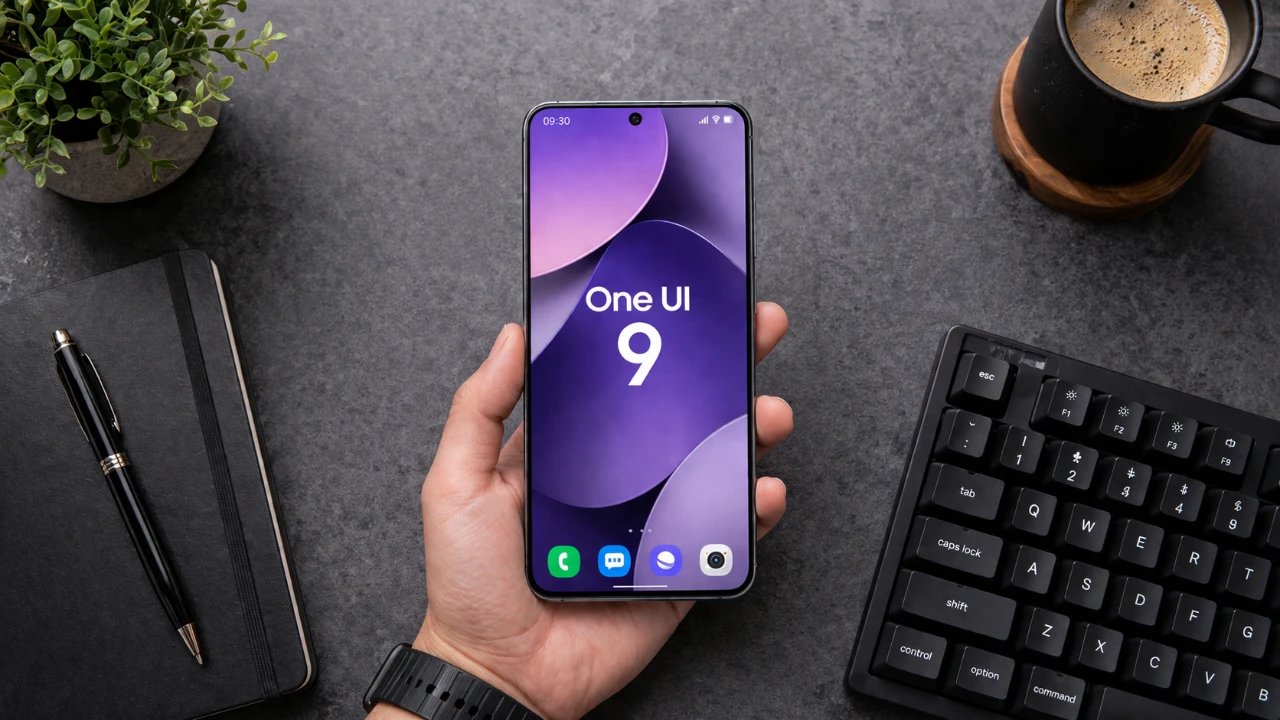
Samsung’s One UI 9, built on the foundation of Android 17, brings a series of refined enhancements to Galaxy devices. While it avoids introducing dramatic overhauls, the update focuses on improving usability, customization, and accessibility, making sure smoother and more intuitive daily interactions. For users anticipating innovative changes, the update might seem modest, but its incremental improvements are designed to enhance the overall user experience in meaningful ways. The video below

Overview
One UI 9, built on the foundation of Android 17, introduces a range of refinements aimed at enhancing the user experience on Samsung Galaxy devices. This update focuses on improving customization, productivity, gaming, privacy, and accessibility, while also incorporating subtle interface enhancements. Although the changes are primarily incremental, they collectively aim to deliver a more seamless and personalized experience. However, the absence of new features may leave some users desiring more fantastic updates.
Customizable Quick Panel
The Quick Panel in One UI 9 has been redesigned to offer greater flexibility and usability. Key updates include:
- Rearranging and resizing elements such as brightness and volume sliders to suit individual preferences.
- A resizable media player widget that provides a cleaner and more streamlined interface.
- Thicker sliders and separated sound and color mode buttons for improved accessibility and aesthetics.
These enhancements make the Quick Panel more intuitive and visually appealing, catering to users who value control over their device’s interface.
Samsung DeX Enhancements
Samsung DeX continues to evolve as a productivity tool, with new features designed to improve multitasking:
- Seamless movement of app windows between desktops, allowing smoother workflows and better organization.
- Desktop previews accessible directly from the recent apps screen, simplifying multitasking on larger displays.
These updates enhance DeX’s functionality, making it a more efficient option for users who rely on their devices for desktop-like productivity.
Samsung Notes: New Creative Tools
Samsung Notes expands its capabilities with features tailored for creativity and collaboration:
- The “tape” feature, which allows users to conceal and reveal text, is particularly useful for presentations or collaborative editing.
- New pen styles that support detailed sketching, journaling and note-taking, catering to both professional and personal needs.
These additions make Samsung Notes a versatile tool for users seeking innovative ways to express ideas and collaborate effectively.
Game Booster Panel Improvements
Gaming enthusiasts will appreciate the significant updates to the Game Booster Panel, which now includes:
- Real-time adjustments to screen resolution and screenshot formats during gameplay for enhanced flexibility.
- Improved control over performance settings, making sure a smoother and more optimized gaming experience.
These improvements are designed to meet the demands of gamers who prioritize performance optimization and customization.
Privacy Features
Privacy remains a cornerstone of One UI 9, with new tools that enhance transparency and control over personal data:
- A blue indicator that shows when GPS is active, providing real-time awareness of location access.
- Quick identification and management of apps that use location data, empowering users to make informed decisions.
These features underscore Samsung’s commitment to data security and user privacy.
Accessibility Enhancements
One UI 9 introduces significant accessibility improvements, making sure inclusivity for a broader range of users:
- The “Text Spotlight” feature enlarges and isolates text in a floating window, making it easier to read.
- Physical keyboard shortcuts now include accessibility settings, allowing faster navigation for users with specific needs.
- Enhanced mouse keys provide smoother cursor control for those using external peripherals.
- The “Replace Swipe with Single Tap” option has been relocated to a more intuitive menu for easier access.
- The “Select to Speak” feature allows quick audio readouts of text or images, improving usability for visually impaired users.
These updates reflect Samsung’s dedication to creating devices that are accessible to everyone.
Subtle UI Refinements
While not innovative, the interface updates in One UI 9 focus on improving usability and organization:
- The “About Phone” page has been redesigned for better clarity and easier navigation.
- Widgets now feature frosted glass effects and improved layouts, enhancing the overall aesthetic.
- Security settings no longer display status updates, reducing visual clutter and improving focus.
- “Digital Well-being” and “Parental Controls” have been separated into distinct tabs, simplifying their use.
- Finder settings are now categorized for better organization and quicker access.
- The My Files app features a redesigned 2×3 grid layout with updated visuals for internal storage, making file management more intuitive.
These refinements contribute to a cleaner and more user-friendly interface, making sure a smoother experience for all users.
Final Thoughts
One UI 9 delivers a collection of thoughtful updates that enhance customization, productivity, gaming, privacy, and accessibility. While these changes are evolutionary rather than innovative, they collectively improve the overall user experience. For those who value subtle yet practical enhancements, One UI 9 represents a polished and reliable upgrade. However, users seeking major innovations may find this update less impactful.
Become an expert in One UI 9 Features with the help of our in-depth articles and helpful guides.
- One UI 9: Innovative Features Every Samsung User Needs to Find
- Samsung One UI 9 First Build Leaked: Android 17 Arrives Early for Galaxy Users
- One UI 8: 10 Possible Changes Coming to Your Samsung Smartphone
- One UI 9 Leaks: New Features Coming to Your Samsung Phone
- What Samsung’s One UI 9 Beta Brings to the Galaxy S26
Source & Image Credit: AppX
Disclosure: Some of our articles include affiliate links. If you buy something through one of these links, Geeky Gadgets may earn an affiliate commission. Learn about our Disclosure Policy.
