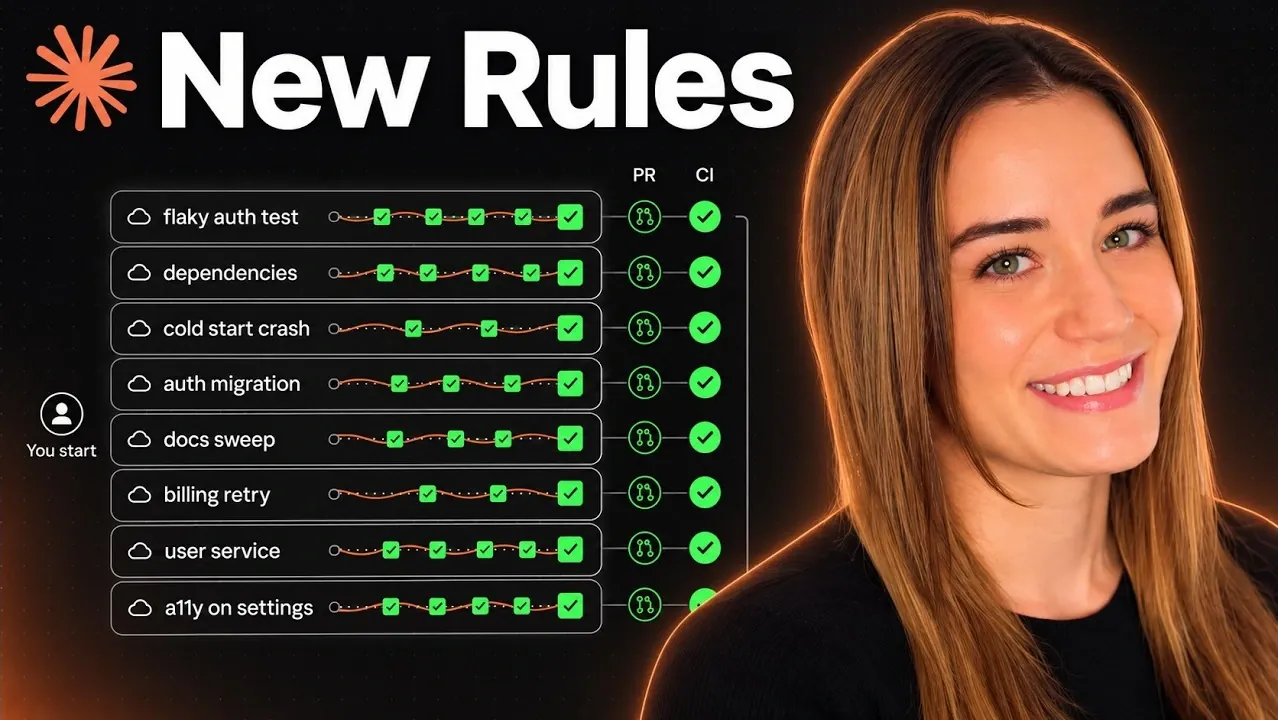
Claude Code lets you delegate coding and other work to Claude, with controls for commands, instructions and review. Instead of watching every step, you can assign tasks across separate sessions and inspect the results. Anthropic engineer Lydia Hallie explains how her team manages that work in a discussion presented by Nate Herk.
Explore how Claude Code uses CLAUDE.md instructions to supply context without crowding out the task. This deep dive also covers command approvals and deny rules for protecting sensitive files, along with checks and hooks that help verify results. You can use those distinctions to decide which instructions to keep and which safeguards to configure.
Keep Project Instructions Focused
TL;DR Key Takeaways :
- Keep CLAUDE.md focused on information Claude cannot infer from the code. Hi says emphatic rules can work against strong models;
/doctor prompt auditcan identify unnecessary or confusing instructions. - Auto mode checks commands and asks for approval when unsure. In an August study, it blocked 89% of dangerous commands, while about 14% of people caught a clearly dangerous command; about one in 10 dangerous commands still passed auto mode.
- Deny rules can block access to sensitive files, but they inspect commands rather than everything those commands do. A sandbox limits file and website access; cloud sessions run on fresh computers without your keys, though pushed commits and connector messages persist.
- Checks, goal prompts and hooks help verify results during and after tasks. Hi says exit code 2 sends Claude back to fix a failed test, while Claude Code marks the task complete with exit code 1.
- Claude Code projects can delegate task-list items to separate sessions coordinated by a main session. Projects is in beta on Pro, Max and Ultra plans.
Claude Code can read a project’s CLAUDE.md file for instructions and context. Earlier workflows often involved watching a session, correcting it and adding emphatic rules to the file. Hi says those emphatic lines can work against you with models as strong as Claude Opus 5.5. Unnecessary instructions can send the model off track, increase tool calls and worsen results.
The file is best reserved for information Claude cannot infer from the code. It can serve as a routing map to a business wiki, brand assets and financial files. Claude Code can also use AGENTS.md for that purpose. You can audit CLAUDE.md and skills against the model you use with:
/doctor prompt auditThe audit can identify instructions the model no longer needs or material that takes up space. It may also find content that confuses the model.
Control Commands and Protect Files
Auto mode is the default in the terminal and Claude Code desktop app. A separate classifier checks commands. It allows actions such as tests and installs, but stops for approval when it is unsure. By default, it trusts only the current folder and repository, so a push to a separate deployment repository returns to you for approval.
Settings written in plain English tell the classifier which repositories, buckets and domains to trust, as well as what to always allow or never do. Claude Code can draft settings entries from a project and recent sessions with:
/auto mode setupIn an August study comparing auto mode with people in the loop, about 14% of people caught a clearly dangerous command, while auto mode blocked 89% of the dangerous commands. About one in 10 still passed through auto mode.
A deny rule adds a hard block in the settings file that Claude Code can check before auto mode. Hi’s criterion for a deny-list entry is whether you can undo a mistake. You can reverse bad code, but you cannot undo the reading of an API key or the wiping of unsaved work. A permission rule can block access to the .env file rather than relying on an instruction in a prompt.
That distinction matters for client work and knowledge work, too. You can rewrite a draft, but you cannot take back a sent email or a deleted file. A deny rule sees the command rather than everything it does. A compromised test script could still try to read an .env file or SSH keys and send them to an unfamiliar server.
A sandbox limits which files a command can open and which websites it can reach. To configure it, enter:
/sandboxFor longer jobs, a cloud session runs on a fresh computer with a copy of your code but without your keys. It continues after you close your laptop. Deny rules committed to the project carry into future cloud sessions. The cloud machine is disposable, but a pushed commit or a message sent through a connector is not.

Learn more about Claude Code features and practices with other articles and guides we have written below.
- Anthropic Adds Persistent JavaScript Mods to Claude Code
- Lean Prompts Beat Micromanagement in New Anthropic Models
- 27 Claude Code Concepts Explained : Prompts, Permissions, Tools, Memory & More
- Master Anthropic’s Claude Code : Tools, Hooks & User Commands in One Guide
- Claude Opus 5.5 Expands Session Limits but Retains Weekly Caps
Check Results and Automate Review
Checks let Claude assess its output during a long task. The same request to move a login system to a new API could leave the old API in place, move only new logins or log everyone out. A check can catch a bad result before the run finishes.
Checks can be programmatic or describe what a good result should look like. For a research report, they could check that claims have source links or that numbers match a spreadsheet. Claude can also take screenshots and inspect its output. Hi prefers asking to see the actual output because she was not present while it was produced.
A goal prompt asks Claude to keep working until a defined finish line is true:
/goalFor checks that must run every time, hooks are scripts Claude Code runs automatically. They can check formatting after each edit, run a test after each task or run the full test suite before completion. Hi says most tools return exit code 1 when a test fails, but Claude Code marks the task complete with that code. Exit code 2 sends Claude back to fix the failure.
Once a session opens a pull request, continuous integration can run. On Hi’s team, a separate Claude session reviews every pull request first, and another group of agents double-checks each bug it finds. People review risky changes, while small changes such as documentation can merge after checks pass.
Delegate Work with Projects
A Claude Code projects session can take a task list, start a separate session for each item and check the results. The list can cover code or work such as a client report, research brief, content ideas or scripts, while you talk to one main chat.
The main session coordinates rather than writing the code itself. Project settings let you choose a coordinator model and a thread model: Fable 52 could coordinate, while Opus 5.5 could carry out work in the individual threads. Hi identifies Fable as suited to deciding what to do and judging returned work.
Claude Code projects is in beta on Pro, Max and Ultra plans. Auto mode settings and deny rules govern different parts of command approval, and a deny rule alone does not inspect everything a command runs. Cloud sessions also need project-committed deny rules to carry those blocks into future sessions.
If you want to delegate coding or knowledge work and check the results, take a closer look at Claude Code for managing tasks across sessions.
Media Credit: Nate Herk | AI Automation
Disclosure: Some of our articles include affiliate links. If you buy something through one of these links, Geeky Gadgets may earn an affiliate commission. Learn about our Disclosure Policy.
