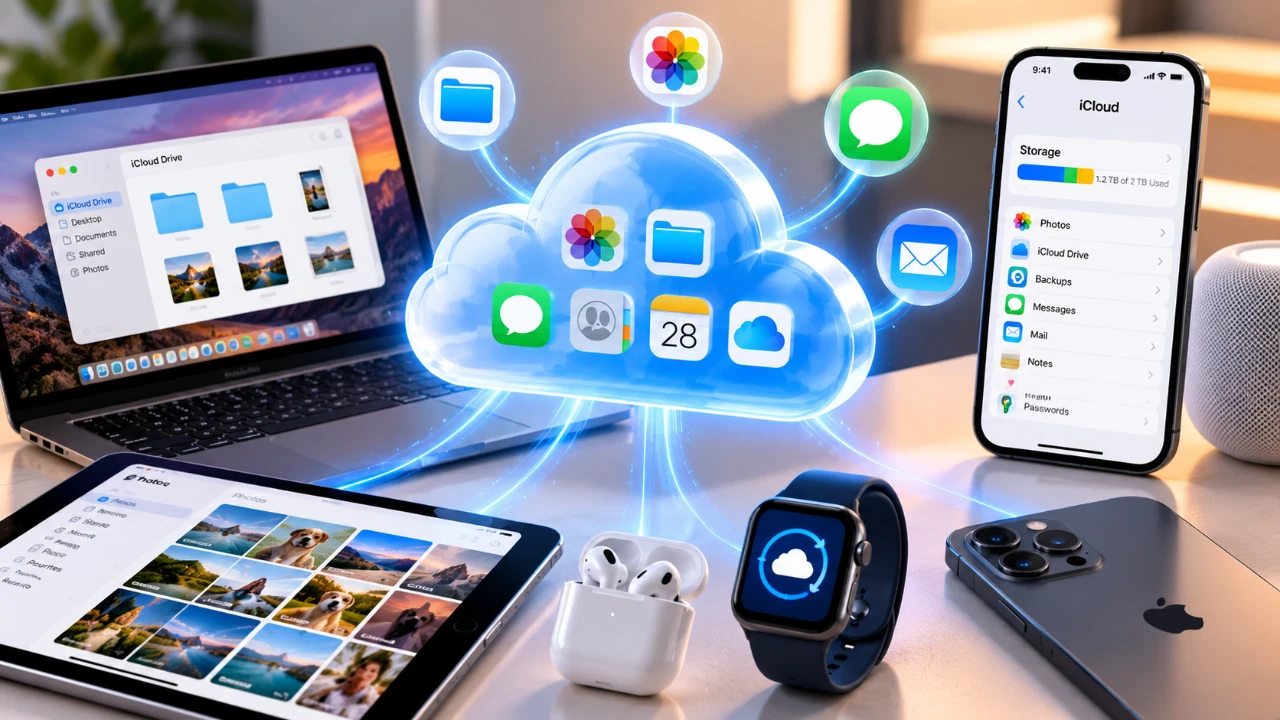
iCloud is Apple’s cloud-based service designed to seamlessly synchronize, store, and manage your data across devices. By understanding its core functionality, you can take full advantage of its features to organize photos, files, backups, and storage efficiently. This guide explores how iCloud operates, dispels common misconceptions, and highlights its key features to help you maximize its potential.

What is iCloud?
iCloud is a synchronization service that connects your Apple devices through your Apple ID. It ensures that your data, such as photos, files, notes and app information, remains consistent across all devices. For instance, if you save a note on your iPhone, it will automatically appear on your iPad or Mac, provided they are signed into the same Apple ID.
Unlike traditional backup systems, iCloud focuses on synchronization rather than creating standalone copies of your data. This distinction is crucial for managing your files and backups effectively. While iCloud ensures your data is accessible across devices, it does not replace the need for regular backups, especially for critical data.
How iCloud Handles Photos
The “iCloud Photos” feature automatically uploads your photos and videos to iCloud, making them accessible across all your Apple devices. This functionality is particularly useful for users who frequently switch between devices, as it eliminates the need for manual transfers. To save local storage, you can enable the “Optimize iPhone Storage” option, which stores smaller, compressed versions of your photos on your device while keeping the full-resolution files in iCloud.
However, it’s important to manage your photos carefully. Deleting a photo on one device will remove it from all devices and iCloud. This interconnected system requires attention to avoid accidental loss of important media. Regularly reviewing your photo library and organizing it into albums can help maintain order and prevent unwanted deletions.
iCloud Drive: File Storage and Access
iCloud Drive serves as Apple’s file storage system, allowing you to save, access and share documents across your devices. Files stored in iCloud Drive are available on all devices signed into your Apple ID. For example, a document saved in the Desktop folder on your Mac can be accessed on your iPhone through the Files app. This feature is particularly beneficial for users who work across multiple devices, as it ensures seamless access to important files.
If you need to free up space on your device, you can remove local copies of files while retaining them in iCloud. This allows you to manage your storage efficiently without losing access to your data. Additionally, iCloud Drive supports file sharing, making it easy to collaborate with others by granting them access to specific files or folders.
Understanding iCloud Backups
iCloud backups are designed to protect your device settings, app data and unsynced information. These backups complement iCloud’s synchronization features but do not duplicate data already stored in iCloud, such as photos managed through “iCloud Photos.” This ensures that your backups are efficient and do not consume unnecessary storage space.
To maintain the security of your data, regularly check your backup status and ensure you have sufficient iCloud storage. Backups are particularly valuable for restoring your device in case of loss, damage, or when upgrading to a new device. You can verify your backup settings in the Settings app under your Apple ID, where you can also manage which apps are included in the backup.
iCloud Storage Plans
Apple provides 5GB of free iCloud storage for every account, but this space is shared across all your devices and can fill up quickly. To accommodate larger storage needs, Apple offers paid plans with additional storage options:
- 50GB
- 200GB
- 2TB
These plans can be shared with family members through Apple’s Family Sharing feature, making them a cost-effective solution for households. When selecting a storage plan, consider your data usage and syncing requirements. For instance, users who rely heavily on “iCloud Photos” or back up multiple devices may benefit from a higher-tier plan to avoid running out of space.
What is iCloud+?
iCloud+ is Apple’s premium subscription service that enhances privacy and functionality with advanced features. These include:
- Private Relay: Encrypts your internet traffic in Safari, adding an extra layer of privacy.
- Hide My Email: Allows you to create disposable email addresses to protect your personal email from spam or unwanted messages.
- Secure Video Storage: Provides encrypted storage for footage from HomeKit-enabled security cameras.
These features are included with paid iCloud plans, offering additional value for users who prioritize privacy and security. For those concerned about online safety, iCloud+ provides tools to safeguard personal information while maintaining the convenience of Apple’s ecosystem.
Tips for Managing iCloud Effectively
To optimize your iCloud experience, consider the following tips:
- Regularly review your iCloud settings to ensure they align with your current needs and preferences.
- Monitor your iCloud and device storage usage to avoid running out of space unexpectedly.
- Understand the differences between local storage, iCloud storage, and backups to manage your data more effectively.
For example, you can check your iCloud storage usage in the Settings app under your Apple ID. This overview provides insights into which apps or data consume the most space, allowing you to make informed adjustments. Additionally, periodically organizing your files and photos can help maintain a clutter-free iCloud account.
Making the Most of iCloud
iCloud is a versatile tool for managing your data across Apple devices. By understanding its synchronization capabilities, photo management options and backup features, you can tailor its use to suit your needs. Whether you rely on iCloud for file storage, device backups, or privacy features like “Private Relay,” this guide equips you with the knowledge to make informed decisions about your storage and syncing preferences. With proper management, iCloud can simplify your digital life and enhance your overall Apple experience.
Check out more relevant guides from our extensive collection on Apple that you might find useful.
- Apple Watch Ultra 4 Leak Reveals 4 Major Upcoming Upgrades
- Apple Watch Ultra 4 Emerges in Massive Leaks
- Apple Watch Ultra 4 Leak Reveals Huge Upgrades
- Apple Watch Ultra 4 Leaks Reveal Big Upgrades Coming This Fall
- Apple Watch 12 & Ultra 4: Leaks Reveal a Big Hardware Change
- Apple Watch Ultra 4 Leaks Point to the Lineup’s First Major Redesign
Source & Image Credit: Proper Honest Tech
Disclosure: Some of our articles include affiliate links. If you buy something through one of these links, Geeky Gadgets may earn an affiliate commission. Learn about our Disclosure Policy.
