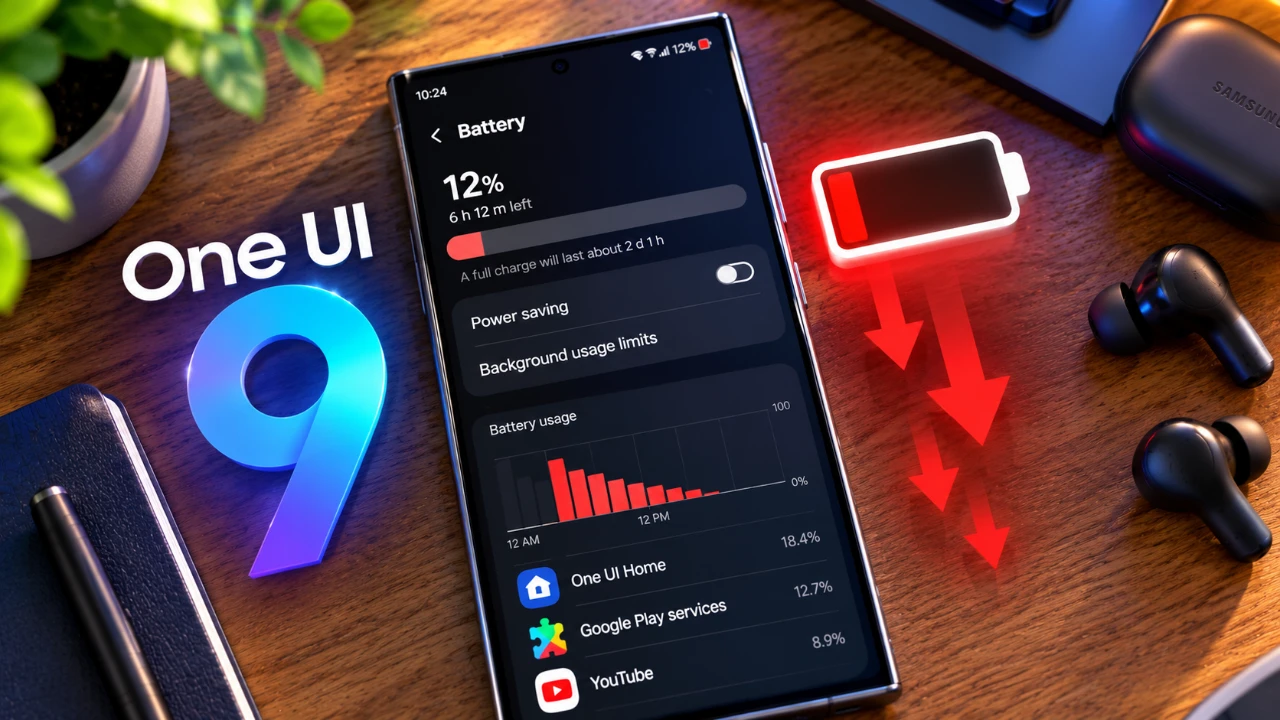
Users of the Samsung Galaxy S24 and S25 have reported experiencing some battery drain and increased device heating after updating to One UI 9. These issues, while varying in severity, appear to stem from how the software handles background processes and processor activity. Although Samsung has not officially confirmed the root cause, there are several practical steps you can take to mitigate these problems while awaiting a potential fix. The video below from AppX gives us more details.

What Users Are Experiencing
Following the update to One UI 9, many users have observed noticeable changes in their devices’ performance. The most commonly reported issues include:
- Rapid battery depletion during routine activities such as browsing, streaming, or messaging.
- Increased device heating, even during light or moderate usage.
- Inconsistent impact, with some devices experiencing more severe symptoms than others.
These concerns have raised questions about the software’s ability to efficiently manage power and system resources, leading to frustration among users.
Potential Causes of the Problem
The battery drain and overheating issues are likely linked to inefficiencies in One UI 9’s power management system. Key factors contributing to the problem may include:
- Unoptimized background processes, allowing non-essential apps to consume excessive energy.
- Processor overactivity, where the CPU remains unnecessarily engaged, resulting in higher power consumption and heat generation.
These inefficiencies could explain why some devices experience rapid battery drain and overheating, even under relatively light workloads.
How to Troubleshoot the Issue
While waiting for an official resolution from Samsung, there are several steps you can take to manage the problem effectively:
- Check battery usage in the settings menu to identify apps consuming excessive power. Restrict their background activities if they are not essential.
- Update all apps, including both system and third-party applications, to their latest versions. Updates often include performance improvements and bug fixes.
- Enable power-saving mode to limit processor activity and reduce energy consumption.
- Adjust screen brightness and disable background syncing for non-critical apps to conserve battery life.
These measures can help reduce the impact of battery drain and overheating until Samsung provides a permanent solution.
What to Avoid
While troubleshooting, it is important to avoid actions that could worsen the issue or void your device’s warranty. For example:
- Do not attempt to downgrade to an earlier firmware version, as this can lead to compatibility issues and potential data loss.
- Avoid using advanced tools like ADB commands unless you are highly experienced, as improper use can damage your device.
Instead, focus on safe and reversible steps that address the problem without introducing additional risks.
Recommendations for Long-Term Management
If the issue persists, consider implementing the following strategies for long-term management:
- Monitor your device’s performance over time to identify any patterns or changes in battery and heating behavior.
- Contact Samsung support or visit an authorized service center for professional assistance and advice.
- Submit feedback through Samsung’s official channels to help the company prioritize a fix for the issue.
These actions can help you manage the problem effectively while contributing to a broader understanding of the issue within the Samsung user community.
Looking Ahead
Samsung is likely aware of the reported battery and heating issues and it is reasonable to expect that a software update addressing these concerns is already in development. In the meantime:
- Stay vigilant for firmware updates and install them promptly when they become available.
- Continue using power-saving features and monitoring app activity to minimize unnecessary power consumption.
- Share your experiences with Samsung, as user feedback plays a critical role in identifying and resolving widespread issues.
While One UI 9 introduces a range of valuable features, the reported battery and heating problems underscore the importance of continuous software optimization. By staying informed and taking proactive steps, you can effectively manage these challenges and ensure your device remains functional and reliable until a resolution is provided.
Check out more relevant guides from our extensive collection on One UI 9 that you might find useful.
- Every New Feature in the Samsung One UI 9 WATCH Update
- Samsung’s One UI 9 Update Is Finally Here: And It’s a Total Game-Changer
- The Best One UI 9 Hidden Features Samsung Kept Quiet
- One UI 9 vs. One UI 8.5: The Biggest Changes Samsung Just Made to Your Phone
- Samsung’s One UI 9.0 Update Lands on the Galaxy S26 Ultra: What’s New
- First Look at One UI 9.5: Samsung’s Sleekest Interface Redesign in Years
Source: AppX
Disclosure: Some of our articles include affiliate links. If you buy something through one of these links, Geeky Gadgets may earn an affiliate commission. Learn about our Disclosure Policy.
