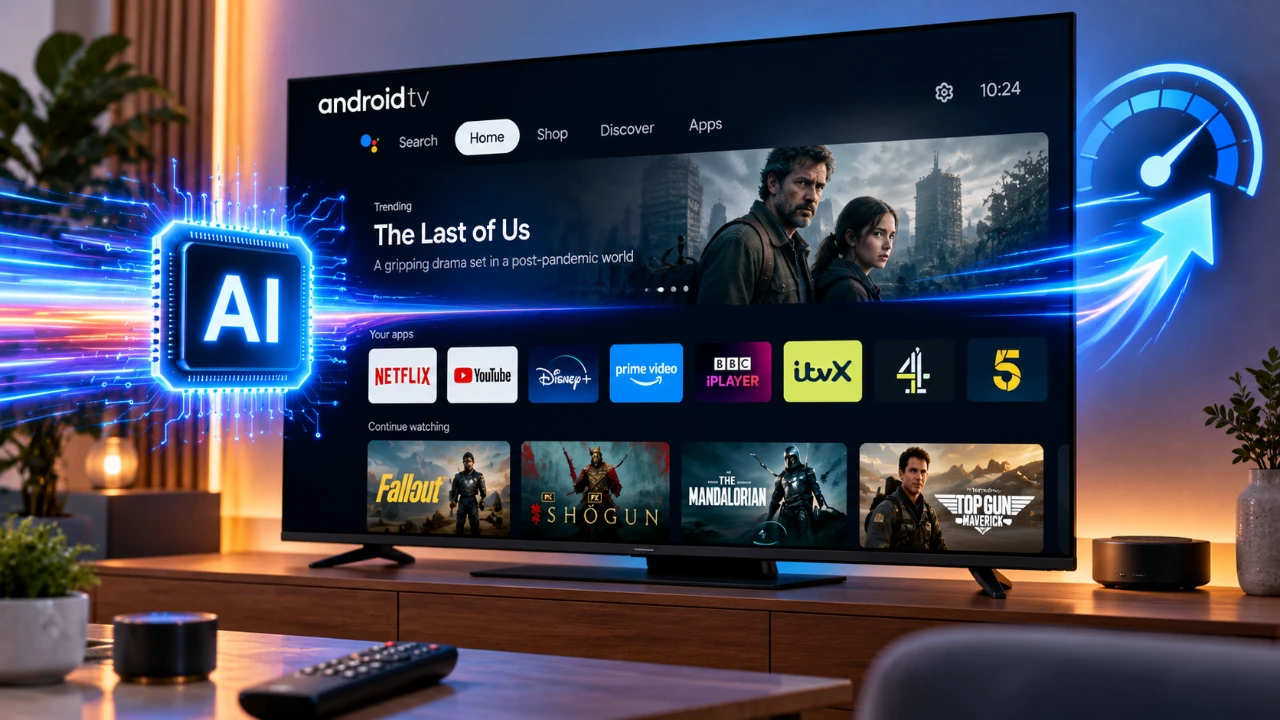
Is your Android TV feeling sluggish or unresponsive? This is a common issue, especially for older models or devices with limited hardware capabilities. Fortunately, there’s a practical solution to enhance your TV’s performance without requiring advanced technical skills. By using Claude, an AI-powered optimization tool, you can significantly improve your TV’s speed and usability. Whether you’re a casual user or a tech enthusiast, Claude offers a straightforward way to breathe new life into your Android TV. The video below from Beebom shows us how we can easily speed up our Android TVs.

Understanding Why Android TVs Slow Down
Android TVs are versatile devices, but over time, they often encounter performance challenges. These issues can stem from several factors:
- Slow Navigation: Menus and apps may take longer to load, leading to a frustrating user experience.
- Background Processes: Excessive background tasks consume valuable system resources, reducing overall speed.
- Pre-installed Apps: Many Android TVs come with bloatware that you rarely use but cannot easily remove.
- Ad Overload: Sponsored recommendations and tracking features can further degrade performance.
These problems are particularly noticeable on older models with limited RAM, such as those with only 1GB of memory. Even basic tasks like switching between apps or navigating the home screen can feel sluggish under these constraints.
How Claude Enhances Performance
Claude is an advanced AI tool specifically designed to optimize Android TV performance. It simplifies the process of cleaning up your TV, disabling unnecessary apps and customizing the interface to suit your needs. Even if you’re not tech-savvy, Claude’s intuitive design ensures that anyone can use it to improve their TV’s speed and responsiveness.
Key Features of Claude
Claude offers a range of features that target the root causes of Android TV slowdowns. These include:
- Disabling Resource-Intensive Apps: Claude identifies and disables apps or background processes that consume excessive system resources.
- Installing a Lightweight Launcher: Replacing the default launcher with a faster, more efficient alternative improves navigation and reduces lag.
- Customizing the Interface: Personalize your TV with features like RAM and storage monitoring tiles, custom wallpapers, or simplified menus.
- Ad-Blocking with AdGuard DNS: By integrating AdGuard DNS, Claude blocks intrusive ads, enhancing browsing speed and reducing distractions.
These features work together to create a smoother and more enjoyable viewing experience, even on older or underpowered devices.
Step-by-Step Optimization Process
Optimizing your Android TV with Claude is a simple and efficient process. Follow these steps to get started:
- Enable Developer Options: Navigate to your TV’s settings and activate developer options to unlock advanced features.
- Turn on USB Debugging: This setting allows Claude to connect to your TV and make necessary adjustments.
- Connect to a Laptop: Use a USB cable to link your TV to a laptop where Claude is installed.
- Run the Optimization: Execute a single command to let Claude clean up your TV, disable unnecessary apps and install a lightweight launcher.
- Backup Your Data: Before making changes, Claude automatically creates a backup, making sure you can restore your TV to its original state if needed.
The entire process typically takes around 20–25 minutes. It is designed to be safe, efficient and completely reversible, giving you peace of mind as you optimize your device.
Compatibility and Integration
Claude is compatible with over 200 Android TV models from 69 different brands, making it a versatile solution for a wide range of users. Additionally, it integrates seamlessly with other AI tools like ChatGPT and Gemini, expanding its functionality. Both free and paid versions of Claude are available. While the free version offers essential optimization features, the paid version provides additional tools and a more seamless experience for advanced users.
Important Considerations
While Claude simplifies the optimization process, it’s essential to exercise caution when disabling system apps. Removing critical components could disrupt your TV’s functionality. However, Claude’s built-in backup feature ensures that you can easily undo any changes if needed. This safety net allows you to experiment with confidence, knowing that your TV’s original settings are just a few clicks away.
What You Can Expect After Optimization
Once optimized, your Android TV will deliver a noticeably faster and more responsive experience. The interface will feel cleaner and more intuitive, free from unnecessary clutter and distractions. Even older models with limited hardware will benefit from improved performance, making everyday tasks like streaming, browsing and app navigation smoother and more enjoyable. By addressing common performance bottlenecks, Claude transforms your Android TV into a more efficient and user-friendly device.
Enhance Your Viewing Experience Today
Optimizing your Android TV with Claude is a practical and effective way to tackle common performance issues. By addressing sluggishness, reducing resource consumption and eliminating unnecessary clutter, Claude helps you get the most out of your device. Whether you’re looking to improve an older model or simply want a smoother experience, Claude provides a simple yet powerful solution to enhance your TV’s speed and usability.
Below are more guides on Android from our extensive range of articles.
- Install Armada OS on Android Handhelds to Create a Steam Deck in Under 5 Minutes
- Droid Deck Brings SteamOS to Android Phones Without a Root
- iOS 27 Lets You Watch YouTube on Apple CarPlay: How It Works
- Turn Your Phone Into a Steam Deck: The Ultimate Mobile Gaming Setup
- Apple Isn’t Done with CarPlay: What Just Changed in iOS 27 Beta 8
- How to play Skyrim locally on your Android phone
Source & Image Credit: Beebom
Disclosure: Some of our articles include affiliate links. If you buy something through one of these links, Geeky Gadgets may earn an affiliate commission. Learn about our Disclosure Policy.
