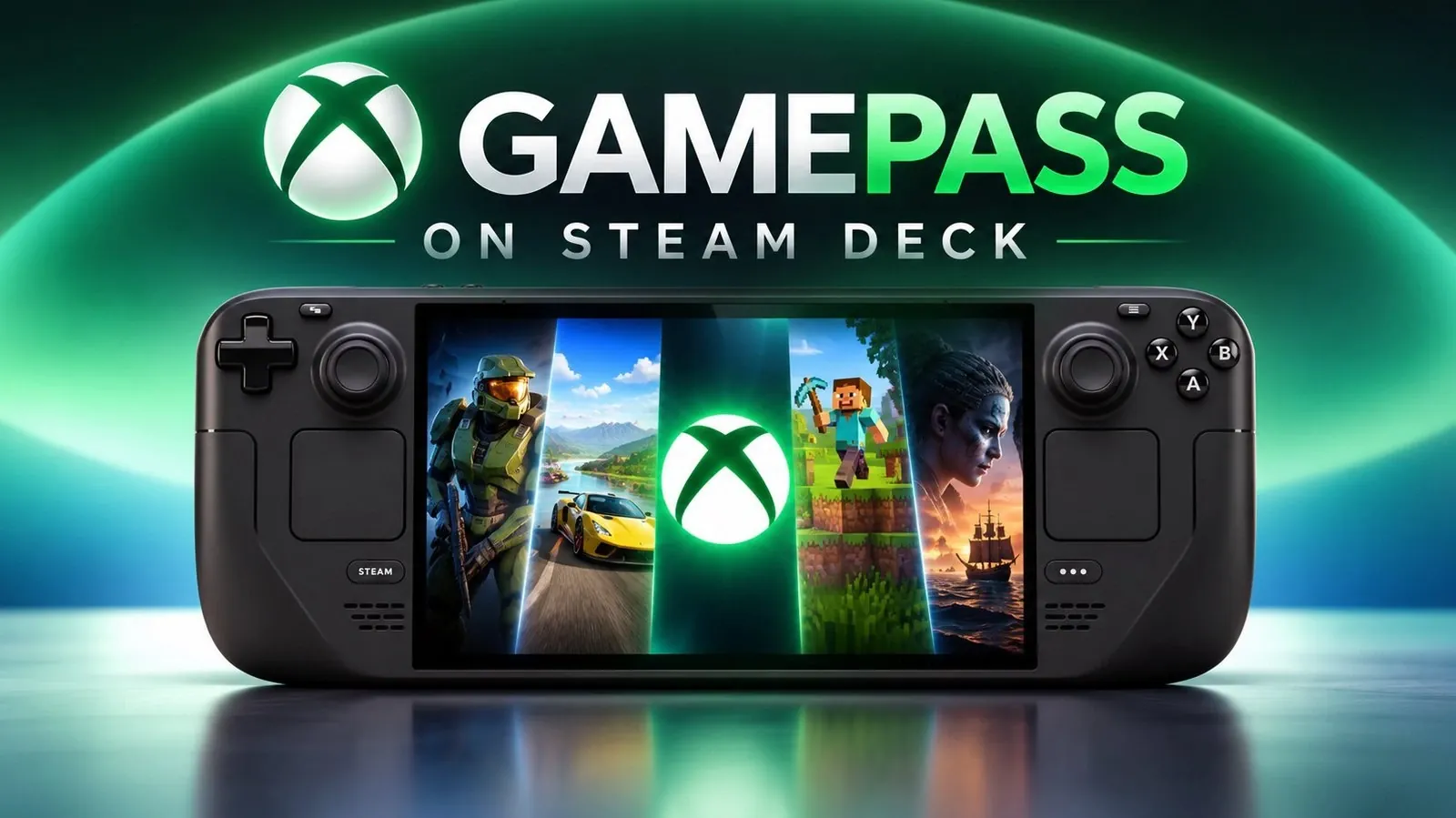
The arrival of Game Pass on Linux is now a reality, enabled by the Exodus Nexus Launcher. This advancement allows Linux users to access Xbox Game Pass titles without needing a Windows-based system. According to NerdNest, the launcher supports platforms like Steam OS and the Steam Deck, offering features such as cloud saves and a shared runtime environment. These additions address key technical barriers, making it easier for Linux gamers to enjoy a wide range of subscription-based games.
Learn how to set up the Exodus Nexus Launcher, including configuring backend components like Proton or Wine, to get started with Game Pass on Linux. Gain insight into the compatibility landscape by exploring the community-maintained compatibility list, which helps identify potential issues with specific titles. This feature also provides practical steps for linking your account and optimizing your system for a better gaming experience.
How the Exodus Nexus Launcher Bridges the Gap
TL;DR Key Takeaways :
- The arrival of Game Pass on Linux, enabled by the Exodus Nexus Launcher, allows Linux gamers to access a vast library of subscription-based games, including on Steam OS and Steam Deck.
- The Exodus Nexus Launcher ensures compatibility and ease of use, featuring Xbox account integration, cloud saves and a shared runtime environment for efficient game execution on Linux.
- Game compatibility is expanding, but not universal; users should consult the community-maintained compatibility list to check supported titles.
- Setting up Game Pass on Linux involves downloading the launcher, installing backend components like Proton or Wine and logging in with a Microsoft account to access games.
- While limitations exist, such as the inability to add individual games to the Steam library and limited controller customization, the benefits of Game Pass on Linux significantly enhance the platform’s gaming appeal.
The Exodus Nexus Launcher serves as the backbone of this achievement, offering a seamless way to run Game Pass games on Linux. Its design focuses on making sure compatibility and ease of use, making it an indispensable tool for Linux gamers. Key features include:
- Integration with Xbox accounts for smooth sign-in and game access.
- Support for cloud saves, allowing you to maintain progress across devices.
- A shared runtime environment that enables games to execute efficiently on Linux systems.
By using this launcher, you can bypass the need for a Windows-based system, opening up a world of gaming possibilities directly on your Linux device. This development reflects the growing commitment to making Linux a viable and competitive gaming platform, catering to both casual and dedicated gamers.
Game Compatibility: What’s Available?
The Exodus Nexus Launcher supports a wide array of Game Pass titles, but it’s important to note that compatibility is not universal. The list of supported games is continually expanding, thanks to ongoing updates and contributions from the gaming community. However, some titles may encounter technical issues or remain unsupported due to limitations in compatibility layers. To ensure a smooth experience, you should consult the community-maintained compatibility list before diving into your favorite games.
This evolving support highlights the collaborative efforts of developers and users to enhance the gaming experience on Linux. While some challenges remain, the growing library of compatible titles makes this an exciting time for Linux gamers.

Discover other guides from our vast content that could be of interest on Game Pass.
- Heroic Game Launcher Enables Xbox Game Pass Titles on SteamOS
- Xbox Game Pass Ultimate Caps Cloud Gaming at 15 Hours
- Play Native Xbox Game Pass Titles on Steam Deck via Xodus Nexus
- Xbox Is Killing Game Pass? Exclusives Are BACK
- Why Xbox Just Removed Its Biggest Multiplayer Paywall
Setting Up Game Pass on Linux: A Step-by-Step Guide
Getting started with Game Pass on Linux is a straightforward process, even for users with moderate technical expertise. Follow these steps to set up the Exodus Nexus Launcher:
- Download the Exodus Nexus Launcher from its official GitHub repository and ensure it is executable on your system.
- Install the required backend and runtime components, such as Proton or Wine, to enable the launcher to function effectively.
- Log in with your Microsoft account and verify your Game Pass subscription or purchased games.
- Once configured, browse, download and play compatible Game Pass titles directly from the launcher.
The setup process is well-documented, with detailed guides available to assist you. This accessibility ensures that even users new to Linux gaming can quickly get up and running.
Understanding the Limitations
While the Exodus Nexus Launcher opens up exciting opportunities, it’s essential to be aware of its limitations to set realistic expectations:
- Individual Game Pass games cannot be added directly to your Steam library. Instead, you’ll need to launch games through the Exodus Nexus interface.
- Steam Input configurations for controllers are unavailable on a per-game basis, which may limit customization options for players who rely on tailored controller settings.
These limitations may require some adjustments to your gaming habits, but they are relatively minor compared to the benefits of accessing Game Pass on Linux. The trade-offs are manageable, especially given the growing functionality of the launcher.
Controller Support and Optimization
Most Game Pass titles are optimized for Xbox controllers, making sure a smooth and intuitive gaming experience. If you already own an Xbox controller, you can expect it to work seamlessly with the majority of games available through the Exodus Nexus Launcher. While the lack of Steam Input configurations limits advanced customization, the default settings are generally sufficient for most players. This compatibility makes it easier to enjoy your favorite games without the need for extensive setup or troubleshooting.
Enhancing Your Gaming Experience
For a more integrated experience, you can manually add the Exodus Nexus Launcher to your Steam library. This allows you to access Game Pass games directly from Steam’s interface, creating a unified gaming environment on devices like the Steam Deck. While the system is functional, you may need to make minor adjustments to optimize performance or address occasional issues. Fortunately, the Linux gaming community provides extensive resources and support to help you troubleshoot and enhance your setup.
Additionally, experimenting with different runtime configurations, such as Proton versions, can further improve compatibility and performance. These tweaks are typically straightforward and well-documented, making it easier to tailor the experience to your preferences.
A Fantastic Step for Linux Gaming
The introduction of Game Pass on Linux via the Exodus Nexus Launcher marks a pivotal moment for the Linux gaming ecosystem. By providing access to a vast library of subscription-based games, this development significantly enhances the appeal of Linux as a gaming platform. It’s particularly beneficial for Steam Deck users, who can now enjoy a broader range of titles without switching to a Windows-based system.
While there are some limitations, such as the lack of direct Steam integration for individual games and limited controller customization, the overall benefits far outweigh these drawbacks. The growing compatibility and functionality of the Exodus Nexus Launcher make it a promising solution for Linux gamers eager to expand their horizons. As the community continues to refine and improve this tool, the future of gaming on Linux looks brighter than ever.
Media Credit: NerdNest
Disclosure: Some of our articles include affiliate links. If you buy something through one of these links, Geeky Gadgets may earn an affiliate commission. Learn about our Disclosure Policy.
