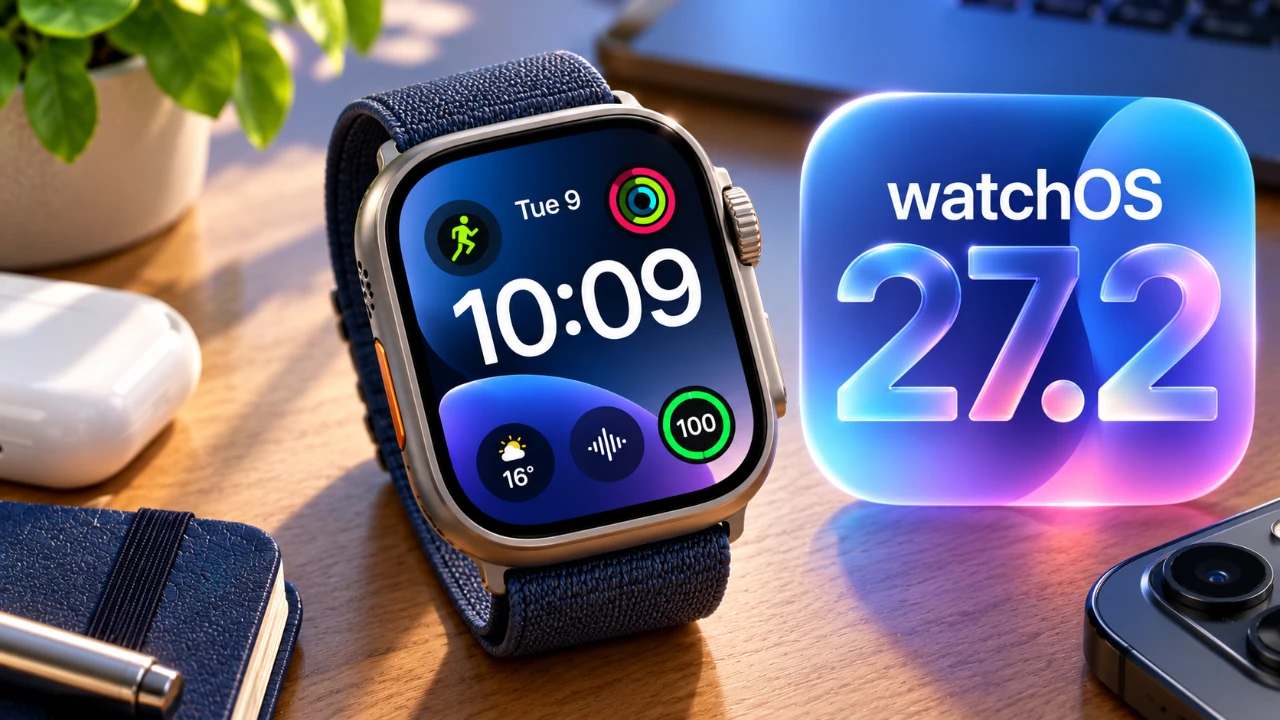
Apple’s watchOS 27.2 brings a series of updates designed to enhance the functionality and overall user experience of the Apple Watch. With improvements ranging from a redesigned music app to smarter Siri capabilities, this update refines existing features while laying the groundwork for future advancements. However, some anticipated features, such as the revamped health app, were not included in the final release. Below is a detailed look at the most significant changes and their practical implications for users. The video below from Half Man Half Tech gives us more details on the new watchOS update.

Redesigned Music App: Simplicity Meets Functionality
The music app in watchOS 27.2 has been overhauled with a minimalist design that prioritizes ease of use. Featuring a clean white background and a bold black music note icon, the app now aligns visually with Apple’s broader ecosystem, making sure a cohesive experience across devices. The navigation has been streamlined, allowing users to access playlists, albums, and individual songs with fewer taps. While the app retains its core functionality, the updated interface enhances usability and makes managing your music library more intuitive. This redesign underscores Apple’s commitment to blending aesthetic appeal with practical functionality.
App Switcher: A Return with Limitations
The app switcher makes a comeback in watchOS 27.2, albeit in a more limited form. This feature allows users to toggle between certain open applications or close them using either the digital crown or touch gestures. While the multitasking capabilities are not as robust as in earlier iterations, the app switcher improves navigation for users who frequently switch between tasks. Though its functionality is restricted, it remains a useful addition for enhancing productivity on the Apple Watch.
Siri Enhancements: Smarter, Faster and More Inclusive
Siri receives significant upgrades in watchOS 27.2, making it both faster and more versatile. The virtual assistant can now recall previous interactions and integrate data from apps such as Messages, Notes, and voicemails. Additionally, Siri’s language support has been expanded to include French, Japanese, Korean, Portuguese and Spanish, making it more accessible to a global audience. These enhancements not only improve Siri’s responsiveness but also reflect Apple’s focus on personalization and inclusivity. Whether you’re setting reminders, sending messages, or retrieving information, Siri’s improved capabilities make it a more reliable assistant for everyday tasks.
Health App: A Missing Feature with Future Potential
One of the most anticipated updates, the redesigned health app, was previewed during beta testing but is absent from the final release of watchOS 27.2. This app was expected to introduce features such as longevity tracking and advanced health data insights. While its omission is disappointing, Apple has hinted that these features may be included in a future update, possibly in watchOS 27.3. For now, users will need to rely on the existing health tracking tools, which still provide valuable insights into fitness and wellness metrics.
Device Compatibility and Regional Rollout
To install watchOS 27.2, you’ll need an iPhone running iOS 27.2. The update is compatible with a range of Apple Watch models, including the latest iPhone Duo. However, some of Siri’s advanced features, such as expanded language support and deeper app integration, are being rolled out in beta and are only available in select regions. This phased rollout ensures a smoother implementation but may limit access for users in certain locations. If you’re in a supported region, you’ll benefit from enhanced functionality and improved performance.
Expanded Siri Integration: Greater Control and Personalization
Siri’s integration with apps like photos, calendar and Safari has been expanded, offering users more control and customization options. For instance, you can now ask Siri to locate a specific photo, summarize your daily schedule, or even provide tailored recommendations based on your preferences. Customizable settings allow you to determine which apps and data Siri can access, giving you greater control over your privacy. These updates make Siri a more powerful and adaptable tool for managing your digital life.
Refinements That Enhance the Apple Watch Experience
The watchOS 27.2 update focuses on refining existing features rather than introducing entirely new ones. The redesigned music app and Siri enhancements stand out as the most impactful changes, offering users a more polished and intuitive experience. While the limited app switcher and the absence of the health app leave room for improvement, the update delivers meaningful upgrades that enhance the overall functionality of the Apple Watch. If you’re seeking a more streamlined and user-friendly interface, watchOS 27.2 represents a step forward in usability and performance.
Below are more guides on watchOS 27.2 from our extensive range of articles.
- iOS 27.2 RC Is Available: Did Apple Finally Fix What Was Broken
- Apple Releases macOS 27.2 Beta 4: Here’s Every New Feature and Change
- What’s Coming Next? Inside the New Tweaks Hitting iOS 27.2 Beta 3
- Inside iOS 27.2 Beta 4: The Bold New Look Coming to Your iPhone
- Apple Just Dropped iOS 27.2 RC: Here Is Every Single New Feature
- watchOS 27 Beta 2 is Now Available—Here is What’s Changing
Source: HalfManHalfTech
Disclosure: Some of our articles include affiliate links. If you buy something through one of these links, Geeky Gadgets may earn an affiliate commission. Learn about our Disclosure Policy.
