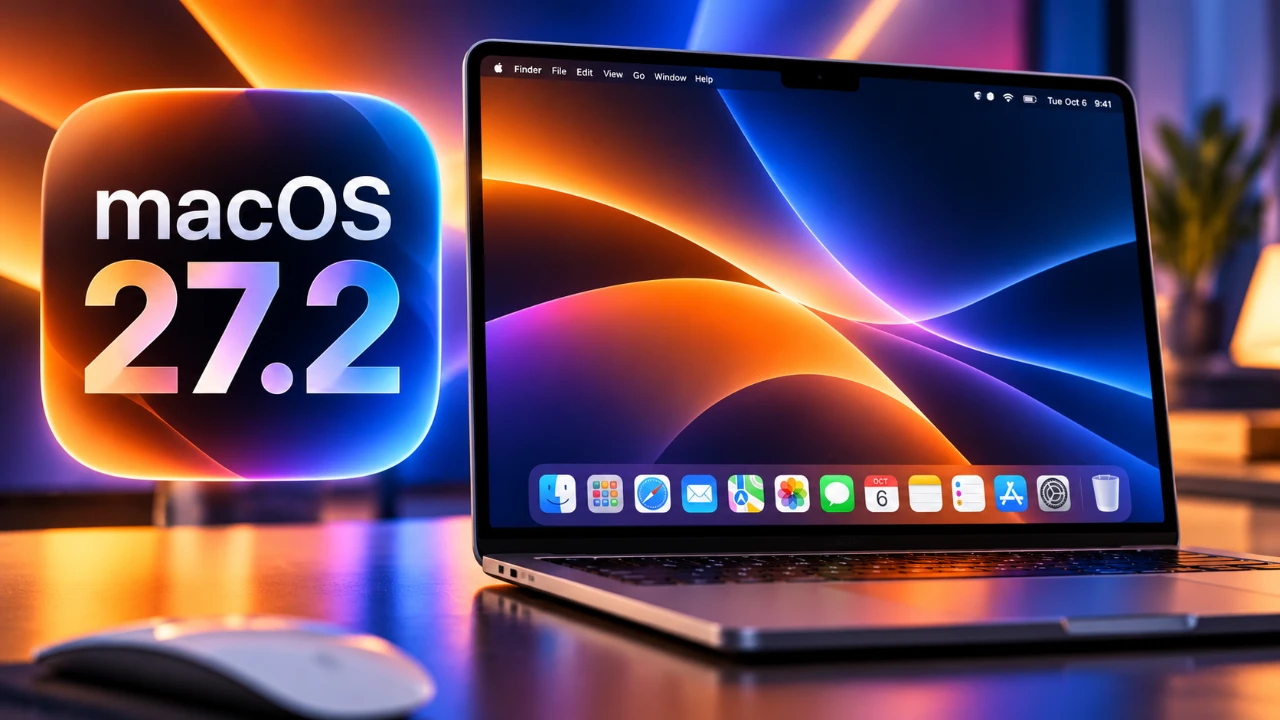
Apple has introduced macOS 27.2 Beta 4, bringing a range of updates aimed at improving usability, refining visual design, and aligning macOS more closely with the broader Apple ecosystem. This latest beta release includes enhancements to the user interface, app icons, animations, and system features. Alongside macOS, Apple has also rolled out updates across its platforms and unveiled new hardware and accessories. The video below from HalfManHalfTech gives us more details.

Refinements in UI and Design
macOS 27.2 Beta 4 places a strong emphasis on delivering a more cohesive and visually polished experience. Several key updates have been introduced to enhance the system’s overall design language:
- Volume and Brightness Controls: Redesigned with filled symbols to improve clarity and make adjustments more intuitive.
- Battery Icon: Updated to adopt the borderless, unified design seen in iOS, making sure consistency across devices.
- Finder Enhancements: The selection shape has reverted to a dynamic design, moving away from the circular style introduced in earlier versions. Finder also features a new animation and an updated app icon, offering a refreshed and modernized appearance.
These updates aim to create a seamless visual language across macOS and other Apple platforms, enhancing the user experience through consistency and attention to detail.
Apple Music: Subtle Yet Impactful Redesign
Apple Music has received minor but meaningful design updates in macOS 27.2 Beta 4, contributing to a more modern and unified aesthetic:
- App Icon: The icon now features a white background with a black music note in dark mode and a black background with a white note in light mode, creating a visually striking contrast.
- Accent Color: The primary accent color has shifted from red to blue, aligning with the updated sidebar icons, which also adopt a blue hue.
These changes not only enhance the app’s visual appeal but also bring it in line with the broader design updates across macOS.
Siri Gets a Visual Upgrade
Siri has been updated with a continuous animation in macOS 27.2 Beta 4, adding a dynamic and engaging element to the virtual assistant. While still in beta and occasionally prone to glitches, this visual enhancement reflects Apple’s ongoing efforts to make Siri more interactive and visually appealing across its platforms. This update aligns with Apple’s broader focus on creating a more immersive user experience.
Redesigned App Icons
Several app icons have been refreshed in macOS 27.2 Beta 4 to align with Apple’s minimalist design philosophy. These updates contribute to a more cohesive and visually consistent system:
- Core Apps: Safari, Siri, Photos, Finder, Maps, Mail, App Store, Reminders and Preview have all received updated designs.
- Package Icon: Redesigned to feature a white box with a blue cube, reflecting Apple’s clean and modern aesthetic.
These changes enhance the overall visual harmony of macOS, making the interface more intuitive and visually appealing.
Smoother System Animations
System animations have been refined in macOS 27.2 Beta 4, resulting in a smoother and more fluid user experience. Key highlights include:
- Wi-Fi Toggle: The animation for toggling Wi-Fi has been improved, offering smoother transitions that feel more natural.
- Safari Promotional Page: Updated with a scrolling animation that highlights features in an interactive and visually engaging manner.
These refinements contribute to a more polished and responsive system, enhancing the overall usability of macOS.
Additional System Updates
macOS 27.2 Beta 4 introduces several smaller but noteworthy updates that further enhance the system’s uniformity and functionality:
- Mail App: The abbreviation for California has been updated from “California” to “CA,” reflecting a more standardized approach to regional formatting.
- Low-Power Battery Indicator: Redesigned for greater consistency across the settings menu and menu bar, making sure a uniform appearance throughout the system.
While these updates may seem minor, they contribute to a more cohesive and user-friendly experience.
GarageBand Update
GarageBand is set to receive an update to version 10.4.15. Although the release notes provide limited details, the update is expected to include bug fixes and performance improvements. These enhancements aim to make the app more reliable and efficient for users, particularly those who rely on GarageBand for music production and audio editing.
New Devices and Accessories
In addition to software updates, Apple has unveiled several new devices and accessories, further expanding its ecosystem:
- Apple Home View: A new device running on Home View OS, set to be available starting November 13.
- Apple TV 4K (4th Generation): Announced with a price increase to $300, reflecting new features and capabilities.
- HomePod Mini 2: Now available in new pink and green color options, offering users more customization choices.
- LG Collaboration: New accessories, including cameras and plugins, developed in partnership with LG to expand Apple’s ecosystem of connected devices.
These additions highlight Apple’s commitment to broadening its product lineup and enhancing the integration between hardware and software.
Update Details
The macOS 27.2 Beta 4 update is approximately 4.97 GB in size, reflecting the scope of the changes and improvements included in this release. Similar updates have been rolled out for other Apple platforms, including watchOS, VisionOS, iPadOS and iOS. However, the tvOS 27.2 Beta 4 update has been delayed, potentially due to the integration of new features such as Apple Intelligence and Siri animation for Apple TV.
macOS 27.2 Beta 4: A Step Toward Refinement
macOS 27.2 Beta 4 demonstrates Apple’s ongoing dedication to refining its operating systems and enhancing the user experience. With updates to the UI, app icons, animations and system features, this release brings macOS closer in design and functionality to other Apple platforms. The introduction of new devices and accessories further underscores Apple’s focus on expanding its ecosystem. As the beta phase progresses, users can expect additional refinements, paving the way for a polished and cohesive final release.
Source & Image Credit: HalfManHalfTech
Disclosure: Some of our articles include affiliate links. If you buy something through one of these links, Geeky Gadgets may earn an affiliate commission. Learn about our Disclosure Policy.
