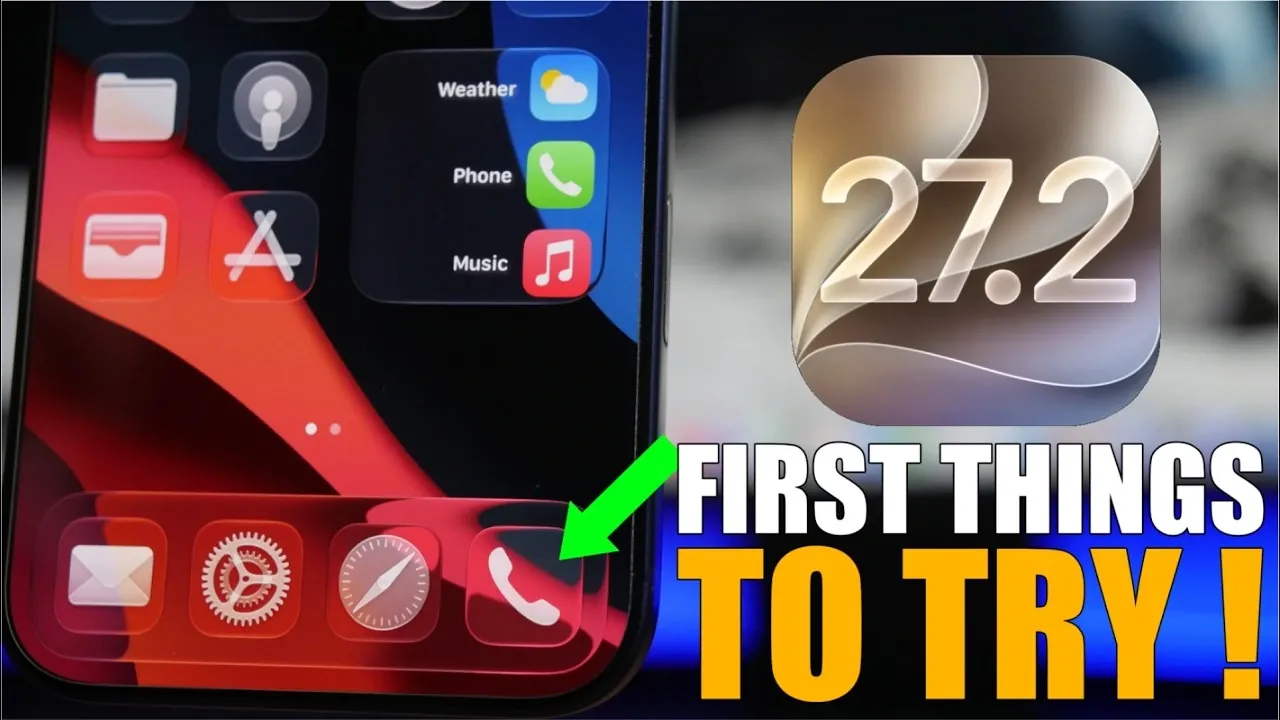
Apple’s iOS 27.2 brings a host of updates designed to enhance usability, personalization, and accessibility across its ecosystem. Whether you frequently use Siri, rely on FaceTime for communication, or value accessibility features, this update offers meaningful improvements tailored to a wide range of user needs. Below is a detailed look at the standout features of iOS 27.2 and how they can enrich your experience. The video below from iReviews gives us more details.

Siri Gets Smarter and More Customizable
Siri’s functionality has been significantly enhanced in iOS 27.2, making it more intuitive and adaptable to your preferences. Key updates include:
- The ability to copy specific parts of Siri’s responses, allowing you to easily save or share relevant information.
- A new “Excluded Apps” feature that lets you prevent Siri from learning or suggesting certain apps, giving you greater control over its behavior.
- Support for five additional languages, French, Japanese, Korean, Portuguese, and Spanish, broadening its accessibility for users worldwide.
These updates not only make Siri more versatile but also ensure it aligns better with your individual needs, offering a seamless and personalized experience.
FaceTime Introduces Dual-Camera Functionality
FaceTime now supports dual-camera functionality, allowing users to share both their front and rear camera views simultaneously during group calls. This feature is particularly useful for:
- Delivering presentations or demonstrations with ease.
- Sharing real-time moments with friends and family in a more immersive way.
- Collaborating effectively during virtual meetings or team discussions.
This enhancement transforms FaceTime into a more dynamic communication tool, catering to both personal and professional needs.
Apple Music Adds Countdown Timers
Apple Music introduces countdown timers on artist pages, a feature designed to keep music enthusiasts informed about upcoming album releases. These timers display the time remaining until new music drops, helping users stay connected to their favorite artists. While seemingly minor, this update enhances the overall user experience by fostering anticipation and engagement with the platform.
Streamlined Emergency Contact Management
Managing emergency contacts has been simplified in iOS 27.2 with the addition of a dedicated button for quick removal. This feature ensures that your emergency contact list remains accurate and up to date without unnecessary hassle. By making this process more efficient, Apple underscores its commitment to user safety and convenience.
Apple TV Gets Personalized User Profiles
Apple TV now supports multiple user profiles, allowing each household member to enjoy a tailored viewing experience. Each profile can include:
- Customizable app preferences to suit individual tastes.
- Personalized content recommendations based on viewing habits.
- Optional passcode protection for added privacy and security.
This update makes Apple TV more family-friendly, making sure that everyone in the household can enjoy a personalized and secure entertainment experience.
Podcasts App Enhancements
The Podcasts app receives a fresh design and improved functionality in iOS 27.2. Notable updates include:
- A “Continue Playing” section on the home screen, making it easier to resume episodes without searching.
- Enhanced search capabilities that categorize results, allowing quicker navigation to desired content.
- Colorized podcast pages based on cover art, adding a visually appealing and modern touch to the app.
These changes make discovering and enjoying podcasts more intuitive, making sure that users can easily access and explore their favorite content.
Messages App Introduces Quick Actions
The Messages app now includes quick actions designed to streamline your workflow and improve productivity. With just a few taps, you can:
- Add information from messages directly to Calendar, Reminders, Notes, Maps, or tracking apps.
- Seamlessly integrate messages with other apps, saving time and effort.
This feature is particularly useful for users who rely on their devices to stay organized, offering a practical solution for managing tasks and information efficiently.
Accessibility Features Take Center Stage
iOS 27.2 introduces several new accessibility features, reinforcing Apple’s commitment to inclusivity. Highlights include:
- Support for American and British Sign Language in the TV app, enhancing the viewing experience for users who rely on sign language.
- The ability to enable this feature in settings, making sure it is readily available for those who need it.
These updates reflect Apple’s dedication to creating a more inclusive digital environment, making sure that its devices are accessible to all users.
Why iOS 27.2 Matters
iOS 27.2 delivers a comprehensive suite of updates that enhance functionality, personalization and accessibility across Apple’s ecosystem. From Siri’s expanded capabilities and FaceTime’s dual-camera functionality to Apple Music’s countdown timers and streamlined emergency contact management, this update offers practical improvements for everyday use. Whether you’re exploring new podcasts, customizing your Apple TV experience, or using accessibility features, iOS 27.2 provides tools designed to make your digital life more efficient and enjoyable. Take advantage of these features today to experience the full potential of iOS 27.2.
Here are additional guides from our expansive article library that you may find useful on iOS 27.2.
- What’s Coming Next? Inside the New Tweaks Hitting iOS 27.2 Beta 3
- Apple Just Released iOS 27.2 Beta 3: All the New Changes
- The Best Features Coming to Your iPhone in iOS 27.2
- iOS 27.2 Beta 3 Is Here: What’s New, Changed, and Fixed
- Inside iOS 27.2 Beta 4: Surprising UI Tweaks and Last-Minute Changes
- New Features You Didn’t Know Were Coming in iOS 27.2
Source & Image Credit: iReviews
Disclosure: Some of our articles include affiliate links. If you buy something through one of these links, Geeky Gadgets may earn an affiliate commission. Learn about our Disclosure Policy.
