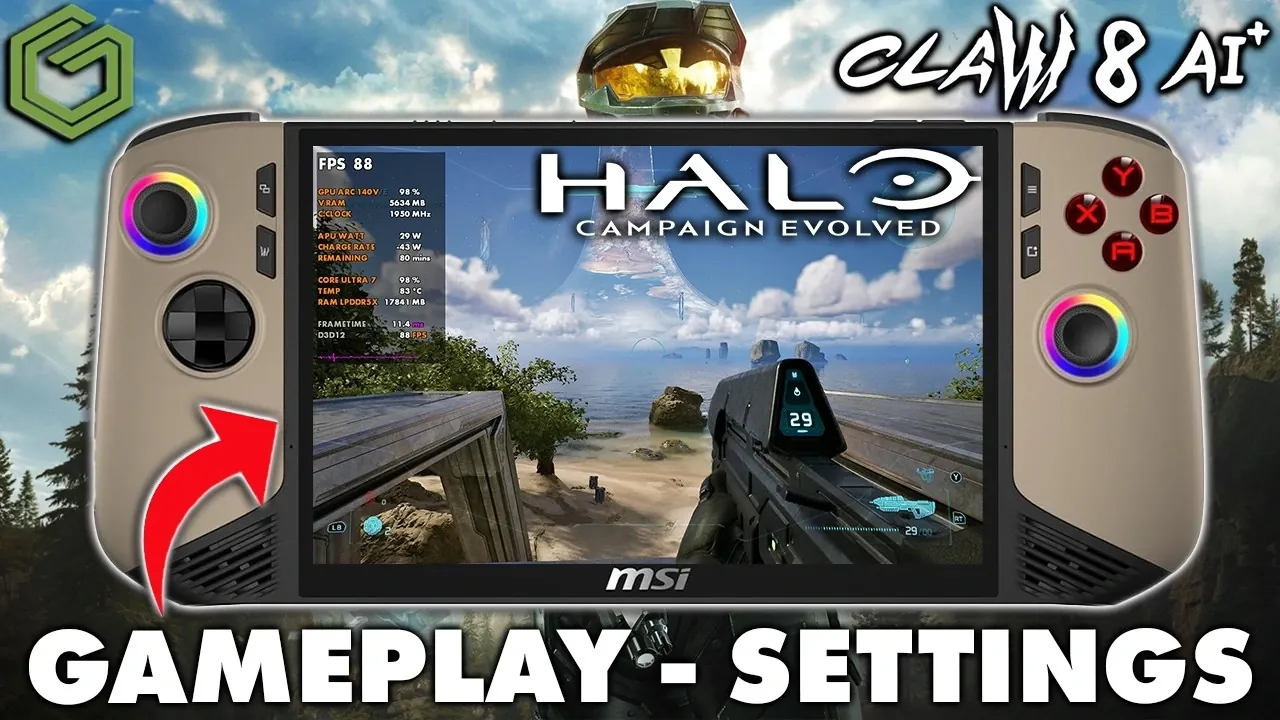
Playing Halo: Combat Evolved on the MSI Claw 8 AI+ highlights the balance between portability and performance in handheld gaming. GameTechPlanet explores how the device’s Intel Core Ultra 200 series processor performs with this classic title, noting that while the hardware is capable, the game’s optimization for AMD processors presents a unique challenge. For instance, running the game at 800p resolution delivers smoother gameplay with frame rates reaching up to 92 FPS, whereas 1200p resolution enhances visual fidelity but sacrifices some responsiveness. These trade-offs underscore the importance of tailoring settings to the device’s strengths.
Explore how specific adjustments can enhance your experience, from allowing FidelityFX Super Resolution (FSR) for performance gains to fine-tuning graphical settings like geometric quality and lighting. You’ll also gain insight into managing input latency when using frame generation, as well as practical recommendations for balancing frame rates and visual clarity. Whether prioritizing smooth gameplay or immersive visuals, this overview provides actionable steps to optimize Halo: Combat Evolved on the MSI Claw 8 AI+.
Strengths and Challenges
TL;DR Key Takeaways :
- The MSI Claw 8 AI+ handheld device combines portability with modern gaming hardware but performs better with optimized settings due to its Intel Core Ultra 200 series processor, which is less efficient for Halo: Combat Evolved compared to AMD processors.
- Resolution settings significantly impact performance: 800p offers smoother gameplay with higher frame rates, while 1200p provides sharper visuals at the cost of reduced responsiveness.
- FidelityFX Super Resolution (FSR) enhances performance at lower resolutions, but the device lacks support for advanced upscaling technologies like Xe Super Sampling (XCSS) and multi-frame generation, which limits its optimization potential.
- Performance metrics reveal up to 92 FPS at 800p with frame generation enabled, while 1200p achieves 53-59 FPS, emphasizing the need to tailor settings based on gaming priorities.
- Future updates could improve Intel hardware optimization and introduce advanced features, enhancing the device’s appeal despite its price increase to $1,100-$1,200.
Hardware Performance
The MSI Claw 8 AI+ is equipped with the Intel Core Ultra 200 series processor, a chip designed for portable gaming. While this processor delivers solid performance, Halo: Combat Evolved tends to run more efficiently on AMD processors, which demonstrate better optimization for this particular game. This discrepancy highlights a key challenge for Intel-based devices like the Claw 8 AI+.
Despite this, the Claw 8 AI+ offers a compact and versatile design, allowing users to fine-tune settings to suit their preferences. The device’s portability and adjustable performance settings make it a strong contender in the handheld gaming market. However, occasional performance dips suggest that further software updates could unlock its full potential, particularly for Intel hardware.
Optimizing Graphics and Resolution
Resolution is a critical factor in balancing smooth gameplay with visual fidelity. Testing Halo: Combat Evolved at both 800p and 1200p resolutions reveals distinct advantages and trade-offs for each setting:
- 800p Resolution: This setting prioritizes performance, delivering higher frame rates and smoother gameplay. It is ideal for players who value responsiveness and fluidity over visual detail.
- 1200p Resolution: While this resolution provides sharper visuals and more immersive graphics, it comes at the cost of reduced frame rates. This can impact gameplay fluidity, particularly during action-heavy sequences.
To further enhance performance, lowering graphical settings is highly effective. Reducing geometric quality, lighting, textures, reflections and atmospheric effects to low or very low presets can significantly boost frame rates. Additionally, disabling features like motion blur and screen shake improves responsiveness and minimizes visual distractions, making gameplay more focused and enjoyable.

Take a look at other insightful guides from our broad collection that might capture your interest in MSI Claw 8.
- Inside the First Handheld Powered by Intel’s Arc G3 Extreme : MSI Claw 8 EX AI+
- Gamers Benefit from MSI Claw 8 EX 47W Power vs MSI Claw 8 AI+
- How to Install Valve’s SteamOS on the MSI Claw 8 AI+ Handheld
- Valve Expands SteamOS to Intel Handhelds with the New 3.8.7 Update
- Lenovo Legion Go 2 vs ROG Xbox Ally X vs MSI Claw 8 AI : Handheld Showdown!
- How Intel’s Arc G3 Extreme Transforms the MSI Claw 8 EX AI+ Handheld
- Why the MSI Claw 8 EX Feels Like a True Next-Gen Handheld
- Intel’s Arc G3 Extreme Crushes AMD in the MSI Claw 8 EX
- Insane FPS boost on MSI Claw games console using Lossless Scaling
- MSI Claw A8 vs MSI Claw 8ai+ : Same 8-inch 120Hz Screen, Different Chips
Upscaling and Frame Generation: What Works and What Doesn’t
The MSI Claw 8 AI+ supports FidelityFX Super Resolution (FSR), an upscaling technology that enhances performance without drastically compromising visual quality. FSR works particularly well at 800p resolution, where the smaller screen size reduces the noticeable impact of lower detail levels. This makes it an excellent choice for players seeking a balance between performance and visuals.
However, the device lacks support for Xe Super Sampling (XCSS) and multi-frame generation, which limits its ability to fully use advanced upscaling technologies. Frame generation, while capable of increasing frame rates, introduces input latency. At 800p, this latency remains manageable, but at 1200p, it becomes more pronounced and may affect gameplay responsiveness. For optimal performance, prioritize lower resolutions and avoid over-relying on frame generation, especially for fast-paced gameplay.
Performance Insights: Key Metrics
Performance testing on the MSI Claw 8 AI+ reveals its capabilities and limitations when running Halo: Combat Evolved. Key metrics include:
- 800p Resolution: Achieves up to 92 FPS with frame generation enabled, making sure smooth and responsive gameplay for players focused on performance.
- 1200p Resolution: Delivers frame rates ranging from 53 to 59 FPS, suitable for those who prioritize visual quality over maximum responsiveness.
- Geometric Quality: Higher settings significantly impact performance, making lower presets a practical choice for handheld gaming.
- Xbox Full-Screen Mode: Provides minor performance gains of 1-3 FPS, which can be helpful in demanding scenarios.
These metrics highlight the importance of tailoring settings to your gaming priorities, whether you value smoother gameplay or enhanced visuals.
Gameplay Adjustments for an Enhanced Experience
Customizing settings on the MSI Claw 8 AI+ can significantly enhance your gaming experience. Consider the following adjustments based on your preferences:
- For smoother gameplay: Use 800p resolution with low graphical settings and enable FSR to boost performance.
- For better visuals: Opt for 1200p resolution but be prepared for reduced frame rates and slightly higher input latency.
- To improve responsiveness: Disable motion blur and screen shake to reduce visual clutter and input lag.
Given the Claw 8 AI+’s smaller screen size, lower upscaling settings are recommended to maintain visual clarity during fast-paced gameplay. These adjustments ensure a more tailored and enjoyable gaming experience.
Looking Ahead: Future Updates and Expectations
The gaming community eagerly anticipates updates that could enhance the performance of Halo: Combat Evolved on the MSI Claw 8 AI+. Potential improvements include better optimization for Intel hardware and the introduction of advanced features like XCSS and multi-frame generation. These updates could significantly improve the device’s ability to handle demanding games, making it an even more attractive option for portable gaming enthusiasts.
Pricing and Value
Initially launched at $899, the MSI Claw 8 AI+ now retails for $1,100 to $1,200. Despite the price increase, it remains a competitive choice for handheld gaming enthusiasts, offering a unique combination of portability and performance. However, its value depends on your willingness to optimize settings for specific games like Halo: Combat Evolved. For those who enjoy fine-tuning their gaming experience, the Claw 8 AI+ offers a rewarding and versatile platform.
By carefully adjusting resolution, graphical settings and upscaling options, you can unlock the full potential of Halo: Combat Evolved on this device, making sure a gaming experience that balances performance and visual fidelity.
Media Credit: GameTechPlanet
Disclosure: Some of our articles include affiliate links. If you buy something through one of these links, Geeky Gadgets may earn an affiliate commission. Learn about our Disclosure Policy.
