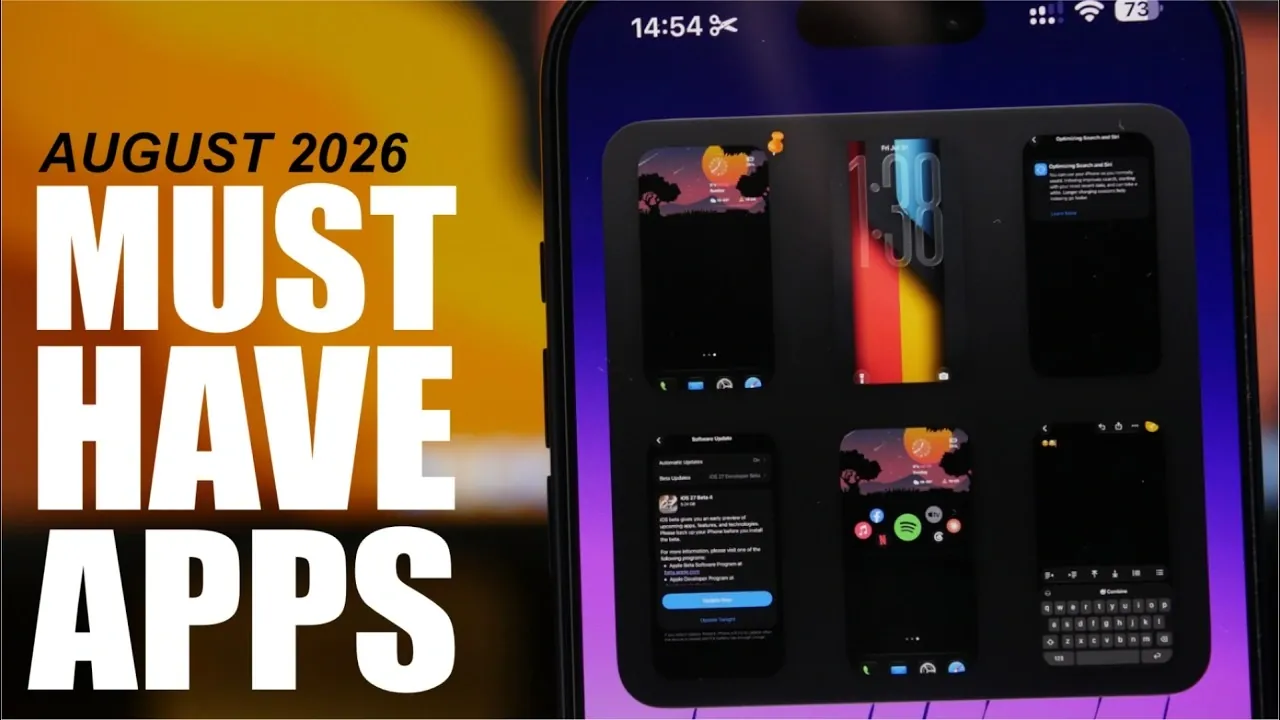
The iPhone app ecosystem in August 2026 continues to thrive, offering a diverse range of tools designed to enhance productivity, streamline device management and enable creative personalization. Whether you’re looking to optimize your iPhone’s performance, safeguard your privacy, or customize its appearance, these apps provide practical solutions with intuitive interfaces. The video below from iReviews features a curated selection of standout apps that combine functionality and versatility to improve your iPhone experience.

Geekbench 7: Test and Monitor Your iPhone’s Performance
For users who want to understand their iPhone’s capabilities, Geekbench 7 is an indispensable benchmarking tool. It evaluates your device’s CPU and GPU performance, providing detailed scores that allow you to monitor trends over time. This app is particularly useful for diagnosing hardware issues, assessing the impact of software updates, or simply making sure your device is running at its best. With its user-friendly interface and precise metrics, Geekbench 7 is a valuable resource for both tech enthusiasts and casual users.
Device Kit: Your All-in-One System Utility
Device Kit offers a comprehensive overview of your iPhone’s technical health. From tracking CPU and RAM usage to monitoring battery performance and storage capacity, this app provides all the essential data you need to keep your device running smoothly. It also includes additional tools such as a weather tracker, decibel meter and QR code generator, making it a versatile utility. With features like customizable widgets and picture-in-picture functionality, Device Kit ensures seamless integration into your daily workflow without interruptions.
Frame Lab: Elevate Your Screenshots
For users who frequently share screenshots, Frame Lab is a must-have app that transforms ordinary images into polished visuals. It allows you to frame screenshots using customizable presets, adjust aspect ratios and modify backgrounds to suit your style. This app is particularly beneficial for content creators, professionals and anyone who values high-quality visuals for presentations or social media. By simplifying the editing process, Frame Lab helps you create eye-catching assets with minimal effort.
Walls Drop: Stunning Wallpapers for Every Taste
If you’re looking to refresh your iPhone’s appearance, Walls Drop offers a curated collection of high-quality wallpapers to suit any preference. Whether you enjoy minimalist designs, vibrant landscapes, or abstract art, this app provides a wide variety of options. Its intuitive browsing and favoriting features make it easy to find and apply wallpapers that match your mood. Walls Drop is perfect for users who prioritize a visually appealing home or lock screen.
PDF Toolbox: Simplify PDF Management
Managing PDF documents becomes effortless with PDF Toolbox, a versatile app designed to handle a range of tasks. From scanning and merging to splitting and extracting pages, this app streamlines operations that are often time-consuming. Its intuitive design ensures that even complex tasks are easy to execute. Whether you’re a student, professional, or frequent PDF user, PDF Toolbox is an essential tool for organizing and editing your documents efficiently.
Screens: Organize Your Screenshot Collection
For users with a cluttered screenshot library, Screens offers a practical solution. This app allows you to pin, group and delete screenshots, making it easier to locate specific images when needed. It’s particularly useful for those who rely on screenshots for work, study, or personal projects. With its streamlined interface, Screens transforms the often chaotic task of managing visual data into a simple and efficient process.
Loop: Take Control of Your Privacy
In today’s digital landscape, privacy is a growing concern. Loop enables users by providing detailed insights into app permissions on their iPhones. It highlights what each app can access, such as storage, network, or system information, allowing you to make informed decisions about your data. By using Loop, you can take proactive steps to protect your privacy and ensure your device remains secure. This app is essential for anyone who values control over their personal information.
Mini Paper: Personalize Your Lock Screen
For users who enjoy customization, Mini Paper offers a creative platform to design unique lock screens. With editable wallpaper templates and a variety of color options, this app allows you to craft a lock screen that reflects your personality. Both free and premium features are available, catering to a range of preferences. Whether you prefer bold, vibrant designs or subtle, minimalist aesthetics, Mini Paper helps you create a personalized iPhone experience that stands out.
Enhance Your iPhone Experience with These Apps
These carefully selected iPhone apps for August 2026 address a variety of needs, from performance optimization and device management to creative customization and privacy protection. By incorporating these tools into your daily routine, you can unlock new levels of functionality and personalization. Whether you’re a tech-savvy enthusiast, a busy professional, or someone who values a tailored user experience, these apps are designed to elevate how you interact with your iPhone.
Discover other guides from our vast content that could be of interest on iPhone apps.
- The Only iPhone Apps Worth Downloading This Month
- May 2026 Checklist: Essential Apps That Will Make Your iPhone Feel Brand New
- Why Apple is Putting Cameras in the New AirPods Pro 4 (Ultra)
- iPhone Ultra Leak: Watch Apple’s 4.5mm ‘Passport’ Design Come to Life
- The April 2026 Refresh: 8 Essential Free Apps Every iPhone User Needs
- The Future is Now: June 2025’s Must-Have iPhone Apps Are Here!
Source & Image Credit: iReviews
Disclosure: Some of our articles include affiliate links. If you buy something through one of these links, Geeky Gadgets may earn an affiliate commission. Learn about our Disclosure Policy.
