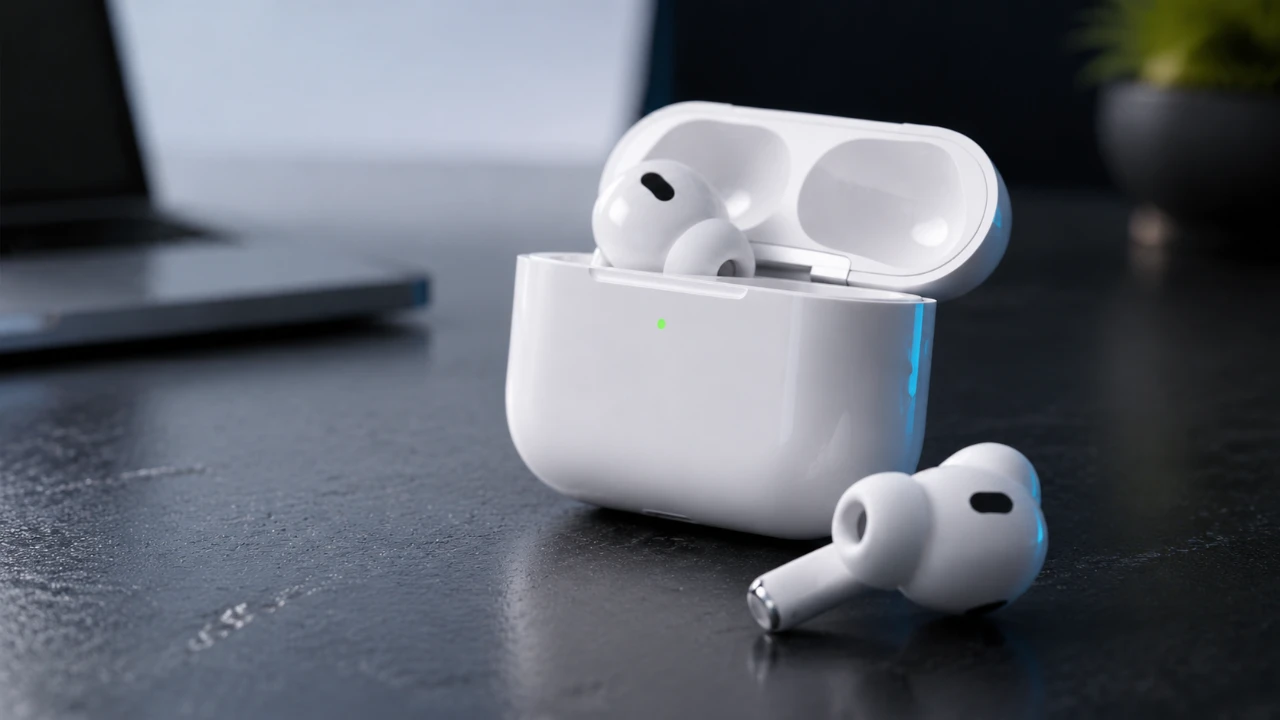
Apple’s iOS 27 update introduces a host of enhancements for AirPods users, with the AirPods Pro 3 benefiting the most from these advancements. This update brings new features that improve functionality, usability, and integration within the Apple ecosystem. While many of these updates are available across various AirPods models, certain features are exclusive to devices equipped with advanced hardware, such as the H2 chip and heart rate sensors. These additions highlight Apple’s commitment to delivering a more personalized and seamless user experience. The video below from 9 to 5 Mac gives us more details on the new features coming to the AirPods wigth this update.

Streamlined Settings Interface
iOS 27 introduces a redesigned AirPods settings menu, offering a more user-friendly and visually appealing interface. The new layout organizes key features into intuitive categories, making it easier to locate and customize settings. These categories include:
- Listening Modes: Effortlessly switch between noise cancellation, transparency and other audio modes to suit your environment.
- Controls: Personalize gestures and button functions for a tailored interaction with your AirPods.
- Audio Options: Fine-tune sound settings, including the newly added customizable equalizer.
- Calls: Adjust call-related preferences, such as microphone settings and call handling options.
- Accessibility: Enable features designed to assist users with specific needs, making sure inclusivity.
This revamped structure ensures that users can quickly access and adjust their settings, whether they are optimizing audio performance or allowing accessibility features. The logical organization of options enhances usability, making the AirPods experience more intuitive than ever.
Customizable Equalizer for Audio Enthusiasts
One of the standout features in iOS 27 is the customizable equalizer, designed for users who prioritize audio quality. This feature allows you to adjust bass, mid and treble levels to create a sound profile that matches your preferences. A live waveform display provides real-time feedback, making it easier to fine-tune your settings with precision.
Additionally, the equalizer includes a single customizable preset, allowing you to save your preferred audio configuration. This ensures consistency across all your devices, providing a seamless listening experience whether you’re using your AirPods with an iPhone, iPad, or Mac. For audiophiles and casual listeners alike, this feature represents a significant enhancement in sound personalization.
Exclusive Features for AirPods Pro 3
The AirPods Pro 3 use their advanced hardware to deliver exclusive features that set them apart from other models. These innovations include:
- Heart Rate Sensor Integration: The built-in heart rate sensor enables real-time fitness tracking directly through your AirPods. This feature integrates seamlessly with GymKit, allowing you to connect to compatible gym equipment without the need for an Apple Watch. Your fitness data is automatically synced with the Fitness app, providing a comprehensive overview of your workout performance.
- Precision Wayfinding: Using ultra-wideband technology, the AirPods Pro 3 offer enhanced “Find My” functionality. This allows you to locate your AirPods case with pinpoint accuracy, making it easier to recover misplaced devices and reducing the frustration of lost accessories.
These features highlight the AirPods Pro 3’s focus on convenience, versatility and integration into a broader ecosystem of health and productivity tools.
Enhanced Siri AI Integration
Siri receives a significant upgrade in iOS 27, making it more conversational and intuitive. The AI assistant now supports natural, fluid interactions, allowing you to communicate in a more human-like manner. This improvement enhances Siri’s ability to understand and execute commands, making it a more effective tool for daily tasks. Key functionalities include:
- Setting reminders, alarms and calendar events with ease.
- Conducting web searches or retrieving detailed information on demand.
- Automating routines through shortcuts, streamlining your daily activities.
These enhancements make Siri a more reliable and versatile assistant, capable of improving productivity and simplifying complex tasks. The deeper integration with the Apple ecosystem ensures that Siri remains a central component of the AirPods experience.
Compatibility Across AirPods Models
While iOS 27 introduces a range of features for AirPods users, the availability of certain functionalities depends on the hardware capabilities of each model. Key points of compatibility include:
- Advanced Features: The heart rate sensor and ultra-wideband technology are exclusive to the AirPods Pro 3, as these features require specific hardware components.
- Broader Compatibility: Features such as the customizable equalizer and enhanced Siri integration are available on AirPods models equipped with the H2 chip, including the AirPods Pro 2, AirPods Pro 3, AirPods Max 2 and AirPods 4.
- Limitations for Older Models: Older AirPods models may not support certain features, limiting their ability to fully use the benefits of iOS 27.
This distinction underscores the importance of hardware compatibility in accessing the full range of features offered by iOS 27. Users with older models may need to upgrade their devices to take advantage of the latest advancements.
Transforming the AirPods Experience
The iOS 27 update represents a significant evolution in the AirPods experience, particularly for AirPods Pro 3 users. From the redesigned settings interface to exclusive features like heart rate tracking and precision wayfinding, these updates enhance the functionality and usability of Apple’s wireless earbuds. Whether you’re an audiophile seeking superior sound quality, a fitness enthusiast tracking your performance, or a casual listener enjoying seamless integration, iOS 27 offers tools to make your AirPods more personalized and effective. These advancements solidify Apple’s position as a leader in delivering innovative and user-centric audio solutions.
Uncover more insights about AirPods Pro 3 in previous articles we have written.
- What iOS 27 Actually Means for Your AirPods
- Why the iOS 27 AirPods Update Changes Everything for Audio
- Finally! AirPods Firmware 8B40 Arrives to Save Your AirPods Pro 3 Sound Quality
- New AirPods Beta Update Adds Custom EQ and Overhauled iOS 27 Settings Menu
- Galaxy Buds 4 Pro vs AirPods Pro 3: Stop and Read This Before You Tap ‘Buy’
Source: 9to5Mac
Disclosure: Some of our articles include affiliate links. If you buy something through one of these links, Geeky Gadgets may earn an affiliate commission. Learn about our Disclosure Policy.
