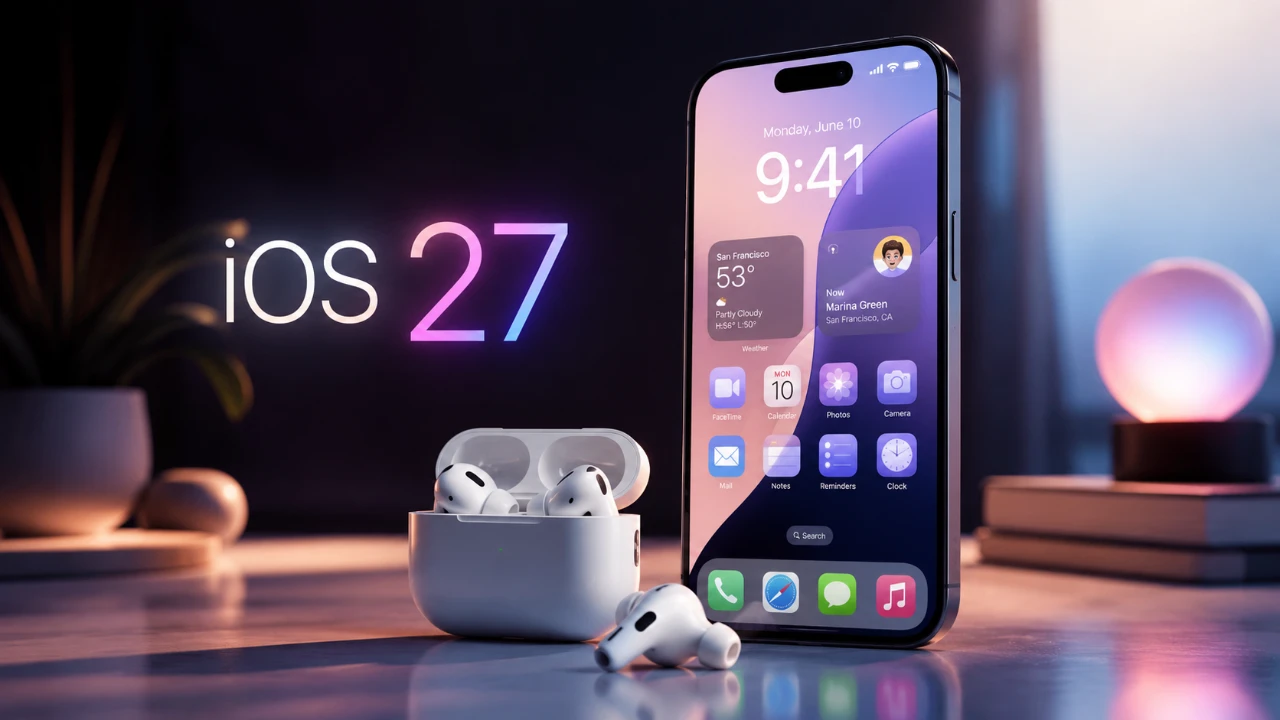
The release of iOS 27 brings a host of innovative features to AirPods, redefining how you experience audio and interact with your device. With updates like a customizable equalizer, heart rate syncing, precision finding, and a redesigned settings menu, Apple has significantly enhanced the functionality of its wireless earbuds. These features are tailored for AirPods equipped with the H2 chip, including the AirPods Pro 3, AirPods Pro 2 with USB-C, AirPods Max 2, and AirPods 4. This update underscores Apple’s commitment to improving user experience and expanding the capabilities of its audio devices. The video below from MacRumors gives us more details.

Customizable Equalizer: Personalize Your Sound
For the first time, AirPods users can take control of their audio experience with a customizable equalizer. This feature allows you to manually adjust bass, midrange, and treble levels to suit your preferences, offering a more tailored listening experience. Previously, AirPods relied solely on adaptive EQ, which automatically adjusted sound based on fit and environment. While adaptive EQ remains available, the new equalizer provides greater flexibility for users who want to fine-tune their audio.
However, the current version of this feature does not support saving custom profiles for different audio types, such as music, podcasts, or audiobooks. Despite this limitation, the customizable equalizer represents a significant advancement, empowering you to shape your sound to match your unique preferences.
Heart Rate Syncing: Real-Time Fitness Tracking
The heart rate syncing feature, exclusive to the AirPods Pro 3, introduces biometric monitoring to your audio device. By integrating heart rate tracking, your AirPods can now provide real-time fitness metrics during workouts. This feature is particularly beneficial when paired with GymKit-compatible equipment, allowing you to monitor your heart rate without the need for an Apple Watch.
Whether you’re running, cycling, or engaging in strength training, this functionality delivers valuable health insights directly through your AirPods. It simplifies fitness tracking and enhances the convenience of monitoring your physical activity, making it a standout addition for fitness enthusiasts.
Precision Finding: Never Lose Your AirPods Again
Misplacing your AirPods is no longer a source of frustration, thanks to the precision finding feature introduced in iOS 27. Accessible through the Find My app, this tool provides turn-by-turn directions to help you locate your AirPods with pinpoint accuracy. If you own an Apple Watch running watchOS 27, you can even track your AirPods directly from your wrist, adding another layer of convenience.
This feature is particularly useful for those who frequently misplace their devices. By offering a reliable and efficient way to locate your AirPods, precision finding enhances both peace of mind and practicality, making sure your earbuds are always within reach.
Redesigned Settings Menu: Simplified and Intuitive
The AirPods settings menu has been completely overhauled in iOS 27, making it easier than ever to manage your device. The new layout organizes options into clear, user-friendly categories, such as:
- Audio and Routing
- Hearing Health
- Control and Gestures
- Live Translation
- Accessibility
- Battery
- Privacy
This streamlined design ensures that you can quickly find and adjust settings, whether you’re customizing touch gestures, checking battery health, or exploring accessibility features. The intuitive interface enhances usability, making it easier for you to optimize your AirPods experience.
Siri AI Integration: Smarter Voice Assistance
Siri has become more intelligent and responsive with the enhanced AI integration in iOS 27. When accessed through your AirPods, Siri can now handle more complex commands and provide smarter assistance. From controlling playback and managing notifications to answering detailed queries, Siri’s improved capabilities make hands-free operation more seamless and efficient.
This update also includes better contextual understanding, allowing Siri to offer more relevant responses based on your usage patterns. Whether you’re multitasking or simply prefer voice commands, the enhanced Siri integration ensures a smoother, more intuitive interaction with your device.
Compatibility: Supported AirPods Models
The features introduced in iOS 27 are designed to work seamlessly with AirPods models equipped with the H2 chip, making sure optimal performance and compatibility. Supported devices include:
- AirPods Pro 3
- AirPods Pro 2 with USB-C
- AirPods Max 2
- AirPods 4 (both ANC and non-ANC versions)
If you own one of these models, you can fully use the new features and enhancements. For users with older AirPods models, some features may be unavailable due to hardware limitations, emphasizing the benefits of upgrading to a newer device.
Elevating the AirPods Experience
The iOS 27 update represents a significant enhancement to the AirPods lineup, introducing features that prioritize customization, functionality and convenience. From the customizable equalizer and heart rate syncing to precision finding and a redesigned settings menu, these updates cater to a wide range of user needs. The smarter Siri integration further enhances the hands-free experience, while expanded compatibility ensures that the latest features are accessible to users with H2-equipped models.
If you own a supported AirPods model, these updates are designed to elevate your listening experience and streamline your interaction with your device. With iOS 27, Apple continues to push the boundaries of what its audio devices can achieve, offering a more personalized and intuitive user experience.
Expand your understanding of iOS 27 with additional resources from our extensive library of articles.
- iOS 27 Leaks Reveal the End of an Era: Apple’s New Priorities Confirmed
- iOS 27 Beta 2 Changes: What Apple Is Modifying to Improve Performance
- iOS 27 Could Be Apple’s ‘Snow Leopard’ Moment—Focusing on One Huge Change
- Siri 2.0 vs. Old Siri: Is It Worth Upgrading Your iPhone for iOS 27?
- The iOS 27 Compatibility Shock: Every iPhone That Will (and Won’t) Get the 2026 Update
- Apple Just Gave Us Our First Look at iOS 27—and It Changes Siri Forever
Source: MacRumors
Disclosure: Some of our articles include affiliate links. If you buy something through one of these links, Geeky Gadgets may earn an affiliate commission. Learn about our Disclosure Policy.
