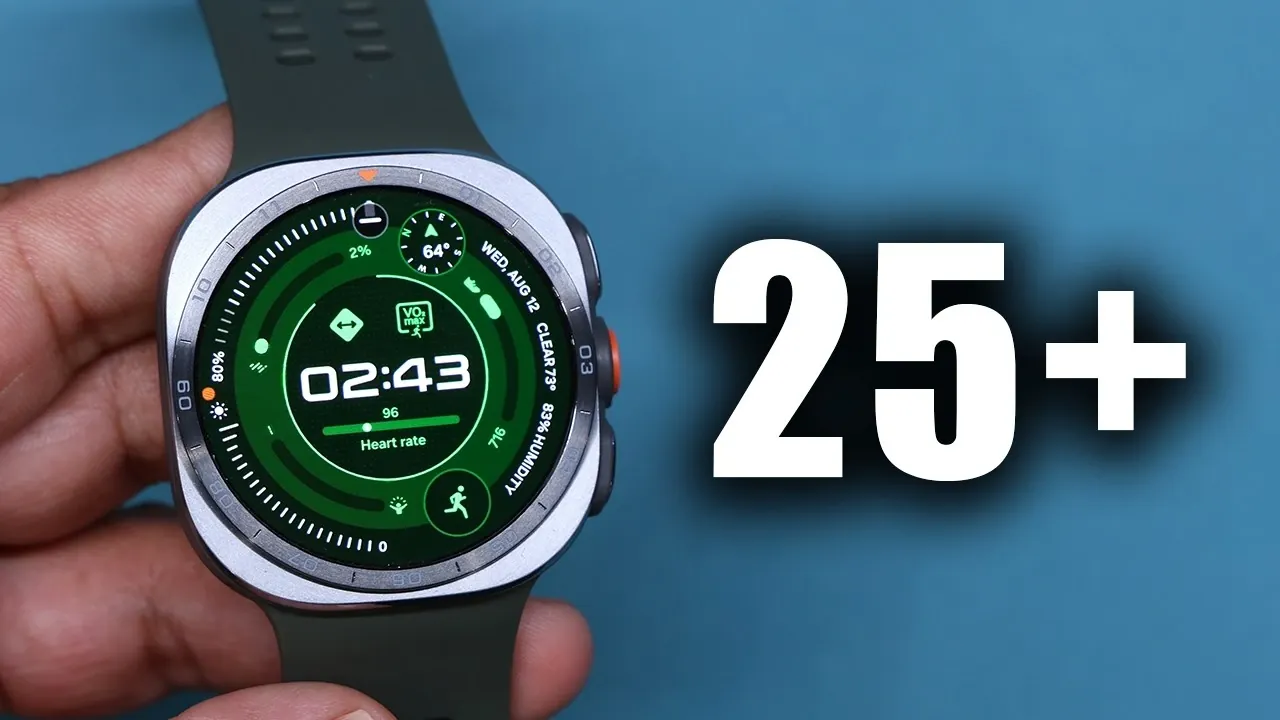
The Samsung Galaxy Watch Ultra 2 is more than just a smartwatch; it’s a powerful companion designed to enhance your daily life. Whether you’re a casual user or a tech enthusiast, the video below from Sakitech will walk you through over 25 tips, tricks, and hidden features to help you unlock its full potential. From seamless connectivity to advanced customization, the Galaxy Watch Ultra 2 offers a wide range of functionalities that cater to diverse needs and preferences.

Seamless Device Connectivity
The Galaxy Watch Ultra 2 integrates effortlessly with your smartphone through the Wearable app, making sure a smooth and synchronized experience. Any changes made on your phone, such as app notifications, calendar updates, or settings, are instantly mirrored on your watch. This two-way synchronization keeps you connected and ensures you never miss an important update, whether you’re at work, on the go, or relaxing at home. With this feature, you can manage your digital life more efficiently and stay informed without constantly reaching for your phone.
Wireless Charging Made Simple
Charging your Galaxy Watch Ultra 2 is straightforward and convenient, thanks to Samsung’s wireless power-sharing feature. Simply place your watch on the back of a compatible Samsung smartphone and it will begin charging instantly. This functionality is particularly useful when you’re traveling or in situations where a traditional charger isn’t available. Whether you need a quick power boost during a busy day or while exploring the outdoors, this feature ensures your watch stays powered and ready to assist you.
Locate Your Phone Instantly
Losing your phone can be frustrating, but the Galaxy Watch Ultra 2 simplifies the process of finding it. By activating the phone locator feature on your watch, your phone will emit a sound, even if it’s set to silent mode. This practical tool is invaluable for quickly locating your device, whether it’s buried under a pile of papers, left in another room, or misplaced during a hectic day. With this feature, you can save time and avoid unnecessary stress.
Effortless Music Control
The Galaxy Watch Ultra 2 allows you to control your music directly from your wrist, offering a seamless and convenient way to manage playback. You can play, pause, skip tracks, or adjust the volume without needing to access your phone. This feature is particularly beneficial during workouts, commutes, or when your hands are occupied. To ensure smooth functionality, make sure media controls are enabled in the settings. With this capability, your favorite tunes are always just a tap away.
Customizable Buttons for Quick Access
Personalize your Galaxy Watch Ultra 2 by customizing its buttons to suit your preferences. Assign specific functions to the action, home and back buttons, such as launching an app, starting a workout, or activating a voice assistant. This level of customization allows you to access your most-used features quickly and efficiently, enhancing the overall usability of your smartwatch. Whether you prioritize fitness, productivity, or entertainment, this feature ensures your watch adapts to your lifestyle.
Comprehensive Activity Tracking
The Galaxy Watch Ultra 2, powered by Samsung Health, offers robust activity tracking capabilities. It monitors a wide range of activities, including walking, running, cycling, swimming and more. You can even assign specific activities to the action button for instant tracking. This feature is ideal for users of all fitness levels, from casual walkers to dedicated athletes. By providing detailed insights into your performance and progress, the watch helps you set and achieve your fitness goals with ease.
Multitasking and App Management
Streamline your daily tasks with the Galaxy Watch Ultra 2’s multitasking features. Access recent apps through the app drawer or now bar and switch between them effortlessly. The watch also supports running multiple timers simultaneously, making it an excellent tool for managing complex schedules or multitasking on the go. Whether you’re juggling work deadlines, cooking multiple dishes, or coordinating activities, this feature enhances your productivity and organization.
Navigation with Compass and Waypoints
The built-in compass app on the Galaxy Watch Ultra 2 provides essential navigation tools, including elevation, latitude and longitude details. You can also set waypoints to mark specific locations, such as a trailhead, campsite, or your parked car. This functionality is particularly useful for outdoor enthusiasts, hikers and adventurers. By offering precise navigation and location tracking, the watch ensures you stay on course and never lose your way during your explorations.
Gesture Controls for Intuitive Use
Simplify your interactions with the Galaxy Watch Ultra 2 using its intuitive gesture controls. Enable gestures like double pinching or shaking your wrist to perform actions such as dismissing alarms, controlling music, or launching apps. These controls make the watch more accessible and user-friendly, especially in situations where your hands are busy. Whether you’re cooking, exercising, or multitasking, gesture controls provide a convenient and efficient way to interact with your device.
Make and Receive Phone Calls
Stay connected with the Galaxy Watch Ultra 2’s built-in microphone and speaker, which allow you to make and receive calls directly from your wrist. If you have an LTE-enabled model, you can even make calls without your phone nearby, making sure uninterrupted communication wherever you are. This feature is particularly useful for staying in touch during outdoor activities, workouts, or when your phone is out of reach. With this capability, you can maintain seamless communication in any situation.
Stay Warm with Glove Mode
Using your smartwatch in cold weather is made easier with glove mode. By increasing touch sensitivity, the Galaxy Watch Ultra 2 remains responsive even when you’re wearing gloves. This feature is especially beneficial during winter activities, outdoor adventures, or any situation where removing your gloves isn’t practical. With glove mode, you can continue to use your watch comfortably and efficiently, regardless of the weather conditions.
Quick Panel and App Drawer Customization
Organize your Galaxy Watch Ultra 2’s interface to match your preferences and priorities. Customize the quick panel by rearranging toggles to prioritize your most-used features. Additionally, you can switch between grid and list views in the app drawer to streamline navigation and improve accessibility. These customization options allow you to create a user-friendly interface that aligns with your specific needs, making your smartwatch experience more intuitive and enjoyable.
Personalize Your Watch Face
Express your style and individuality by personalizing your Galaxy Watch Ultra 2’s watch face. Choose from a wide variety of designs, colors and complications to match your outfit, activity, or occasion. The watch also offers low-light modes for better nighttime visibility. You can even set different watch faces for specific events or moods, adding a personal touch to your device. With endless customization options, your watch becomes a reflection of your unique personality.
Optimize Display Settings
Enhance the readability and usability of your Galaxy Watch Ultra 2 by adjusting its display settings. Modify font size, style and boldness to suit your preferences and visual needs. These adjustments ensure the watch remains accessible and easy to use for all users, regardless of their vision requirements. By optimizing the display, you can create a comfortable and user-friendly experience tailored to your needs.
Unlock the Full Potential of Your Galaxy Watch Ultra 2
The Samsung Galaxy Watch Ultra 2 is packed with features that go far beyond basic smartwatch functionality. By exploring these tips, tricks and hidden features, you can unlock its full potential and tailor it to your lifestyle. Whether you’re tracking fitness goals, managing daily tasks, or navigating the great outdoors, this guide ensures you get the most out of your smartwatch.
Browse through more resources below from our in-depth content covering more areas on Samsung Galaxy Watch Ultra 2.
- Why Samsung’s Galaxy Watch Ultra 2 is a Massive Leap Forward
- What We Know About the Galaxy Watch Ultra 2 Release Date
- Why the Galaxy Watch Ultra 2 Just Solved Android’s Biggest Smartwatch Issue
- A major leak just exposed Samsung’s launch plans for Galaxy Watch 9 and Ultra 2
- The Samsung Galaxy Watch Ultra 2 Battery Upgrade Changes Everything
Source & Image Credit: sakitech
Disclosure: Some of our articles include affiliate links. If you buy something through one of these links, Geeky Gadgets may earn an affiliate commission. Learn about our Disclosure Policy.
