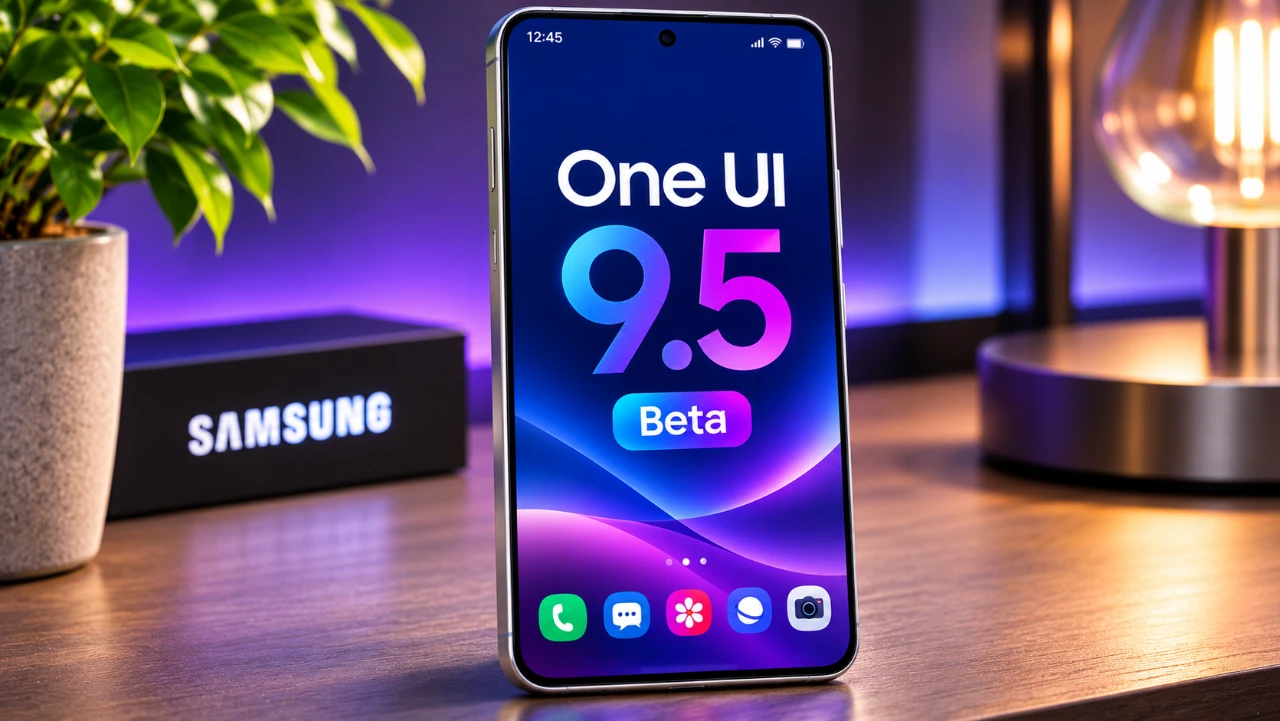
Samsung has unveiled the One UI 9.5 beta, initially available for the Galaxy S26 series, with plans to extend the update to other devices in the near future. This latest iteration of Samsung’s user interface introduces a host of features designed to enhance customization, privacy, usability, and performance. Whether you are a tech enthusiast or someone who values simplicity, One UI 9.5 aims to deliver a more refined and user-centric experience.
TL;DR Key Takeaways :
- Native App Lock: Lets you lock individual applications behind biometrics or your primary screen lock while hiding sensitive notification previews and widgets.
- Dynamic Live Wallpapers: Brings interactive, tilt-responsive motion effects and depth blur directly to your Galaxy lock screen.
- Overhauled Pro Camera & Zoom Bar: Consolidates key controls onto one screen with a new zoom slider, larger icons, and customizable Pro buttons.
- Mindful Usage & Health Upgrades: Introduces a 10-second “Pause Before App Launch” prompt alongside a global Medications tracker and Mindful Note journaling in Samsung Health.
Dynamic Live Wallpapers: Redefining Personalization
One of the standout features of One UI 9.5 is the introduction of dynamic live wallpapers. These animated lock screen visuals respond to your interactions and device tilt with subtle motion and depth blur, creating a more immersive and personalized experience. While the concept may draw inspiration from similar features on other platforms, Samsung has tailored it to seamlessly integrate into its ecosystem alongside expanded lock screen clock customizations and live sports animations in the Now Bar. Every time you unlock your device, these live wallpapers add a touch of vibrancy and individuality to your smartphone.
Enhanced Privacy with App Locking
Privacy remains a top priority in One UI 9.5, with the long-awaited addition of a dedicated native app-locking feature. This functionality allows you to secure specific apps using biometric authentication or your screen lock credentials. Beyond locking direct access, it automatically hides widgets and notification content for these apps, making sure that sensitive information remains protected even when someone else holds your unlocked phone. A centralized menu simplifies the management of locked apps, making it easy to adjust settings and maintain control over your privacy in shared or public environments.
Camera Upgrades: Precision and Usability
The camera experience in One UI 9.5 has been thoughtfully redesigned to cater to both casual users and photography enthusiasts. A revamped settings menu consolidates key adjustments onto a single screen for simplified navigation, while a new unified zoom bar near the shutter makes framing shots smoother and more accurate. Meanwhile, larger, clearer icons and customizable shortcut buttons in Pro and Pro Video modes make advanced controls far more accessible. Whether you’re capturing spontaneous moments or carefully crafting professional-quality shots, these updates provide greater control and flexibility.

Streamlined Control Panel for Quick Access
Samsung has introduced subtle yet impactful changes to the control panel in One UI 9.5. A search bar has been added directly to the Quick Settings panel, allowing you to locate and adjust specific toggles and accessibility shortcuts—including dedicated hearing aid volume and audio-routing controls—with ease. This enhancement streamlines navigation, reducing the time and effort required to manage your device’s settings. By focusing on intuitive design, Samsung ensures that even complex configurations are accessible to all users.
Pause Before App Launch: Encouraging Mindful Usage
In an effort to promote more intentional device use, One UI 9.5 introduces the “Pause Before App Launch” feature. This functionality adds a brief 10-second delay before opening selected apps, encouraging you to reconsider whether you truly need to access them. By fostering mindfulness, this feature helps reduce impulsive scrolling and distractions, supporting healthier digital habits for users seeking better control over their screen time.
Exclusive Privacy Features for Galaxy S26 Ultra
Galaxy S26 Ultra users benefit from exclusive privacy enhancements in One UI 9.5. Leveraging hardware-level Privacy Display capabilities, these upgrades protect sensitive views across secret browser modes, private albums, locked notes, and additional privacy settings for locked apps. Together, these features create a comprehensive suite of tools designed to shield your personal data from onlookers in public places. By offering these advanced privacy options, Samsung reinforces its commitment to security and user empowerment.
Biometric Authentication: Faster and More Seamless
Biometric authentication has been refined in One UI 9.5 to deliver a smoother and more intuitive experience. The fingerprint registration process has been streamlined with clearer guidance and a cleaner visual animation. Additionally, faster simultaneous fingerprint and facial recognition verification ensures quicker, more reliable authentication across the OS. These improvements strike a balance between convenience and security, making it easier than ever to unlock your device and access sensitive information.
File Management: Simplified Organization
The My Files app has received practical updates in One UI 9.5, adding built-in support for viewing and editing DOCX and PPTX documents alongside streamlined storage cleanup tools. These enhancements make it easier to organize your files, open Office documents without extra software, and free up space on your device. By prioritizing efficiency, Samsung ensures that managing your digital content remains a hassle-free experience.
Samsung Health: Smarter Wellness Tracking
Samsung Health has been expanded with new features aimed at enhancing both physical and mental wellness tracking. The update introduces Mindful Note—a native journaling space offering both freeform writing and guided reflection prompts—alongside a global Medications tracker for logging prescriptions, vitamins, and adherence reminders. Combined with faster three-day sleep coaching insights, the improved Samsung Health app gives you clearer tools to stay on top of your daily well-being.
Samsung DeX: Improved Performance
Samsung DeX, the feature that transforms your device into a desktop-like interface, receives under-the-hood performance optimizations and improved window snapping and tiling refinements in One UI 9.5. These improvements ensure a more reliable and fluid experience when managing multi-window desktop workflows on an external monitor. Whether you’re multitasking or working on the go, the enhanced responsiveness makes DeX a dependable tool for productivity.
Shaping the Future of Samsung’s Ecosystem
Rolling out now through the Samsung Members app in key markets including the US, UK, Germany, India, Korea, and Poland, the One UI 9.5 beta represents a significant step forward in Samsung’s ongoing efforts to refine its software ecosystem. By focusing on customization, privacy, and usability, this update delivers meaningful enhancements that cater to a wide range of user needs. From dynamic live wallpapers to native App Lock and intuitive camera controls, One UI 9.5 lays a polished foundation ahead of its full stable debut alongside the Galaxy S27 lineup in early 2027.
Enhance your knowledge on One UI 9.5 Beta by exploring a selection of articles and guides on the subject.
- Samsung’s One UI 9.5 Is Reportedly Rolling Out Earlier Than Expected
- Samsung Expands Stable One UI 9 Rollout to Older Flagships and More Devices
- The Biggest Samsung Update in Years: Everything Coming in One UI 9.5
- First Look at One UI 9.5: Samsung’s Sleekest Interface Redesign in Years
Source: Sakitech
Disclosure: Some of our articles include affiliate links. If you buy something through one of these links, Geeky Gadgets may earn an affiliate commission. Learn about our Disclosure Policy.
