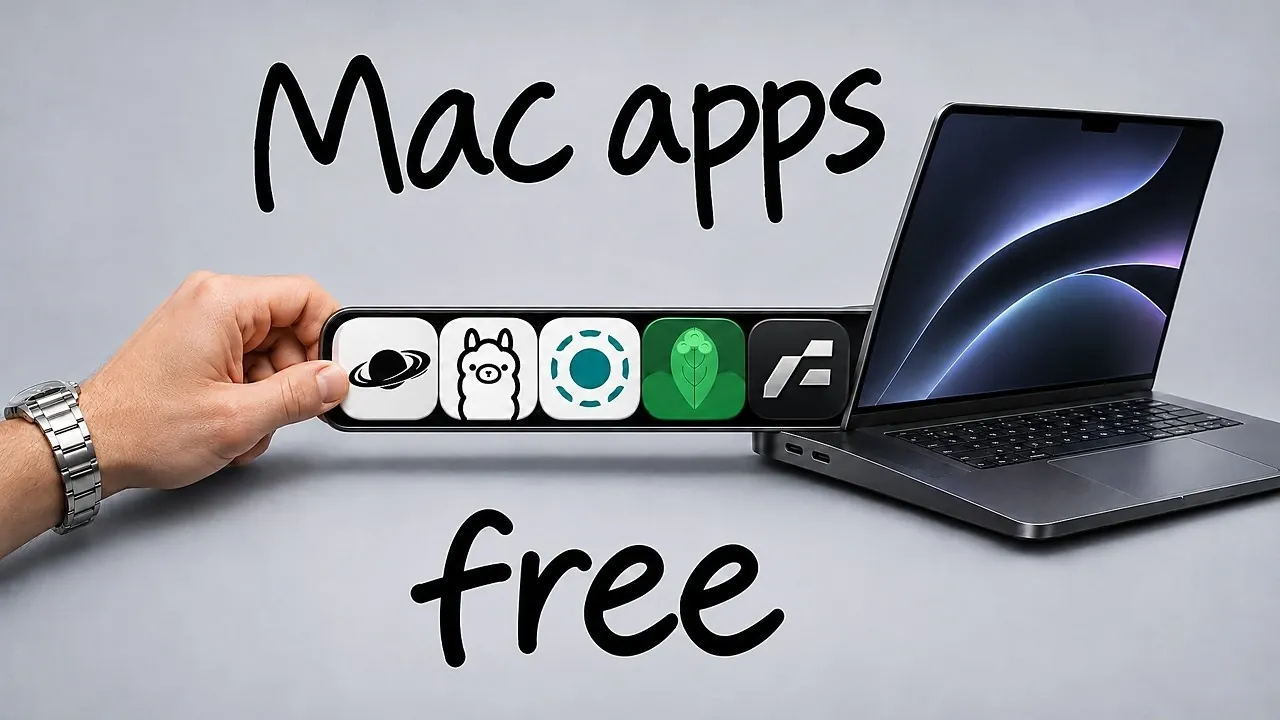
Can free Mac apps do more than the basics? NextWork shows that nine free, open source Mac apps can handle everyday jobs from dictation and file sorting to audio controls and local AI. You can turn speech into text without Wi-Fi, send files between different devices, and give each app its own volume setting. A few need a little setup and one has an optional paid plan. You’ll see what each app does and how its free options can fit into your routine.
Nine Free Mac Apps for Everyday Tasks
TL;DR Key Takeaways :
- Handy, ranked first, turns speech into text using a voice model that works without Wi-Fi.
- Frame, ranked second, converts video, audio and image files locally without uploading them.
- Ollama, ranked third, runs open source AI models on a Mac without requiring Wi-Fi.
- LocalSend, with over 100,000 GitHub stars, transfers files across devices on the same Wi-Fi network without an account.
- Vorssaint, with about 35,000 GitHub stars, provides per-app volume controls and audio routing for free.
What these apps share is that they do their work on your Mac. Several run with no internet connection or account at all, and two stand in for paid tools: Vorssaint covers the audio routing that SoundSource sells for $49, and Forall does the job of Hazel, which costs around $42.
They appear below in ranked order, best first, with one exception: the ninth-placed app sits beside the second, because the two work as a pair.
Handy Turns Speech Into Text Offline
Handy takes first place. Hold a keyboard shortcut, speak, and it types what you said, using a voice model that works without Wi-Fi. It is an open source alternative to Wispr Flow and Superwhisper, and you can choose which model it uses.
Add a misheard word to its dictionary and Handy records the correction, which helps it avoid the same mistake again. Free voice models keep improving and speaking can be faster than typing, so if you want a fast model that uses little memory, NVIDIA’s Parakeet is a good place to start.

Deep dive into the latest in free mac apps by exploring our other resources and articles.
Frame and Clop Convert and Shrink Files
Frame, in second place, converts video, audio and image files on the Mac itself, so nothing is uploaded. It has presets for GIFs, TikTok and YouTube. Frame is not yet notarized by Apple, so the first download means changing a few settings before you can use it.
It pairs with Clop, ranked ninth: Clop shrinks a file and Frame changes its format. Clop reduces copied screenshots, videos and PDFs before you paste them, and you can drag a file to a corner of the screen to shrink or scale it, or pick a folder where added photos are reduced automatically. It also converts iPhone photos and videos into a format any operating system can read. The free plan covers most of the useful cases, alongside an optional €15 pro plan.
Ollama Runs AI Models on Your Mac
Ollama, third, downloads open source AI models and runs them on your Mac, even with no Wi-Fi connection. You start a model with this command, followed by the model’s name:
ollama run
Local models suit smaller tasks and private information you would rather keep off another company’s servers. They are typically smaller and less capable than the models available online, although more memory lets your Mac run a better one.
Textream Keeps a Script Near the Camera
Textream, fourth, puts a teleprompter in the notch beside the camera, so you can read a script while appearing to look toward the lens. Paste in your script and choose how it advances: it can follow your voice and stop when you stop speaking, or scroll at a speed you set. It also works on an iPhone or iPad.
Forall Sorts Files With Rules
Forall, fifth, watches a folder and applies your rules to whatever arrives. It can rename and tag screenshots before moving them to a screenshots folder, or send any PDF containing “invoice” to an invoices folder, and it reads text and images well enough to sort items such as receipts.
A dry run shows what a rule would do before you apply it, and once set up, the rules keep running without further attention.
IINA Plays Almost Any Video
IINA, sixth, is a video player built on the same engine as mpv. It opens almost every file type, where QuickTime cannot open many formats, and does much the same job as VLC while being made for the Mac.
It supports picture-in-picture, a music mode and thumbnails you can scrub through. It also searches online for matching subtitles and lets you set your own trackpad shortcuts and gestures.
LocalSend Transfers Files Across Devices
LocalSend, seventh, does what AirDrop does but beyond Apple devices, sending files between a Mac, an Android phone, a Windows laptop and an iPhone. Both devices need LocalSend open and must be on the same Wi-Fi network. It needs no account, and it has over 100,000 GitHub stars.
Vorssaint Adds Per-App Volume Controls
Vorssaint, eighth, sits in the menu bar and gives every app its own volume slider, so you can turn one app down without touching the rest and send each app’s audio to a different speaker. It is free and has about 35,000 GitHub stars.
Audio is only part of it. Vorssaint also includes:
- A system monitor for CPUs, battery and temperatures
- Window snapping and an app switcher that previews open windows
- Clipboard history, which can bring back something you copied an hour earlier
- A screenshot tool with drawing and annotations
- A keep-awake toggle that keeps the Mac running with its lid closed
Together these can replace roughly six paid apps. Vorssaint also has a dynamic island that shows the progress of AI agents and how close their context windows are to running out.
All nine are free to try, so the easiest way in is to start with the one that solves a problem you already have: Handy if you type a lot, LocalSend if your devices are not all Apple, Vorssaint if one loud app keeps sending you to the volume keys. The rest can wait until the need comes up.
Media Credit: NextWork
Disclosure: Some of our articles include affiliate links. If you buy something through one of these links, Geeky Gadgets may earn an affiliate commission. Learn about our Disclosure Policy.
