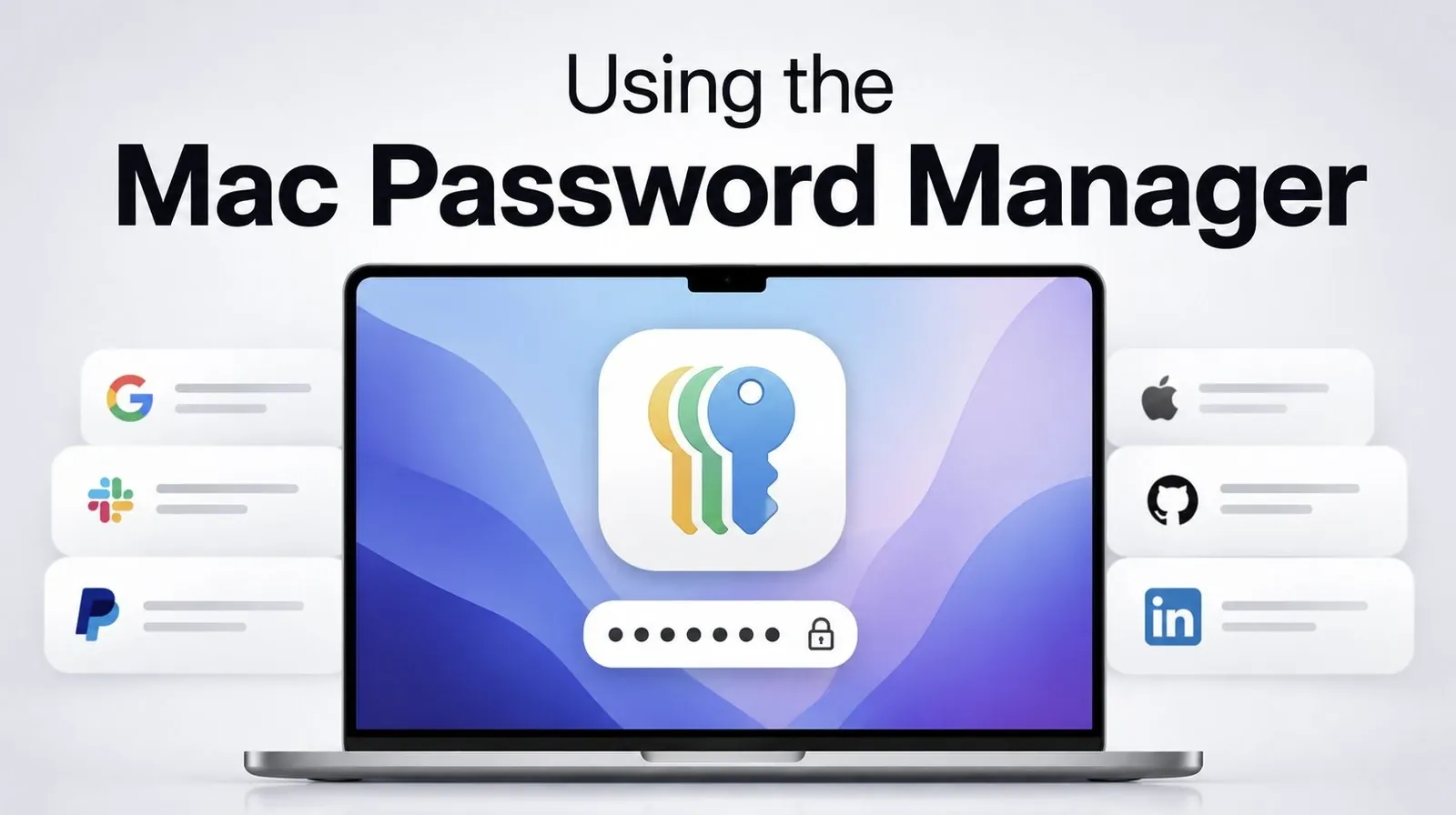
Remembering passwords is no longer a necessity when your Mac offers a smarter, more secure alternative. Crazy Errors explores how Apple’s Passwords app simplifies password management by automating the creation, storage and autofill of strong, unique credentials. With features like passkeys and iCloud Keychain, the app ensures your passwords are encrypted, synchronized across devices and accessible whenever you need them. Whether you’re logging in with Touch ID or Face ID, Apple’s approach prioritizes both security and convenience, reducing the risks tied to weak or reused passwords.
Explore how this system extends beyond Apple’s ecosystem, offering compatibility with Windows PCs and browsers like Chrome and Firefox through iCloud integrations. Gain insight into how passkeys enable password-free logins, how the app alerts you to compromised credentials and how its recovery and sharing features make managing accounts easier. This feature breaks down everything you need to know to secure your digital life without the hassle of memorizing passwords.
Streamlined Password Management
TL;DR Key Takeaways :
- Apple’s Passwords app automates the creation, storage and management of strong, unique passwords, reducing risks associated with weak or reused credentials.
- Advanced features like passkeys, encryption and cross-device synchronization via iCloud Keychain ensure seamless and secure password management across platforms.
- Passkeys enable a password-free login experience using Touch ID or Face ID, with compatibility for non-Apple devices through QR code scanning.
- The app includes tools for password recovery, secure sharing and alerts for weak or compromised passwords, enhancing user convenience and security.
- Broad compatibility with Safari, Chrome, Firefox and Windows devices ensures flexibility, making it an essential tool for simplifying and securing digital life.
The Passwords app revolutionizes how you handle passwords by generating strong, unique credentials for all your accounts. These passwords are securely stored and automatically filled in when needed, reducing the risks associated with weak or reused passwords that could compromise your data. Authentication is quick and effortless, using Touch ID or Face ID to verify your identity.
Your passwords are synchronized across all your Apple devices through iCloud Keychain, making sure you can access them anytime and anywhere. Even if you use non-Apple devices, such as Windows PCs or third-party browsers like Chrome or Firefox, the app extends its functionality through iCloud for Windows and browser extensions. This broad compatibility ensures that your password management system works seamlessly across platforms, no matter what devices you use.
Passkeys: The Future of Authentication
Passkeys represent Apple’s forward-thinking approach to a password-free future. These cryptographic keys are securely stored on your device and allow you to log in to accounts without entering traditional passwords. Instead, you authenticate using device-based methods like Touch ID or Face ID, offering a faster and more secure login experience.
For non-Apple devices, the app facilitates passkey access through QR code scanning, making sure compatibility across platforms. This feature bridges the gap between ecosystems, making password-free logins accessible and convenient, whether you’re using an Apple device or not. By adopting passkeys, you can reduce reliance on traditional passwords while enhancing your overall security.

Unlock more potential in macOS by reading previous articles we have written.
- Apple Releases macOS 26.6 Tahoe With Important Security Features
- Why the macOS 27 Update is Actually a Massive Leap Forward
- New iOS 27 Beta 5 Release Arrives with a Big Shift Coming
- Why macOS 27 is Officially Apple’s Biggest Mac Update Yet
- The macOS 27 Beta 5 Release is Out: All the New Features
- Apple Releases MacOS 27 Beta 3 with New Mac Features
- iOS 27 Beta 5 Is Late: What’s Holding Up Apple’s Next Release?
- macOS 27 Beta 3 Unlocks Golden Gate Upgrades for Testers
- Apple Left a Massive MacBook Ultra Clue Hidden Inside macOS 27
- The Biggest Changes Coming to macOS 27 Golden Gate
Advanced Security Features
Apple places a strong emphasis on protecting your data and the Passwords app is no exception. All passwords stored in the app are encrypted, making sure that even Apple cannot access them. The app also proactively alerts you to weak, reused, or compromised passwords, helping you address vulnerabilities before they become security risks.
Future macOS updates are expected to include tools for fixing compromised passwords directly within the app, further enhancing its utility. These features empower you to maintain a secure digital environment without requiring extensive technical knowledge or effort.
Password Recovery and Sharing Made Easy
Accidentally deleting a password can be a frustrating experience, but the Passwords app offers a solution. Deleted entries can be recovered within 30 days, providing added peace of mind. Additionally, the app allows you to securely share passwords with trusted individuals through shared groups. This feature is particularly useful for families or teams that need to access shared accounts without compromising security.
By offering both recovery and sharing options, the Passwords app ensures that managing your credentials is as flexible and user-friendly as possible.
Effortless Setup and Broad Compatibility
Getting started with the Passwords app is straightforward. Simply add it to your dock for quick access and you’re ready to go. The app integrates seamlessly with Safari, Chrome, and Firefox, making it easy to use across different browsers. For Windows users, iCloud for Windows ensures compatibility, extending Apple’s ecosystem beyond its own devices.
This broad compatibility ensures that no matter what combination of devices or browsers you use, the Passwords app can adapt to meet your needs. Its intuitive setup process and seamless integration make it an essential tool for anyone looking to simplify and secure their digital life.
Tips for Maximizing Security
While the Passwords app significantly enhances your digital security, maintaining strong device security is equally important. Follow these best practices to ensure maximum protection:
- Use strong, unique passcodes for your Mac and iPhone to prevent unauthorized access.
- Avoid sharing your device passcodes with others, even trusted individuals.
- Regularly update your devices to the latest software versions to benefit from the newest security enhancements.
These simple yet effective steps, combined with the app’s robust features, create a comprehensive defense against potential threats.
Empower Your Digital Security
Apple’s Passwords app offers a comprehensive and user-friendly solution to password management, eliminating the burden of remembering complex credentials. By automating the creation, storage and autofill of strong passwords, the app simplifies your digital life while making sure your data remains secure. Features like passkeys, encryption, and cross-device compatibility enhance both security and convenience, making it easier than ever to protect your online accounts.
With tools for password recovery, secure sharing and alerts for weak or compromised credentials, the Passwords app enables you to take control of your digital security effortlessly. Whether you’re an Apple enthusiast or a multi-platform user, this app provides the tools you need to navigate the digital world with confidence and peace of mind.
Media Credit: Crazy Errors
Disclosure: Some of our articles include affiliate links. If you buy something through one of these links, Geeky Gadgets may earn an affiliate commission. Learn about our Disclosure Policy.
