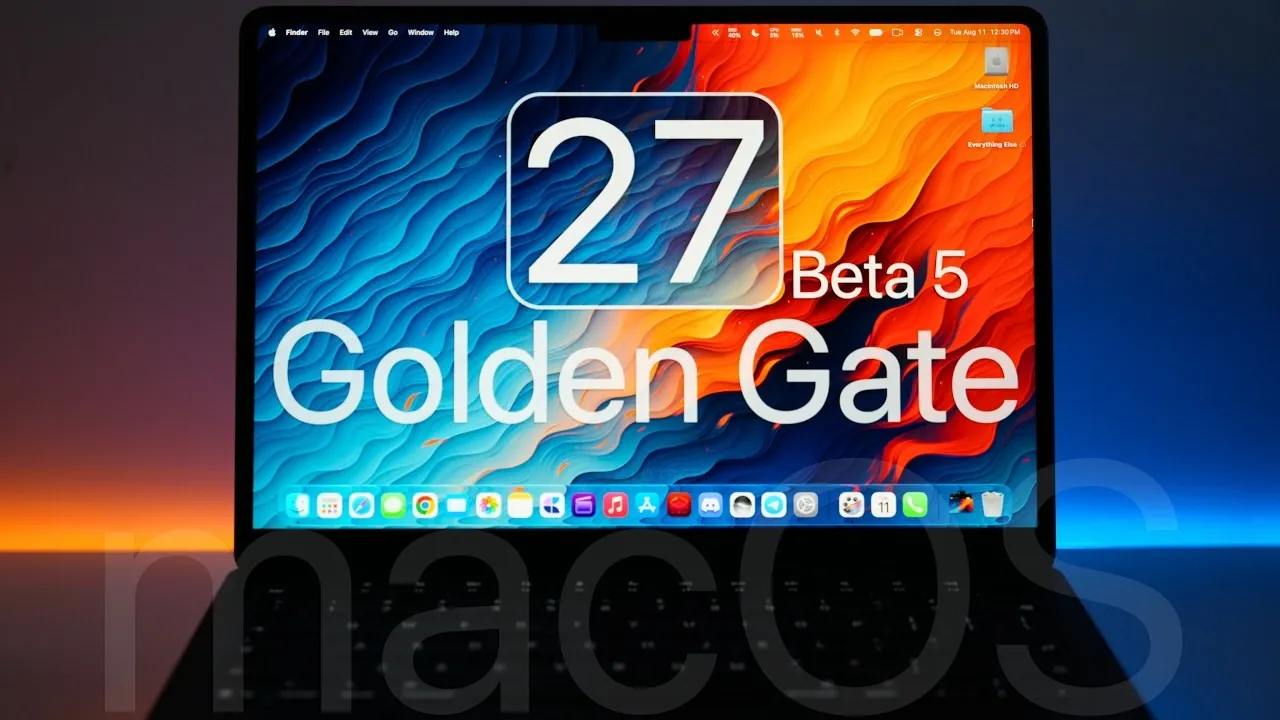
Apple has officially released macOS 27 Beta 5, offering a range of updates, feature enhancements, and bug fixes aimed at refining the overall user experience. This latest beta, available exclusively to developers, builds upon the foundation of macOS 27, focusing on improving design, functionality and performance. With updates to system icons, Siri, multitasking tools and privacy features, this release represents a significant step toward the anticipated public launch later this year. The video below from Zollotech gives us more details about the latest macOS beta.

Key Features and Updates in macOS 27 Beta 5
macOS 27 Beta 5 introduces several notable changes designed to enhance usability and aesthetics. These updates reflect Apple’s commitment to creating a more seamless and visually appealing operating system:
- Redesigned System Icons: Updated icons for core apps like Safari, Settings, Siri, App Store and Chess bring a fresh, modernized look to the interface.
- Enhanced Dark Mode: A richer, more immersive dark mode improves readability and visual comfort, particularly in low-light environments.
- Liquid Glass Transparency: Refined transparency effects deliver a sleeker, more polished user interface, enhancing the overall aesthetic.
- Smoother Scrolling: Adjustments to scrolling behavior ensure fluid navigation across apps and web pages, improving responsiveness.
- Desktop and Stage Manager Updates: Enhanced desktop organization and updated Stage Manager settings make multitasking more intuitive and efficient.
- Wider Side Menu Bar: A broader menu bar accommodates longer titles, improving accessibility and usability for users managing multiple tasks.
Siri Upgrades: Smarter and More Customizable
Siri receives significant enhancements in this beta, making it a more versatile and user-friendly digital assistant. These updates aim to improve both functionality and personalization:
- Voice Customization: Users can now adjust Siri’s voice for speed and expressiveness, tailoring the assistant to better suit individual preferences.
- Visual Lookup: Siri gains the ability to identify objects in screenshots, though this feature remains in its early stages of development.
- “Write with Siri”: A new Notes feature allows users to dictate and compose text seamlessly, streamlining productivity tasks.
Privacy and Security Enhancements
Apple continues to prioritize user privacy and data security with the latest updates in macOS 27 Beta 5. These changes provide greater transparency and control over personal information:
- Streamlined Permissions: The Accessibility menu has been replaced with a more comprehensive permissions section, simplifying the management of app access and device settings.
- Improved Data Oversight: Enhanced controls give users greater visibility into how apps access and use personal data, reinforcing Apple’s commitment to privacy.
Bug Fixes and Stability Improvements
macOS 27 Beta 5 addresses several known issues, making sure a more stable and reliable user experience. These fixes target key areas of the operating system:
- Parental Controls: Resolved issues affecting Safari restrictions for child accounts, improving functionality for families.
- Disk Utility: Fixed metadata corruption errors that previously impacted file system stability, enhancing reliability.
- Menu Bar Customization: Restored the ability to rearrange menu bar icons using the Command key, offering greater flexibility in personalization.
Performance and Battery Life
Performance in macOS 27 Beta 5 remains consistent, with no major issues reported. While background processes may require a few days to stabilize after installation, overall system responsiveness is smooth. Battery life is comparable to previous versions, making sure efficient daily use without significant power drain.
Should You Update?
For developers and beta testers already using macOS 27 Beta 4, upgrading to Beta 5 is highly recommended to access the latest features, fixes and improvements. However, users on macOS 26.6.1 or earlier stable versions should consider waiting for the final public release to avoid potential beta-related issues. As with any beta software, it’s important to back up your data before installation to safeguard against unexpected problems.
What’s Next?
The release of macOS 27 Beta 5 signals that the final version is nearing completion. Developers can expect Beta 6 to arrive soon, alongside updates for iOS 27, iPadOS 27 and other Apple platforms. The public release of macOS 27 is anticipated around mid-September, likely coinciding with Apple’s next major event. This timeline suggests that Apple is on track to deliver a polished and feature-rich operating system to its users.
Here are additional guides from our expansive article library that you may find useful on macOS 27 Beta.
- New iOS 27 Beta 5 Release Arrives with a Big Shift Coming
- Apple Releases MacOS 27 Beta 3 with New Mac Features
- iOS 27 Beta 5 Is Late: What’s Holding Up Apple’s Next Release?
- macOS 27 Beta 3 Unlocks Golden Gate Upgrades for Testers
- Apple iOS 27 Beta 5 Preview: a Look at the Next Release
Source & Image Credit: zollotech
Disclosure: Some of our articles include affiliate links. If you buy something through one of these links, Geeky Gadgets may earn an affiliate commission. Learn about our Disclosure Policy.
