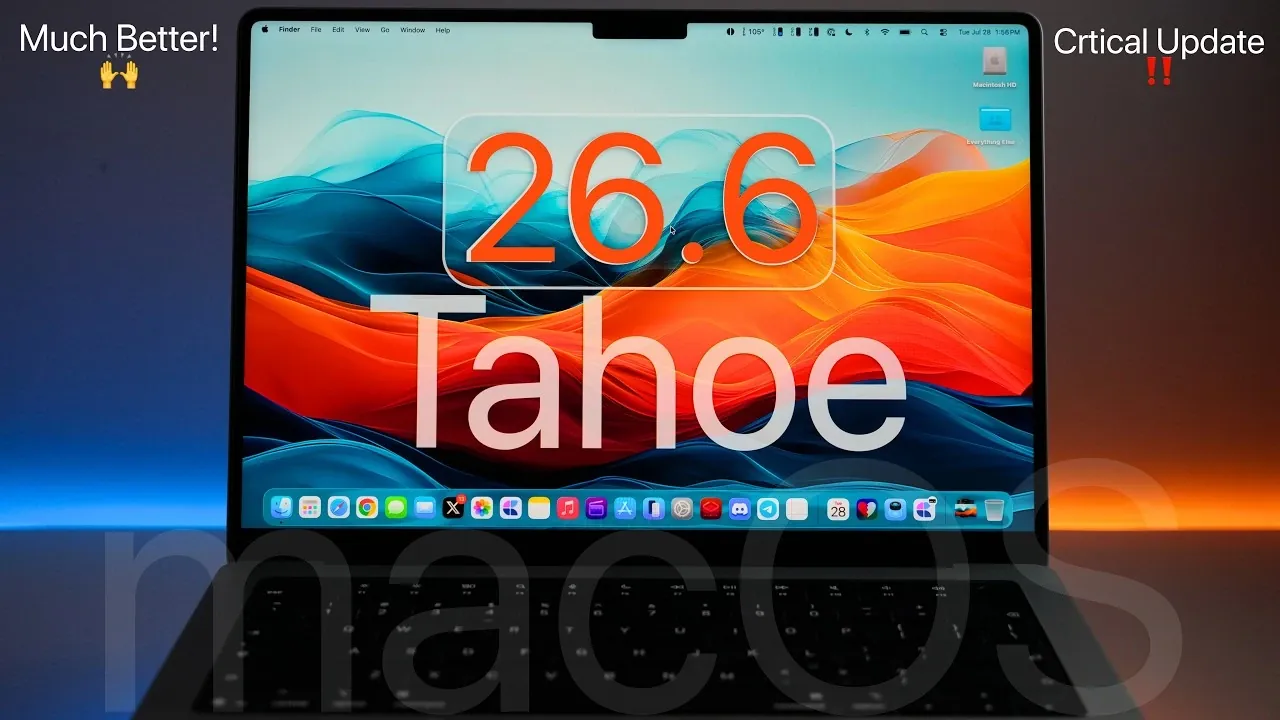
Apple has officially rolled out macOS 26.6 Tahoe, marking a significant update for all devices running macOS 26. This release focuses on enhancing security, stability, and performance, while also laying the groundwork for the upcoming macOS 27 Golden Gate. With over 150 security patches and a host of bug fixes, this update is essential for maintaining a secure and efficient macOS environment. The video below from Zollotech gives us more details on the update.

How to Get the Update
If your device supports macOS 26, you can download macOS 26.6 Tahoe immediately. To install the update:
- Navigate to System Settings > General > Software Update.
- Follow the on-screen instructions to complete the installation process.
For users enrolled in the macOS 27 beta program, this update will not appear unless you restore your device to macOS 26. The update is being released globally alongside updates for other Apple platforms, including iOS, iPadOS, tvOS, HomePod OS and VisionOS 26.6.
What’s Included in macOS 26.6?
macOS 26.6 Tahoe is a substantial update, with a download size of approximately 13.52 GB on devices like the M5 Max 14-inch MacBook Pro. It carries the build number 25G72 and introduces critical changes aimed at improving functionality, security and overall system performance. This update also prepares macOS for future transitions, such as the move to macOS 27 and beyond.
Key Features and Improvements
macOS 26.6 Tahoe brings a range of enhancements designed to optimize the user experience. Key updates include:
- Spotlight Optimization: Spotlight indexing has been refined, improving search efficiency and preparing the system for the upcoming macOS 27.
- File System Transition: Apple continues its transition from encrypted HFS+ and Core Storage to APFS. Full discontinuation of older file systems is expected in macOS 28, making this update a critical step in the process.
- Bug Fixes: Several longstanding issues, such as garbled HDR screenshots, inaccuracies in HealthKit data and external device instability, have been resolved.
Bug Fixes You’ll Notice
This update addresses a wide range of system issues, significantly improving reliability and user experience. Notable fixes include:
- Elimination of incorrect macOS deprecation notifications.
- Improved accuracy in HealthKit data reporting, making sure better integration with health-related apps and devices.
- Resolution of HDR screenshot errors within Messages, enhancing visual clarity.
- Stabilization of external cameras and restoration processes for MacBook Neo devices.
- Prevention of system crashes when switching displays or connecting external drives, making sure smoother workflows.
Enhanced Security
Security remains a cornerstone of macOS 26.6 Tahoe, with over 150 vulnerabilities addressed. Key areas of focus include:
- Kernel Security: Critical patches have been implemented to prevent unauthorized access and ensure system integrity.
- WebKit Fixes: Browser security has been enhanced to protect against malicious websites and potential exploits.
- App Sandboxing: Improved mechanisms now prevent apps from bypassing system restrictions, safeguarding user data and applications.
These updates collectively strengthen the macOS ecosystem, making sure a safer and more reliable computing environment for all users.
Performance and Stability Gains
Users have reported noticeable improvements in system performance and stability following the update. Key highlights include:
- Fewer crashes during tasks such as switching displays or connecting external devices, resulting in a smoother user experience.
- Refined fan management and CPU temperature regulation, leading to quieter and more efficient operation, particularly during intensive tasks.
- Enhanced performance when using external displays or peripherals, making sure seamless integration with additional hardware.
These refinements contribute to a more polished and reliable macOS experience, particularly for users who rely on their devices for professional or creative work.
Battery Life
Preliminary reports suggest that battery performance remains consistent with previous versions of macOS 26. While no significant changes have been observed, further testing may reveal additional insights into the update’s impact on battery life. Users can expect reliable battery performance, with no noticeable degradation or improvement at this stage.
What’s Next?
Apple is expected to release follow-up updates, such as macOS 26.6.1 or 26.7, to address any remaining issues or introduce minor refinements. Meanwhile, the company is shifting its focus to macOS 27 Golden Gate, which is anticipated to launch in mid-September 2026. This next major release is expected to introduce new features and further enhance the macOS experience, building on the foundation established by macOS 26.6 Tahoe.
Should You Update?
macOS 26.6 Tahoe is a critical update for all users running macOS 26. By addressing vulnerabilities, resolving bugs and improving system performance, it ensures a more secure and reliable computing experience. If you haven’t already, it is highly recommended to install this update to keep your device running smoothly and securely. Staying up-to-date with the latest software not only protects your system but also ensures compatibility with future macOS developments.
Source & Image Credit: zollotech
Disclosure: Some of our articles include affiliate links. If you buy something through one of these links, Geeky Gadgets may earn an affiliate commission. Learn about our Disclosure Policy.
