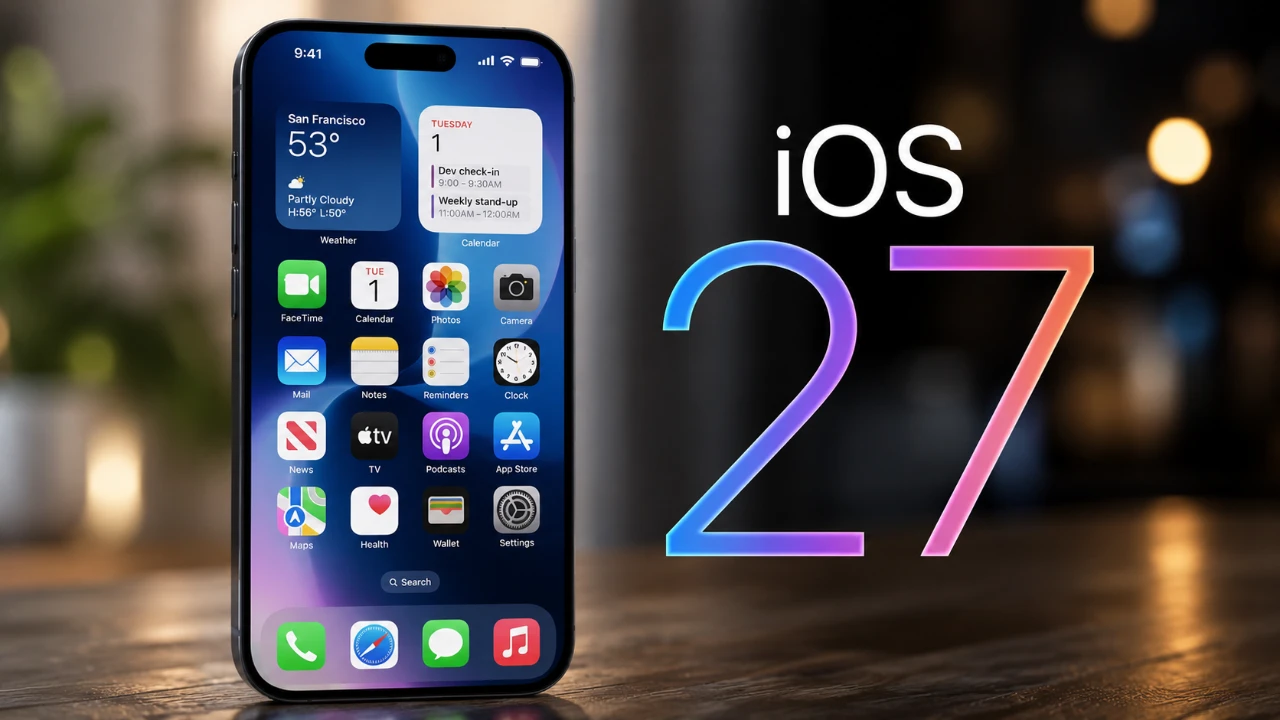
Apple’s iOS 27 brings a fantastic update to iMessage, reshaping how users communicate, organize, and express themselves. With enhanced contextual intelligence, deeper Siri AI integration, and a suite of creative tools, iMessage now delivers a more seamless, efficient, and engaging experience. Let’s explore the standout features that make this update a significant leap forward. The video below from Nikias Molina gives us more details.

Contextual Suggestions for Smarter Messaging
One of the most impactful updates in iOS 27 is the introduction of contextual suggestions, which elevate the way you interact within conversations. As you type, iMessage intelligently analyzes the context of your discussion to provide relevant, actionable recommendations. For example:
- Planning an event? iMessage suggests creating a Calendar entry or adding a task to Reminders.
- Mentioning a photo or location? The app prompts you to share the relevant file or address instantly.
This feature is seamlessly integrated with Apple’s ecosystem, allowing you to link conversations to Notes, Calendar, or Reminders without leaving the app. By reducing the need to switch between applications, iMessage helps you stay organized and save time, even when managing multiple tasks simultaneously. This level of integration ensures that your conversations are not just about communication but also about productivity.
Siri AI: A Smarter Messaging Assistant
Siri AI takes on a more prominent role in iMessage, offering advanced assistance and deeper contextual understanding. With iOS 27, Siri can now:
- Locate specific messages, photos, or links from past conversations with precision. For instance, you can ask Siri to find a shared document or a photo from weeks ago and it retrieves the content instantly.
- Provide real-time suggestions based on ongoing conversations. Whether you’re coordinating plans or revisiting a previous discussion, Siri offers relevant actions, such as setting reminders or sharing files.
This enhanced personal context awareness ensures that Siri not only responds to your queries but also anticipates your needs, making your messaging experience smoother and more efficient.
Efficiency and Accuracy in Messaging
iOS 27 introduces several updates designed to make messaging faster, more accurate and tailored to your preferences. These improvements include:
- A media upload progress bar that provides real-time feedback on the status of file sharing, making sure transparency and reducing uncertainty.
- Enhanced dictation capabilities with faster transcription and automatic punctuation, minimizing the need for manual corrections and edits.
- Customizable input methods, allowing you to seamlessly switch between voice messages, dictation, or traditional typing based on your communication style.
These updates ensure that iMessage adapts to your needs, whether you’re multitasking, on the go, or simply looking for a more streamlined messaging experience.
Creative Tools for Expressive Conversations
For users who enjoy personalizing their messages, iOS 27 introduces a range of creative tools that make conversations more engaging and fun. These include:
- A drawing feature that lets you create and send illustrations directly within iMessage, using customizable brushes, colors and effects.
- Expanded message effects, such as balloons, confetti and fireworks, which add a dynamic visual element to your chats.
- The innovative Genmoji feature, which allows you to generate custom emojis based on natural language descriptions. For example, typing “a happy dog with a party hat” creates a matching emoji instantly.
These tools empower users to express themselves in unique and creative ways, adding a layer of personality and excitement to everyday conversations.
Enhanced Group Chats for Collaboration and Connection
Group chats receive a significant upgrade in iOS 27, making them more interactive and visually appealing. Key enhancements include:
- A typing indicator that shows who is actively composing a message, helping you follow conversations in real time and reducing confusion in busy group chats.
- The Image Playground feature, which allows users to customize chat backgrounds with generated or uploaded images, adding a personal touch to group interactions.
- Improved organization tools, such as pinned messages and shared file overviews, making sure that important information is easily accessible within the group.
These features are designed to enhance collaboration, whether you’re coordinating with colleagues, planning events with friends, or simply staying connected with loved ones.
A New Era for iMessage
The iOS 27 update redefines iMessage as more than just a messaging platform. With contextual intelligence, Siri AI integration, and a host of creative and collaborative tools, iMessage becomes a central hub for communication, organization and self-expression in 2026. Whether you’re managing tasks, sharing media, or personalizing your conversations, these updates ensure a smarter, more intuitive and engaging messaging experience.
Deep dive into the latest in ios 27 by exploring our other resources and articles.
- Apple’s iOS 27 Beta 3 Is Just Days Away: Here’s When It Drops
- The iOS 27 Beta 5 Release Imminent with More New Features
- iOS 27 Leaks Reveal the End of an Era: Apple’s New Priorities Confirmed
- iOS 27 Beta 2 Changes: What Apple Is Modifying to Improve Performance
- First Look at the Upcoming iOS 27 Beta 4 Update Preview
- Should You Install iOS 27 Beta 3 or Wait for the Public Beta?
Source & Image Credit: Nikias Molina
Disclosure: Some of our articles include affiliate links. If you buy something through one of these links, Geeky Gadgets may earn an affiliate commission. Learn about our Disclosure Policy.
