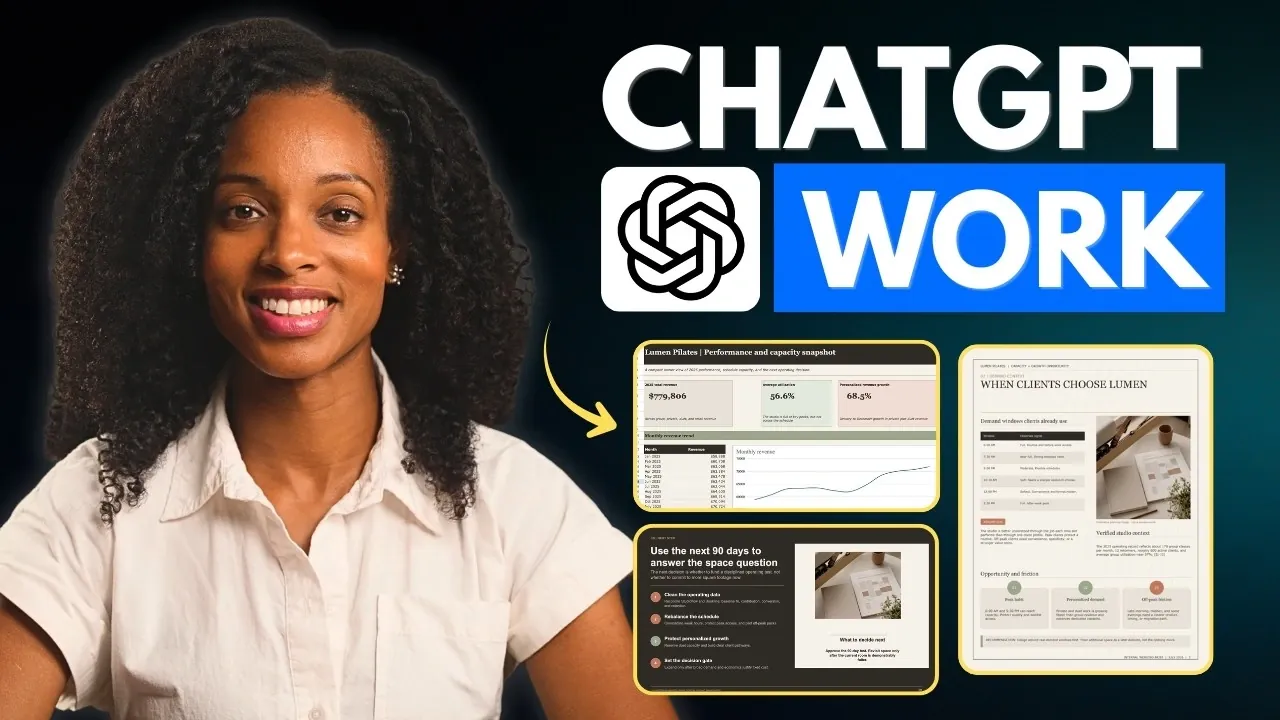
ChatGPT Work, developed by OpenAI, combines chat-based interaction, coding support and task management to address professional challenges in a structured way. Enovair highlights features such as the Work Toggle, which simplifies multi-step workflows and Codex Integration, which supports technical tasks like script generation and debugging. For example, users can automate recurring processes or draft detailed project plans while maintaining a balance between precision and adaptability, making it suitable for diverse professional applications.
Explore how to use Plan Mode to map out task execution before committing, integrate third-party plugins for expanded functionality and customize AI models like Tara to align with specific project goals. Learn practical methods for improving efficiency, including creating reusable templates and managing tasks remotely through the mobile app. This overview provides clear steps to help you navigate and apply ChatGPT Work’s features effectively in your professional routines.
What is ChatGPT Work?
TL;DR Key Takeaways :
- ChatGPT Work integrates chat, work and coding functionalities into a unified platform, streamlining complex tasks for professionals across various domains.
- Key features include Codex integration for coding, Plan Mode for task previews, third-party plugin support and automation tools for recurring tasks.
- It offers customizable AI models (Solve, Tara, Luna) tailored to different task complexities, making sure flexibility and precision in workflows.
- Real-world applications include market research, document creation, website development and building interactive tools like calculators or visualizers.
- While versatile and cost-effective, users must manage resource allocation, review outputs for accuracy and ensure data security to maximize its potential.
ChatGPT Work combines advanced AI capabilities with practical tools to handle demanding tasks with efficiency. Accessible through web, desktop and mobile applications, it ensures seamless project management across devices. By integrating Codex, the platform supports technical tasks like coding while excelling in creative and administrative functions. Its structured design simplifies even intricate workflows, offering a dependable solution for professionals across industries.
With its ability to adapt to diverse needs, ChatGPT Work bridges the gap between technical precision and creative flexibility, making it a valuable resource for tackling a wide range of challenges.
Key Features and Functionalities
ChatGPT Work is equipped with a robust set of features designed to enhance productivity and simplify task management. These core functionalities include:
- Work Toggle: A dedicated mode for managing structured, multi-step tasks with precision and efficiency.
- Codex Integration: A powerful tool for coding and solving technical challenges, allowing seamless development workflows.
- Plan Mode: Previews task execution to ensure accuracy and alignment before implementation.
- Third-Party Plugins: Integrates with tools like Gmail, allowing for streamlined data access and task management.
- Sites: Facilitates the creation of live websites or lightweight applications with ease.
- Automations: Schedules recurring tasks to save time and maintain consistency in operations.
These features make ChatGPT Work a versatile and reliable tool for professionals, whether managing administrative tasks, tackling technical projects, or pursuing creative endeavors.

Below are more guides on ChatGPT from our extensive range of articles.
- New ChatGPT 5.6 Work Prompts to Improve Your Daily Productivity
- ChatGPT Work Beats Gemini Spark in Top Professional AI Tests
- ChatGPT Work Mode Links Projects to Local Desktop Folders
- OpenAI Merges Codex Into ChatGPT Powered by GPT-5.6 Sol
- New ChatGPT for Work Automates Daily Tasks, Reports and Marketing
- How to Use ChatGPT for Beginners : Writing, File Analysis, Plans and More
- ChatGPT Finally Automates Your Daily Workflow While You Sleep
- 10 Awesome Things You Can Do with the ChatGPT Mobile App
- ChatGPT Projects for Beginners : 5 Great Automation Examples for 2025
- Why ChatGPT Workspace Agents Are Replacing Custom GPTs
Applications in Real-World Scenarios
ChatGPT Work is designed to address a wide array of professional needs, making it a valuable asset in various industries. Here are some practical applications:
- Brand Guidelines: Develop reusable templates to ensure consistency in branding and communication across teams.
- Market Research: Conduct competitor analysis and gather actionable insights to inform strategic decisions.
- Document and Presentation Creation: Generate editable files tailored to specific requirements, saving time and effort.
- Interactive Tools: Build tools such as financial calculators or data visualizers to support decision-making processes.
- Responsive Websites: Design and publish websites optimized for various devices, making sure accessibility and usability.
These use cases highlight how ChatGPT Work can enhance both the quality and efficiency of professional projects, making it a valuable tool for businesses and individuals alike.
Customizable AI Models
ChatGPT Work offers a range of customizable AI models to suit different types of tasks, making sure flexibility and precision. These models include:
- Solve: Optimized for high-reasoning and complex tasks, making it ideal for problem-solving and analysis.
- Tara: A general-purpose model designed for a wide variety of activities, offering balanced performance.
- Luna: Best suited for fast, repeatable tasks, making sure efficiency in routine operations.
Users can further refine outputs by incorporating templates, style references and brand-specific skills. Adjustable permissions enhance data security and controlled access, making ChatGPT Work a reliable choice for handling sensitive projects.
Tips for Maximizing Efficiency
To fully use the capabilities of ChatGPT Work, consider the following strategies:
- Use lower-effort models like Luna for simpler tasks to conserve resources and focus on high-priority activities.
- Take advantage of the mobile app’s remote features to manage tasks and workflows on the go.
- Use reusable instructions and templates to streamline repetitive workflows and save time.
By implementing these strategies, you can optimize your use of ChatGPT Work, achieving better results with minimal effort and maximizing your productivity.
Limitations to Keep in Mind
While ChatGPT Work is a powerful and versatile platform, it does have certain limitations. Tasks requiring higher reasoning consume more plan capacity, making resource allocation a critical consideration. Additionally, outputs, particularly in financial or technical contexts, should be carefully reviewed for accuracy to avoid errors.
Data security is another key concern; permissions must be managed diligently to mitigate risks and ensure the protection of sensitive information. Being aware of these limitations allows users to navigate potential challenges effectively and make the most of the platform’s capabilities.
How It Compares to Competitors
ChatGPT Work competes with platforms like Claude Co-work, offering similar features but standing out due to its cost-effectiveness and broader range of functionalities. Its ability to integrate advanced AI with practical tools makes it a compelling choice for businesses and individuals seeking an all-in-one productivity solution. The platform’s versatility and adaptability further enhance its appeal, making it a strong contender in the productivity software market.
By understanding its unique strengths and comparing them to alternatives, users can make informed decisions about incorporating ChatGPT Work into their workflows.
Media Credit: Enovair
Disclosure: Some of our articles include affiliate links. If you buy something through one of these links, Geeky Gadgets may earn an affiliate commission. Learn about our Disclosure Policy.
