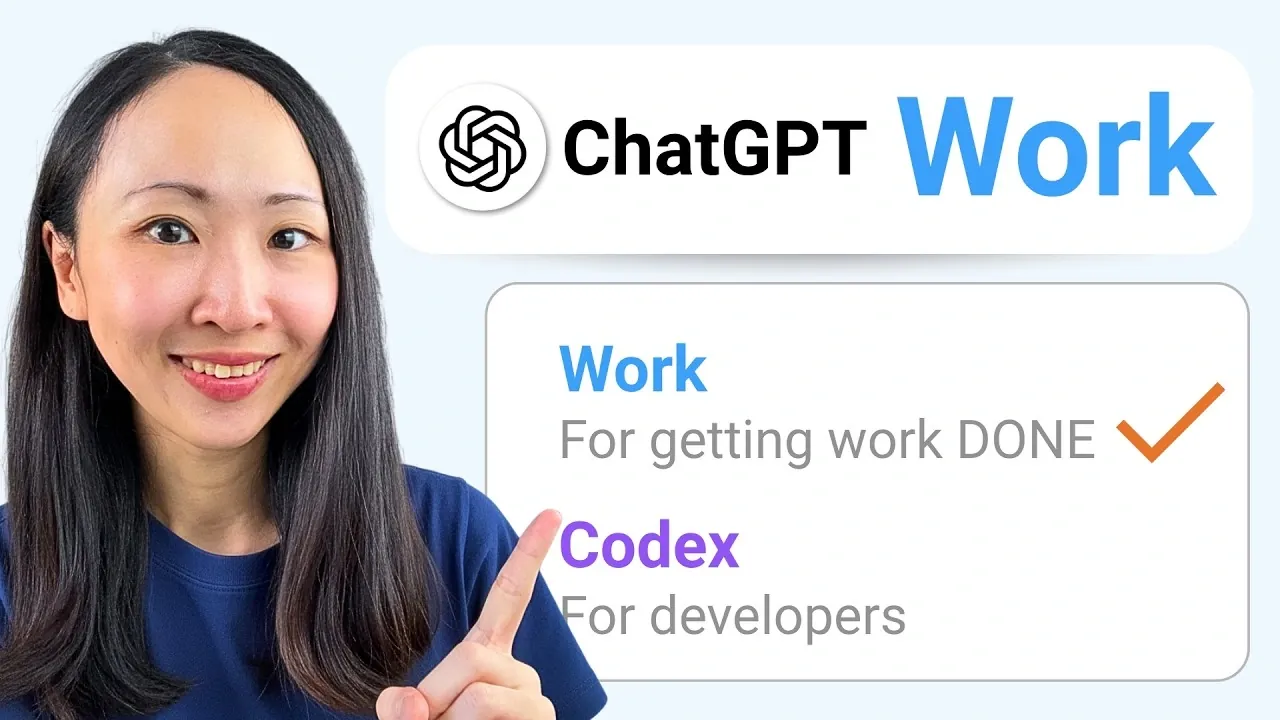
ChatGPT for Work introduces advanced capabilities designed to support marketing and productivity tasks with greater efficiency. Grace Leung highlights features like the Skills System, which enables users to build reusable workflows for tasks such as generating consistent weekly marketing reports. This approach not only reduces manual effort but also ensures accuracy in recurring processes, making it a practical solution for professionals managing complex projects.
Dive into how ChatGPT for Work can simplify your workflow through specific features and integrations. Learn how browser control streamlines web research for tasks like competitor analysis. Discover how platform integrations with Gmail, Google Drive and Canva assist transitions between drafting emails, organizing files and designing marketing assets. This breakdown offers a clear look at how these features can be applied to everyday professional needs.
Advancing Workflow Automation with ChatGPT for Work
TL;DR Key Takeaways :
- OpenAI’s “ChatGPT for Work” is a specialized AI assistant designed to enhance productivity by automating tasks, integrating with popular applications and creating reusable workflows tailored for professionals and marketers.
- The platform features Codex, a code-generation engine and a “Skills System” that allows users to save and reuse workflows, simplifying complex tasks and improving efficiency.
- Key tools include a centralized work interface, browser control for web research, customizable templates and real-time brainstorming capabilities, reducing manual effort and streamlining operations.
- Seamless integration with applications like Gmail, Google Drive, Notion, Canva and Figma enables users to manage projects, automate emails and create marketing materials directly within the platform.
- While highly effective for automation and project management, the platform has limitations in design capabilities and a learning curve for new users, with opportunities for improvement in onboarding and UX enhancements.
ChatGPT for Work redefines workflow automation by moving beyond basic text-based interactions. At its core is Codex, OpenAI’s code-generation engine, which enables both technical and non-technical users to design and execute complex workflows. Whether automating repetitive tasks or managing intricate projects, the platform provides an intuitive interface that simplifies these processes.
One of its most notable features is the “Skills System,” which allows users to save and reuse workflows. For example, you can create a workflow for generating weekly marketing reports and reuse it with minimal adjustments. This ensures consistency, reduces manual effort and saves valuable time. By allowing users to focus on strategic priorities, ChatGPT for Work enhances overall efficiency in professional environments.
Key Features Driving Productivity
ChatGPT for Work is equipped with a variety of features designed to optimize daily operations and reduce manual effort. These include:
- Work Interface: A centralized dashboard that enables task management, process automation and team collaboration, all in one place.
- Quick Chat: A brainstorming tool that allows users to attach tasks to conversations and generate ideas in real time.
- Browser Control: Automates web research and data extraction, making it easier to gather insights or monitor competitors efficiently.
- Template Creator: Customizable templates for repetitive tasks such as email drafting, content creation and overview generation.
These features are designed to reduce the time spent on administrative tasks, allowing professionals to focus on strategic decision-making and creative problem-solving. By integrating automation into everyday workflows, ChatGPT for Work ensures that users can achieve more in less time.

Here is a selection of other guides from our extensive library of content you may find of interest on ChatGPT 5.
- GPT-5.6 Pro Leaks Expose a Massive Jump in AI Reasoning Power
- Leaked ChatGPT 5.5 Pro Tests Reveal OpenAI’s “Spud” Building Interactive 3D Worlds
- OpenAI Introduces ChatGPT 5.6 Soul, Terra and Luna Models
- ChatGPT 5.6 vs Claude Mythos 5 : Leaks Reveal Two Very Different Futures for AI
- What ChatGPT 5.6’S Delay Means for the Future of Open Source AI
- What the Leaked ChatGPT 5.6 Model Reveals About OpenAI’s Next Move
- How ChatGPT 5.5 Automates Repetitive Coding Tasks to Save You Time
- OpenAI’s GPT-5.6 Release is Triggering an AI Price War
- What to Expect from OpenAI’s GPT-5.6 Release in June 2026
- OpenAI’s Stealth Tests Reveal ChatGPT 5.6 Pro’s True Power
Integration with Popular Applications
One of the standout aspects of ChatGPT for Work is its seamless integration with widely used applications. It connects with platforms like Gmail, Google Drive, Notion, Asana, Canva and Figma, allowing users to manage files, automate email responses and collaborate on projects, all from a single interface.
For instance, you can draft an email in Gmail, attach relevant files from Google Drive and schedule it for delivery without leaving the ChatGPT interface. Similarly, integration with Canva and Figma allows you to create branded marketing materials or mockups directly within your workflow. These integrations not only enhance convenience but also improve the overall efficiency of managing complex projects.
Practical Applications for Professionals
ChatGPT for Work addresses a variety of challenges faced by marketers and professionals, offering practical solutions for common tasks. Key use cases include:
- Market Research and Competitor Analysis: Automate the collection of data on industry trends and competitors to generate actionable insights.
- Branded Marketing Materials: Create presentations, websites and promotional content using integrated design tools.
- Scheduling Automation: Streamline recurring tasks like meeting scheduling and deadline reminders to stay organized.
- End-to-End Workflows: Combine tools like Notion and Google Drive to manage projects from ideation to execution.
For example, a marketer could set up a workflow that gathers competitor data, generates a detailed overview and shares it with the team via Google Drive, all in just a few clicks. This level of automation not only saves time but also ensures accuracy and consistency in task execution.
Comparison with Claude Cowork
While ChatGPT for Work offers a comprehensive suite of features, it is worth comparing it to Claude Cowork, another AI-powered work assistant. ChatGPT excels in automation, integration and user-friendly design, making it particularly effective for managing complex workflows. On the other hand, Claude Cowork specializes in design and mockup generation, offering advanced tools for creating visual content.
For professionals seeking a balanced approach, using both platforms together can be a strategic choice. For instance, Claude can handle design-intensive tasks, while ChatGPT focuses on automation and project management. This complementary use of tools allows professionals to use the strengths of each platform for maximum productivity.
Limitations and Opportunities for Improvement
Despite its many strengths, ChatGPT for Work has certain limitations. Its design and UX generation capabilities, while functional, may not match the sophistication of specialized design tools. Additionally, new users may encounter a learning curve when setting up complex workflows, particularly if they are unfamiliar with automation tools.
To address these challenges, OpenAI could consider enhancing the platform’s user onboarding process and expanding its design capabilities. By doing so, ChatGPT for Work could become even more accessible and versatile for a broader range of professionals.
Unlocking New Potential in Professional Workflows
ChatGPT for Work represents a significant advancement in AI-assisted productivity, offering marketers and professionals a versatile tool for automation, integration and efficiency. By combining advanced features with seamless application compatibility, it simplifies complex workflows and enhances collaboration. Whether conducting market research, managing tasks, or creating content, this platform has the potential to transform the way professionals approach their work. Exploring its capabilities and integrating it into existing workflows can lead to improved outcomes and streamlined operations.
Media Credit: Grace Leung
Disclosure: Some of our articles include affiliate links. If you buy something through one of these links, Geeky Gadgets may earn an affiliate commission. Learn about our Disclosure Policy.
