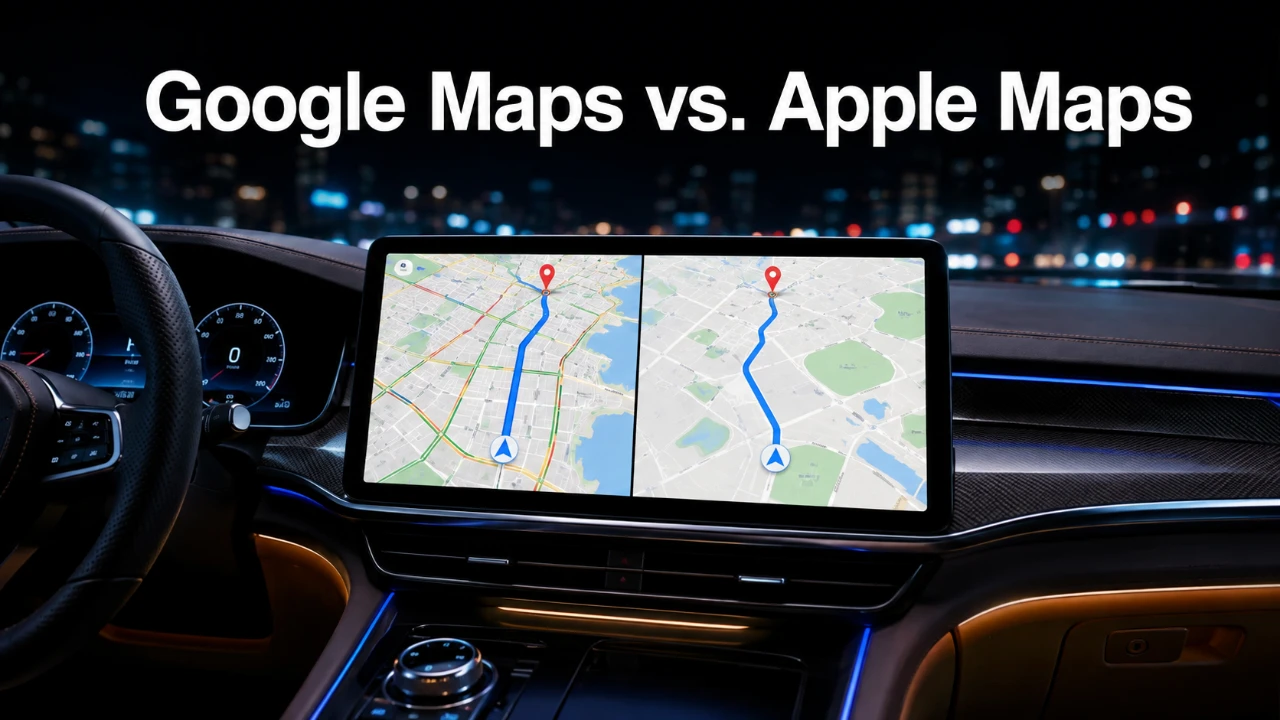
Google Maps has reaffirmed its position as the premier navigation app by introducing a series of updates that significantly enhance its functionality, visual appeal, and overall user experience. These advancements, particularly evident on CarPlay, include innovative visual features, dynamic navigation tools, and seamless integration with Gemini technology. By addressing user demands and refining its offerings, Google Maps now provides a more comprehensive and reliable alternative to Apple Maps, catering to both casual users and daily commuters. The video below from HotshotTek gives us more details.

Innovative Visual Enhancements with Gemini Technology
The integration of Gemini technology represents a major milestone for Google Maps, offering users an immersive navigation experience through advanced 3D satellite views and detailed terrain rendering. With this feature, you can visualize your surroundings with exceptional clarity, making navigation more intuitive and precise. Key environmental elements such as landmarks, trees and buildings are rendered with remarkable accuracy, allowing you to identify your location at a glance.
Additional visual updates include the inclusion of highlighted crosswalks, sidewalks, lane markings and stoplight indicators. These enhancements are designed to improve safety and accuracy, particularly in busy urban areas. Smooth animations further elevate the user experience, making sure seamless transitions as you navigate through various environments, whether you’re driving through bustling city streets or exploring rural highways. These visual improvements make it easier to stay oriented and confident, regardless of your destination.
Smarter, Dynamic Navigation Tools
Google Maps now incorporates dynamic navigation tools that adapt to your driving conditions, prioritizing clarity and convenience. One standout feature is the app’s ability to automatically adjust its zoom level based on your speed. This ensures that you see the right amount of detail when you need it most, helping you focus on critical turns or exits without being overwhelmed by unnecessary information.
Lane guidance has also been significantly refined, offering clearer instructions on which lane to use for upcoming turns or highway exits. This feature is particularly useful in complex intersections or multi-lane highways, where confusion can lead to missed turns. Additionally, highway exit visuals have been enhanced, providing ample time to identify and prepare for the correct exit. These updates collectively reduce stress and improve the overall navigation experience, making your journeys smoother and more efficient.
Personalized Navigation with Customization Options
To enhance user engagement, Google Maps now offers a variety of customization options that allow you to tailor the app to your preferences. You can personalize your navigation experience by selecting avatars that match your vehicle type, adding a unique and playful touch to the interface. The app also includes manual day and night mode settings, allowing you to choose the display that best suits your driving conditions or personal preferences.
These customization features not only improve usability but also make the app feel more personalized and user-friendly. Whether you prefer a bright, vibrant interface for daytime drives or a subdued, low-light mode for nighttime navigation, Google Maps adapts seamlessly to your needs. This level of personalization ensures that the app remains both functional and enjoyable to use.
Real-Time Insights for Smarter Travel
Real-time information is a cornerstone of modern navigation and Google Maps excels in providing timely and accurate updates. The app now displays your current speed alongside the speed limit, helping you stay compliant with traffic regulations and avoid potential fines. Additionally, live traffic updates are marked with green indicators, allowing you to anticipate delays and adjust your route accordingly.
These real-time insights are particularly valuable for daily commuters and long-distance travelers, as they enable more effective trip planning. By offering accurate, up-to-the-minute information, Google Maps helps reduce travel-related stress and improves overall efficiency, making sure that you reach your destination with minimal disruptions.
Exclusive Updates for CarPlay Users
CarPlay users can now enjoy a more streamlined in-car navigation experience, thanks to Google Maps’ latest updates. The app integrates seamlessly with the CarPlay dashboard, providing easy access to essential information without unnecessary distractions. Notably, some of these features are available on iPhones before Android devices, giving Apple users an early preview of the latest advancements.
These CarPlay-specific updates highlight Google Maps’ commitment to delivering a consistent and high-quality experience across platforms. Whether you’re using an iPhone or an Android device, you can expect reliable performance, intuitive functionality and a user-friendly interface that enhances your driving experience.
Why Google Maps Stands Out
With its latest updates, Google Maps has solidified its position as a leader in navigation technology. The integration of Gemini technology, enhanced visuals, adaptive navigation tools and personalized options collectively elevate the app’s usability and appeal. By addressing user needs with precision and innovation, Google Maps continues to set the standard for navigation apps, offering a reliable, efficient and enjoyable experience for all users. Whether you’re navigating familiar routes or exploring new destinations, Google Maps remains a trusted companion for your journeys.
Enhance your knowledge on Google Maps by exploring a selection of articles and guides on the subject.
- Does Apple Maps Finally Beat Google Maps in iOS 27?
- Apple Maps vs. Google Maps vs. Waze: Which CarPlay App Wins?
- Tired of Missing Turns? Google Maps New 3D View is a Game Changer
- Google Maps Crosses One Billion Downloads On Android
- The CarPlay Map Wars are Over: This App is the Clear Winner for 2026
- Google Pixel 11 Pro XL: Everything We Know So Far
Source: HotshotTek
Disclosure: Some of our articles include affiliate links. If you buy something through one of these links, Geeky Gadgets may earn an affiliate commission. Learn about our Disclosure Policy.
