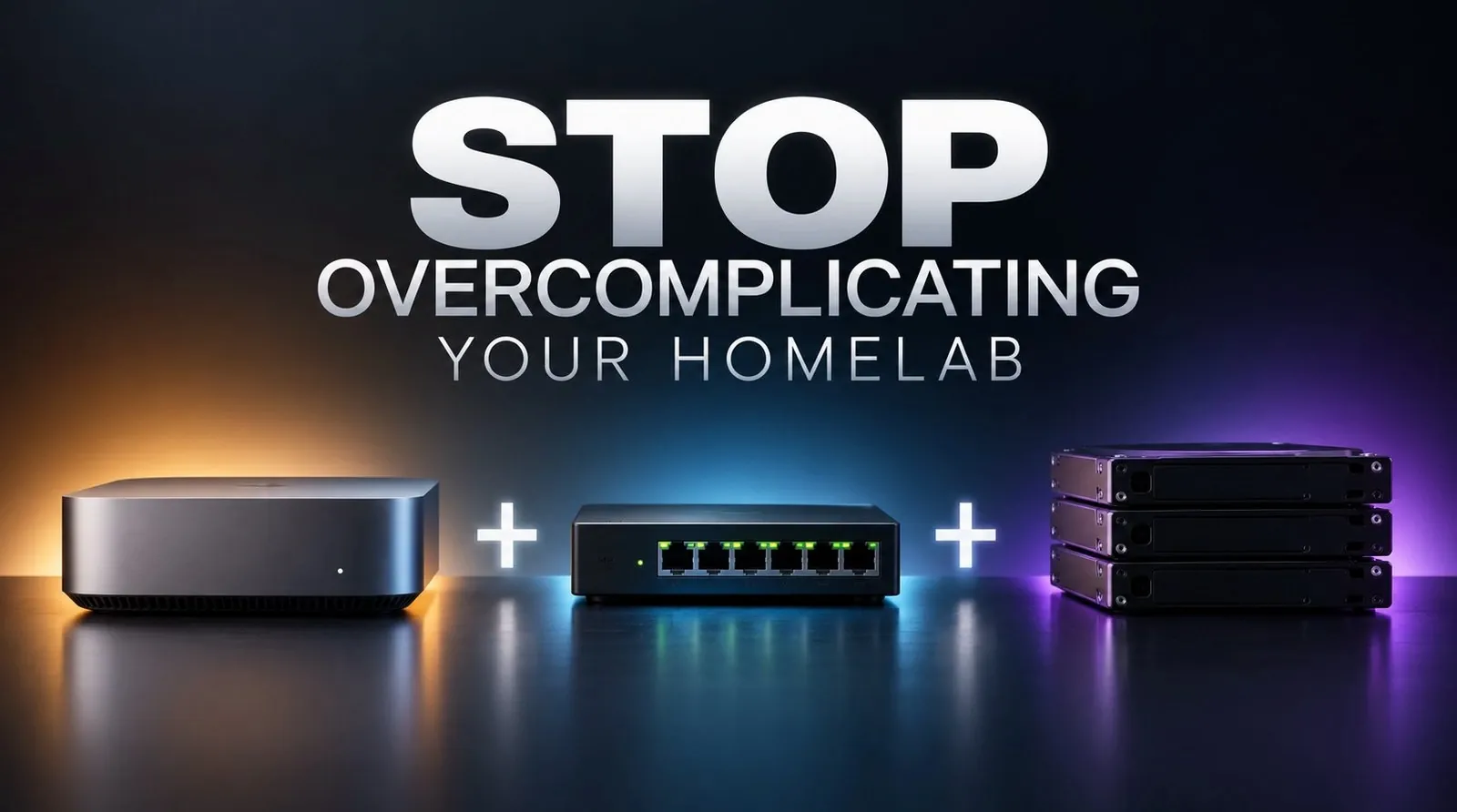
Building a home lab can quickly become overwhelming if you lose sight of its purpose. In a recent analysis by SpaceRex, the focus is on simplifying the process by concentrating on three core components: routing, storage and compute. For instance, upgrading to a router with VLAN support can significantly enhance network segmentation, allowing you to isolate devices like IoT gadgets for better security and organization. This deliberate approach ensures that your home lab remains functional and scalable without unnecessary complexity.
Dive into this breakdown to gain actionable insights on creating a streamlined home lab setup. Learn how to choose between pre-built NAS solutions and custom storage configurations, understand the benefits of lightweight Docker containers for managing applications and explore practical hardware options like Raspberry Pi or repurposed computers. By following these steps, you’ll be equipped to build a system that balances efficiency, security and future growth.
Simple Homelab Setup
TL;DR Key Takeaways :
- Focus on three core components, routing, storage and compute, to build a practical and scalable home lab without unnecessary complexity.
- Upgrading to an advanced router with features like VLAN support, DNS management and robust firewall rules enhances network security and functionality.
- Reliable storage solutions, such as pre-built NAS or custom setups, ensure data security and scalability, with redundancy and backups being essential.
- Docker containers are ideal for managing lightweight, resource-efficient services, while hardware options like Raspberry Pi or repurposed computers offer flexibility for compute tasks.
- A well-structured home lab provides a versatile platform for hosting services, experimenting with technology and improving digital privacy, all while remaining manageable and expandable over time.
Routing: The Backbone of Your Network
The router serves as the foundation of your home lab, acting as the central hub for all network traffic. While the basic router provided by your internet service provider (ISP) may suffice for casual use, it often lacks the advanced features required for a secure and efficient home lab. Upgrading to a more capable router can unlock critical tools such as:
- DNS management: Control over domain name resolution for better customization and privacy.
- Firewall rules: Enhanced security by regulating incoming and outgoing traffic.
- Port forwarding: Seamless access to hosted services from outside your network.
- VLAN (Virtual Local Area Network) support: Improved network segmentation and security.
VLANs are particularly useful for isolating devices and managing traffic. For example, placing Internet of Things (IoT) devices on a separate VLAN prevents them from accessing sensitive areas of your network. This segmentation not only enhances security but also simplifies troubleshooting by keeping network traffic organized and manageable. Investing in a router with VLAN support and robust firewall capabilities ensures a strong and reliable foundation for your home lab.
Storage: Protecting and Managing Your Data
Storage is a critical component of any home lab, as it ensures your data is both secure and accessible. Whether you choose a pre-built NAS (Network Attached Storage) or a custom-built solution, the primary goal is to create a reliable and scalable system for managing your data.
- Pre-built NAS: Brands like Synology and QNAP offer user-friendly options with features such as automated backups, remote access and app ecosystems.
- Custom-built setups: These provide greater flexibility and customization, with TrueNAS SCALE being a popular operating system for managing storage efficiently.
Regardless of the approach, redundancy and backups are essential. RAID configurations can protect against hardware failures, but they are not a substitute for regular backups. To safeguard your data, consider using external drives, cloud storage, or a secondary NAS for additional backup layers. Starting with a 4-bay NAS is a practical choice, as it allows for future expansion as your storage needs grow. By prioritizing redundancy and scalability, you can ensure your data remains secure and accessible over time.

Gain further expertise in homelabs by checking out these recommendations.
- How to Build a Mini Rack for Your Home Lab : Complete Guide to Compact Home Lab Solutions
- Dell Wyse 3040 Low Power Thin Client Mini PC Unveiled
- 10 Common Home Lab Mistakes to Avoid in 2025
- Minisforum X1 Lite Challenges Desktops with USB 4 and Radeon 780M
- Build a Smarter Home Lab Without Breaking the Bank or the Planet
- Open source Homelab setup files made available by Christian Lempa
- How to Build the Perfect Homelab Setup
- How to use Authentik IDP to secure your homelab with easy access
- How to setup a Raspberry Pi SNMP monitor
- Build a Homelab your own personal tech playground
Compute: Running Your Applications
The compute layer is where the services and applications in your home lab come to life. Docker containers are an excellent choice for managing these services due to their lightweight and resource-efficient nature. Unlike virtual machines, Docker containers are faster to deploy and consume fewer resources, making them ideal for running multiple services on limited hardware.
When selecting hardware for your compute layer, you have several options:
- NAS devices with compute capabilities: These combine storage and compute in a single unit, offering convenience and efficiency.
- Raspberry Pi 4: A compact and affordable option for lightweight workloads, such as hosting small web servers or home automation tools.
- Repurposed older computers: A cost-effective way to use existing hardware for more demanding tasks.
As your home lab grows, you can explore advanced setups such as high-availability clusters to ensure your services remain operational even during hardware failures. This approach enhances reliability and minimizes downtime, making your home lab more robust and capable of handling critical workloads.
Building a Scalable and Functional Home Lab
A home lab doesn’t need to be overly complex or expensive to be effective. By focusing on the core components of routing, storage and compute, you can design a system that meets your needs while remaining manageable and scalable. Features like VLANs improve network security, while tools like Docker simplify service management. Whether you’re hosting personal projects, experimenting with new technologies, or enhancing your digital privacy, a well-structured home lab provides a versatile platform for exploration and growth. Start small, expand gradually and enjoy the flexibility and control that come with managing your own home lab.
Media Credit: SpaceRex
Disclosure: Some of our articles include affiliate links. If you buy something through one of these links, Geeky Gadgets may earn an affiliate commission. Learn about our Disclosure Policy.
