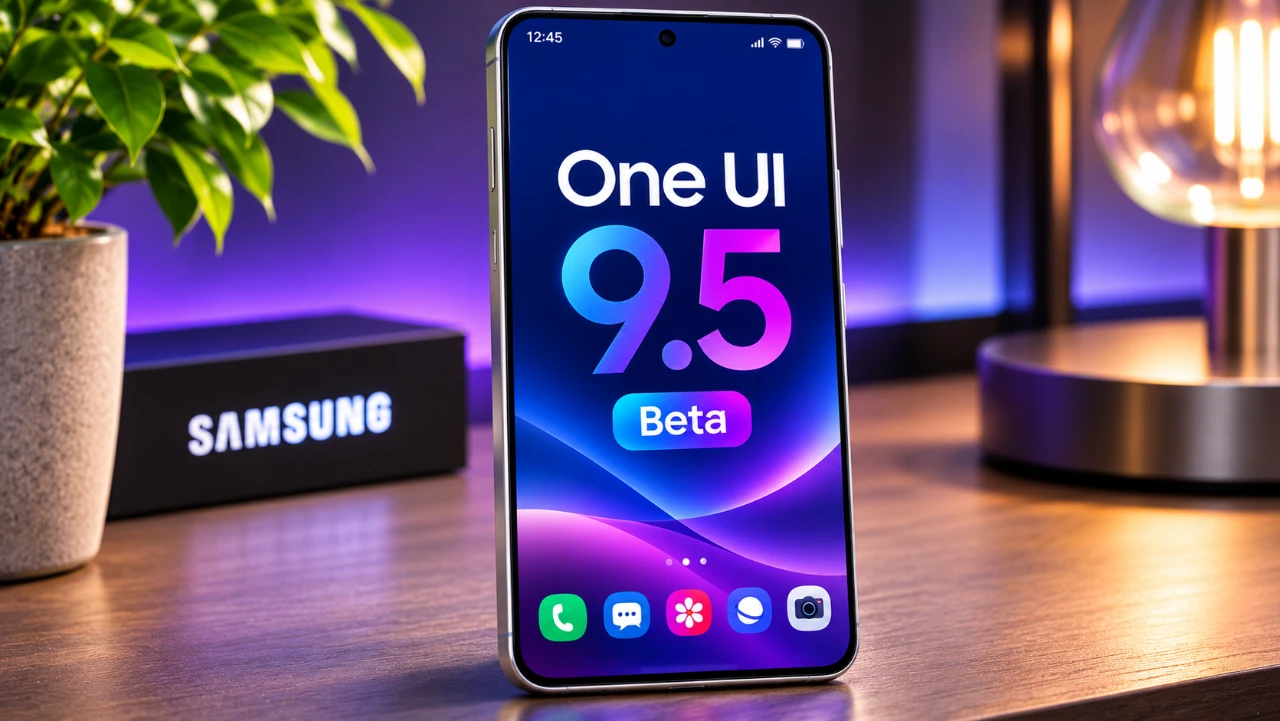
Samsung has opened its One UI 9.5 Beta Program for the Galaxy S26 series (Galaxy S26, S26+, and S26 Ultra) across select markets including the US, UK, Germany, India, South Korea, and Poland via the Samsung Members app. While it builds on the existing One UI foundation rather than reinventing every screen from scratch, the beta introduces long-requested privacy controls, lock-screen depth effects, faster settings navigation, and audio and camera refinements that make everyday use noticeably smoother. The video below from GregglesTV highlights several standout features in the release.
TL;DR Key Takeaways :
- Native App Lock Arrives: One UI 9.5 introduces system-level App Lock for individual apps using biometrics or screen-lock credentials, while hiding locked app widgets and notification contents.
- 3D Lock Style Wallpapers: Pairs with the Spatial Core add-on to bring motion-responsive depth effects to your lock screen.
- Quick Toggle Search & Audio Tweaks: Makes finding Quick Settings controls faster with search and lets users download classic “Over the Horizon” ringtones and customize sound options.
- Beta Rollout & Stable Timing: Currently testing in beta on Galaxy S26 models ahead of a wider stable rollout expected in early 2027 (starting around the Galaxy S27 launch window).
Enhanced Privacy with Native App Lock
For years, Galaxy users wanting to lock individual apps without moving them into Secure Folder had to rely on workarounds or third-party tools. One UI 9.5 adds native App Lock directly into the OS, letting you require biometric authentication (fingerprint or face unlock) or your PIN/pattern/password before opening selected apps.
When an app is locked, One UI also hides its notification content and removes its home-screen widget so sensitive details do not peek through on your lock screen or home pages. You can manage App Lock from Settings > Security and privacy or via app options—and keep in mind that while App Lock blocks opening the app itself, other apps with granted permissions may still access underlying media or data unless you tighten app permissions.
Immersive 3D Lock Style Wallpapers
On the visual side, One UI 9.5 introduces 3D Lock Style Wallpaper options that react to device tilt and movement to create a layered sense of depth on the lock screen. Rather than feeling like a static picture, the lock screen shifts subtly as you pick up or angle your phone.
To try it out on supported builds, you can install the Spatial Core add-on and apply the 3D wallpaper effect inside your wallpaper and lock-screen customization menu. For users who enjoy personalizing their phone’s look without installing heavy third-party launchers, it is a clean visual touch.
| Feature / Area | What’s New in One UI 9.5 | Why It Matters |
|---|---|---|
| App Lock | Lock individual apps with biometrics or screen lock; hides widgets & notification content | Quick extra privacy layer without moving apps into Secure Folder |
| 3D Lock Style Wallpaper | Tilt-reactive depth effect powered by Spatial Core | Adds subtle motion and visual depth to the lock screen |
| Quick Toggle Search | Search bar inside Quick Settings/toggles | Faster access to specific toggles instead of scrolling through pages |
| Ringtones & Sound | Downloadable “Over the Horizon” ringtones & sound customization | Brings back classic Galaxy ringtones alongside tailored sound controls |
| Camera & Health | Refined Camera UI/zoom controls + Health updates (Medications & Mindful Note) | Cleaner shooting controls and expanded everyday wellness tracking |
Faster Navigation with Quick Toggle Search
As Samsung’s Quick Settings panel has grown richer over successive One UI releases, finding a specific toggle can sometimes take extra swipes. One UI 9.5 addresses that friction with Quick Toggle Search, letting you search directly for toggles and settings rather than hunting through rows and pages.

Whether you are looking for screen recording, display modes, connectivity toggles, or specific controls, searching by keyword cuts down menu friction—especially when you are trying to change a setting quickly on the move.
Classic Ringtones and Expanded Audio Customization
One UI 9.5 also taps into Samsung’s audio history by making “Over the Horizon” ringtones downloadable under Sounds and vibration, giving longtime Galaxy owners easy access to familiar arrangements alongside customizable sound and notification behavior. Combined with One UI 9.5’s broader updates—including camera UI refinements and new Samsung Health tools like Medications and Mindful Note—the update rounds out both practical daily utilities and personal flair.
Beta Caveats and Rollout Expectations
Because One UI 9.5 is currently in active beta testing on the Galaxy S26 lineup, early builds can still carry minor bugs, occasional app quirks, or battery-drain differences compared with stable firmware. If you rely on your Galaxy S26 as a primary work or travel device, backing up first or waiting for later beta/stable builds is worth considering, while wider stable availability is expected in early 2027.
Overall, One UI 9.5 focuses on high-frequency polish—putting native App Lock, interactive 3D lock-screen visuals, faster toggle search, and classic ringtones right where Galaxy S26 users will notice them every day.
Browse through more resources below from our in-depth content covering more areas on Samsung One UI 9.5.
- The Biggest Samsung Update in Years: Everything Coming in One UI 9.5
- Samsung’s One UI 9.5 Is Reportedly Rolling Out Earlier Than Expected
- Samsung Expands Stable One UI 9 Rollout to Older Flagships and More Devices
- Just Updated to One UI 9? Change These Settings Immediately
- Surprising Galaxy S27 Ultra Leaks Reveal Samsung’s Next Big Move
Source & Image Credit: GregglesTV
Disclosure: Some of our articles include affiliate links. If you buy something through one of these links, Geeky Gadgets may earn an affiliate commission. Learn about our Disclosure Policy.
